




 here!
here!
I’m your shopping assistant for PC builds, upgrades, and everything tech.
Got questions? Ask away!
Start a conversation
here!
I’m your shopping assistant for PC builds, upgrades, and everything tech.
Got questions? Ask away!
Start a conversationShipped by Hebei XG Technology Co., Ltd.



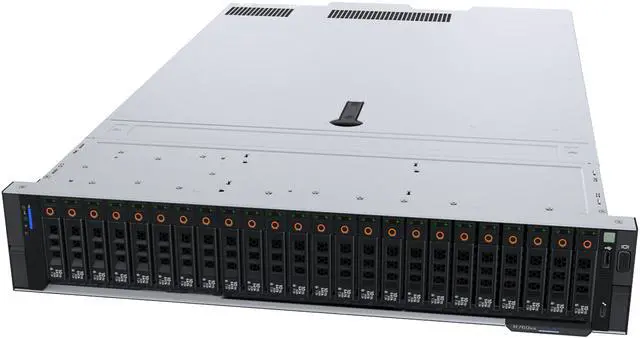
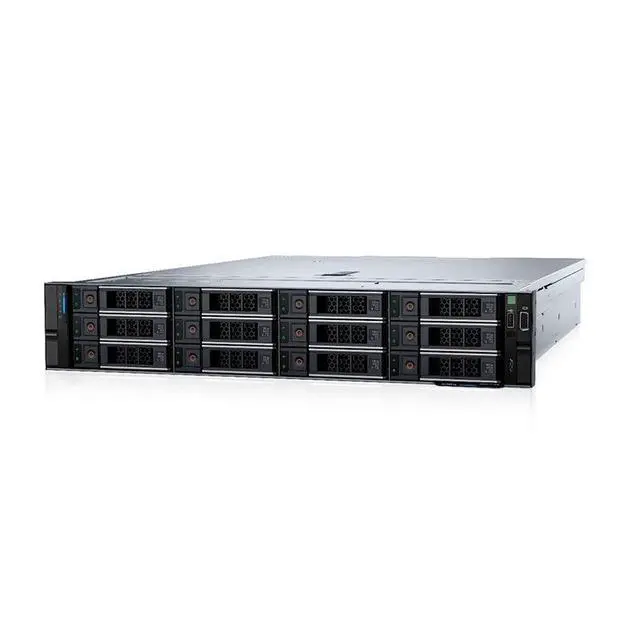
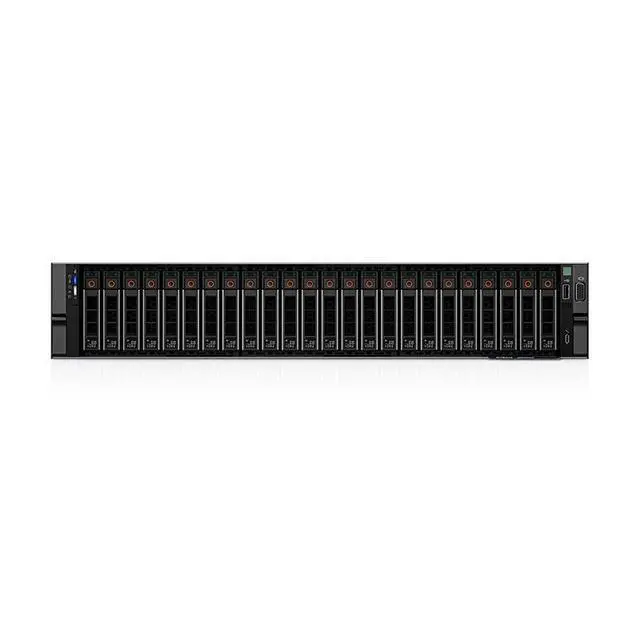
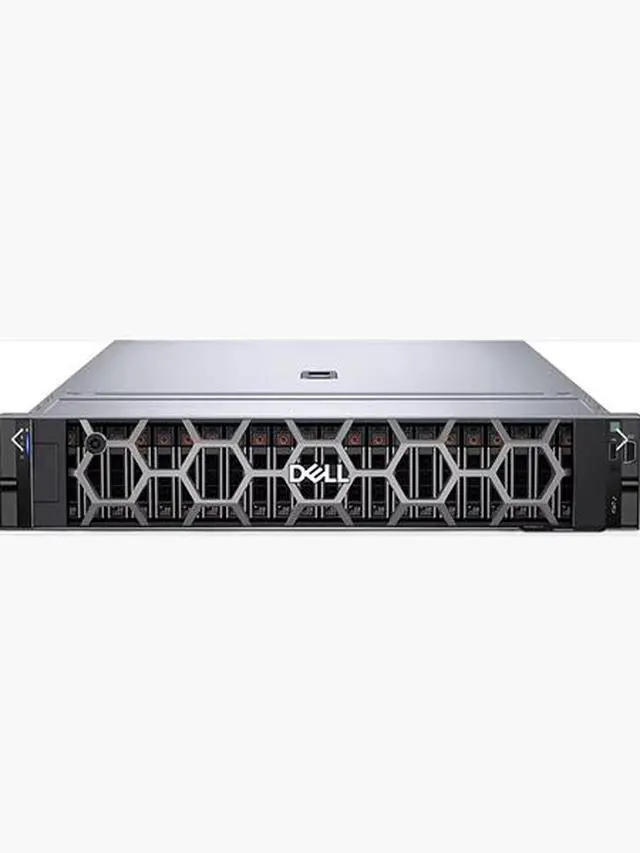



Any questions? Ask CelesteSM will help you find out quickly.
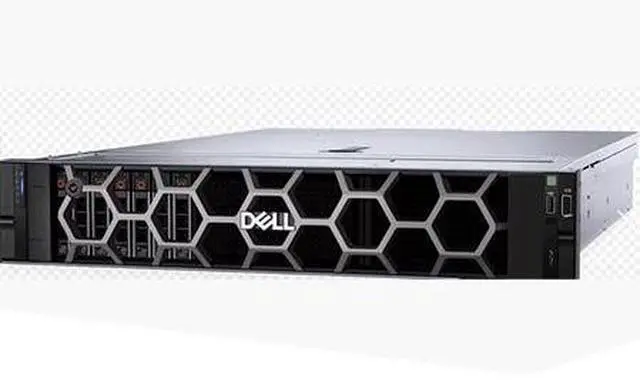
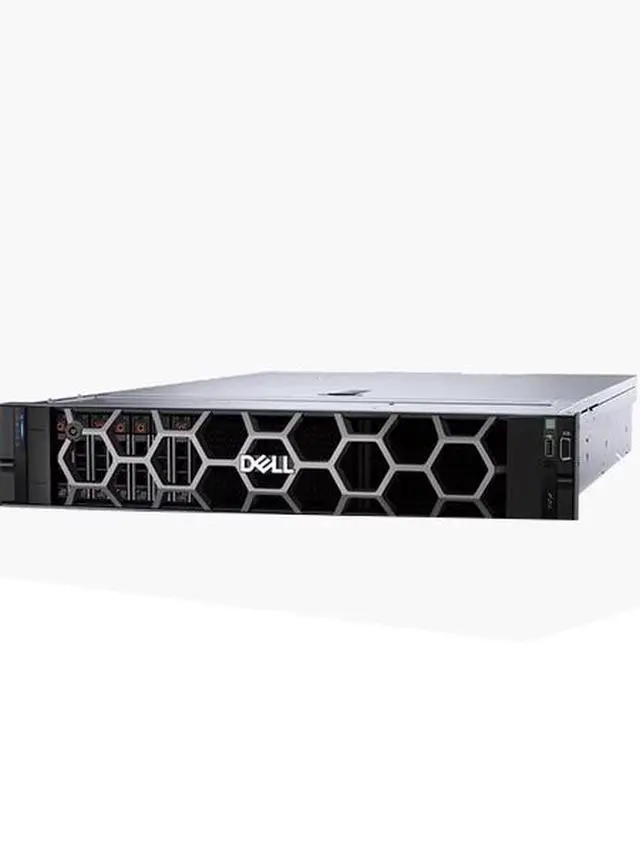
1. Complete Customization:The absence of CPU, memory, disk, RAID card, and power supply in the Dell R760XS barebone server provides you with unparalleled freedom to customize. Tailor - make the server to fit your unique business needs, whether it's high - end data analytics, cloud - based services, or regular office - use server tasks.
2. Flexible Expansion:The R760XS's barebone structure is designed to support a wide range of components. You can easily add high - performance CPUs, large - capacity memory modules, various disk types, and advanced RAID cards as your business grows, ensuring long - term scalability.
3. New & Ready - to - Use:As a brand - new product, it guarantees top - notch quality and reliability. With stock available, you don't have to endure long waiting times. Start building your ideal server configuration right away.
4. Cost - Efficient:By purchasing a barebone server, you only pay for the essential components you actually need. This not only reduces the initial investment but also allows for cost - effective upgrades in the future.
5. Shipping Benefit:The offer of shipping adds extra value to your purchase. It eliminates the shipping cost factor, making this Dell R760XS barebone server an even more attractive option for budget - minded buyers.
The Dell R760XS Barebone Server is a new, customizable server chassis sold without CPU, memory, storage, RAID card, or power supply, making it best for IT teams, system integrators, and businesses that want to build a tailored rack server for cloud, analytics, or general infrastructure workloads.
| Attribute | Value |
|---|---|
| Best For | System builders and IT teams who want a customizable barebone server to install their own CPUs, memory, storage, RAID card, and power supply for use cases such as data analytics, cloud services, or general business/server tasks |
| Configuration | Barebone server sold without CPU, memory, disk, RAID card, or power supply, allowing customers to select and install all core components |
| Expansion And Compatibility | Designed to accept high-performance CPUs, large-capacity memory modules, various disk types, and advanced RAID cards to support scalable upgrades as needs grow |
| Condition And Availability | New unit, listed as in stock; shipping is offered |
| Model Identifiers | Dell R760XS barebone server (DELL / Server System); product page available and first listed on Newegg June 11, 2026 |
Q: Should I choose the Dell PowerEdge R760xs barebone or the standard R760?
A: Choose the R760xs barebone when you want a lower-complexity 2U platform for mainstream virtualization, software-defined storage, or medium-density VM and VDI deployments, and you plan to add only the components you need. Choose the standard R760 when your build needs more expansion headroom, especially higher memory capacity and broader drive configuration options. Dell positions the R760xs as a right-sized model for popular IT applications, while the R760 is positioned for more demanding mixed workloads and offers materially higher platform scalability.
Q: Is the Dell R760xs a better fit than the R660xs?
A: Choose the R760xs if you want a 2U chassis with more physical room for storage and PCIe expansion while staying in Dell's cost-conscious xs family. Choose the R660xs if rack density is the priority and you want a 1U server for similar mainstream workloads. In practice, this is usually a space-versus-expandability decision rather than a raw product-tier decision.
Q: Is the R760xs worth it over a previous-generation Dell R750xs?
A: Choose the R760xs when you want a newer platform with DDR5 memory and support for 4th or 5th Gen Intel Xeon Scalable processors, especially if the server will stay in service for several years. Choose an R750xs only when acquisition cost is the main priority and an older DDR4-based platform still meets your workload and lifecycle requirements. For most new builds, the R760xs is the more forward-looking choice.
Q: Should I buy this R760xs barebone or a fully configured server?
A: Buy the R760xs barebone if you already have a clear parts plan, want to control CPU, memory, storage, RAID, and power-supply choices yourself, or need to match an existing fleet standard. Buy a fully configured server if you want faster deployment, validated component combinations, and less integration work. The barebone option is usually the better fit for experienced IT buyers who value configuration control over turnkey convenience.
Q: Should I choose the R760xs or move up to a GPU-focused server like the R760xa?
A: Choose the R760xs for CPU-led infrastructure roles such as virtualization, software-defined storage, and general business workloads. Move up to the R760xa if your deployment depends on heavier accelerator support for AI, ML, rendering, or graphics-oriented VDI. Dell's product positioning separates these clearly: the R760xs is a right-sized general-purpose platform, while the R760xa is built for more intensive GPU-driven use cases.
Q: Does this barebone server include any working hardware, or is it just the chassis base?
A: It is a true barebone configuration. Based on the product data, it does not include a CPU, memory, storage drives, RAID card, or power supply. Buyers should treat it as a starting platform for a custom server build, not as a ready-to-run system.
Q: Who is this server most suitable for?
A: This product is best for buyers who already know the components they need and want to build a server around their own CPU, memory, storage, power, and controller choices. It is a practical fit for IT teams, integrators, labs, or businesses with specific infrastructure requirements. It is less suitable for buyers who need a fully configured server that works out of the box.
Q: Is this a good choice if I want maximum customization?
A: Yes, if customization is the priority. A barebone server gives you more control over processor, RAM capacity, storage type, RAID setup, and power configuration than a prebuilt system. The trade-off is that compatibility planning, assembly, and validation are your responsibility.
Q: Is this server a good fit for buyers who want quick deployment?
A: Usually no. Although the listing says it is in stock, the system still needs core components before deployment. It is better for planned custom builds than for situations where you need a complete server ready to install and power on immediately.
Q: What is the main trade-off of buying this barebone server instead of a preconfigured one?
A: The main trade-off is flexibility versus convenience. This barebone model can reduce wasted spend on unwanted parts and supports a more tailored build, but it also adds setup complexity, parts sourcing, compatibility checks, and longer time to reach a usable configuration.
Q: Who is a Dell R760XS barebone server actually suitable for?
A: It is best for buyers who already know their target CPU, memory, storage, and RAID design and want to choose those parts themselves. A barebone R760XS makes more sense for virtualization, infrastructure, or business workloads that need enterprise rack-server features, but it is not a ready-to-deploy system because this listing includes no CPU, memory, disks, RAID card, or power supply.
Q: Is buying the R760XS barebone worth it?
A: It can be worth it if you already have a component plan or can source CPUs, DDR5 ECC memory, storage, RAID, and power supplies at good prices. It is usually less attractive if you need a turnkey server, because the real build cost comes after the chassis purchase and can rise quickly once storage and enterprise parts are added.
Q: What are the main trade-offs of choosing this barebone listing instead of a configured server?
A: The main advantage is configuration freedom. The main trade-off is that you take on compatibility, assembly, and validation work yourself. You must separately confirm CPU support, DDR5 ECC DIMM population rules, storage and RAID choices, and power-supply requirements before the server becomes usable.
Q: Is this a good choice for a small virtualization or lab build?
A: It can be a strong starting platform for virtualization, but only if you budget for the full build. In practice, memory, storage layout, and networking often determine usefulness more than the chassis alone, so a barebone R760XS should be treated as a platform to configure, not as a complete virtualization solution.


