here!
I’m your shopping assistant for PC builds, upgrades, and everything tech.
Got questions? Ask away!
Start a conversation
here!
I’m your shopping assistant for PC builds, upgrades, and everything tech.
Got questions? Ask away!
Start a conversation
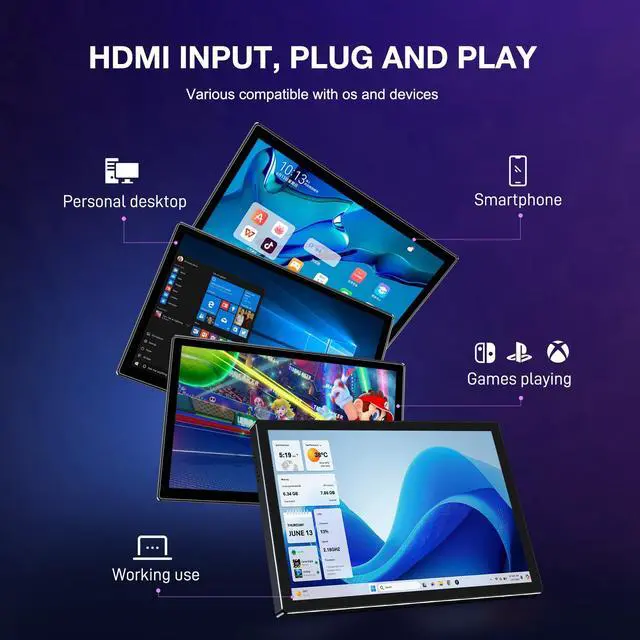



Any questions? Ask CelesteSM will help you find out quickly.


Can the monitor connect my phone?
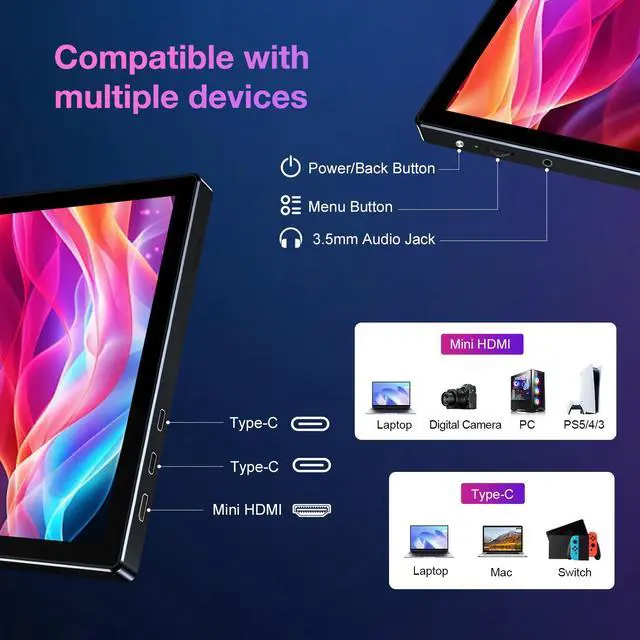
Note: The fully functional C-port in the middle of the monitor is connected to a phone, and the C-port on the top of the monitor is connected for power.
Can the monitor connect Macbook?
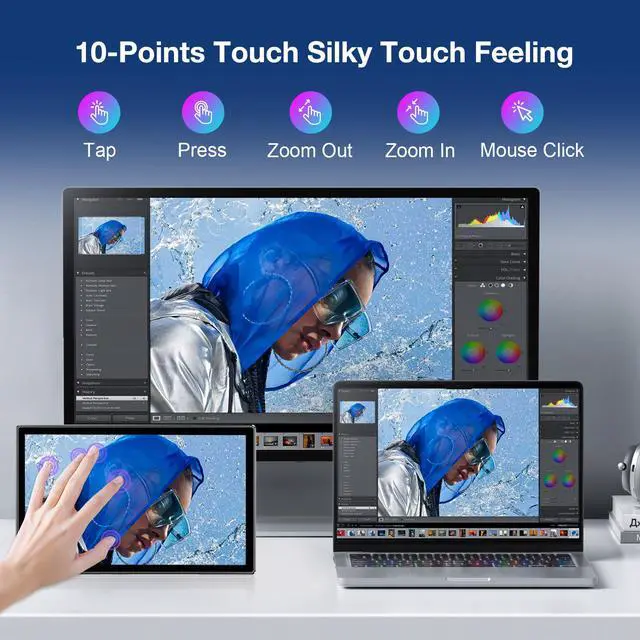
MacOS supports single-touch only. Not multi touch. Note: Not fits for iphone
Why the monitor not touch when connect my PC via HDMI (not have full function usb-c )?
Please connect the HDMI cable to the monitor and PC, and use a C to A cable to connect the C port in the middle of our monitor to the A port of the PC. If the touch still doesn't work, please plug in the power to the top C port of the monitor.
Why the monitor not touch when connect my PC (have full function usb-c )?
Please use a C to C cable to connect the C port in the middle of our monitor to the A port of the PC. If the touch still doesn't work, please plug in the power to the top C port of the monitor.
Why does the monitor appear black or dim when connected to my device?
When connecting the monitor, please plug in the power of your own device and other cables to test if it can be used normally.
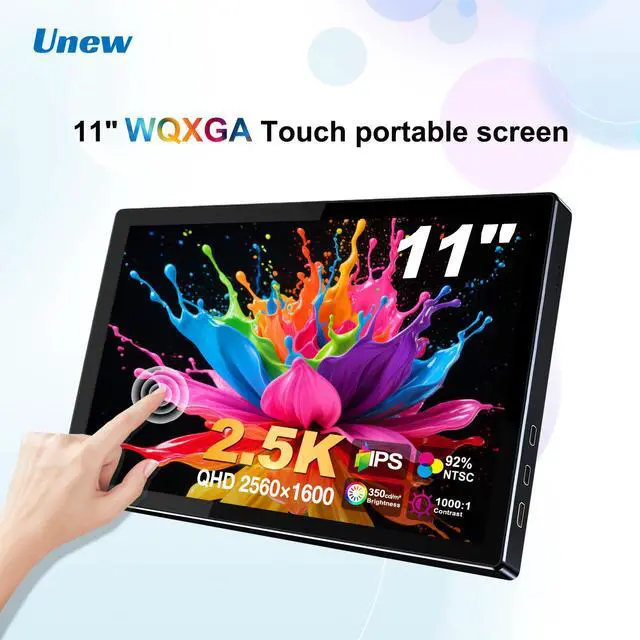
> BRAND: Unew
> ITEM: 11 inch Monitor
> MODEL: CX110TP-B
> MATERIAL: Aluminum Alloy
> REFRESH RATE: 60Hz
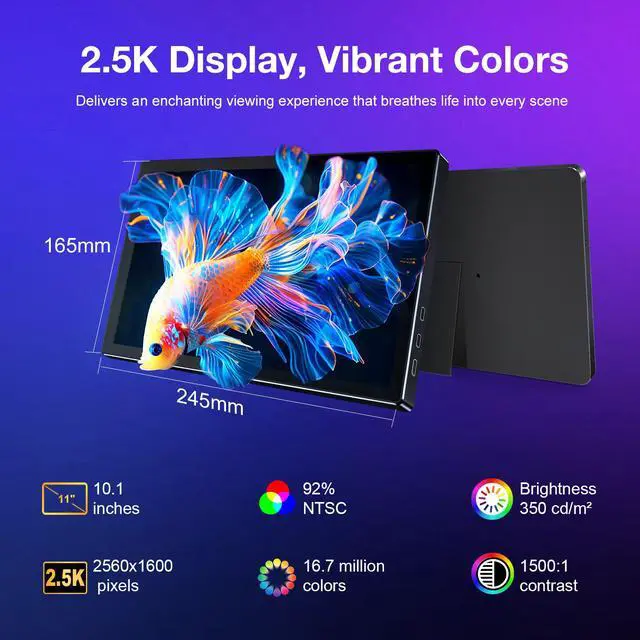
> SCREEN SIZE: 11 inch
> RESOLUTION: 2560*1600
> DISPLAY RATIO: 16:10
> VIEWING ANGLE: 178°
> SCREEN TYPE: WLED
> PANEL TYPE: IPS
> CONTRAST RATIO: 1000:1
> BRIGHTNESS: 350cd/
> INPUT POWER:5V2A
> TOUCH SCREEN: Yes
> GRAVITY SENSOR: No
> BUILT-IN SPEAKERS: Yes, 2 Speakers
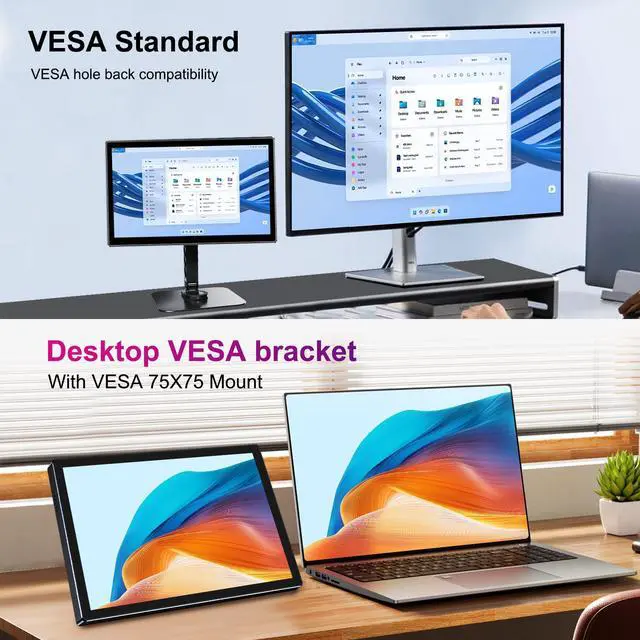
> VESA: 2x75*75mm
> DRIVER FREE: Yes
> STAND HOLDER: Yes
> BACK COVER: No
> WARRANTY: 1 Year
> COLOR GAMUT: sRGB 128%,NTSC 92%
What in the box:
1 * 11 inch Touch Monitor
1 * USB to Type-C Cable
1 * Type-C to Type-C Cable
1 * Standard HDMI to Mini HDMI Cable
1 *Manual