here!
I’m your shopping assistant for PC builds, upgrades, and everything tech.
Got questions? Ask away!
Start a conversation
here!
I’m your shopping assistant for PC builds, upgrades, and everything tech.
Got questions? Ask away!
Start a conversation




Any questions? Ask CelesteSM will help you find out quickly.

| Products | ||||
|---|---|---|---|---|
| Price | 99.99 | 52.99 | 189.99 | 149.99 |
| Screen Size | 17.3 | 15.6 | 18.5 | 15.6 |
| Resolution | 1920 x 1080 | 1920 x 1080 | 2560 x 1600 (2K) | 3840 x 2160 (4K) |
| Brightness | 300 cd/m2 | 300 cd/m2 | ||
| Contrast Ratio | 800:1 | 2000:1 | ||
| Response Time | 5ms | 5ms | 3ms | 5ms |
| color | Black | Black | Black | Black |
| Panel | IPS | TFT LCD | IPS | IPS |
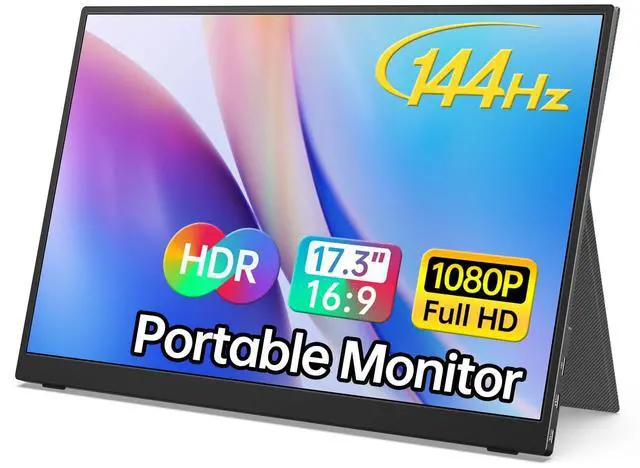
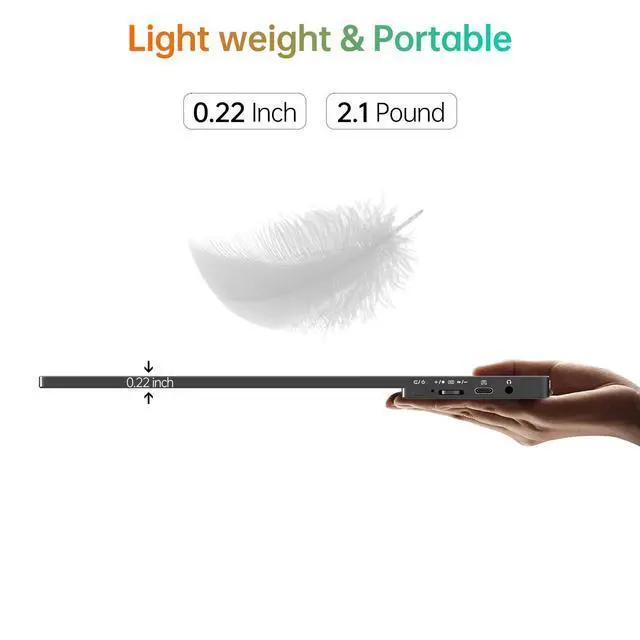
The LiteVis 17.3-inch portable gaming monitor combines a 1080P FHD IPS display with a 144Hz refresh rate for smooth gaming, video playback, and everyday work. Its narrow-bezel design provides a larger viewing area while remaining easy to carry.
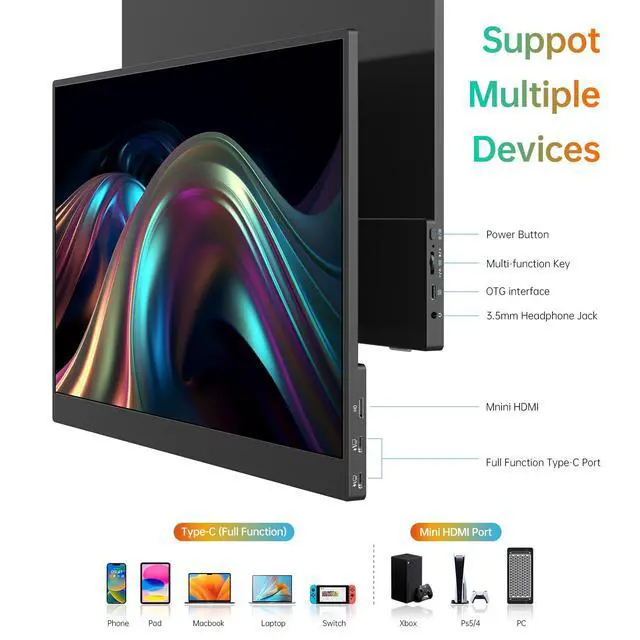
Use it as a USB-C monitor with compatible devices that support full-featured USB-C video output, DP Alt Mode, or Thunderbolt 3. Dual Type-C ports support flexible power and video connections, while HDMI adds support for PCs and game consoles.
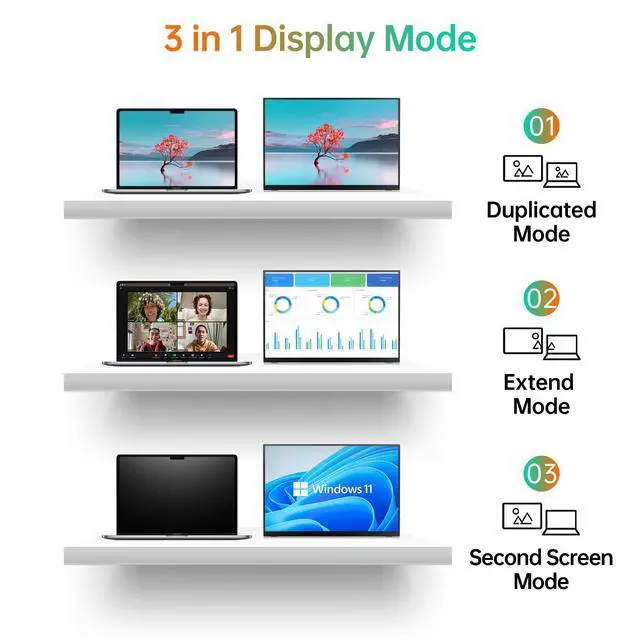
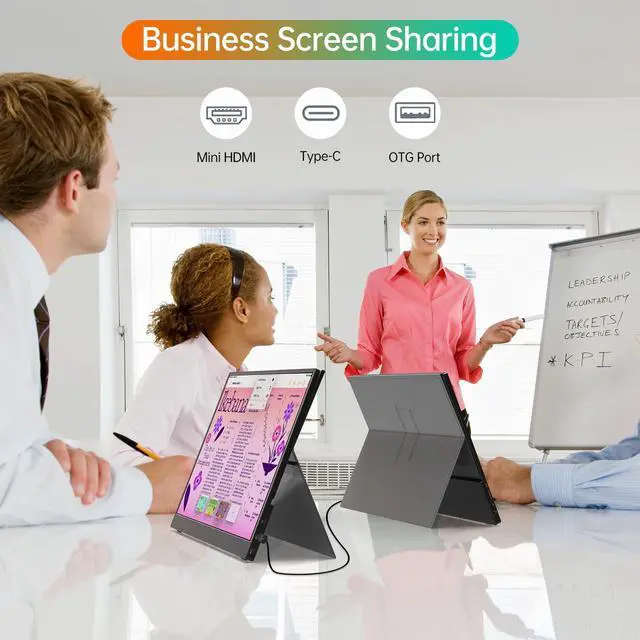
For work and study, this laptop monitor supports Copy, Extended, Second Screen, and Portrait modes. The portable screen can add extra desktop space for meetings, documents, browsing, and multitasking.
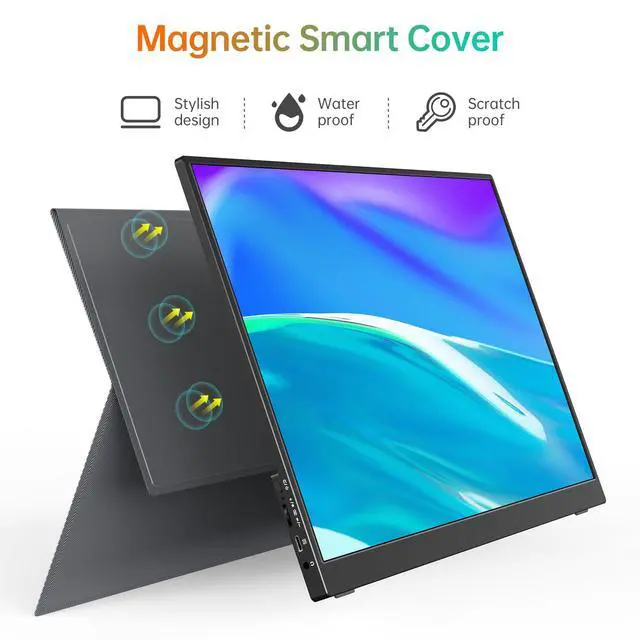
The smart cover helps protect the display during transport, making it a practical travel monitor for business trips, school, and gaming on the go. HDR improves highlights and color depth, while built-in speakers provide convenient audio.
This portable computer monitor can also serve as a mobile monitor for compatible laptops, PCs, MacBooks, phones, PS4, PS5, and Xbox devices, giving you a flexible second screen wherever you need it.
The LiteVis M173F1 is a 17.3-inch portable gaming monitor with 1920 × 1080 IPS resolution and a 144Hz refresh rate, suited to gamers who want a smoother-motion screen they can also use for work and entertainment.
| Attribute | Value |
|---|---|
| Best For | Laptop and console setups needing a 17.3-inch Full HD IPS display with USB-C and HDMI connectivity |
| Panel And Resolution | 17.3-inch TFT LCD with an IPS panel, 1920 × 1080 resolution, and 0.179 mm pixel pitch |
| Refresh Rate And Response | 5 ms response time |
| Ports And Connectivity | USB-C and HDMI video connections; USB-C power supply |
| Audio Setup | Built-in speakers |
| Physical Design And Controls | Black cabinet with user controls |
| Model Identifiers | Model M173F1 |