

Your Browsing History
- Free 30-day Returns
$31.66

Meet Your Seller


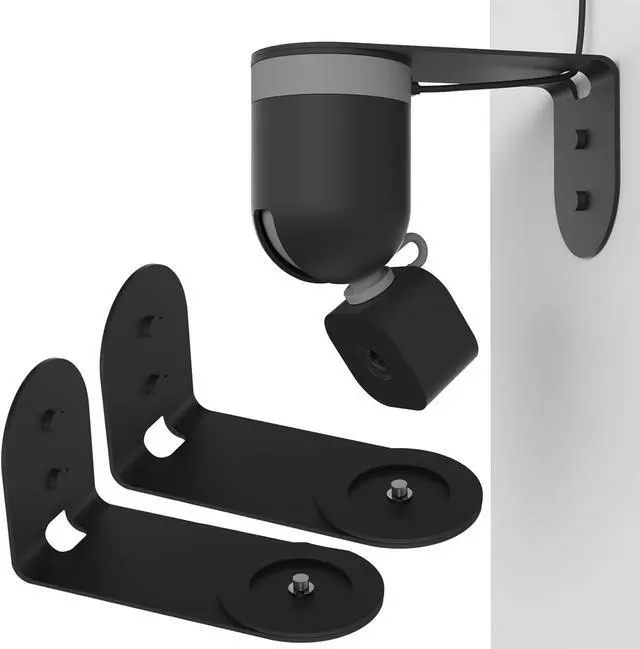


Zwolf Metal Wall Mount for Blink Mini Pan Tilt Camera, Provide Better Viewing Angles for Blink Mini Pan Tilt Mount (Black/Pack of 2)
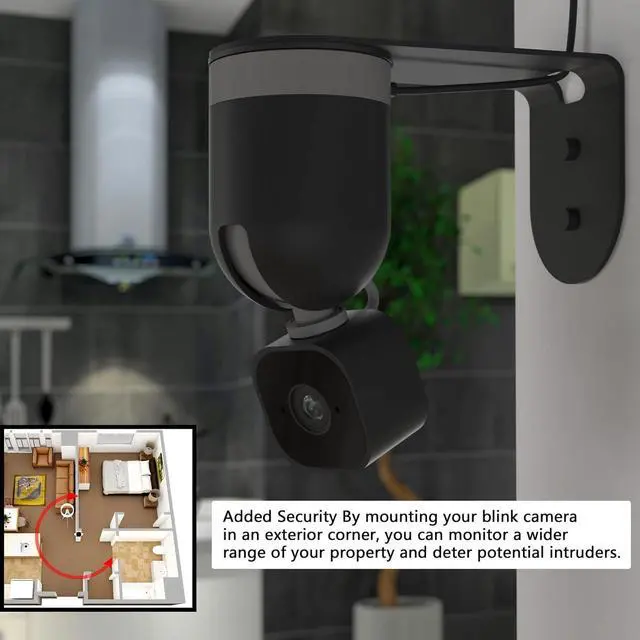
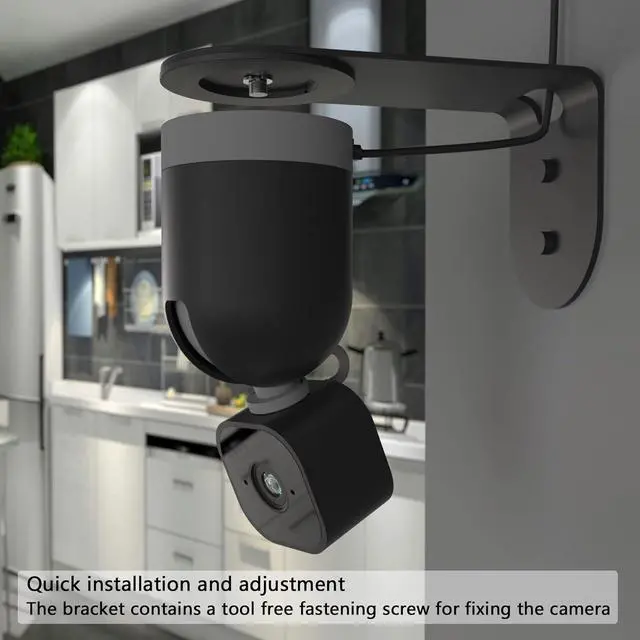
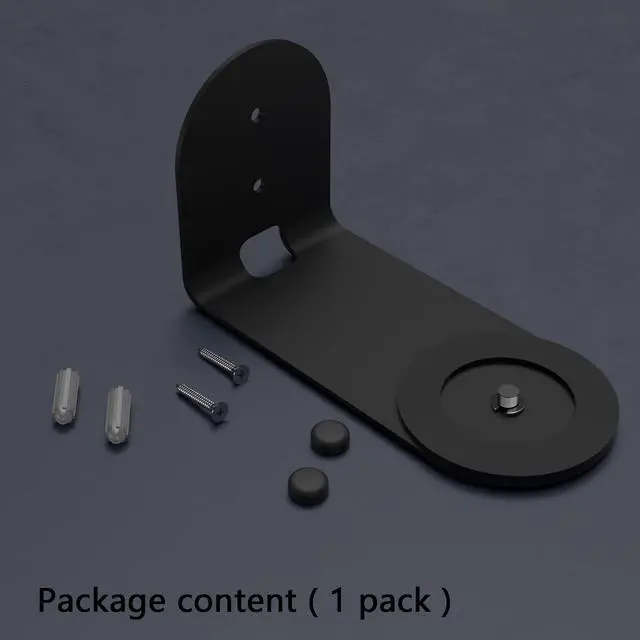
- The metal wall mount bracket is an accessory that helps you mount the camera on wall If you want to mount Blink Mini Pan Tilt Camera to a wallyou need this Metal Wall mount ( blink mini Pan Tilt Camera Not Included)
- We've redesigned the bracket so you don't have to wait for the camera to complete the calibrating before mounting the cameraYou don't need to worry about hits the wall behind it due to the camera calibrating
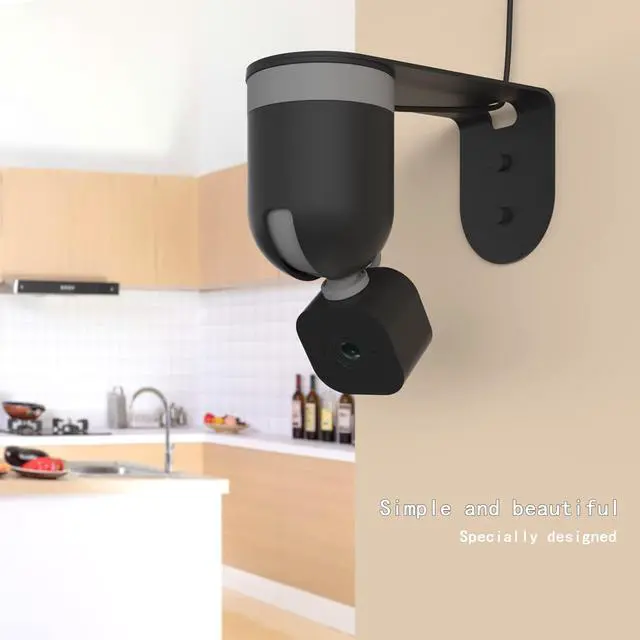
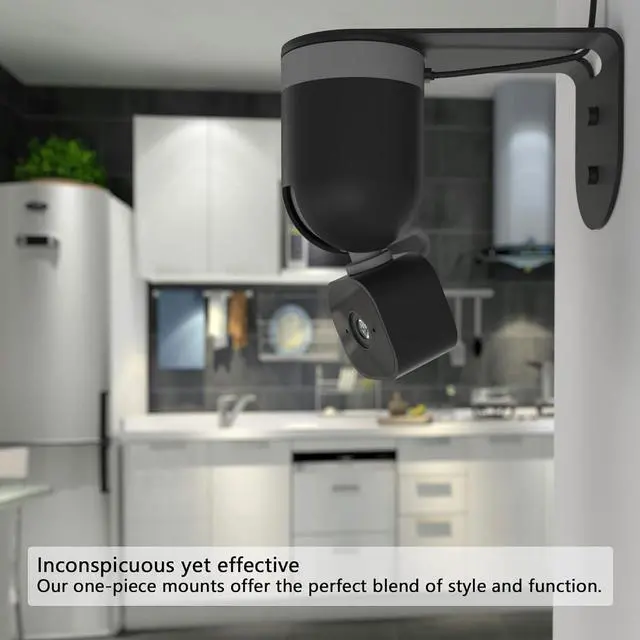
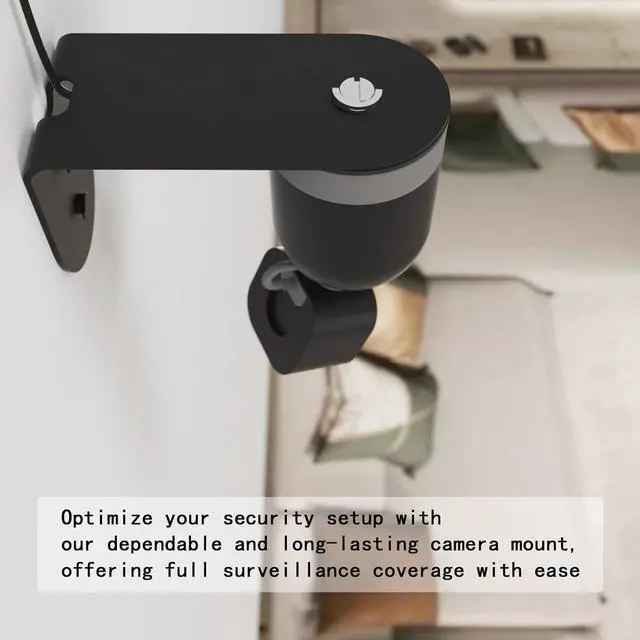
- You can fix the camera on the wall to get a larger angle of view instead of fixing it on the ceiling
- Made of metal material, sturdy and durable. The surface of the bracket is painted, rust-proof and beautiful
- If the screen is upside downPlease set it in blink app Rotate image 180° , Please click blink app to set
+
+
Overview
Specs
Reviews

Any questions? Our AI mode will help you find out quickly.
Try me now
The metal wall mount bracket is an accessory that helps you mount the camera on wall If you want to mount Blink Mini Pan Tilt Camera to a wallyou need this Metal Wall mount ( blink mini Pan Tilt Camera Not Included)
We' ve redesigned the bracket so you don' t have to wait for the camera to complete the calibrating before mounting the cameraYou don' t need to worry about hits the wall behind it due to the camera calibrating
You can fix the camera on the wall to get a larger angle of view instead of fixing it on the ceiling
Made of metal material, sturdy and durable. The surface of the bracket is painted, rust-proof and beautiful
If the screen is upside downPlease set it in blink app Rotate image 180°, Please click blink app to set
We' ve redesigned the bracket so you don' t have to wait for the camera to complete the calibrating before mounting the cameraYou don' t need to worry about hits the wall behind it due to the camera calibrating
You can fix the camera on the wall to get a larger angle of view instead of fixing it on the ceiling
Made of metal material, sturdy and durable. The surface of the bracket is painted, rust-proof and beautiful
If the screen is upside downPlease set it in blink app Rotate image 180°, Please click blink app to set
Warranty & Returns
Warranty, Returns, And Additional Information
Warranty
- Please contact the Seller directly for warranty information. Warranty information may also be found on the Manufacturer's website.
- CONTACT
Return Policies
- Return for refund within: 30 days
- Return for replacement within: 30 days
- This item is covered by TongHeQiaoShop Return Policy
Manufacturer Contact Info
- For a directory of all our manufacturers, please click below.
- Manufacturers Directory
LOADING...