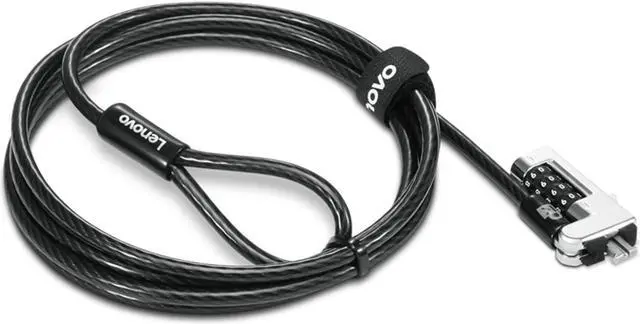
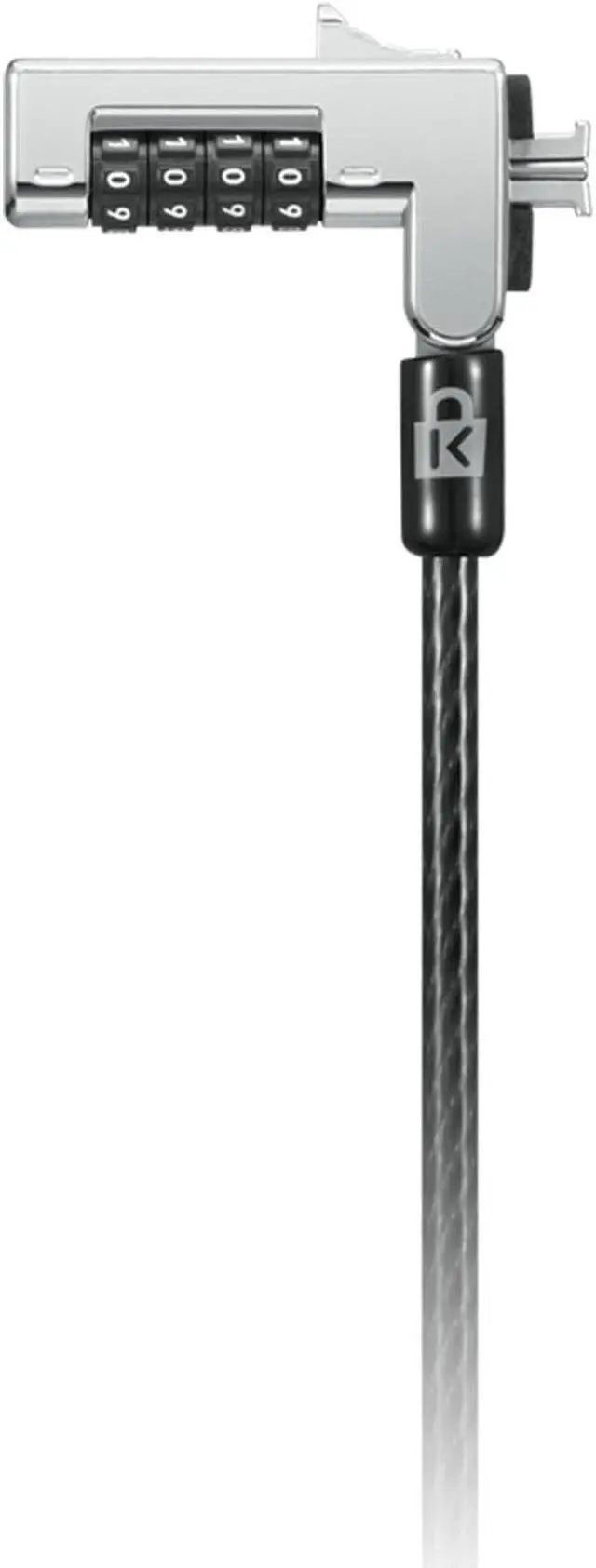
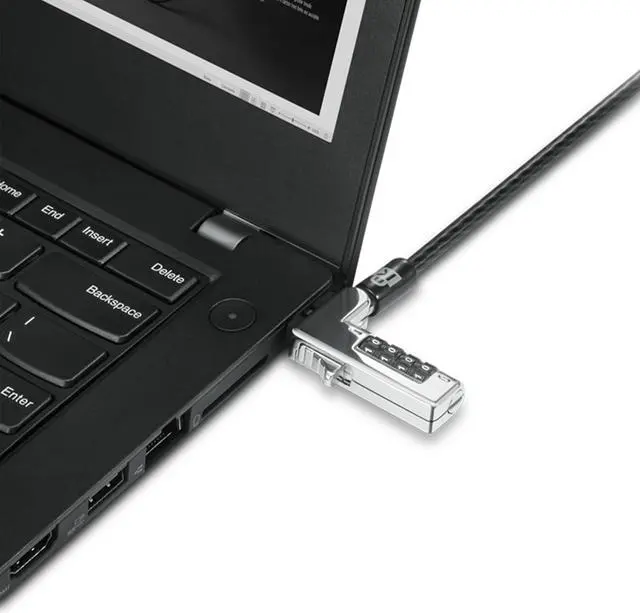
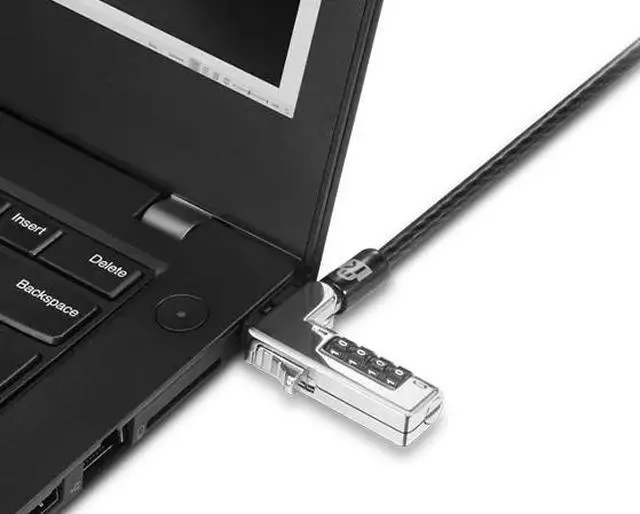
Lenovo Combination Cable Lock (4XE1F30278) is a black, keyless cable lock for users securing compatible laptops, desktops, docking stations, or monitors in offices, schools, libraries, and other shared spaces. Its resettable four-wheel combination and 1.8 m cable offer a practical way to help deter opportunistic theft.
Recommended For
- Office and enterprise teams securing compatible laptops, desktops, docks, or monitors in shared workspaces, where a physical lock helps reduce opportunistic theft.
- Schools and libraries securing compatible devices in classrooms, study areas, or public computer spaces, especially when staff want a keyless lock that can be reset.
- People who leave a compatible laptop or other device at a desk or workstation and want a combination lock rather than carrying or managing a key.
- Workplaces that need to secure equipment within reach of an anchor point, using the included 5.9-foot cable and one-hand push-button installation.
Real-World Use Scenarios
- In an open-plan office or shared workspace, a user can tether a compatible laptop to a fixed desk or other secure anchor, making it harder for someone to casually pick it up while the user steps away.
- At a school, library, or other shared study area, a user can secure a compatible laptop to the workstation while studying; the cable adds a visible deterrent but does not guarantee protection from theft.
- At a trade-show booth or product demonstration, staff can tether a compatible demo laptop to the display table so visitors can try it without being able to casually walk off with it.
- At a reception desk or public-facing office counter, staff can tether a compatible laptop or monitor to a fixed fixture, helping keep equipment in place during busy periods.
- In an office with shared desktop stations, IT staff can use the lock with compatible desktops, docking stations, or flat-panel monitors to make equipment harder to remove from its assigned workspace.




 here!

 Hot Seller
 Top Rated