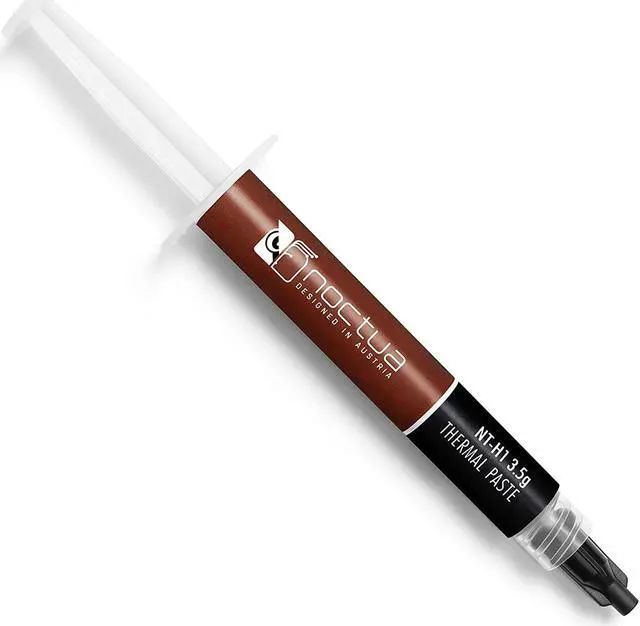
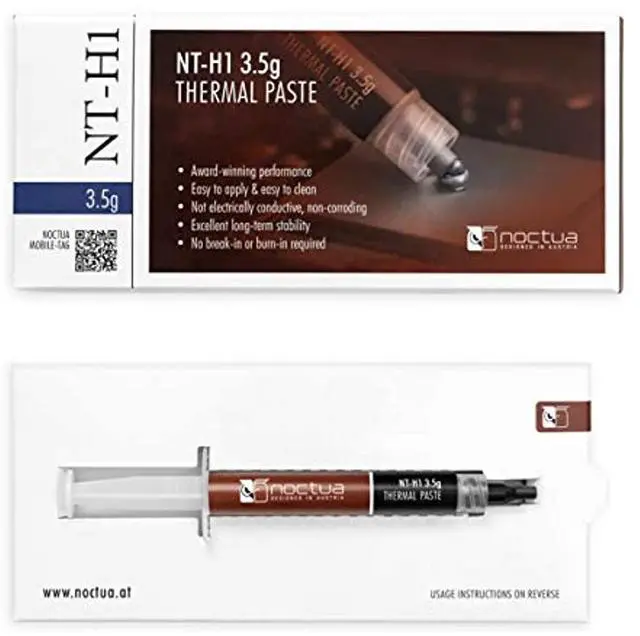
Noctua’s NT-H1 is a renowned hybrid thermal compound that has received more than 150 awards and recommendations from international hardware websites and magazines. Thanks to its excellent performance, exceptional ease of use and outstanding long-term stability, it has become an established favourite among overclockers and enthusiast users worldwide. Whether it’s air- or water-based cooling, CPU or GPU applications, overclocking
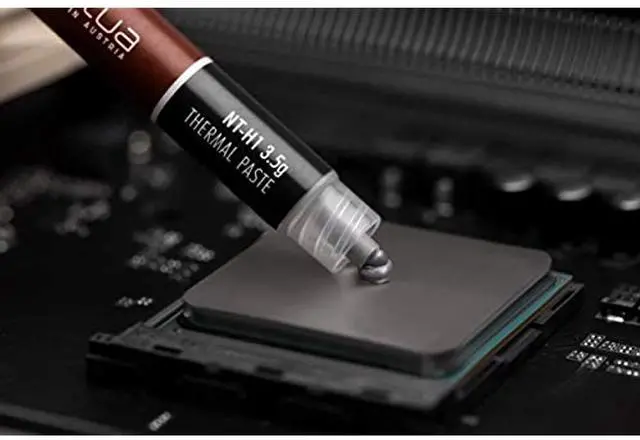
or silent systems: NT-H1 is a proven premium paste that’s certain to deliver great results. Bundled with Noctua’s premium-grade CPU coolers since 2007, NT-H1 has proven its excellent performance in countless of tests and reviews. Chosen again and again by overclockers and hardware enthusiast around the globe, it has established itself as a benchmark for premium-quality thermal interface materials (TIMs). Thanks to its excellent spreading properties, there is no need to manually spread
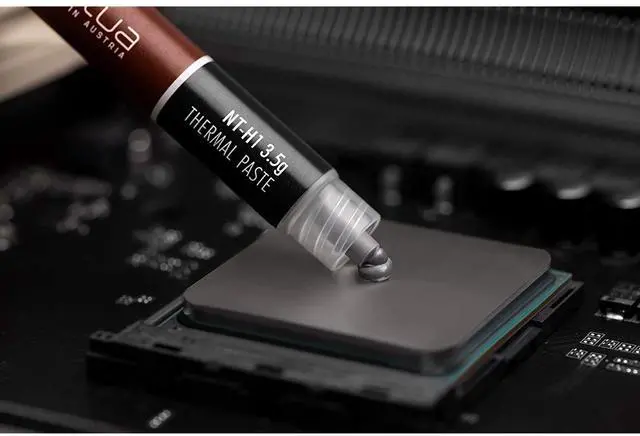
NT-H1 before installing the cooler: Simply apply some paste onto the CPU (see instructions for details), put on the heatsink and you’re ready to go! Noctua’s NT-H1 is a renowned hybrid thermal compound that has received more than 150 awards and recommendations from international hardware websites and magazines. Thanks to its excellent performance, exceptional ease of use and outstanding long-term stability, it has become an established favourite among overclockers and enthusiast users worldwide. Whether it’s air- or water-based cooling, CPU or GPU applications, overclocking
or silent systems: NT-H1 is a proven premium paste that’s certain to deliver great results. Bundled with Noctua’s premium-grade CPU coolers since 2007, NT-H1 has proven its excellent performance in countless of tests and reviews. Chosen again and again by overclockers and hardware enthusiast around the globe, it has established itself as a benchmark for premium-quality thermal interface materials (TIMs). Thanks to its excellent spreading properties, there is no need to manually spread
NT-H1 before installing the cooler: Simply apply some paste onto the CPU (see instructions for details), put on the heatsink and you’re ready to go!