




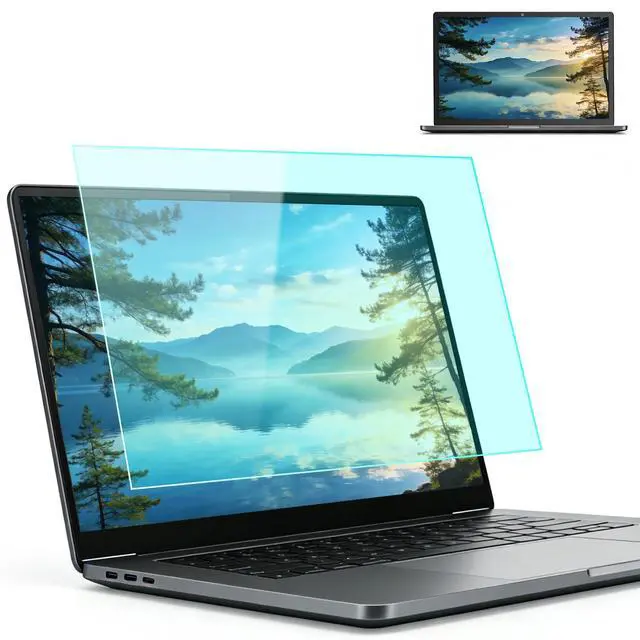
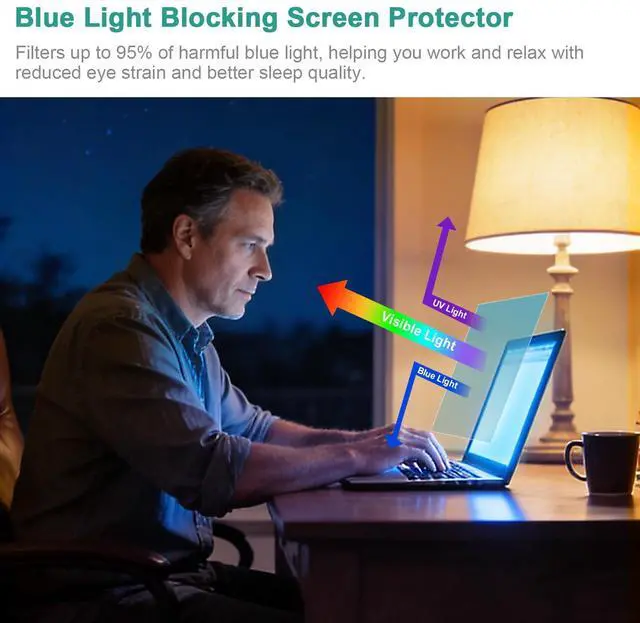
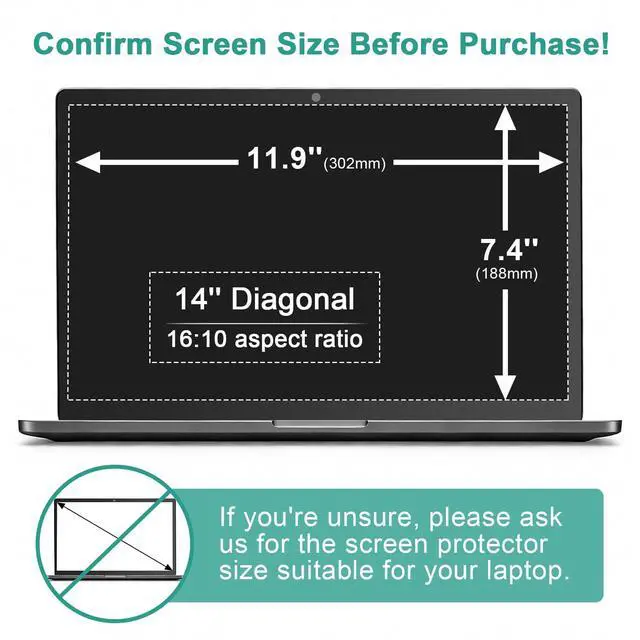


In today’s fast-paced digital world, our eyes are constantly under pressure. Whether you're working late at night, studying in a brightly lit library, or working under harsh office lights – have you ever struggled with tired eyes, headaches, or glare that just won't go away? That’s why BSPROTE was created – to provide premium anti-blue light & anti-glare filter that protect your vision while keeping your screen sharp, vivid, and easy on the eyes.
Why Choose US?
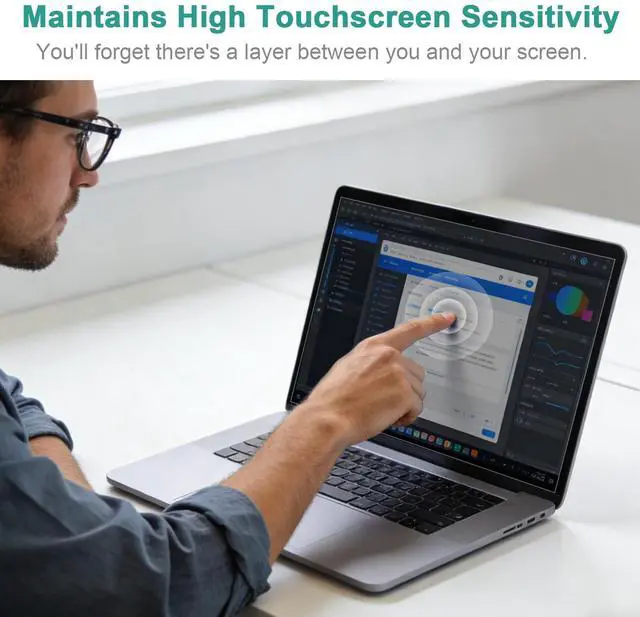
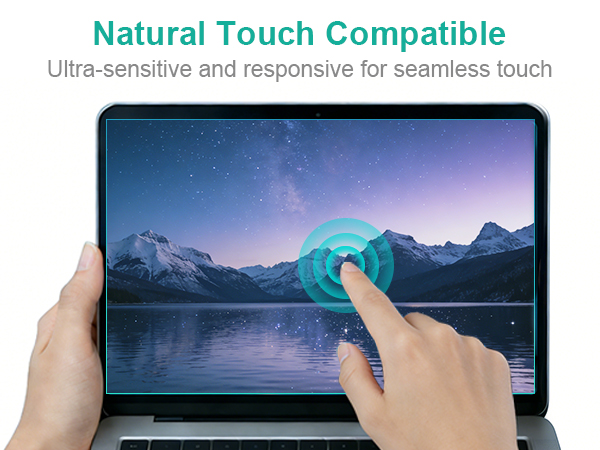
We continuously test and refine our materials to ensure that our anti-blue light & anti-glare filters not only protect your eyes from harmful blue light and reduce distracting glare, also maintain crystal-clear visibility, support smooth touch response, and leave no residue when removed. Our goal is to provide you with a comfortable and healthy viewing experience.
You Will Get.
Choosing BSPROTE means more than just selecting a screen protector—it’s choosing a healthier and more comfortable way to use your devices every day, without straining your eyes or fighting with glare.
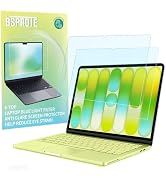
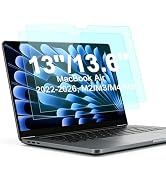
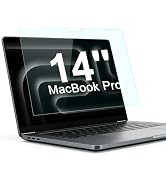
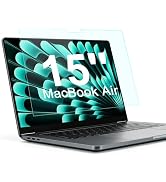
MacBook Blue Light Blocking
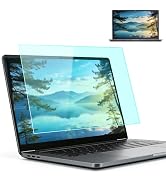
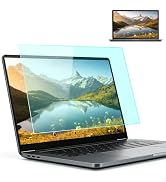
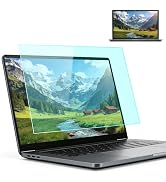
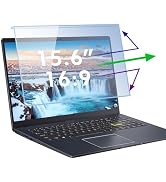
Laptop Blue Light Blocking
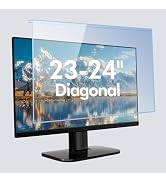
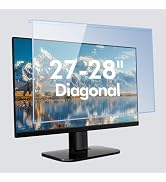
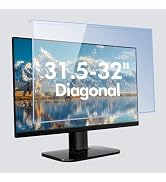
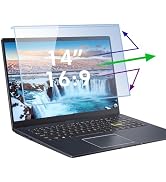
Hanging Blue Light Block Panel
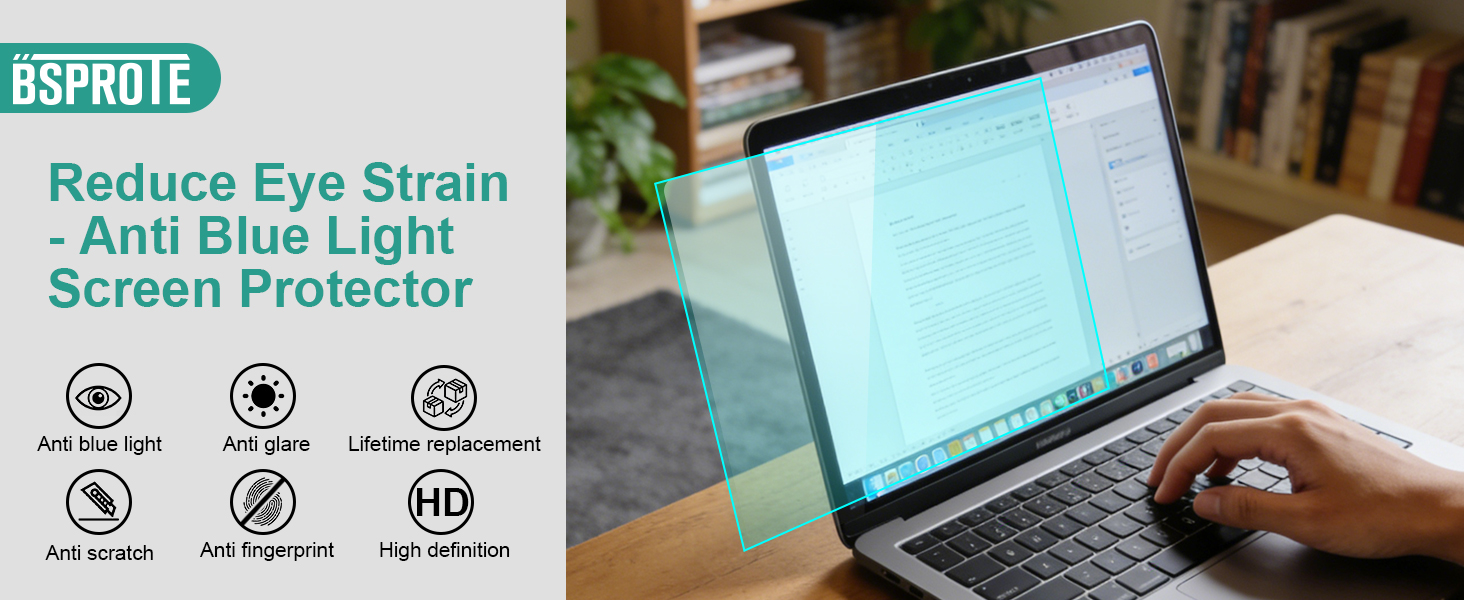
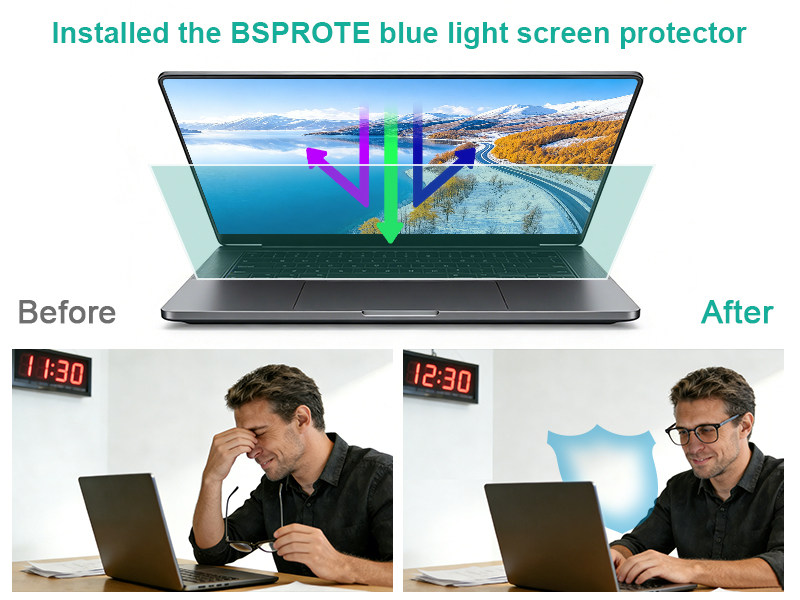
A Handy Tool for Laptop Working
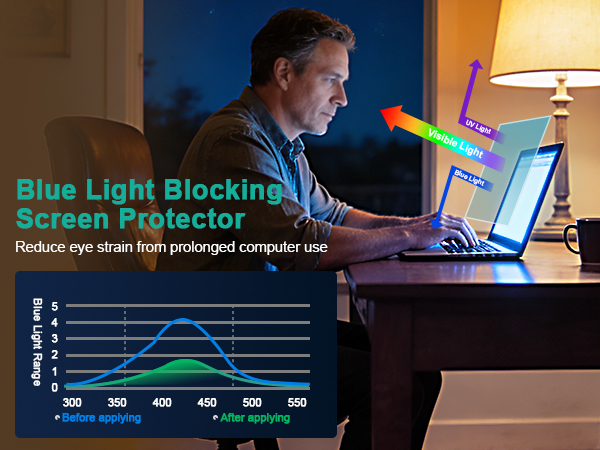
Why you need a anti blue light screen protector?
- Feel your tired, strained eyes after a long workday? This helps soothe them.
- Tossing and turning after late-night browsing? It blocks the sleep-disrupting light.
- Worried about screen time hurting your vision? This adds a crucial layer of defense.
- Annoyed by headaches from glare? It cuts the harsh light that triggers them.
- Want an easy fix for healthier screen time? Just apply it once and feel the difference.
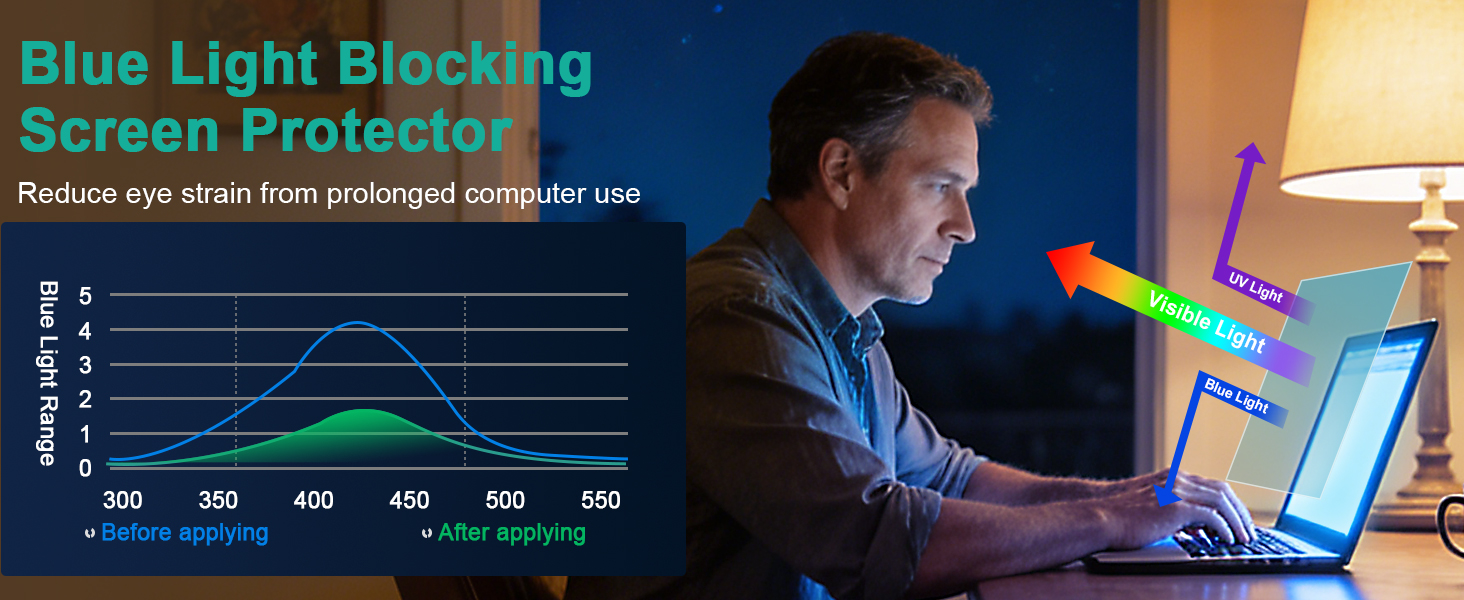
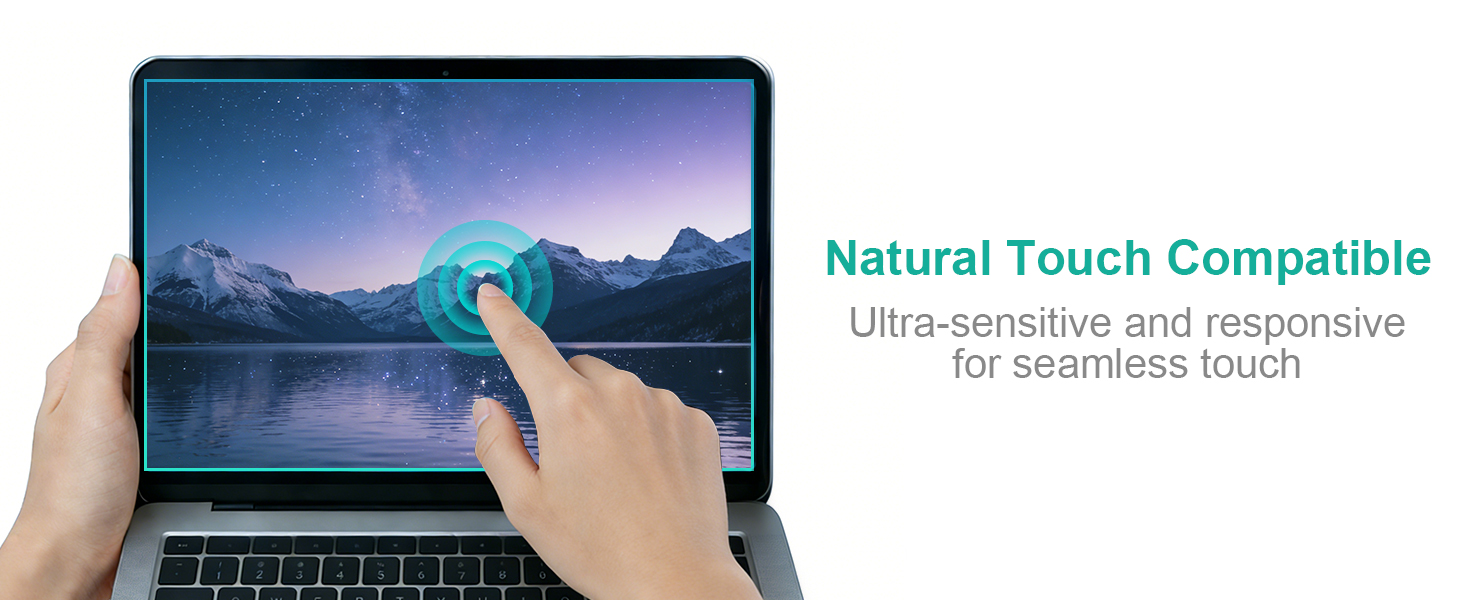

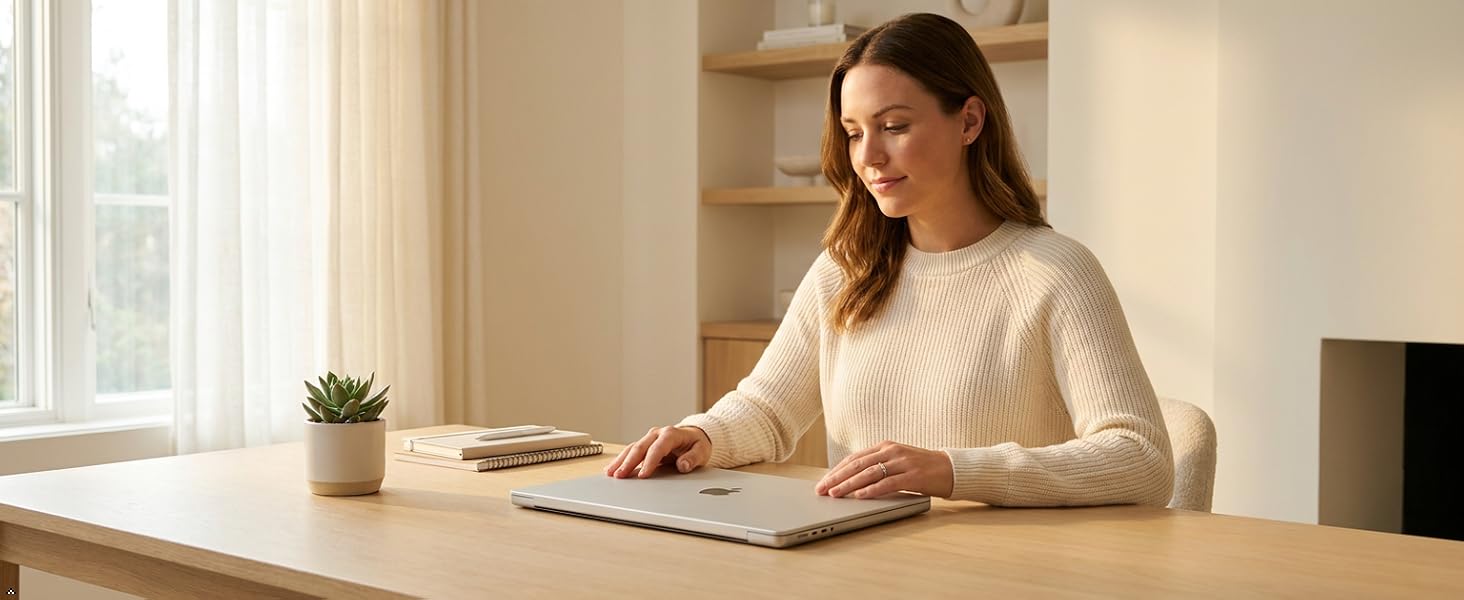
Anti Glare and Reflection All the Time.
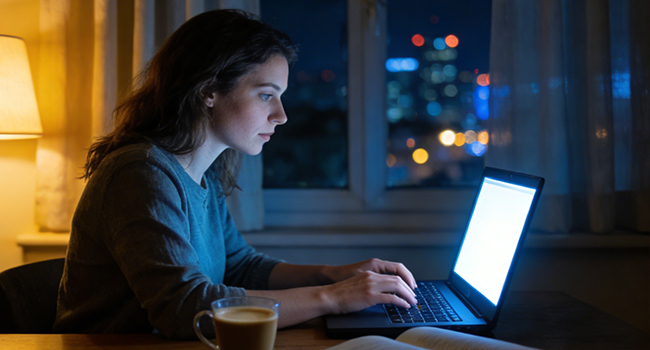
Under Weak Natural Light
It gently filters harsh blue light, shifting your screen to a warmer hue that feels easier on your eyes. This helps your body wind down naturally, preventing that stimulating "bright light" signal that keeps you awake, so you can fall asleep easier after nighttime use.

Under Strong Natural Light
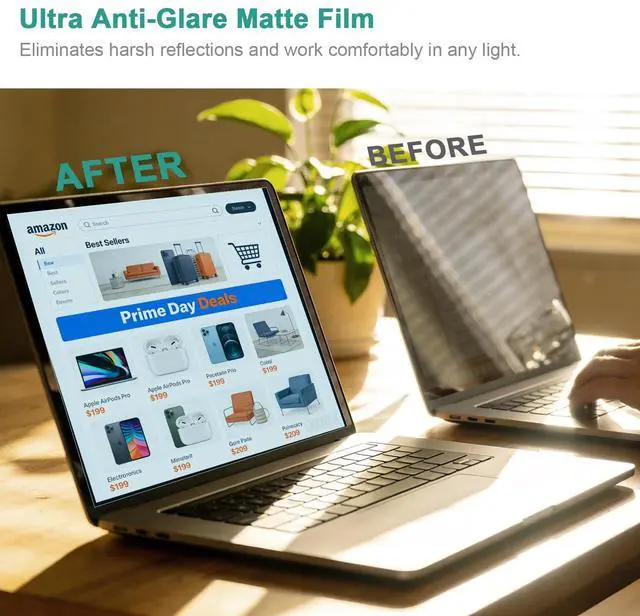
It acts primarily as an anti-glare shield. By diffusing reflections from overhead lights or the sun, it dramatically cuts down on annoying screen glare and reflections. Reduces squinting and eye strain, allowing you to see your screen's content clearly and comfortably even in strong light.
More Features
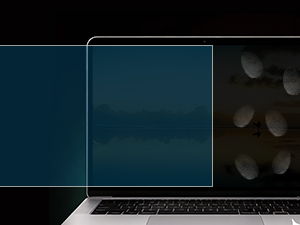
Anti-Fingerprint
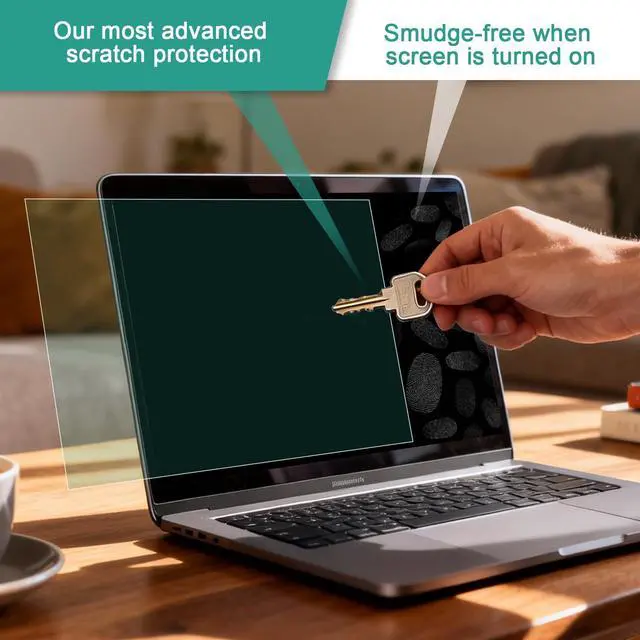
Keeps your screen looking clean and smudge-free. It resists oily fingerprints and marks from daily touching, making it always maintain a clear view.
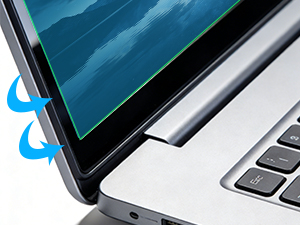
Perfect Fit
It applies smoothly without bubbles or misalignment, feeling like a seamless, original part of your screen for complete edge-to-edge protection.
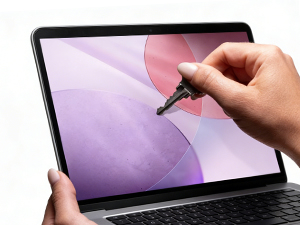
Anti-Scratch
Provides a durable, hard-coated shield for your actual screen. It guards against everyday scratches from keys, coins, or other objects.
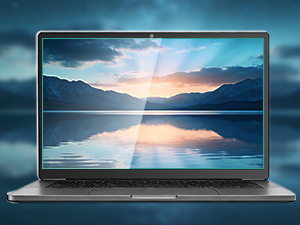
High Definition
It protects without blurring, distorting, or dulling your screen's original colors and sharpness, ensuring your viewing experience like before.
Others You May Want to Know About the Laptop Blue Light Screen Protector.
About Installation:
1.Completely clean the screen usingthe included cleaning accessories.
2.Align the screen protector with the display area of the screen,with label 2 facing upwards.
3.Fix the side of the screen protector with the labels on the screen using guide sitckers.
4.Flip the screen protector and slowly peel off the label 1 protective film by 3-5cm.
5.Continue to peel off the protective film while using the squeegee card to slowly push the screen protector to the other side.
6.If bubbles appear midway,pull back the screen protector and wait for the bubbles to disappear before continuing with the installation.
7.After completely removing the label1 film,use the squeegee card to remove the surface bubbles towards the edge.
8.Remove guide sticker and label 2 protective film,complete installation.
About Product Issues:Our Promise for Shipping Issues & Incorrect Sizes: If your order arrived damaged during transit, or if you received an item with incorrect dimensions/size, we’re here to help. Simply reach out to us through ’s messaging system, and we will process a replacement immediately—no return required.
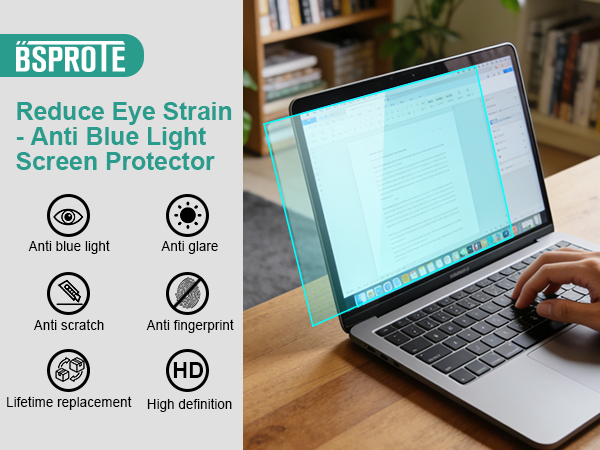
A Handy Tool for Laptop Working
Why you need a anti blue light screen protector?
- Feel your tired, strained eyes after a long workday? This helps soothe them.
- Tossing and turning after late-night browsing? It blocks the sleep-disrupting light.
- Worried about screen time hurting your vision? This adds a crucial layer of defense.
- Annoyed by headaches from glare? It cuts the harsh light that triggers them.
- Want an easy fix for healthier screen time? Just apply it once and feel the difference.
Eye Protection
Fully closed

From sunrise to bedtime, keep harmful blue light away — 24/7 eye care.
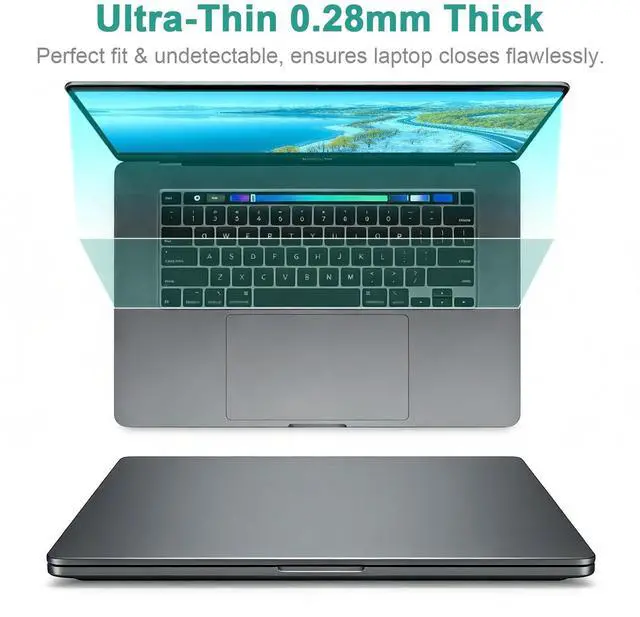
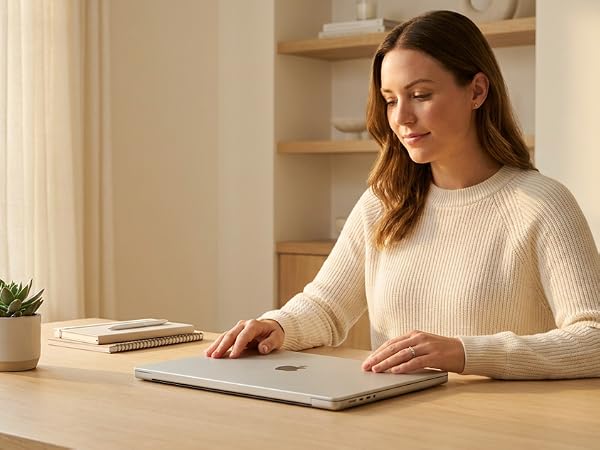
Designed to be barely there — perfect laptop closure, totally unnoticed after apply.
Anti Glare and Reflection All the Time.
Under Weak Natural Light
It gently filters harsh blue light, shifting your screen to a warmer hue that feels easier on your eyes. This helps your body wind down naturally, preventing that stimulating "bright light" signal that keeps you awake, so you can fall asleep easier after nighttime use.
Under Strong Natural Light
It acts primarily as an anti-glare shield. By diffusing reflections from overhead lights or the sun, it dramatically cuts down on annoying screen glare and reflections. Reduces squinting and eye strain, allowing you to see your screen's content clearly and comfortably even in strong light.
More Features
Anti-Fingerprint
Keeps your screen looking clean and smudge-free. It resists oily fingerprints and marks from daily touching, making it always maintain a clear view.
Perfect Fit
It applies smoothly without bubbles or misalignment, feeling like a seamless, original part of your screen for complete edge-to-edge protection.
Anti-Scratch
Provides a durable, hard-coated shield for your actual screen. It guards against everyday scratches from keys, coins, or other objects.
High Definition
It protects without blurring, distorting, or dulling your screen's original colors and sharpness, ensuring your viewing experience like before.
Others You May Want to Know About the Laptop Blue Light Screen Protector.
About Installation:
1.Completely clean the screen usingthe included cleaning accessories.
2.Align the screen protector with the display area of the screen,with label 2 facing upwards.
3.Fix the side of the screen protector with the labels on the screen using guide sitckers.
4.Flip the screen protector and slowly peel off the label 1 protective film by 3-5cm.
5.Continue to peel off the protective film while using the squeegee card to slowly push the screen protector to the other side.
6.If bubbles appear midway,pull back the screen protector and wait for the bubbles to disappear before continuing with the installation.
7.After completely removing the label1 film,use the squeegee card to remove the surface bubbles towards the edge.
8.Remove guide sticker and label 2 protective film,complete installation.
About Product Issues:Our Promise for Shipping Issues & Incorrect Sizes: If your order arrived damaged during transit, or if you received an item with incorrect dimensions/size, we’re here to help. Simply reach out to us through ’s messaging system, and we will process a replacement immediately—no return required.
In today’s fast-paced digital world, our eyes are constantly under pressure. Whether you're working late at night, studying in a brightly lit library, or working under harsh office lights – have you ever struggled with tired eyes, headaches, or glare that just won't go away? That’s why BSPROTE was created – to provide premium anti-blue light & anti-glare filter that protect your vision while keeping your screen sharp, vivid, and easy on the eyes.
Why Choose US?
We continuously test and refine our materials to ensure that our anti-blue light & anti-glare filters not only protect your eyes from harmful blue light and reduce distracting glare, also maintain crystal-clear visibility, support smooth touch response, and leave no residue when removed. Our goal is to provide you with a comfortable and healthy viewing experience.
You Will Get.
Choosing BSPROTE means more than just selecting a screen protector—it’s choosing a healthier and more comfortable way to use your devices every day, without straining your eyes or fighting with glare.
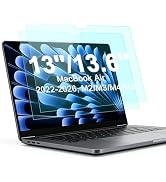
MacBook Blue Light Blocking
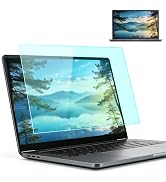
Laptop Blue Light Blocking
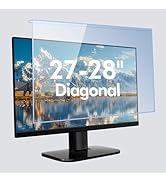
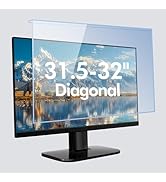
Hanging Blue Light Block Panel
