

Your Browsing History


Meet Your Seller

Sponsored Products
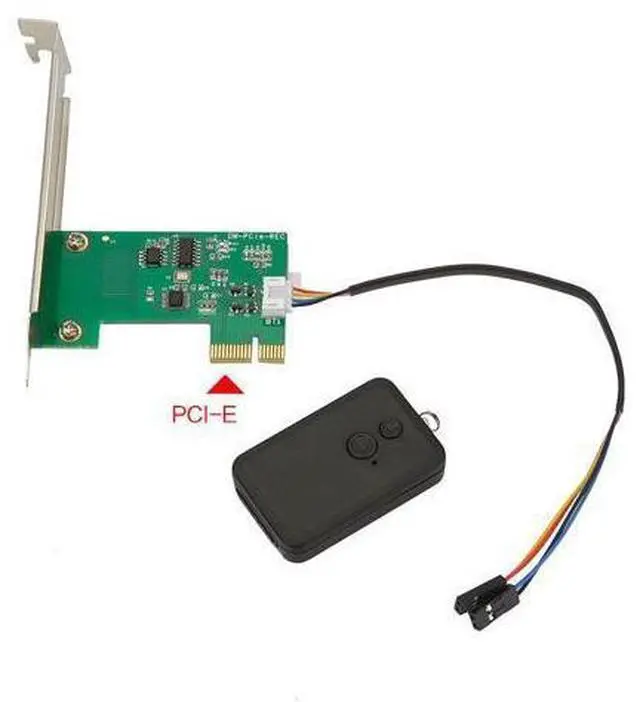
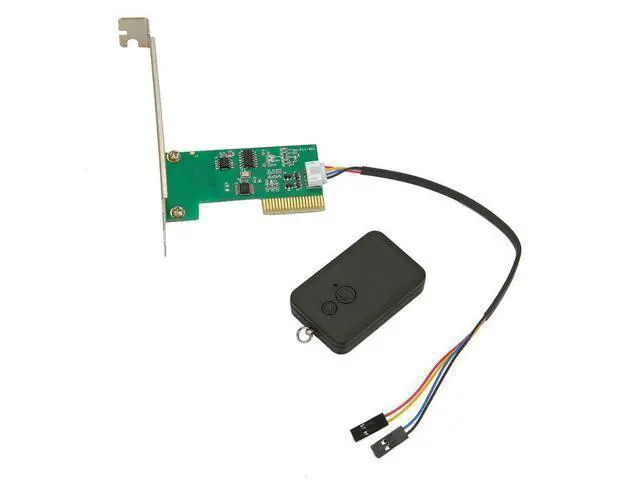
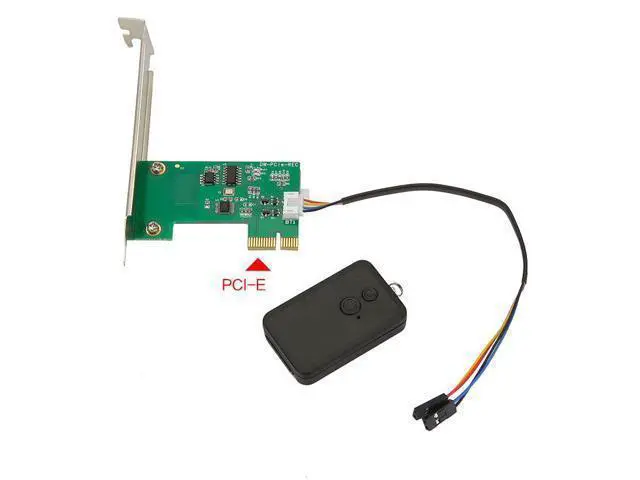


PCIe / PCI Interface Wireless Desktop Computer Power Switch Remote Case Power Button for Motherboard, for Internet Cafe & Home PC PCI Interface
Limited time offer, ends 08/01 By ProGear Haven
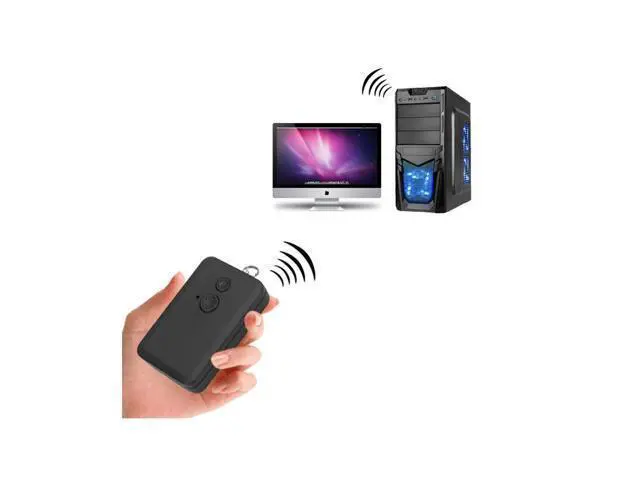
- Wireless Remote Power Control: Turn PC on/off from distance no need to bend down to press case button.
- PCIe & PCI Dual Interface: Compatible with both PCIe and PCI slots fits most desktop motherboards.
- Perfect for Internet Cafe & Home Use: Remote management for cafe admins, lazy power switch for home users.
- Plug & Play No Driver Needed: Pure hardware control no software installation required.
- Full Power Control Support: Power on, soft off, force off, restart.

+
+
Overview
Specs
Reviews

Any questions? Our AI mode will help you find out quickly.
Try me now
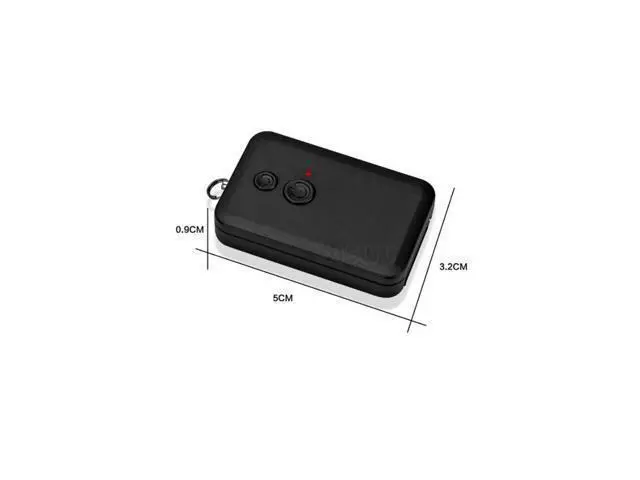
Wireless remote control, freeing your hands No need to bend over to press the power button on the chassis The effective distance can reach several tens of meters (depending on the environment) The remote control is small and lightweight, and can be placed on the table or hung on a keychain. 4. Plug-and-play, no drivers required Pure hardware control, not dependent on any operating system It can be used directly after installation. No drivers or software need to be installed. Supports all systems including Windows, Linux, and macOS. 5.
Wide application scenarios Scenario Explanation Internet cafes/E-sports hotels Remote management of hosts by network administrators, no need to go to each machine Home users An effortless device for lazy people, remote control of computer from sofa/bed Workshops/Occupations Centralized management of multiple computers, one-click switch Server rooms Remote restart of dead servers Industrial control equipment Scenarios where it is inconvenient to access the chassis HTPC/Living room computers Remote control of computer from sofa to create a home theater 6. Simple installation Insert the adapter card into the PCIe or PCI slot on the motherboard Connect the power switch cable (POWER SW) of the chassis to the adapter card.
Connect the adapter card's supporting cables to the power jumpers on the motherboard. It can be controlled to turn on or off the computer using the remote control.
Wide application scenarios Scenario Explanation Internet cafes/E-sports hotels Remote management of hosts by network administrators, no need to go to each machine Home users An effortless device for lazy people, remote control of computer from sofa/bed Workshops/Occupations Centralized management of multiple computers, one-click switch Server rooms Remote restart of dead servers Industrial control equipment Scenarios where it is inconvenient to access the chassis HTPC/Living room computers Remote control of computer from sofa to create a home theater 6. Simple installation Insert the adapter card into the PCIe or PCI slot on the motherboard Connect the power switch cable (POWER SW) of the chassis to the adapter card.
Connect the adapter card's supporting cables to the power jumpers on the motherboard. It can be controlled to turn on or off the computer using the remote control.
Warranty & Returns
Warranty, Returns, And Additional Information
Warranty
- Please contact the Seller directly for warranty information. Warranty information may also be found on the Manufacturer's website.
- CONTACT
Return Policies
- Return for refund within: 30 days
- Return for replacement within: 30 days
- This item is covered by ProGear Haven Return Policy
Manufacturer Contact Info
- For a directory of all our manufacturers, please click below.
- Manufacturers Directory
LOADING...