

Your Browsing History
- Free 30-day Returns
$31.69
Ships from China.


Meet Your Seller

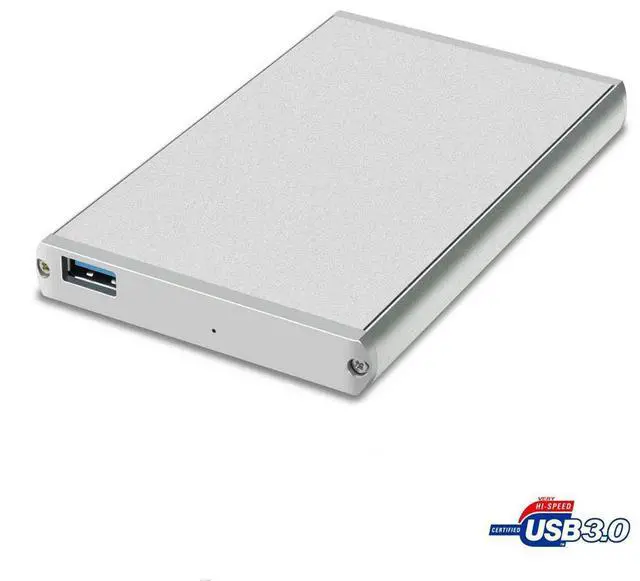

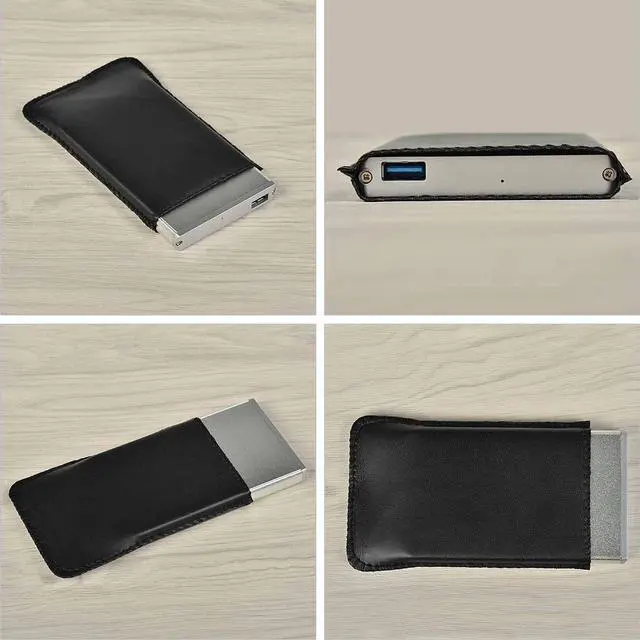
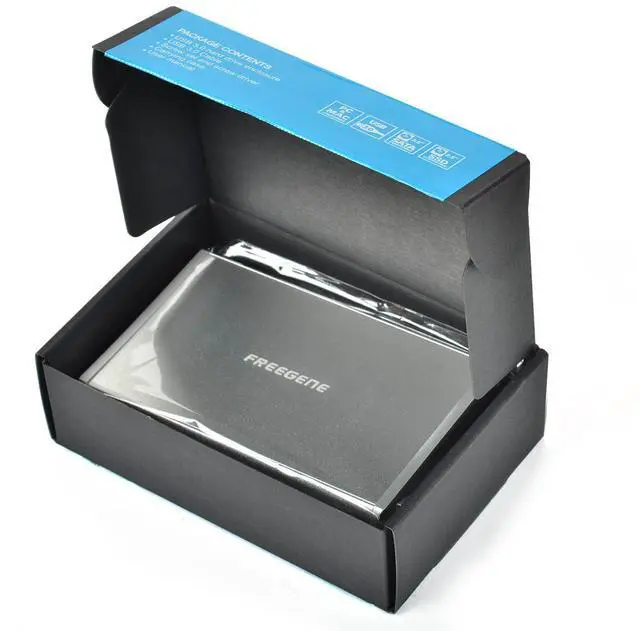


FREEGENE Ultra Slim USB 3.0 to 2.5-Inch SATA External Aluminum Hard Drive Enclosure
Limited time offer, ends 08/23 By EnYZME
- Support Standard Notebook 2.5" SATA Hard Drives and SSD Drives
- Ultra Light Aluminum Case provides heat dissipation
- LED light indicates Power and Activity status
- Hot-swappable, plug and play, no drivers needed
- Reverse compatible with USB 2.0 and 1.1
+
+
Overview
Specs
Reviews

Any questions? Our AI mode will help you find out quickly.
Try me now
FREEGENE--Focusing on USB extension, lead your way to a better world!
Overview
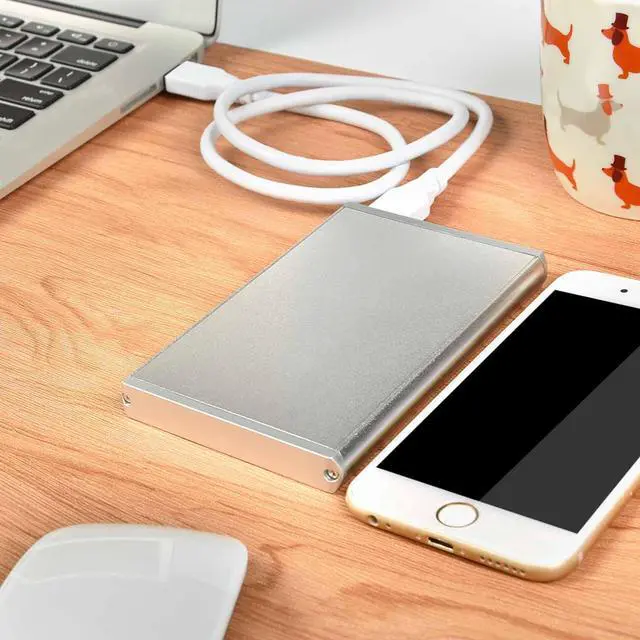
Take advantage of the lightening speed of USB 3.0 to quickly transfer files up to 5Gbps! Connect any 2.5†Serial ATA (SATA) or SATA Ⅱrd Drive to your computer through an available USB 3.0 port on your desktop or laptop. This case is constructed from durable aluminum, ensuring heat dissipation, and protecting your drive from overheating while also providing you with a sleek brushed aluminum design. Reverse compatible with USB 2.0 and 1.1, this enclosure is a perfect solution for data transfers or data backup!
System requirements
* 2.5" SATA Hard Drive
* Available USB Port
* Operating Systems: Windows 2000/XP/VISTA/7/8; MAC OS X
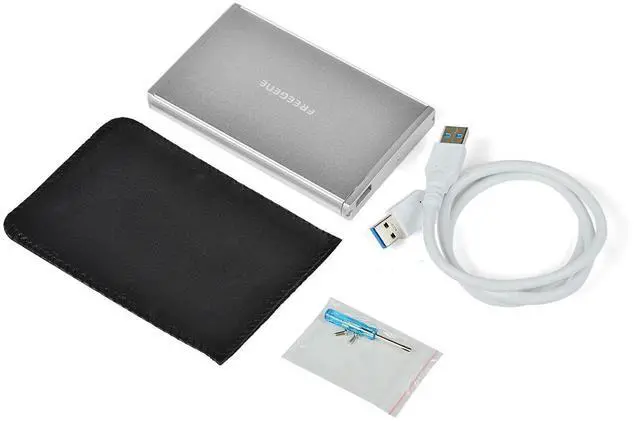
Package Contents
* Hard Drive Enclosure
* USB 3.0 cable
* Screw set with screw driver
* Carrying Case
* User Manual
Installation Guide
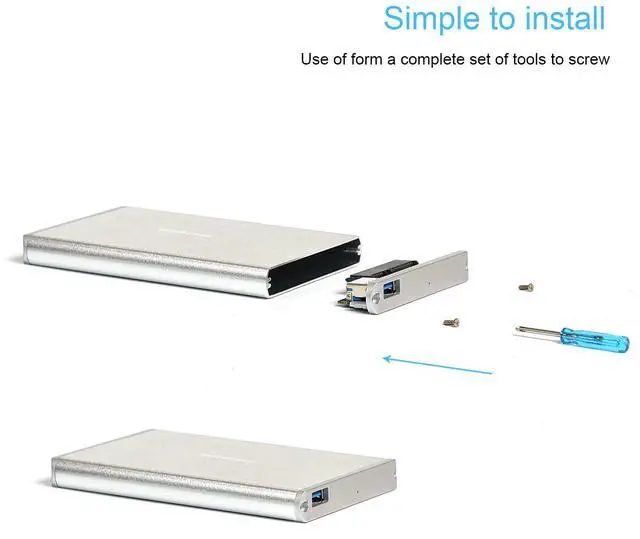
1. Open the retail package and remove the Hard Drive Enclosure.
2. Insert the SATA Hard Drive into the Case.
3. Connect the SATA Data and Power connectors to the Hard Drive.
4. Secure the cover with the screws.
5. Connect the USB 3.0 cable (included) from the Enclosure to an available USB port on your computer: Connect the thickest portion of cable (with two connectors joined at the tip) to your computer, and the single thick (longer) cable to the Enclosure.
At this point the Hard Drive is completely installed. No Software or Drivers are needed to complete the connection.
Warranty & Returns
Warranty, Returns, And Additional Information
Warranty
- Please contact the Seller directly for warranty information. Warranty information may also be found on the Manufacturer's website.
- CONTACT
Return Policies
- Return for refund within: 30 days
- Return for replacement within: 30 days
- This item is covered by EnYZME Return Policy
Manufacturer Contact Info
- For a directory of all our manufacturers, please click below.
- Manufacturers Directory
LOADING...