• $66.00
  • Free 30-day Returns
  • Ships from China.
    Price alert
    Shop it at NeweggBusiness.

    Meet Your Seller

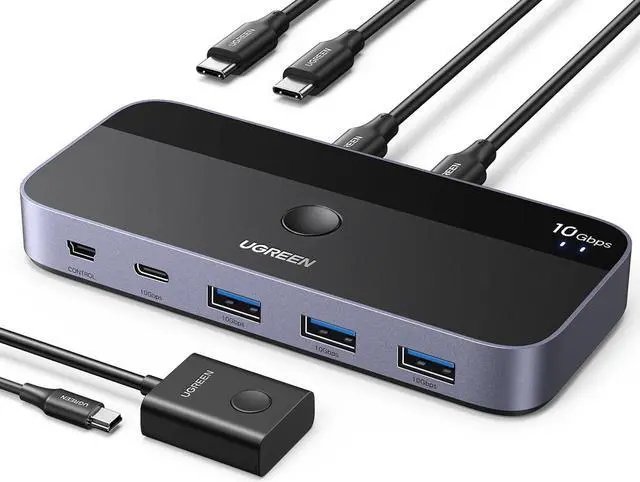
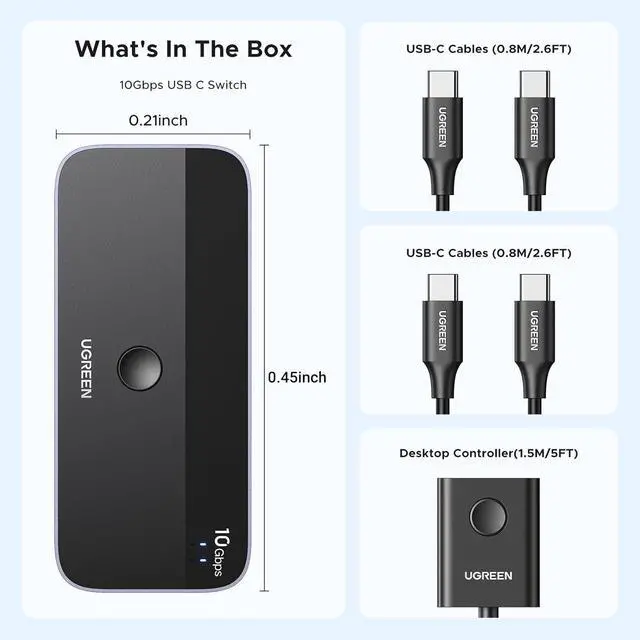
    USBC Switch 2 Computers Share 4 USB 3.2 Ports, 10Gbps Switcher Selector for PC Laptop Keyboard Mouse, Sharing Switch Adapter with 2 USB-C to C Data Cables and Remote

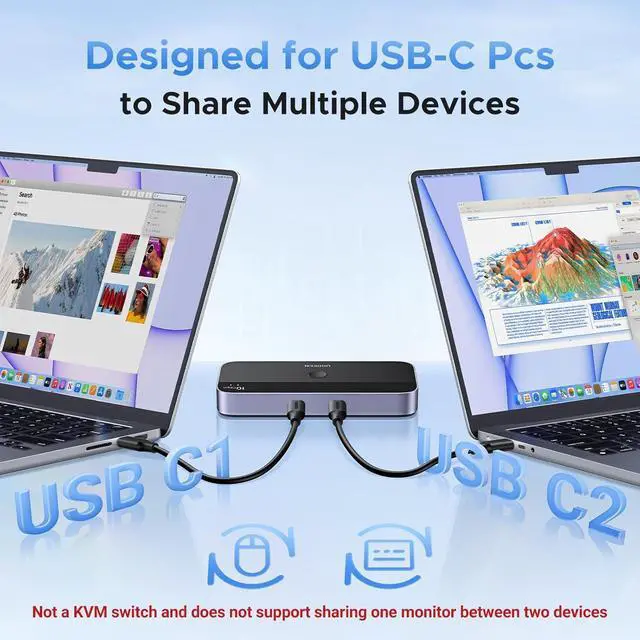
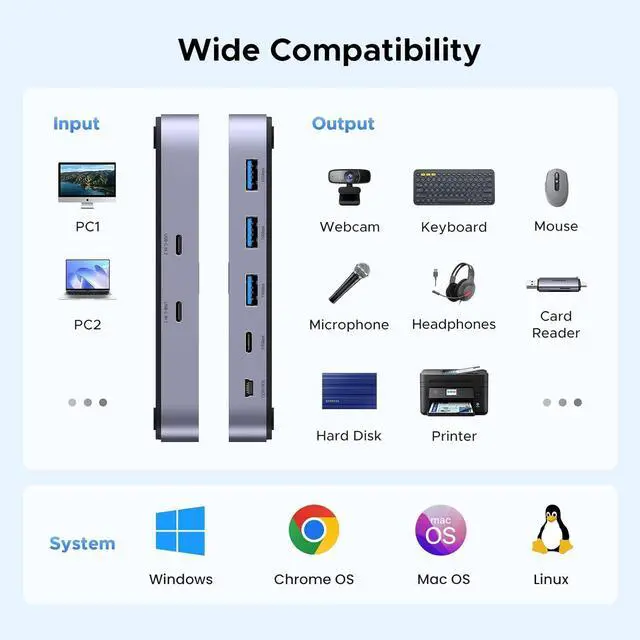
    • 2 USB-C PCs Share Multiple Devices: UGREEN 2-In 4-Out USB-C switch supports sharing 4 USB devices like a keyboard, mouse, and headphones between 2 computers. Switch freely between work computer and personal laptop to boost work efficiency. (Not a KVM switch and Not support a monitor)
    • 10Gbps Transfer Speed: The USB-C switch is equipped with 4 USB 3.2 Gen 2 ports and speeds up to 10Gbps. Faster than traditional 5gbps USB Switches, Transfer 1 GB files in 1.5 second to improve work efficiency without waiting.(The USB ports are primarily for data transmission audio device connections are not recommended)
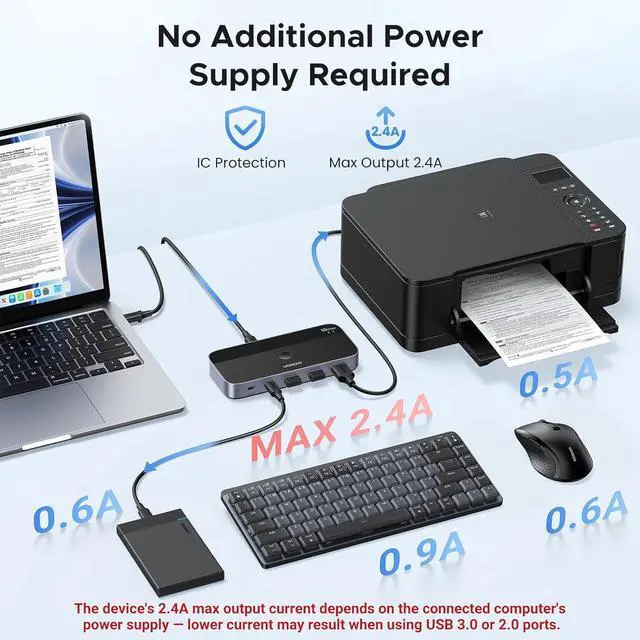
    • Performance Upgrade: Simple Plug and play and enough to drive most devices without additional power. The MAX power output is 2.4A, support switch work with keyboard, mouse, printer and hard driver without power supply.(Max output current depends on the connected computer's power supply lower current may result when using USB 3.0 or 2.0 ports.)
    +
    +
    Overview
    Specs
    Reviews
    avatar

    Any questions? Our AI beta will help you find out quickly.

    Connect both USB-C & -A
    Devices: The USB 3.2 switch provides 1 USB C port and 3 USB A ports for connecting various devices. 4 USB ports can extend the number of ports for two computers and improve work efficiency. (When using the switch with a USB hub, be careful not to connect too many high-power devices to avoid insufficient power supply. )
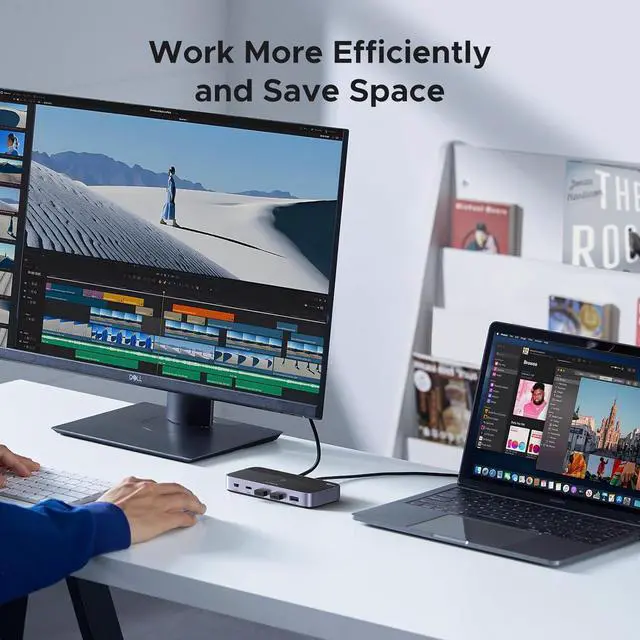
    Two Switching Modes: The USB switcher has two switching modesRemote control and button, switch devices freely as you like. You can hide the USB switch to tidy up the desktop and save space, and then use the remote to switch devices.

    Warranty & Returns

    Warranty, Returns, And Additional Information

    Warranty

    • Please contact the Seller directly for warranty information. Warranty information may also be found on the Manufacturer's website.
    • CONTACT

    Return Policies

    Manufacturer Contact Info

    LOADING...