




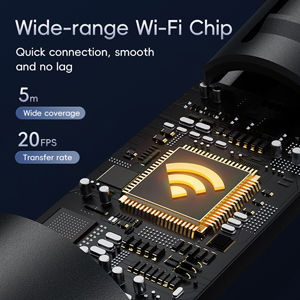
Smart WiFi Chip
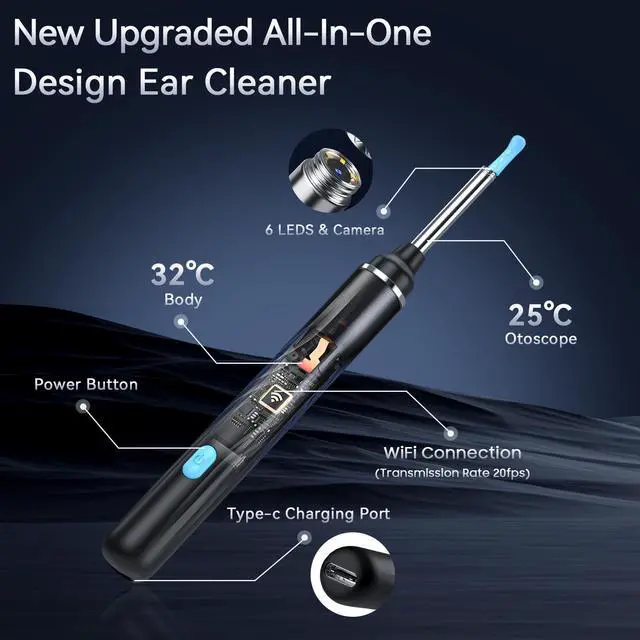
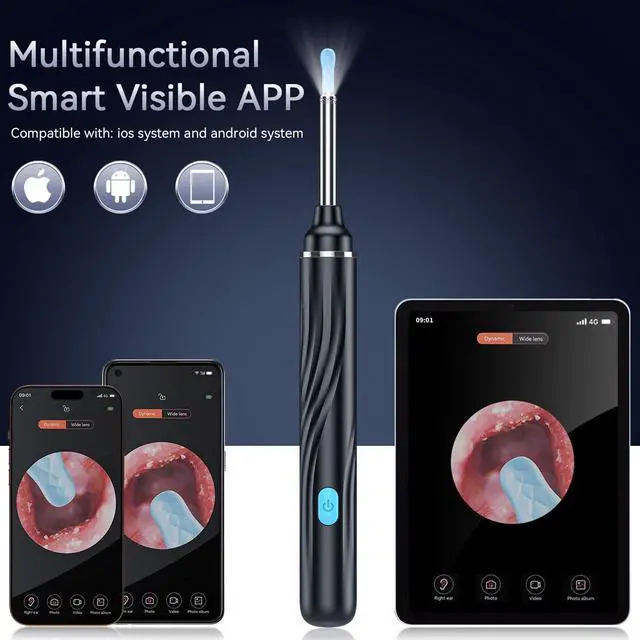
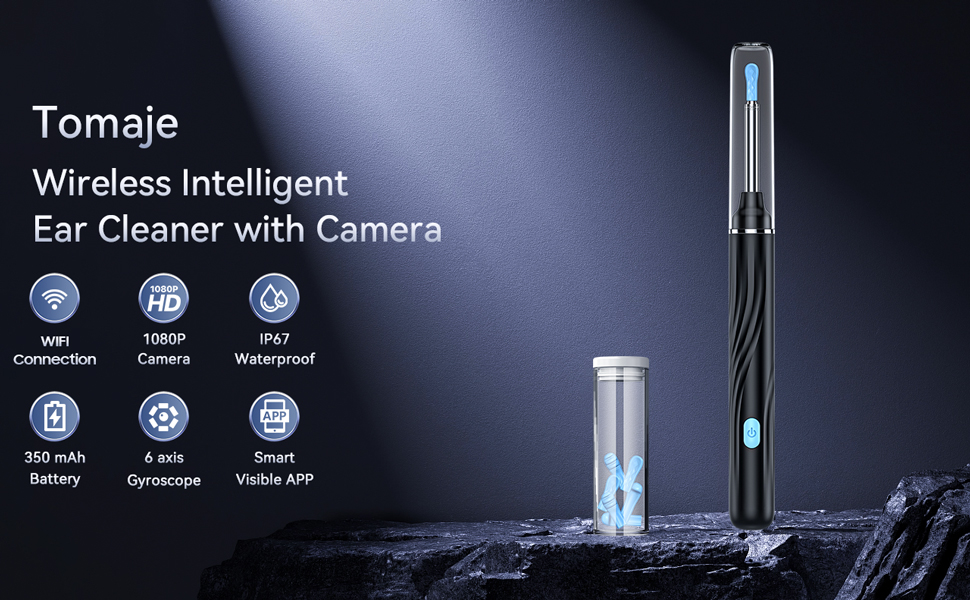
This ear wax removal tool camera features wide-range WiFi chip, with stable transmission and quick connection, which keeps 20fps transfer rate and 5m wide coverage.
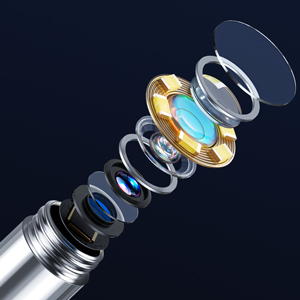
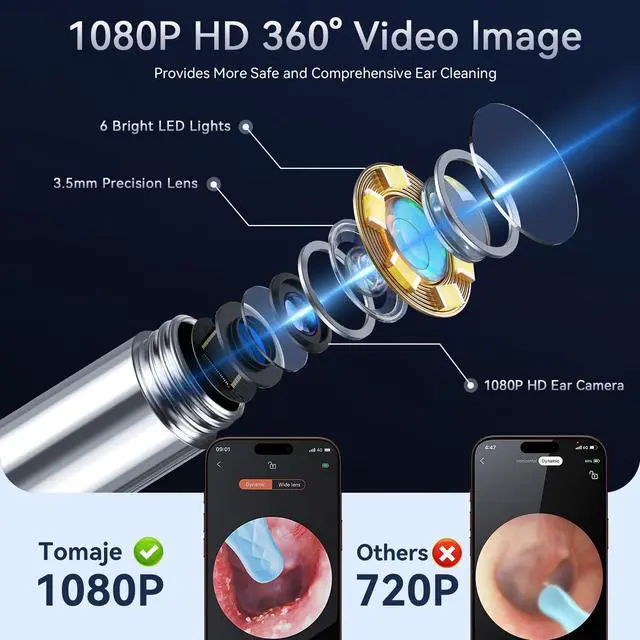
1080P HD Camera
This ear camera features a 8 million pixels high-precision camera, provides high quality and ridiculous real time images.
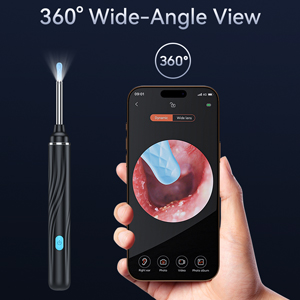
360° Wide-Angle View
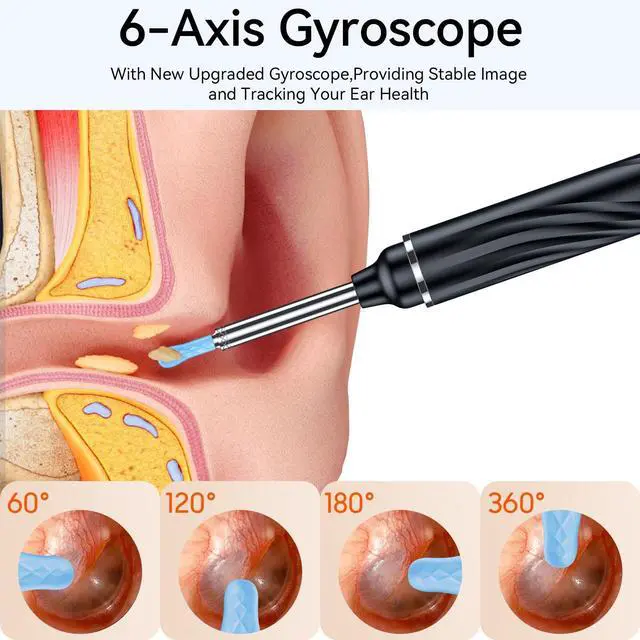
The ear cleaning camera not only features a 360° wide-angle lens to provide comprehensive coverage field of view, but built-in 6-axis gyroscope can provide stable and smooth image transmission when rotating, and keep video clear and on focus.
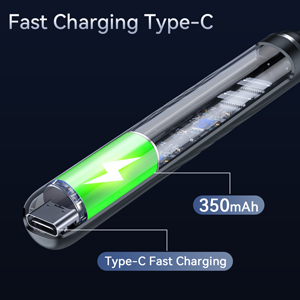
Fast Charging Type-C
Our ear cleaning tool features new upgraded fast charging Type-C port, which makes it just need 0.75 hour from 0 to 100 fully charged. With a 350 mAh battery can be used for 90 minutes and stand by 30 days after fully charged without anxiety about power.
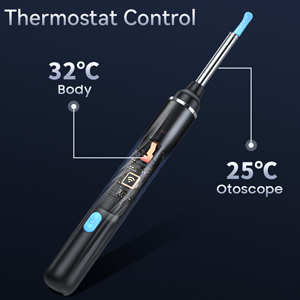
Temperature Control
Our ear wax remover with camera features a low-heating chip, which keeps temperature of the handle and lens close to the human body temperature.
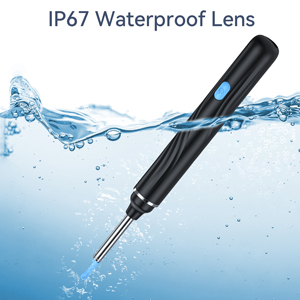
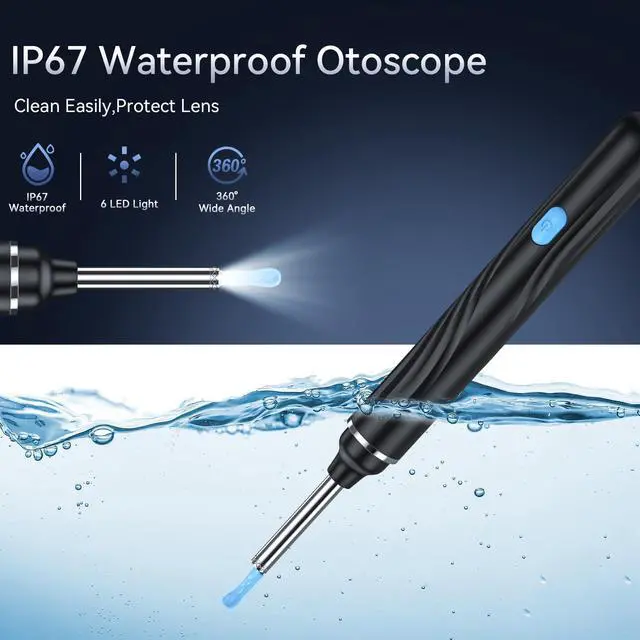
IP67 Waterproof Lens
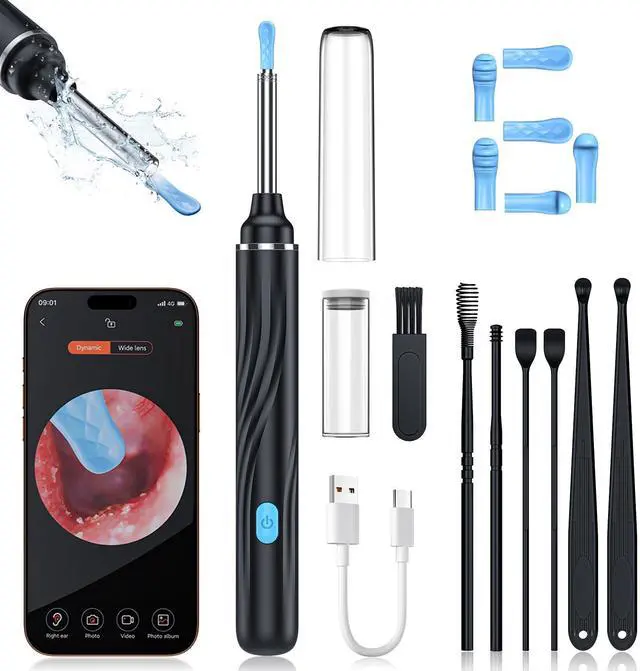
Our IP67 waterproof earwax camera is convenient for you to wipe and rinse with alcohol cotton and water.
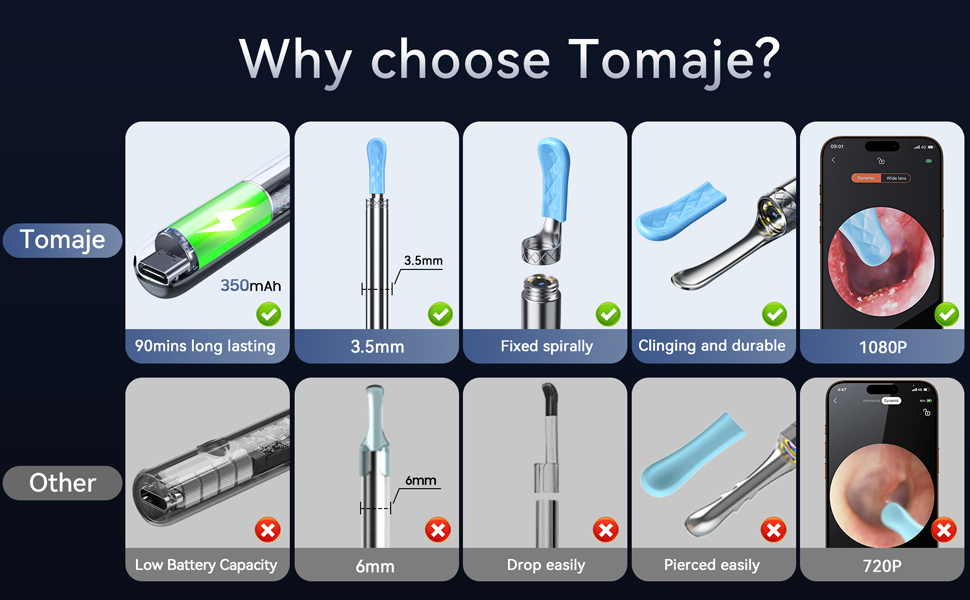
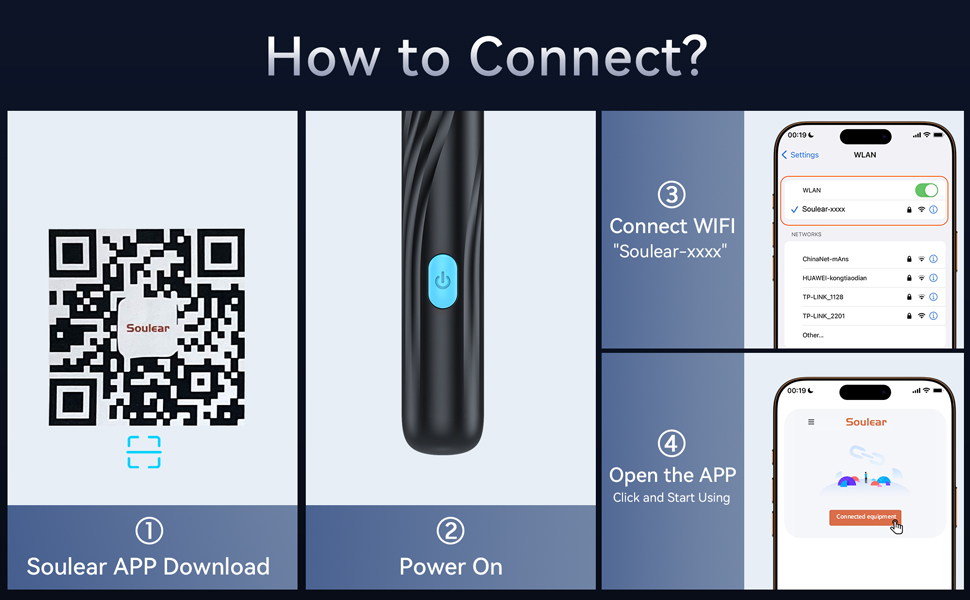
Troubleshooting
Can't be charged or turned on or light up
1.Please fully charge your ear wax removal camera first, or use another charging cable to check again.
2.If you don't often use your camera ear cleaner, please charge it once a month.
Your phone can't connect to your ear wax cleaner with camera
1.If other Wi-Fi coverage is strong, your otoscope camera signal will be affected by the Wi-Fi coverage. In this case, we recommend changing the environment to try again.
2.Confirm whether other phone is connecting to your ear camera WiFi, or whether your phone opens the permission of the App to connect to your phone.
App display abnormality includes lens blur or black screen
1.Please confirm whether your phone has the permission to open the APP to connect to your ear camera WiFi.
2.Please uninstall and reinstall APP to check and make sure you choose the right APP.
3.Please wipe the lens of your earwax remover with camera with a dry towel.
Warm Tips:
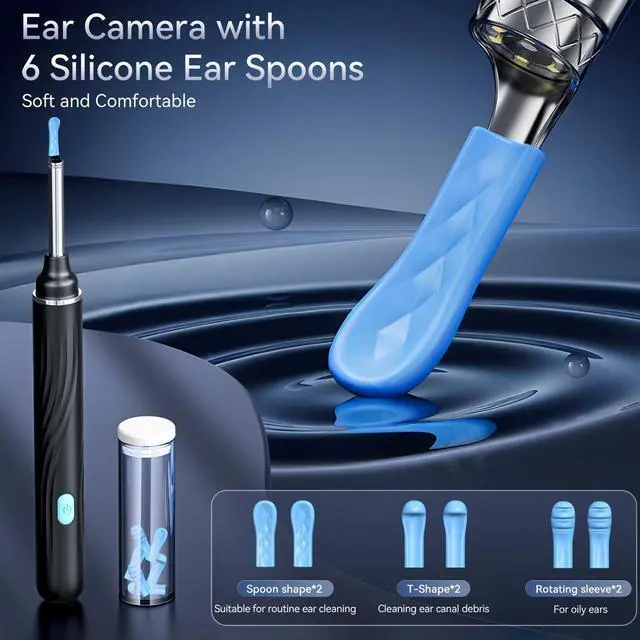
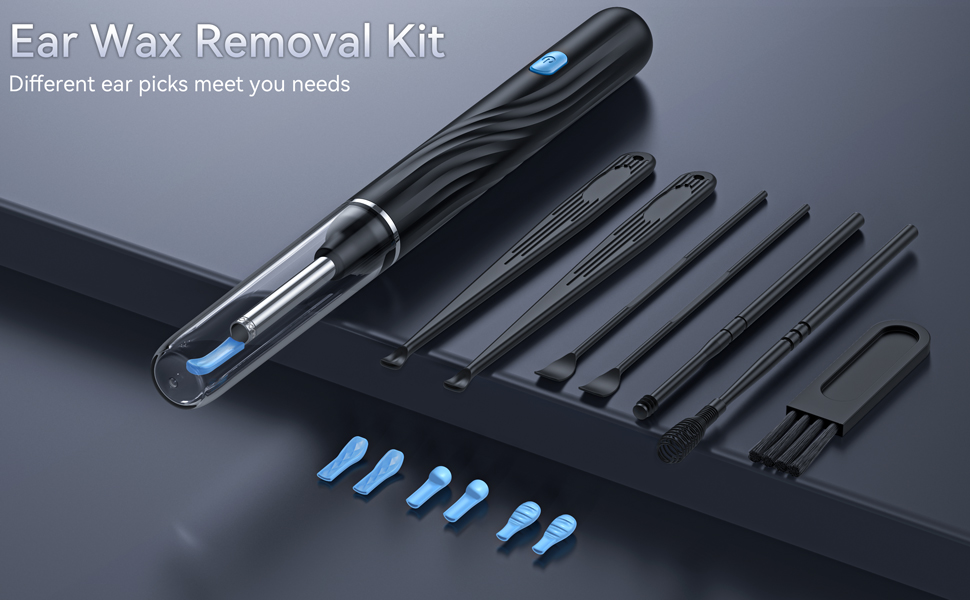
1. Please check metal ear spoon tightened and silicone sleeve in no damage and put the silicone sleeve tightly on the metal ear spoon before use.
2. Children should be supervised by an adult when using your ear wax removal tool camera.
3. It is not recommended for children under 4 years old and pets on the move.
4. Please keep your earwax removal tools out of the reach of children as much as possible.
5. For first-time use, please explore the ear canal gently and slowly.
6. Please follow the user manual for your first use.
7. Please do not use metal ear spoon directly to clean earwax.
8. Please do not use your ear cleaner with camera in charging.
9. Please do not put your ear camera near the fire source in any case.
10. Please do not charge your ear camera otoscope continuously for more than 1.5 hours.
11.If you just want to check the ear canal, could unscrew the metal ear spoon.
Smart WiFi Chip
This ear wax removal tool camera features wide-range WiFi chip, with stable transmission and quick connection, which keeps 20fps transfer rate and 5m wide coverage.
1080P HD Camera
This ear camera features a 8 million pixels high-precision camera, provides high quality and ridiculous real time images.
360° Wide-Angle View
The ear cleaning camera not only features a 360° wide-angle lens to provide comprehensive coverage field of view, but built-in 6-axis gyroscope can provide stable and smooth image transmission when rotating, and keep video clear and on focus.
Fast Charging Type-C
Our ear cleaning tool features new upgraded fast charging Type-C port, which makes it just need 0.75 hour from 0 to 100 fully charged. With a 350 mAh battery can be used for 90 minutes and stand by 30 days after fully charged without anxiety about power.
Temperature Control
Our ear wax remover with camera features a low-heating chip, which keeps temperature of the handle and lens close to the human body temperature.
IP67 Waterproof Lens
Our IP67 waterproof earwax camera is convenient for you to wipe and rinse with alcohol cotton and water.
Troubleshooting
Can't be charged or turned on or light up
1.Please fully charge your ear wax removal camera first, or use another charging cable to check again.
2.If you don't often use your camera ear cleaner, please charge it once a month.
Your phone can't connect to your ear wax cleaner with camera
1.If other Wi-Fi coverage is strong, your otoscope camera signal will be affected by the Wi-Fi coverage. In this case, we recommend changing the environment to try again.
2.Confirm whether other phone is connecting to your ear camera WiFi, or whether your phone opens the permission of the App to connect to your phone.
App display abnormality includes lens blur or black screen
1.Please confirm whether your phone has the permission to open the APP to connect to your ear camera WiFi.
2.Please uninstall and reinstall APP to check and make sure you choose the right APP.
3.Please wipe the lens of your earwax remover with camera with a dry towel.
Warm Tips:
1. Please check metal ear spoon tightened and silicone sleeve in no damage and put the silicone sleeve tightly on the metal ear spoon before use.
2. Children should be supervised by an adult when using your ear wax removal tool camera.
3. It is not recommended for children under 4 years old and pets on the move.
4. Please keep your earwax removal tools out of the reach of children as much as possible.
5. For first-time use, please explore the ear canal gently and slowly.
6. Please follow the user manual for your first use.
7. Please do not use metal ear spoon directly to clean earwax.
8. Please do not use your ear cleaner with camera in charging.
9. Please do not put your ear camera near the fire source in any case.
10. Please do not charge your ear camera otoscope continuously for more than 1.5 hours.
11.If you just want to check the ear canal, could unscrew the metal ear spoon.