




SUNKTA Milatary smart watch for men
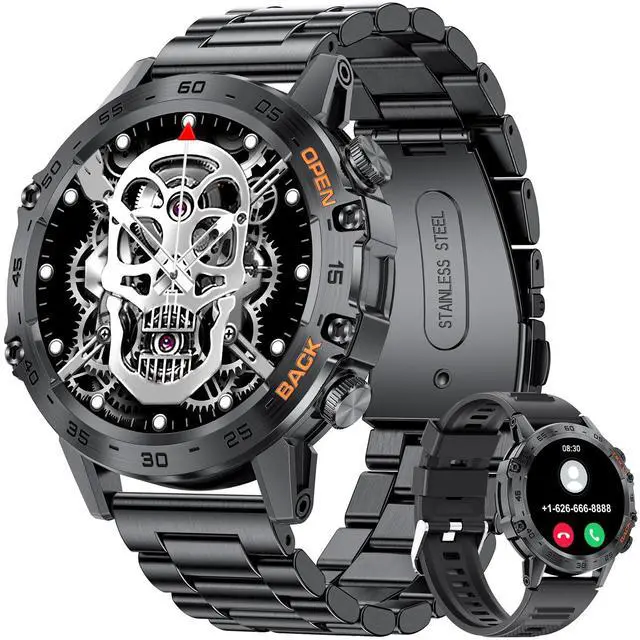
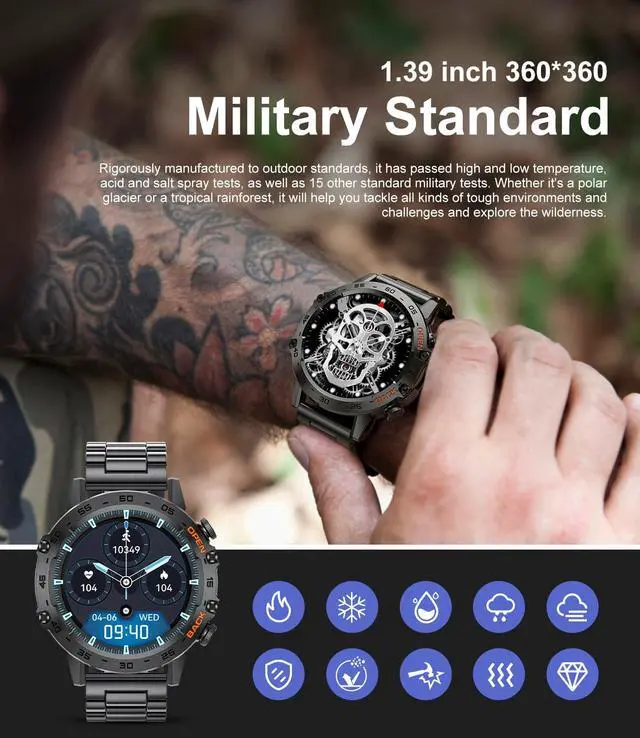
This military smartwatch is made of high-strength metal material and has undergone multiple outdoor environmental tests to ensure its waterproof and shockproof durability. The screen brightness is adjustable, making it easy to display time and other functions in various lighting conditions.
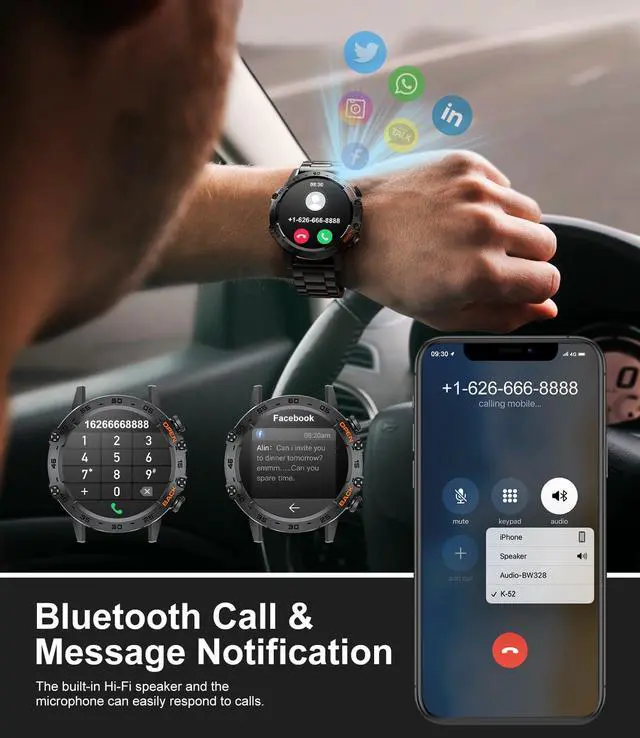
- Supports Bluetooth voice calls, message notifications, and music playback on the watch.
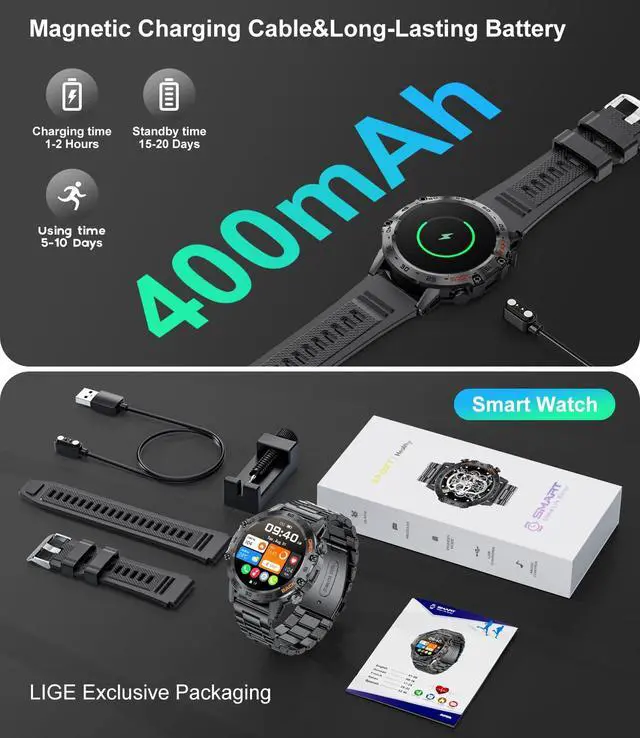
- The package includes two watch straps: black steel with black silicone and silver steel with orange silicone. You can choose the style that matches your social scenario.
- With a 400mAh large capacity battery, the device can last up to 30 days on standby and up to 10 days with regular use.
- The device features a one-button Bluetooth connection for easy operation.

Bluetooth call and message notification
- Intelligent call reminder, support for dialing, answering and refusing calls.
- You can add up to 10 frequently used contacts and browse through call records with ease.
- Intelligent synchronization of cell phone messages and vibration alert (reply messages are not supported).
- Supports various apps such as Twitter, Facebook, Instagram, SMS, WhatsApp, Email, WeChat, and more.
*When you receive multiple notifications, the smart watch may shorten the content of each notification. However, you can view the preview by clicking the title of each notification.


Multifunctional smartwatch
This men's smartwatch features multiple built-in functions and will be a great companion in your daily life.
- Weather Forecast(Fahrenheit/Celsius)
- AI Voice Assistant
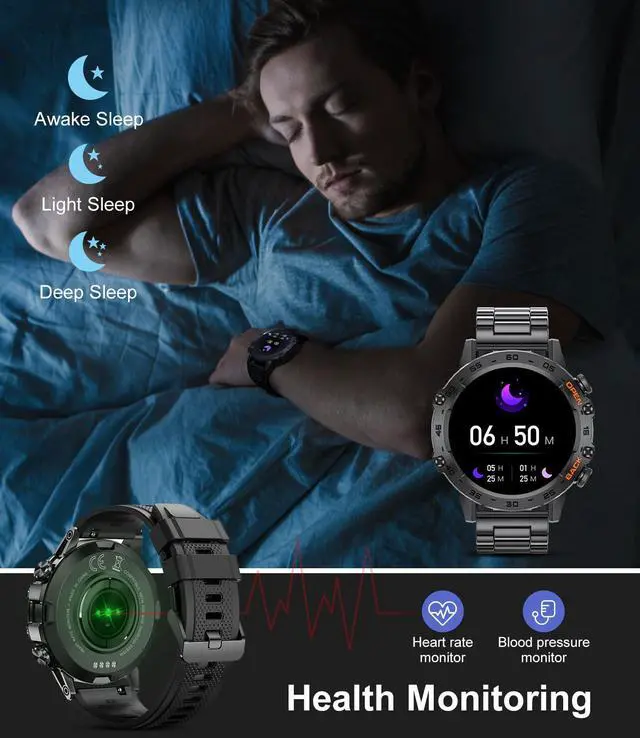
- Sleep Monitor
- 24-hour heart rate tracking
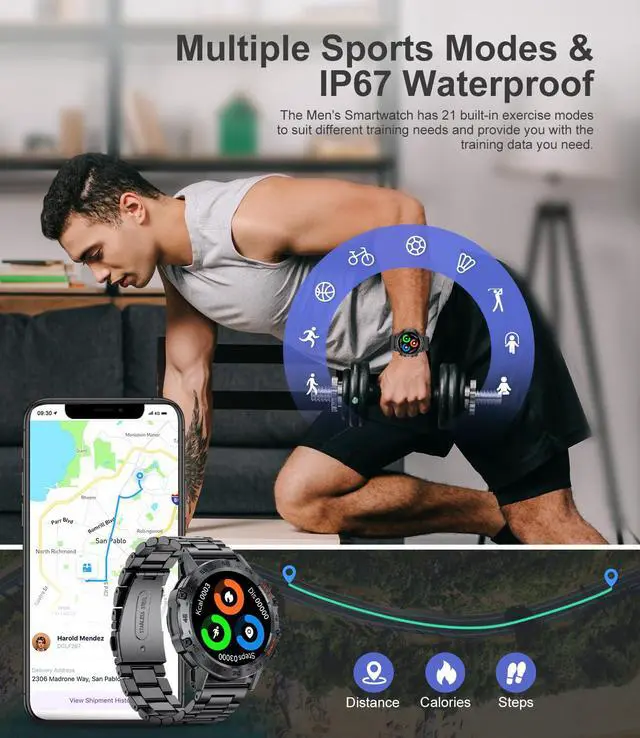
- Pedometer
- Music Players
- Real-time blood pressure/blood oxygen data
- Breathing exercises/Sedentary reminder/Drinking water reminder
- Stopwatch/Timer
- Alarm clock/Calculator
- Passcode Lock
- Find a phone / Find a watch
The weather forecast is out of sync with the mobile phone?I want to set it to Fahrenheit.
Check whether "weather push" is turned on in the "FitCloudPro”APP page.(Open the "FitCloudPro”APP>Click on the "Me" page >Click on "Units">Set your customary unit)

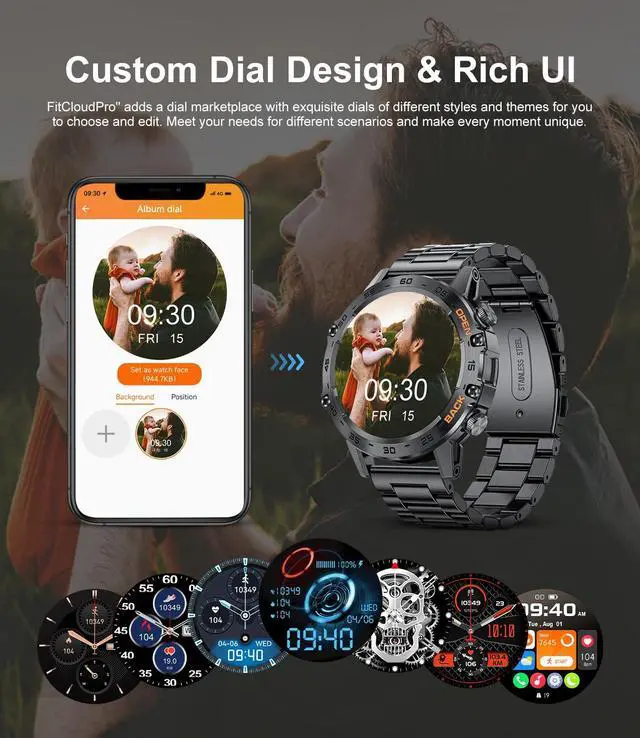
Customize your personal dial
Featuring a 1.39'' HD full touchscreen display with 360*360 pixels, this smartwatch provides super clear picture quality restoration. You can adjust the brightness to 5 levels, making it suitable for outdoor sports enthusiasts.
- 7 Local Classic UI
- Download the FitCloudPro app, which offers a selection of almost 200 UI designs to choose from.
- The app supports syncing various types of phone photos, such as selfies, family photos, pet photos, and landscapes, for you to use as your personalized dial.


Bluetooth connection steps
Must read for first use:
- How to connect with the samrt watch?
- Search “FitCloudPro” on Google Play or APP Store or scan it to download.
- Open the "FitCloudPro" APP,click the "+ Bind Device" button on the "Devices" screen.
- Tap "K-52" to pair.
- How to use Bluetooth voice call?
- Make sure that your watch has a Bluetooth connection with your mobile phone.
- Slide the watch screen to the right and click the "Call" icon.
- Check whether the smart watch turns on "Call audio".
- How to open "Media audio"?
- Swipe the screen to the right and click on the "phone icon" in the bottom left corner
- Open "Media audio"
- What to do if the band gets broken or the watch not hold a charge?
- For first use, long press the power button for 10 seconds to activate
- You can check whether there is dust in the charging port, if you still can't charge after wiping, please let us know to solve the problem for you!


SUNKTA Milatary smart watch for men
This military smartwatch is made of high-strength metal material and has undergone multiple outdoor environmental tests to ensure its waterproof and shockproof durability. The screen brightness is adjustable, making it easy to display time and other functions in various lighting conditions.
- Supports Bluetooth voice calls, message notifications, and music playback on the watch.
- The package includes two watch straps: black steel with black silicone and silver steel with orange silicone. You can choose the style that matches your social scenario.
- With a 400mAh large capacity battery, the device can last up to 30 days on standby and up to 10 days with regular use.
- The device features a one-button Bluetooth connection for easy operation.
Bluetooth call and message notification
- Intelligent call reminder, support for dialing, answering and refusing calls.
- You can add up to 10 frequently used contacts and browse through call records with ease.
- Intelligent synchronization of cell phone messages and vibration alert (reply messages are not supported).
- Supports various apps such as Twitter, Facebook, Instagram, SMS, WhatsApp, Email, WeChat, and more.
*When you receive multiple notifications, the smart watch may shorten the content of each notification. However, you can view the preview by clicking the title of each notification.
Multifunctional smartwatch
This men's smartwatch features multiple built-in functions and will be a great companion in your daily life.
- Weather Forecast(Fahrenheit/Celsius)
- AI Voice Assistant
- Sleep Monitor
- 24-hour heart rate tracking
- Pedometer
- Music Players
- Real-time blood pressure/blood oxygen data
- Breathing exercises/Sedentary reminder/Drinking water reminder
- Stopwatch/Timer
- Alarm clock/Calculator
- Passcode Lock
- Find a phone / Find a watch
The weather forecast is out of sync with the mobile phone?I want to set it to Fahrenheit.
Check whether "weather push" is turned on in the "FitCloudPro”APP page.(Open the "FitCloudPro”APP>Click on the "Me" page >Click on "Units">Set your customary unit)
Customize your personal dial
Featuring a 1.39'' HD full touchscreen display with 360*360 pixels, this smartwatch provides super clear picture quality restoration. You can adjust the brightness to 5 levels, making it suitable for outdoor sports enthusiasts.
- 7 Local Classic UI
- Download the FitCloudPro app, which offers a selection of almost 200 UI designs to choose from.
- The app supports syncing various types of phone photos, such as selfies, family photos, pet photos, and landscapes, for you to use as your personalized dial.
Bluetooth connection steps
Must read for first use:
- How to connect with the samrt watch?
- Search “FitCloudPro” on Google Play or APP Store or scan it to download.
- Open the "FitCloudPro" APP,click the "+ Bind Device" button on the "Devices" screen.
- Tap "K-52" to pair.
- How to use Bluetooth voice call?
- Make sure that your watch has a Bluetooth connection with your mobile phone.
- Slide the watch screen to the right and click the "Call" icon.
- Check whether the smart watch turns on "Call audio".
- How to open "Media audio"?
- Swipe the screen to the right and click on the "phone icon" in the bottom left corner
- Open "Media audio"
- What to do if the band gets broken or the watch not hold a charge?
- For first use, long press the power button for 10 seconds to activate
- You can check whether there is dust in the charging port, if you still can't charge after wiping, please let us know to solve the problem for you!