




On Find My App
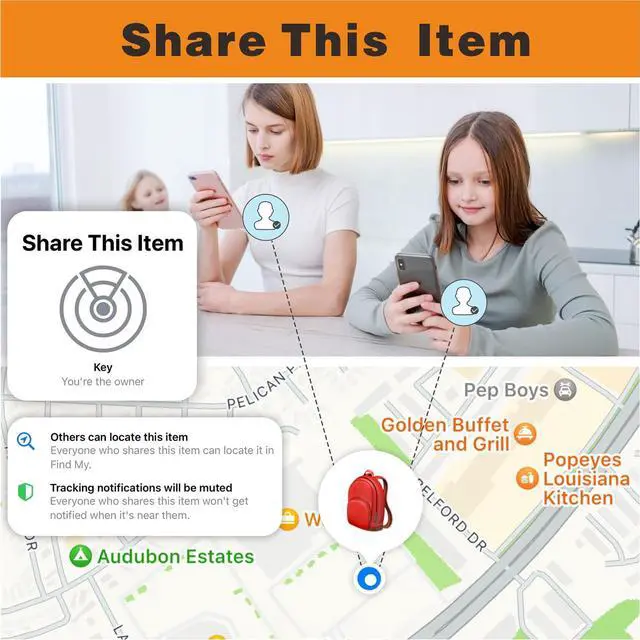
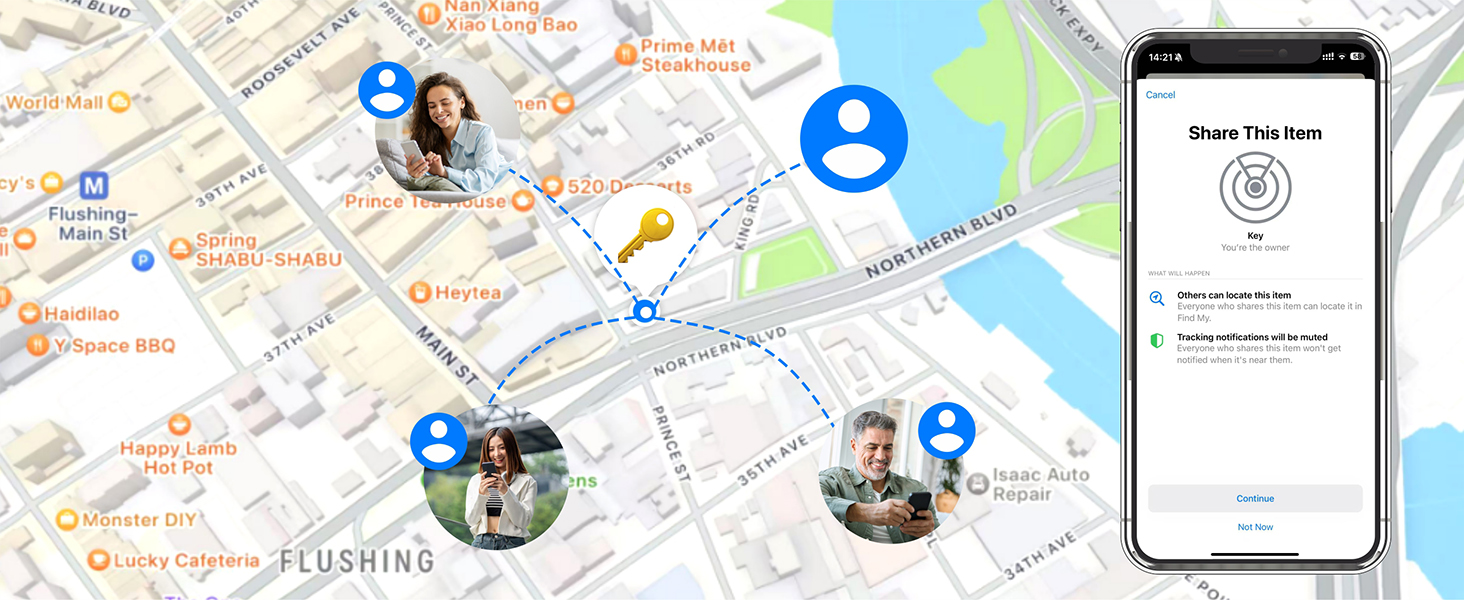
New function for IOS 17
Share your items with friends and family.(New function for IOS 17)
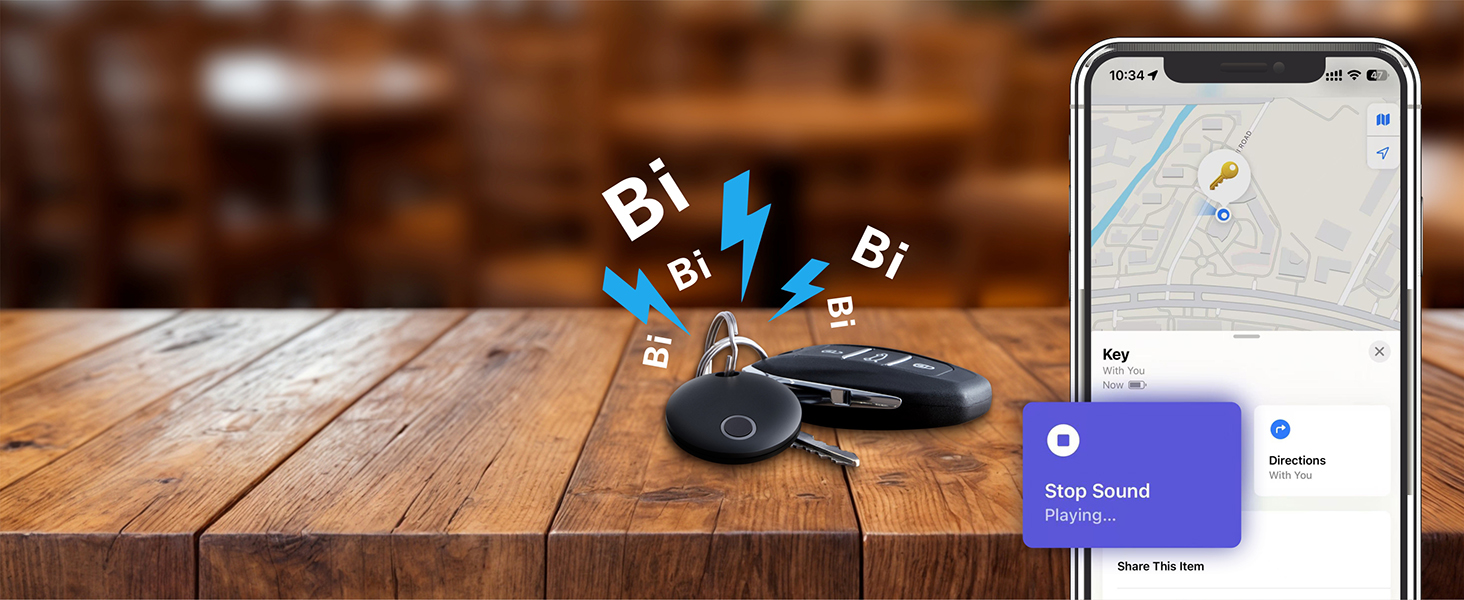
On Find My App
Ring loud up to 100dB
Ringing your "Item Finder" when it's within bluetooth range
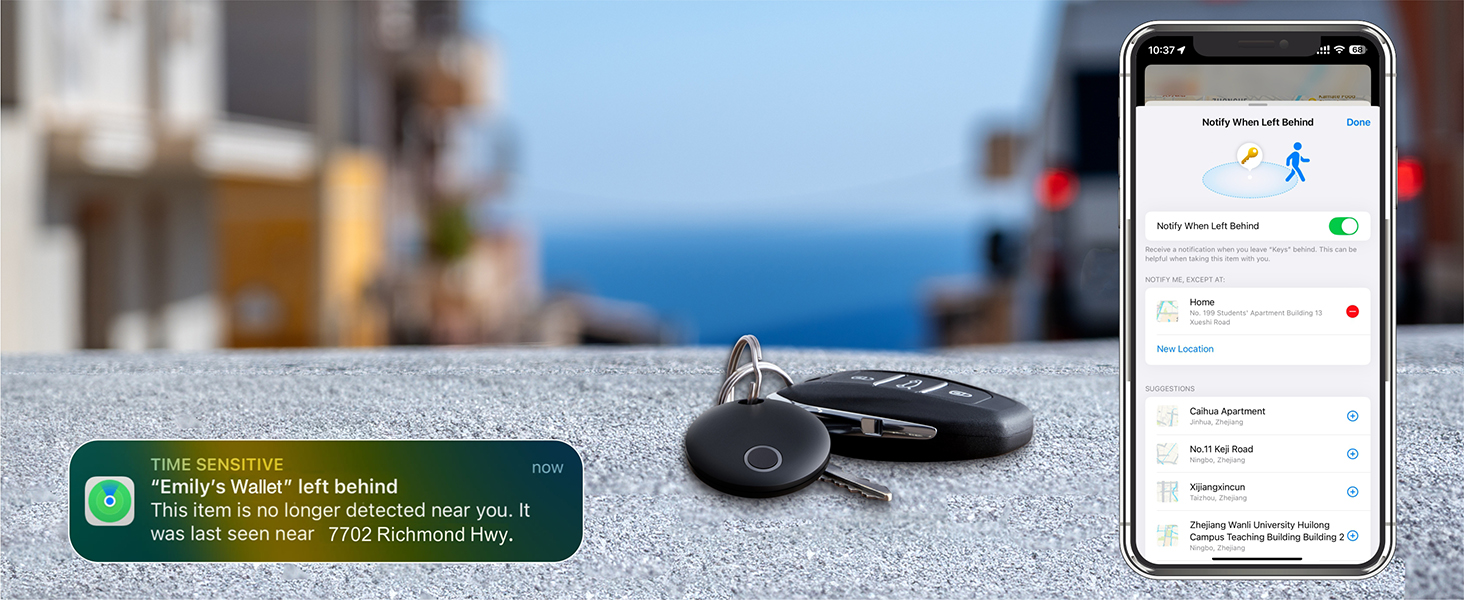
On Find My App
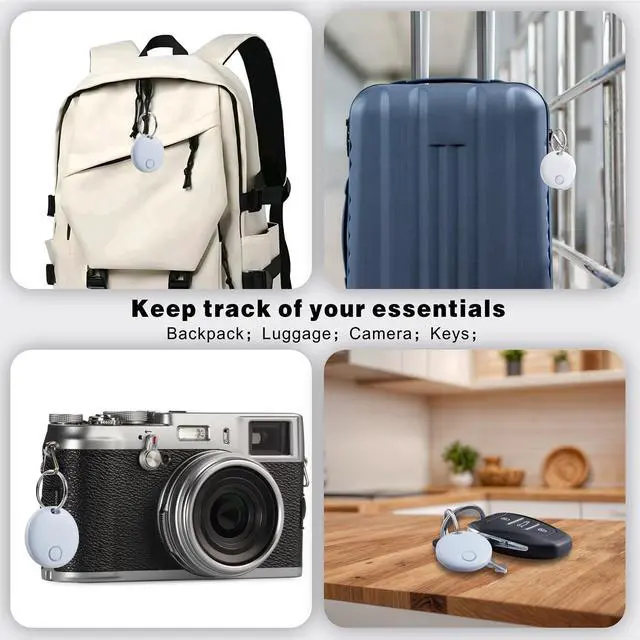
Never forgetting anymore
Turn on “Notify When Left Behind” in Find My to get free alerts if you leave your item behind.

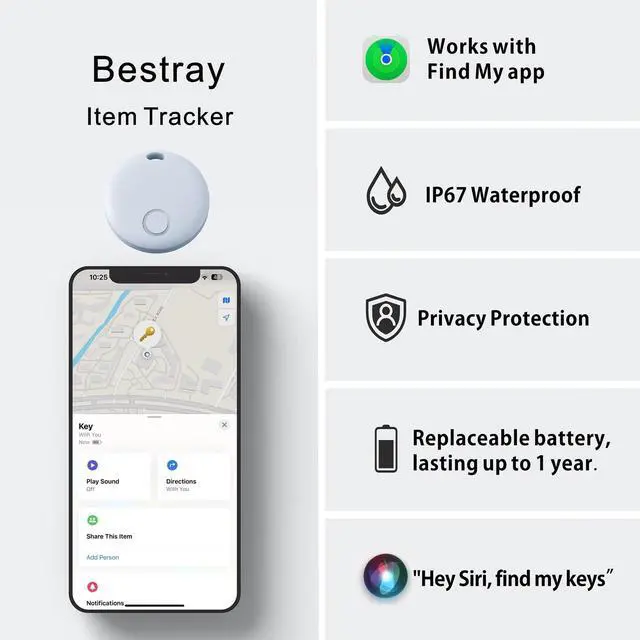
Lightweight

Up to 100db loud sound

IP67 Waterproof

Apple-Compatible Chip
How to Connect with Your Phone

If Your Locator isn't Working or Tracking Properly, Please Try the Following
1. Dead or Improperly Installed Battery
- Issue: Item Locator doesn’t turn on (no sound or reaction), won’t pair.
- Solution:
1. Open the Item Locator and check the CR2032 battery. 2. Replace it if necessary. 3. Make sure the battery is properly seated (some CR2032 batteries with a bitter coating don’t work well with Item Locator).
2. Bluetooth or Location Services Disabled
- Issue: Item Locator isn’t updating location or tracking accurately.
- Solution:
1. Make sure Bluetooth and Location Services are enabled on your iPhone. 2. Settings > Privacy & Security > Location Services ? On 3. Settings > Bluetooth ? On
3. Out of Bluetooth Range or No Nearby Devices
- Issue: Item Locator is “Not Found” or Location is Not Updating.
- Explanation: Item Locator only updates its location when : It's near your iPhone (within \~10-30 meters) OR another nearby Apple device is in range to help update its location via Apple’s Find My network
- *Solution:
1. Move closer to the Item Locator. 2. If in a remote area with no Apple devices nearby, tracking may not update.
4. Software or Setup Glitches
- Solution:
1. Restart your iPhone.
2. Reset the Item Locator: Press the button 4 times rapidly and then hold it a fifth time until you hear a ring chime. Try pairing again.



Bestray's brand philosophy is "Guarded by Technology, Peace of Mind On the Go."
We focus on bringing smart technology into everyday life. With the Smart Tag as our main product, Bestray helps users easily and securely track items like keys, wallets, and luggage. Our goal is to prevent loss and offer peace of mind—because we believe technology should make life safer and simpler.
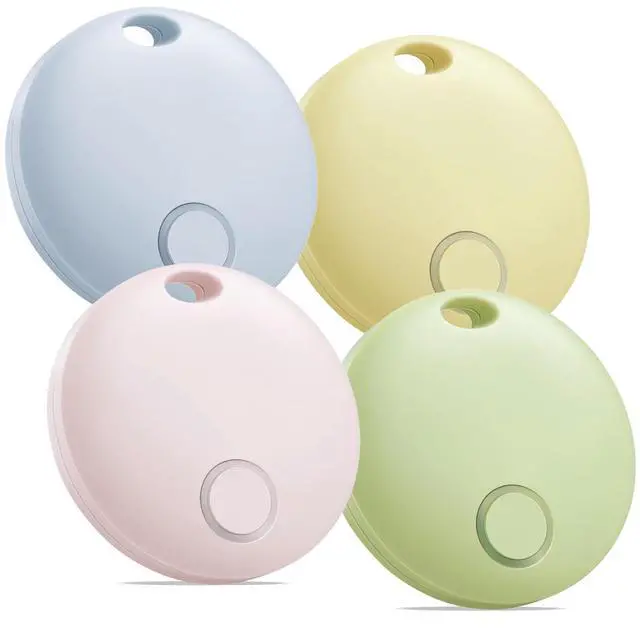
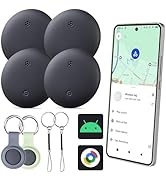
Bestray Finder
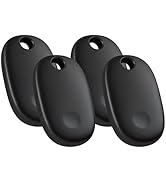
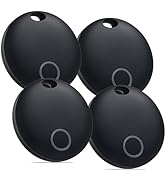
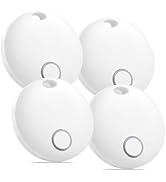
Bestray Tracker Tags
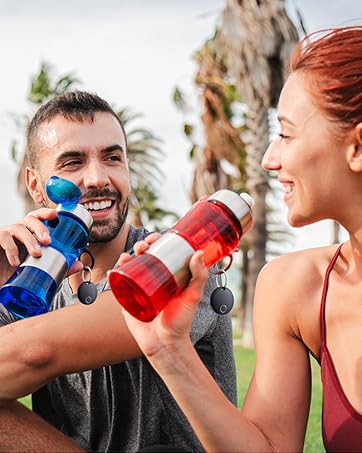
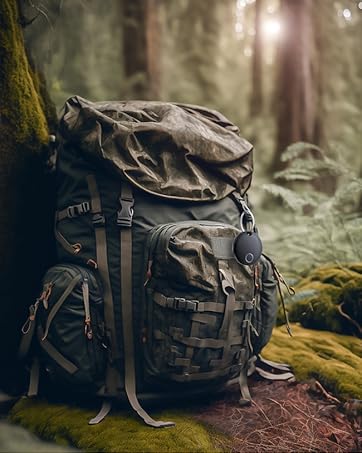
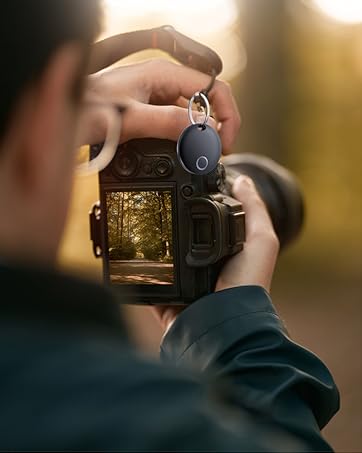

On Find My App
New function for IOS 17
Share your items with friends and family.(New function for IOS 17)
On Find My App
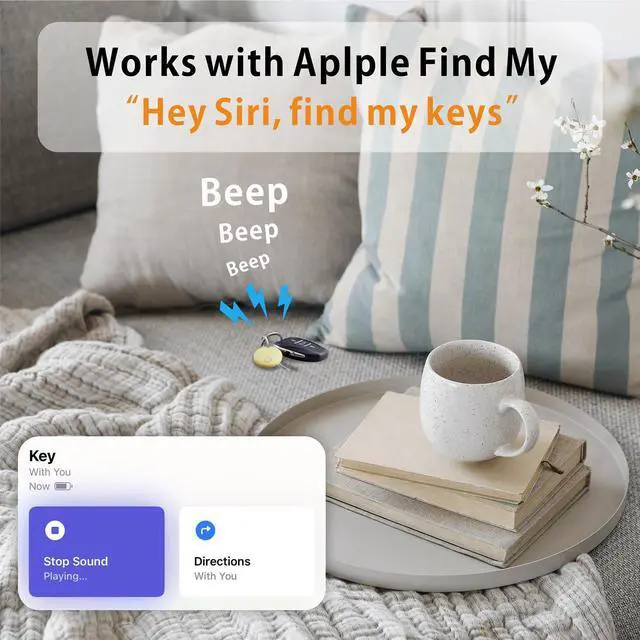
Ring loud up to 100dB
Ringing your "Item Finder" when it's within bluetooth range
On Find My App
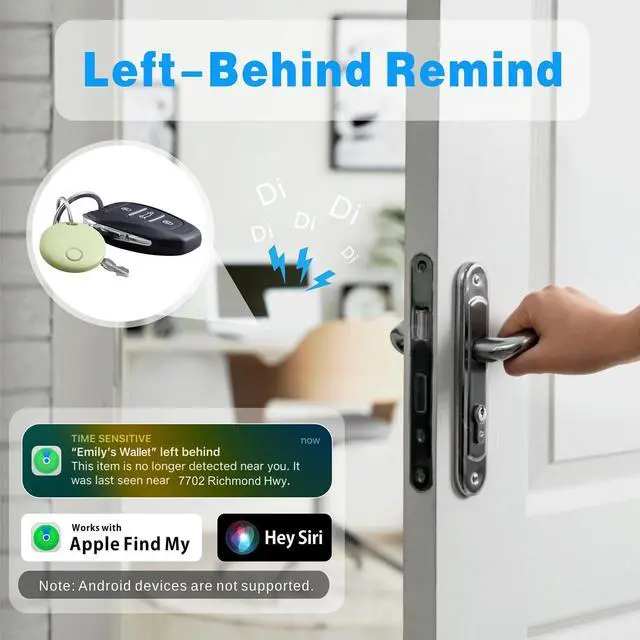
Never forgetting anymore
Turn on “Notify When Left Behind” in Find My to get free alerts if you leave your item behind.


Lightweight
Up to 100db loud sound
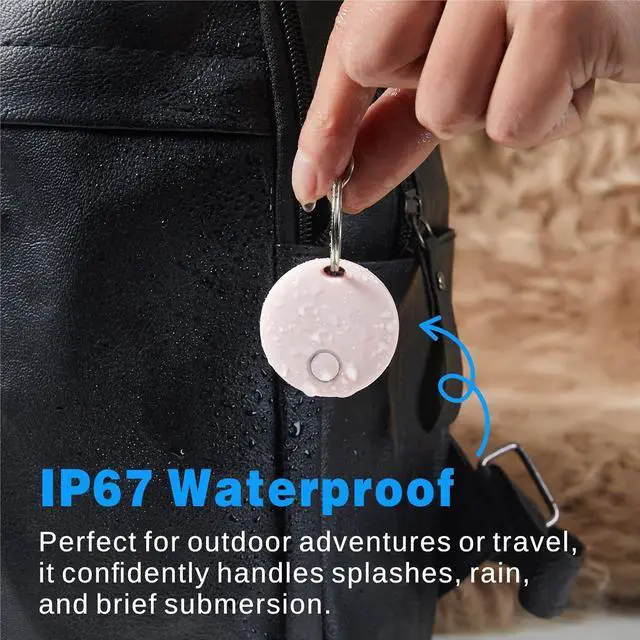
IP67 Waterproof
Apple-Compatible Chip
How to Connect with Your Phone

If Your Locator isn't Working or Tracking Properly, Please Try the Following
1. Dead or Improperly Installed Battery
- Issue: Item Locator doesn’t turn on (no sound or reaction), won’t pair.
- Solution:
1. Open the Item Locator and check the CR2032 battery. 2. Replace it if necessary. 3. Make sure the battery is properly seated (some CR2032 batteries with a bitter coating don’t work well with Item Locator).
2. Bluetooth or Location Services Disabled
- Issue: Item Locator isn’t updating location or tracking accurately.
- Solution:
1. Make sure Bluetooth and Location Services are enabled on your iPhone. 2. Settings > Privacy & Security > Location Services ? On 3. Settings > Bluetooth ? On
3. Out of Bluetooth Range or No Nearby Devices
- Issue: Item Locator is “Not Found” or Location is Not Updating.
- Explanation: Item Locator only updates its location when : It's near your iPhone (within \~10-30 meters) OR another nearby Apple device is in range to help update its location via Apple’s Find My network
- *Solution:
1. Move closer to the Item Locator. 2. If in a remote area with no Apple devices nearby, tracking may not update.
4. Software or Setup Glitches
- Solution:
1. Restart your iPhone.
2. Reset the Item Locator: Press the button 4 times rapidly and then hold it a fifth time until you hear a ring chime. Try pairing again.

Bestray's brand philosophy is "Guarded by Technology, Peace of Mind On the Go."
We focus on bringing smart technology into everyday life. With the Smart Tag as our main product, Bestray helps users easily and securely track items like keys, wallets, and luggage. Our goal is to prevent loss and offer peace of mind—because we believe technology should make life safer and simpler.
Bestray Finder
Bestray Tracker Tags