




FONVOi

Loud Sound & Anti-Loss Alert
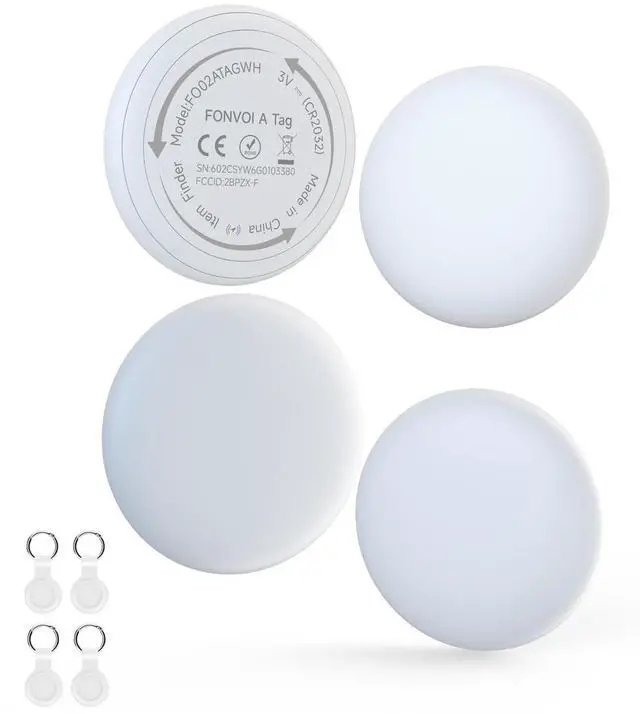
- A reliable item tracking solution designed for Apple users, FONVOi A Tag combines advanced Bluetooth 5.3 technology with user-friendly features to keep your personal belongings like keys and wallets within reach. Compact and durable, it’s your perfect companion for daily use and travel.
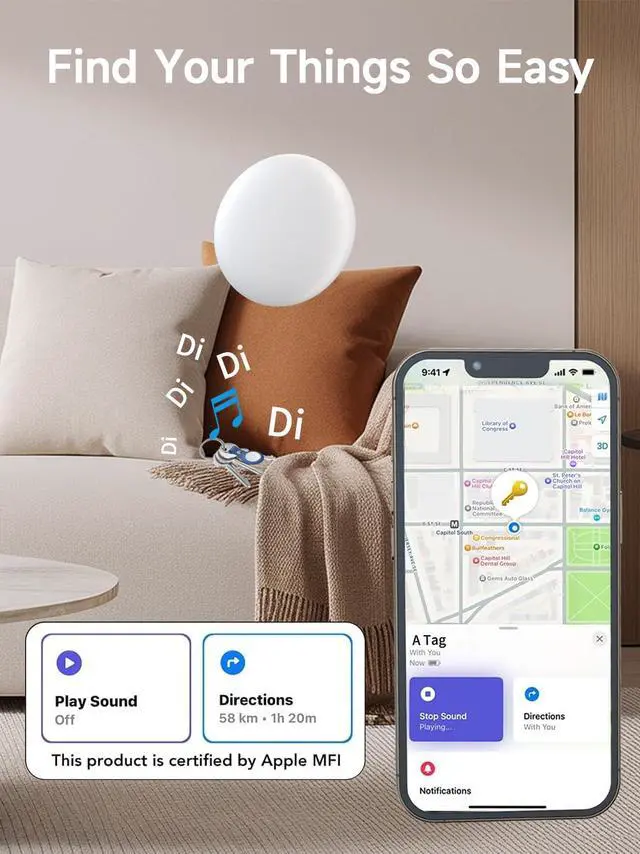
- Activate the 85dB built-in speaker via the app to locate nearby items by sound. The tracker also triggers an alert on your phone if it’s separated from your device, preventing accidental loss.
- A replaceable CR2032 battery provides up to 360 days of use, and the "Find My" app alerts you when power is low, ensuring you never miss a reminder.
Find My MFi Certified

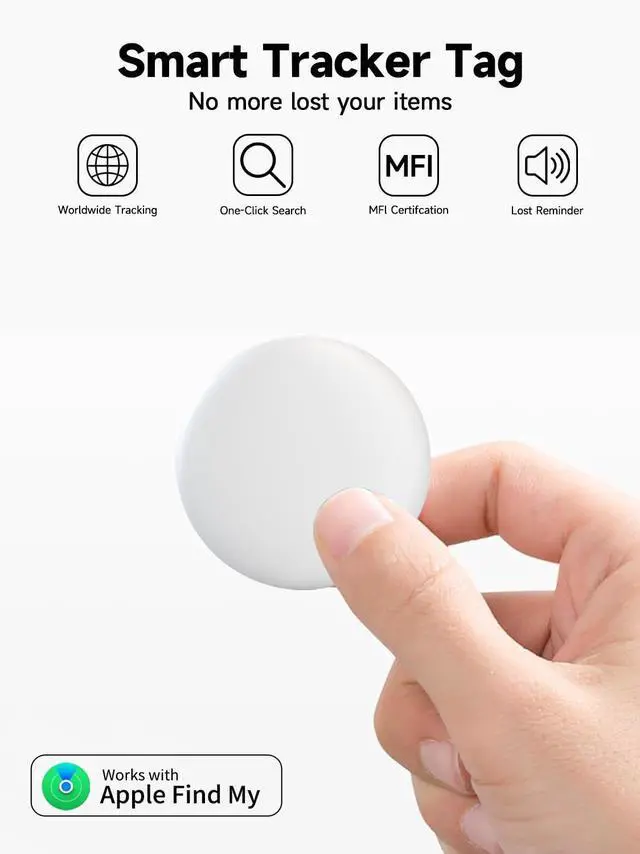
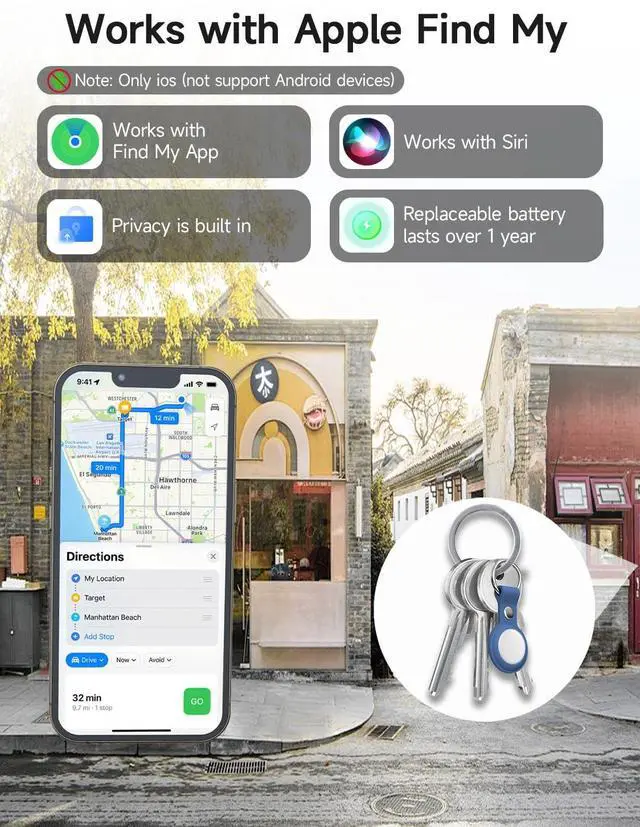
- Officially MFi certified, the tracker works exclusively with iOS devices (iOS 12.0+) and integrates seamlessly with Apple's "Find My" network. Enjoy reliable compatibility and secure connection with iPhone, iPad, and iPod touch.
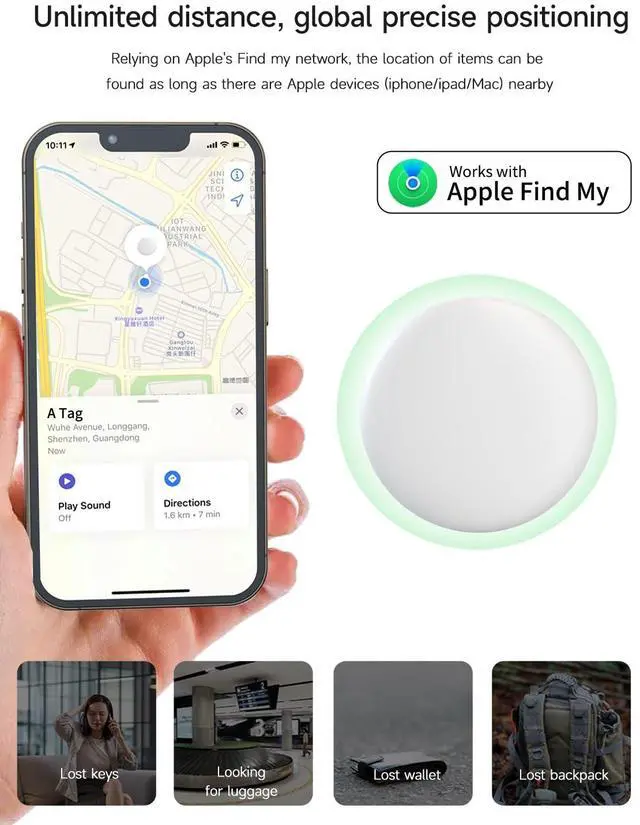
- Leveraging Apple's massive "Find My" network, the tracker can be located even when out of Bluetooth range. Encrypted location data is sent to your iOS device, enabling cross-city item retrieval with the power of millions of Apple devices.
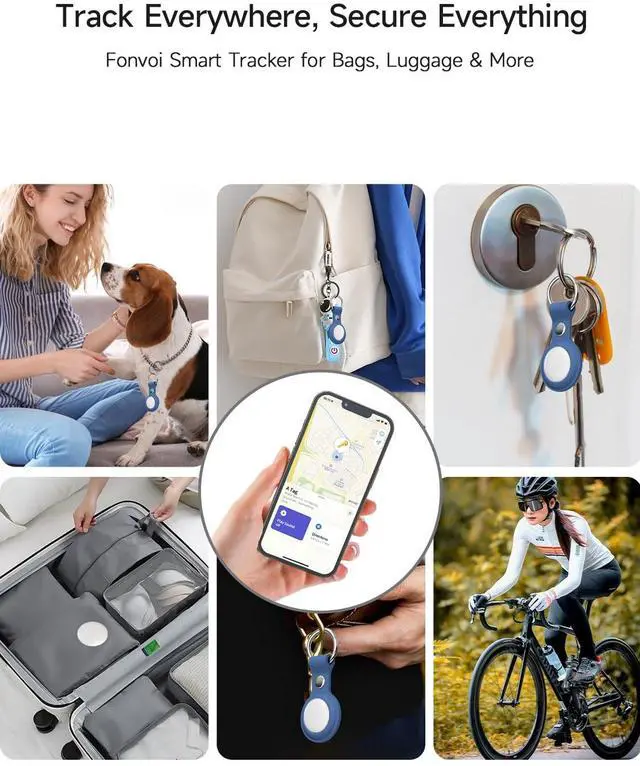
- Home Supplies Fix on remote controls, power banks, or small home appliances. The location record function helps you find them quickly when misplaced at home.
- Valuable Belongings Use with cameras, laptops, or musical instruments. Rely on Apple's "Find My" network to trace the last known position if lost.
- Travel & Commute Stick inside suitcases or backpacks. Track their real-time location during airport transfers or road trips, avoiding misplacement .
- Travel & Commute Stick inside suitcases or backpacks. Track their real-time location during airport transfers or road trips, avoiding misplacement .
How to Use

Quick Pairing (30 Seconds)
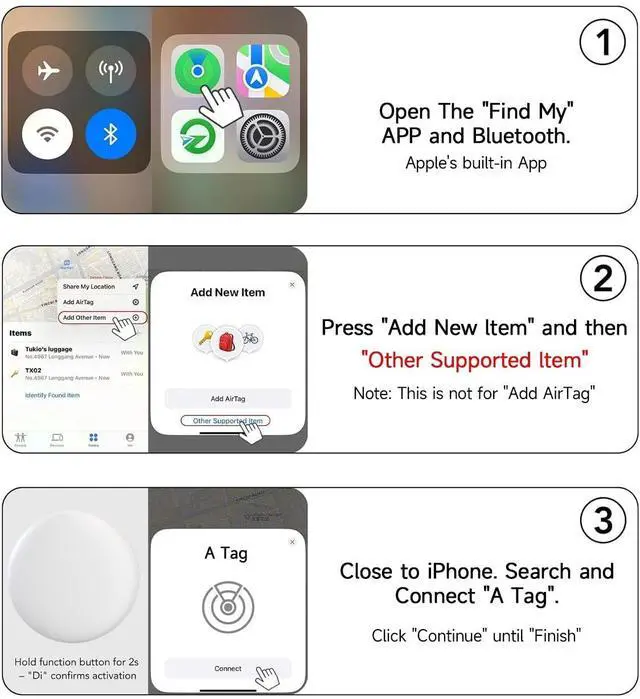
Ensure your iOS device is updated to iOS 12.0+ and open the "Find My" app (no extra app download needed).
English: Item Locating Methods
- Near Distance: Tap "Play Sound" in the app, and follow the beep to find the tracker.
- Long Distance: Check the "Last Seen" location in the app; the crowd-sourced network will update the latest position once detected .
English: Anti-Loss Mode Setup
Go to the app’s settings, enable "Separation Alert," and set the safe range (10-50ft). Your phone and tracker will both alert if separated.
FONVOi
Loud Sound & Anti-Loss Alert
- A reliable item tracking solution designed for Apple users, FONVOi A Tag combines advanced Bluetooth 5.3 technology with user-friendly features to keep your personal belongings like keys and wallets within reach. Compact and durable, it’s your perfect companion for daily use and travel.
- Activate the 85dB built-in speaker via the app to locate nearby items by sound. The tracker also triggers an alert on your phone if it’s separated from your device, preventing accidental loss.
- A replaceable CR2032 battery provides up to 360 days of use, and the "Find My" app alerts you when power is low, ensuring you never miss a reminder.
Find My MFi Certified
- Officially MFi certified, the tracker works exclusively with iOS devices (iOS 12.0+) and integrates seamlessly with Apple's "Find My" network. Enjoy reliable compatibility and secure connection with iPhone, iPad, and iPod touch.
- Leveraging Apple's massive "Find My" network, the tracker can be located even when out of Bluetooth range. Encrypted location data is sent to your iOS device, enabling cross-city item retrieval with the power of millions of Apple devices.
- Home Supplies Fix on remote controls, power banks, or small home appliances. The location record function helps you find them quickly when misplaced at home.
- Valuable Belongings Use with cameras, laptops, or musical instruments. Rely on Apple's "Find My" network to trace the last known position if lost.
- Travel & Commute Stick inside suitcases or backpacks. Track their real-time location during airport transfers or road trips, avoiding misplacement .
- Travel & Commute Stick inside suitcases or backpacks. Track their real-time location during airport transfers or road trips, avoiding misplacement .
How to Use
Quick Pairing (30 Seconds)
Ensure your iOS device is updated to iOS 12.0+ and open the "Find My" app (no extra app download needed).
English: Item Locating Methods
- Near Distance: Tap "Play Sound" in the app, and follow the beep to find the tracker.
- Long Distance: Check the "Last Seen" location in the app; the crowd-sourced network will update the latest position once detected .
English: Anti-Loss Mode Setup
Go to the app’s settings, enable "Separation Alert," and set the safe range (10-50ft). Your phone and tracker will both alert if separated.