here!
here!
I’m your shopping assistant for PC builds, upgrades, and everything tech.
Got questions? Ask away!
Start a conversation
here!
I’m your shopping assistant for PC builds, upgrades, and everything tech.
Got questions? Ask away!
Start a conversation



Any questions? Ask CelesteSM will help you find out quickly.
Previously Working TL/SL LCD Fans Now Uncontrollable (e.g. 2 or 3 fans, one screen fails to respond)
1.Confirm power source SATA or an external PSU.
2.L3 latest version.
3.Uninstall it from device manager, shut down, unplug and replug the fans, then restart to force Windows to rescan USB devices.
4. Remove USB cable and clean USB path.
LCD Appears in L3 Utility But Won’t Respond
1.Confirm power source SATA or an external PSU.
2.L3 latest version.
3.Switch to another tab and back, then click the LCD group again. If the fan disappears, click Restart LCD to reinitialize USB.
LCD Screen(s) Missing or Unresponsive, but Device Manager Detects Device
1.Limit total connected USB devices per USB 2.0 port to 6.
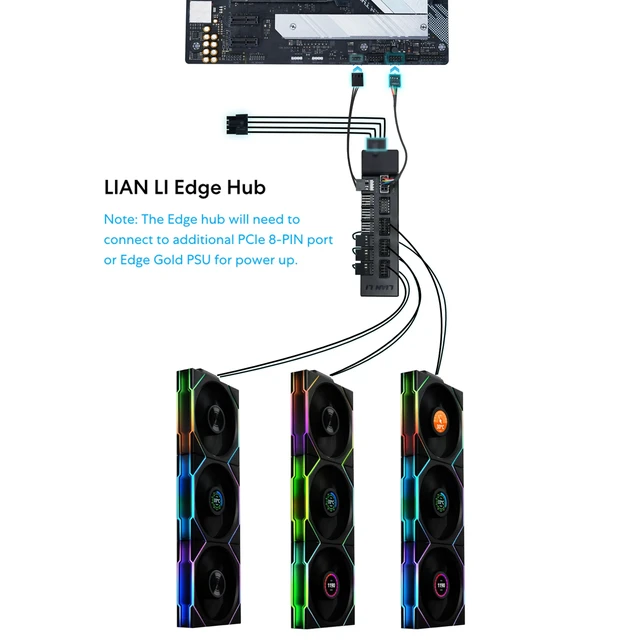
2. If you have two fans in one group and three in another, and also USB from AIO/pump, we recommend using EDGE USB PWM Fan Hub(EG-HUB01) or EDGE GOLD/ Platinum PSUs.
The fan is only showing partial lighting
1. Check if the power is connected to SATA.
2. Swap the receiver between different fan groups to check if it's the receiver causing the issue.
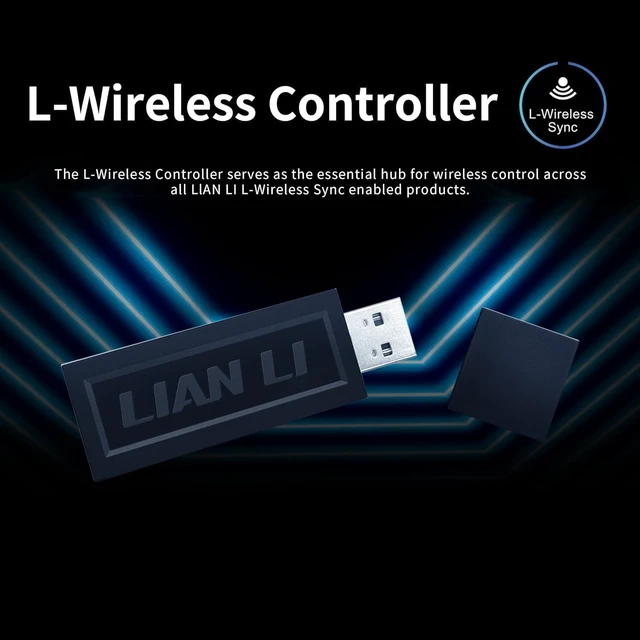
Faulty Wireless Dongle – Signs and Symptoms RMA dongle
1.Binding/unbinding and lightbulb click works, but lighting signals are received inconsistently or slowly by some fans.
2.L3 takes a long time to launch or until restart.
3.Lighting effects like Quick Sync or Merge show jittering/glitching.





Previously Working TL/SL LCD Fans Now Uncontrollable (e.g. 2 or 3 fans, one screen fails to respond)
1.Confirm power source SATA or an external PSU.
2.L3 latest version.
3.Uninstall it from device manager, shut down, unplug and replug the fans, then restart to force Windows to rescan USB devices.
4. Remove USB cable and clean USB path.
LCD Appears in L3 Utility But Won’t Respond
1.Confirm power source SATA or an external PSU.
2.L3 latest version.
3.Switch to another tab and back, then click the LCD group again. If the fan disappears, click Restart LCD to reinitialize USB.
LCD Screen(s) Missing or Unresponsive, but Device Manager Detects Device
1.Limit total connected USB devices per USB 2.0 port to 6.
2. If you have two fans in one group and three in another, and also USB from AIO/pump, we recommend using EDGE USB PWM Fan Hub(EG-HUB01) or EDGE GOLD/ Platinum PSUs.
The fan is only showing partial lighting
1. Check if the power is connected to SATA.
2. Swap the receiver between different fan groups to check if it's the receiver causing the issue.
Faulty Wireless Dongle – Signs and Symptoms RMA dongle
1.Binding/unbinding and lightbulb click works, but lighting signals are received inconsistently or slowly by some fans.
2.L3 takes a long time to launch or until restart.
3.Lighting effects like Quick Sync or Merge show jittering/glitching.










| Brand | Lian Li |
| Power Connector Type | 4-Pin |
| Voltage | 12 volts_of_alternating_current |
| Wattage | 4.5 watts |
| Cooling Method | Air |
| Compatible Devices | Desktop |
| Noise Level | 34 db |
| Material | Plastic |
| Maximum Rotational Speed | 2300 rpm |
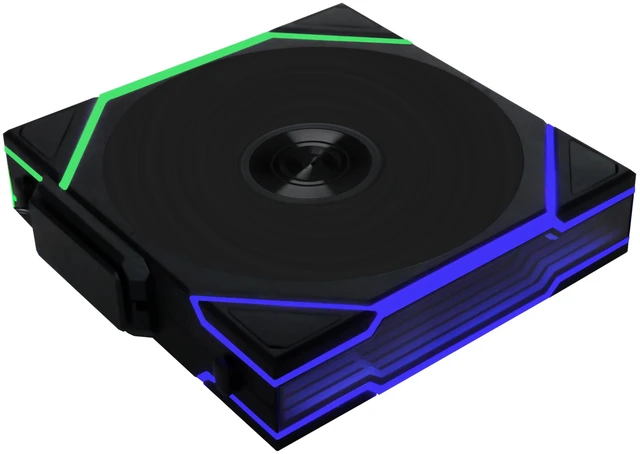
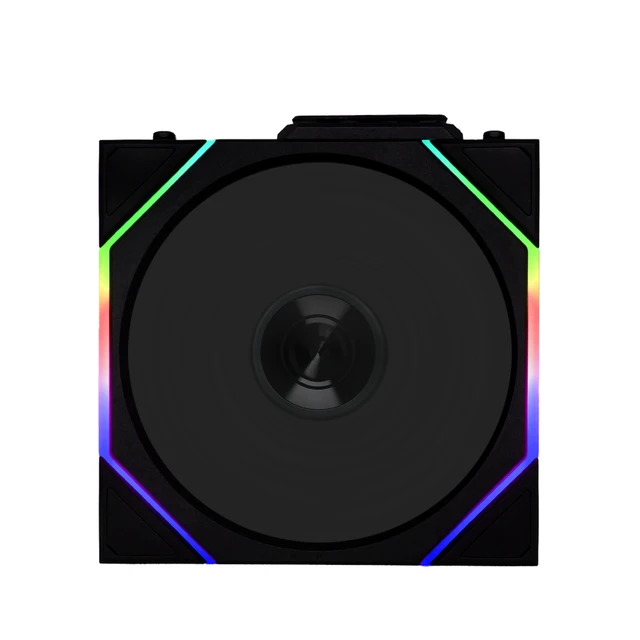
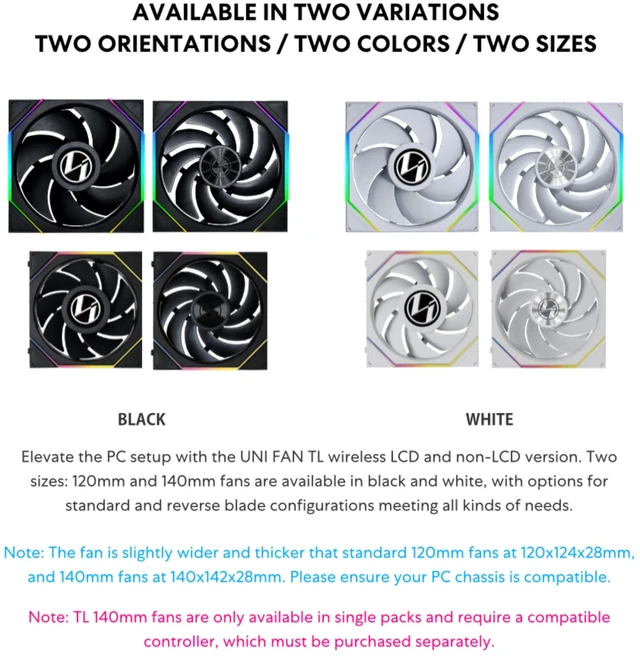
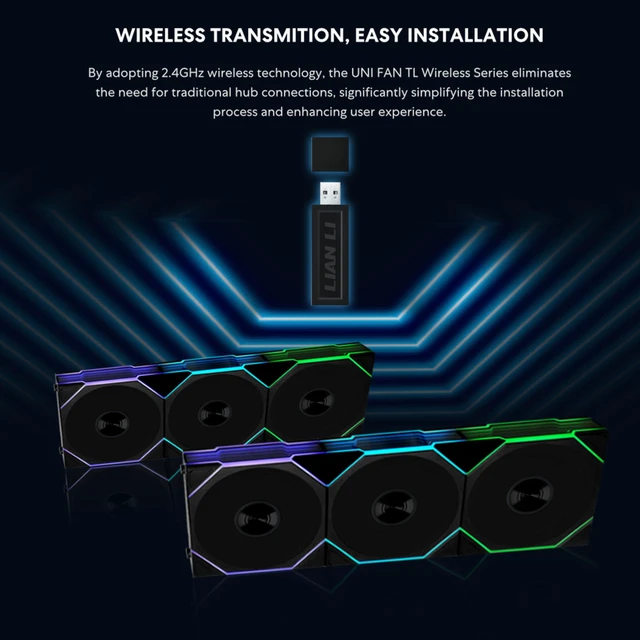
| Item Highlight | Single Pack, 2.4 GHz Wireless Signal for RGB & Fan Control, Infinity Mirror Design, Controller NOT Included & Required |
| Material Type | Plastic |
| Brand Name | Lian Li |
| UPC | 840353048034 |
| Warranty Description | No Warranty |
| Number of Packs | 1 |
| Manufacturer | LIAN LI |
| Number of Items | 1 |
| Unit Count | 1 Count |
| Included Components | Fan, Receiver |
| Item Weight | 9.6 ounces |
| Model | 12RTL1W1B |
| Part Number | 12RTL1W1B |