here!
I’m your shopping assistant for PC builds, upgrades, and everything tech.
Got questions? Ask away!
Start a conversation
here!
I’m your shopping assistant for PC builds, upgrades, and everything tech.
Got questions? Ask away!
Start a conversation



Any questions? Ask CelesteSM will help you find out quickly.
Does it need to be charged before first use? How to charge correctly?
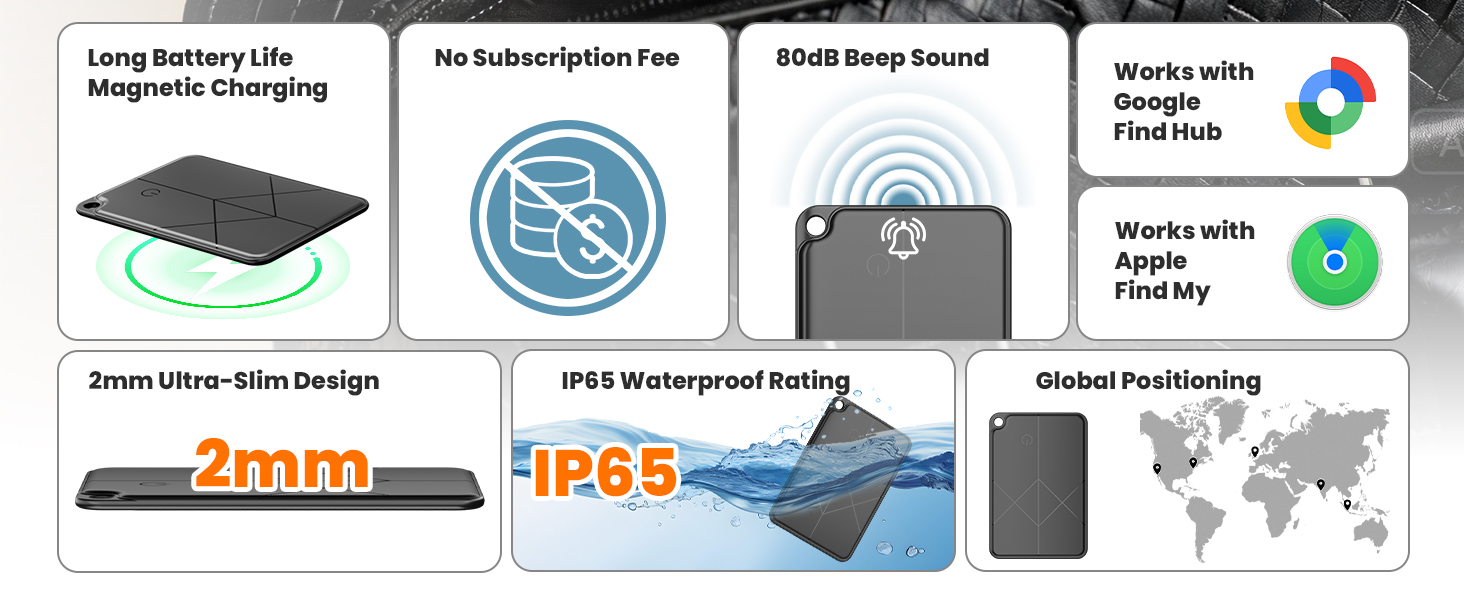
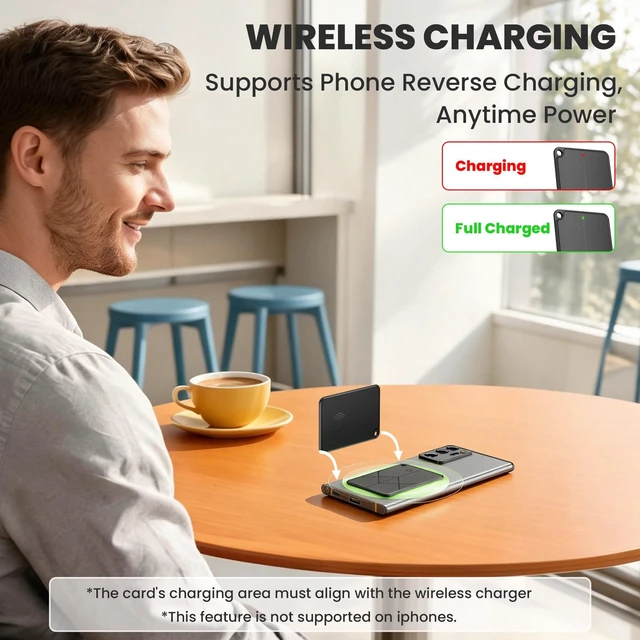
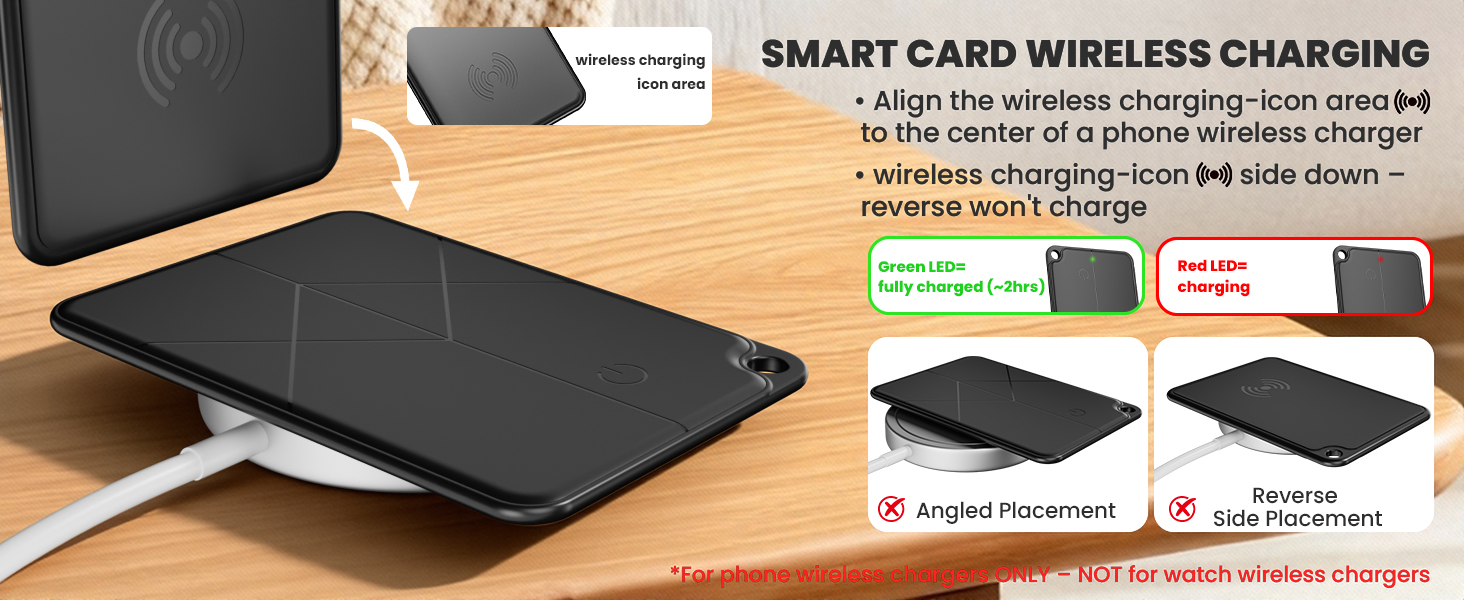
Comes with battery, ready to pair. If no response, charge first — likely drained in transit. Place icon side down on charger; reverse won't work. LED: red=charging, green=full. Full charge takes ~2h. Keep steady. If overheats, stop & contact support.
How long does the battery last? What to do when it runs out?
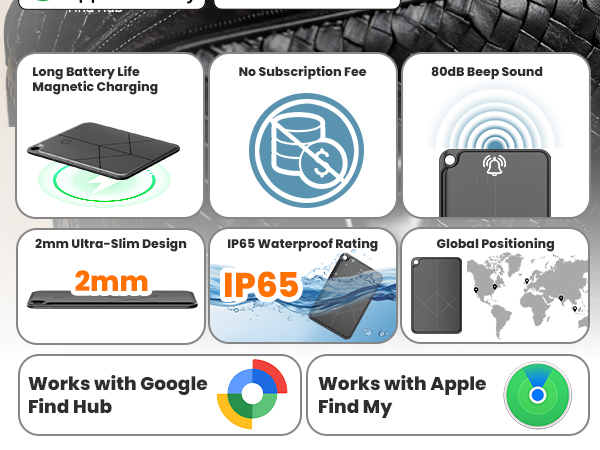
Built-in rechargeable battery. Full charge lasts ~6 months (up to 5 years standby). When drained, recharge with any phone wireless charger or universal Qi wireless charger. Not compatible with Apple Watch. No battery replacement needed.
How to pair it?
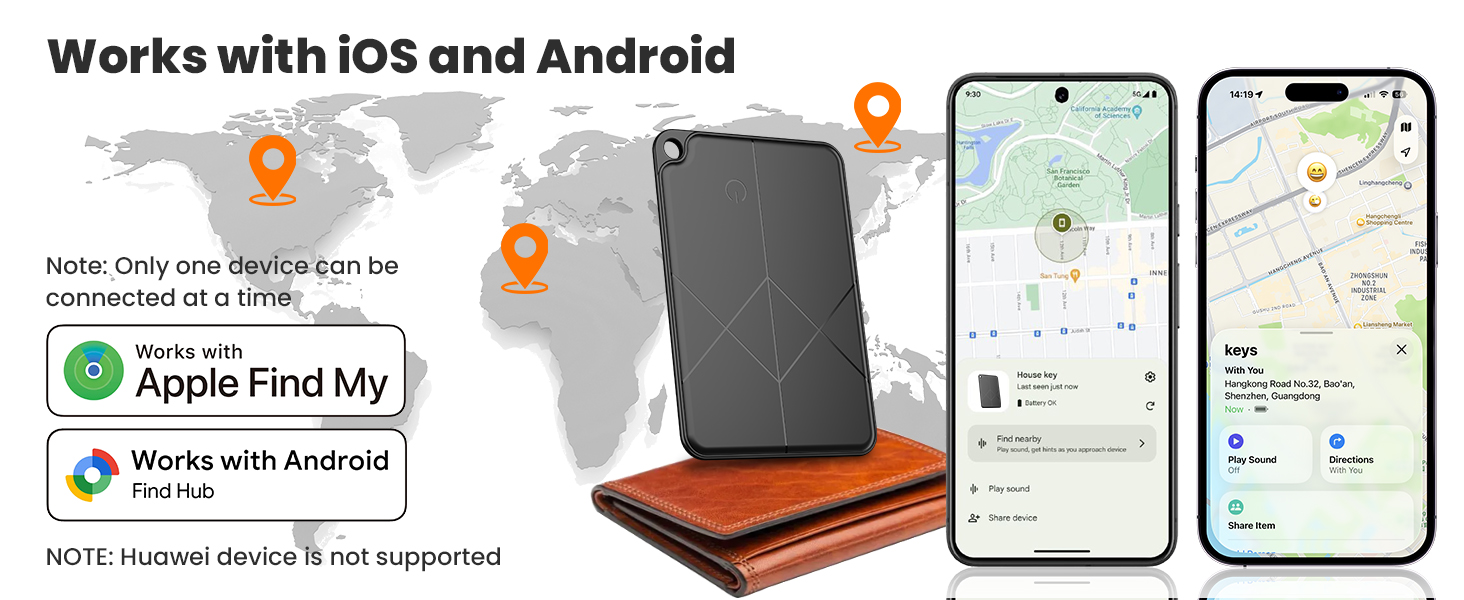
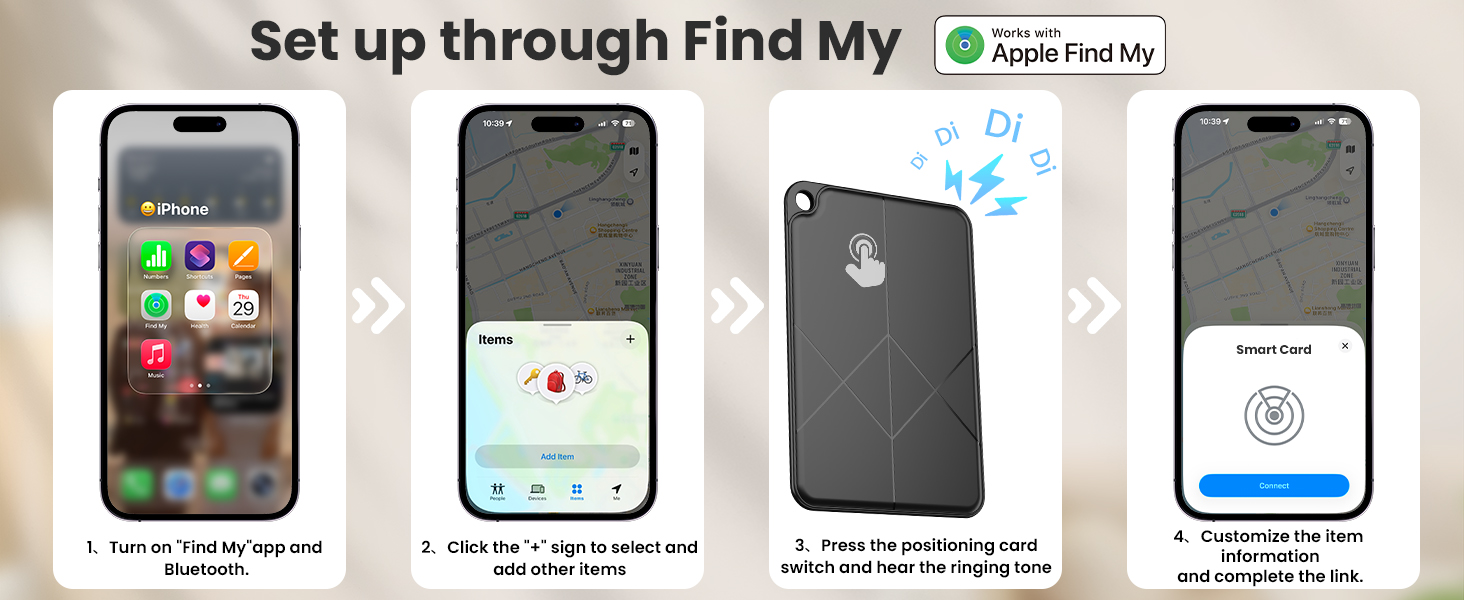
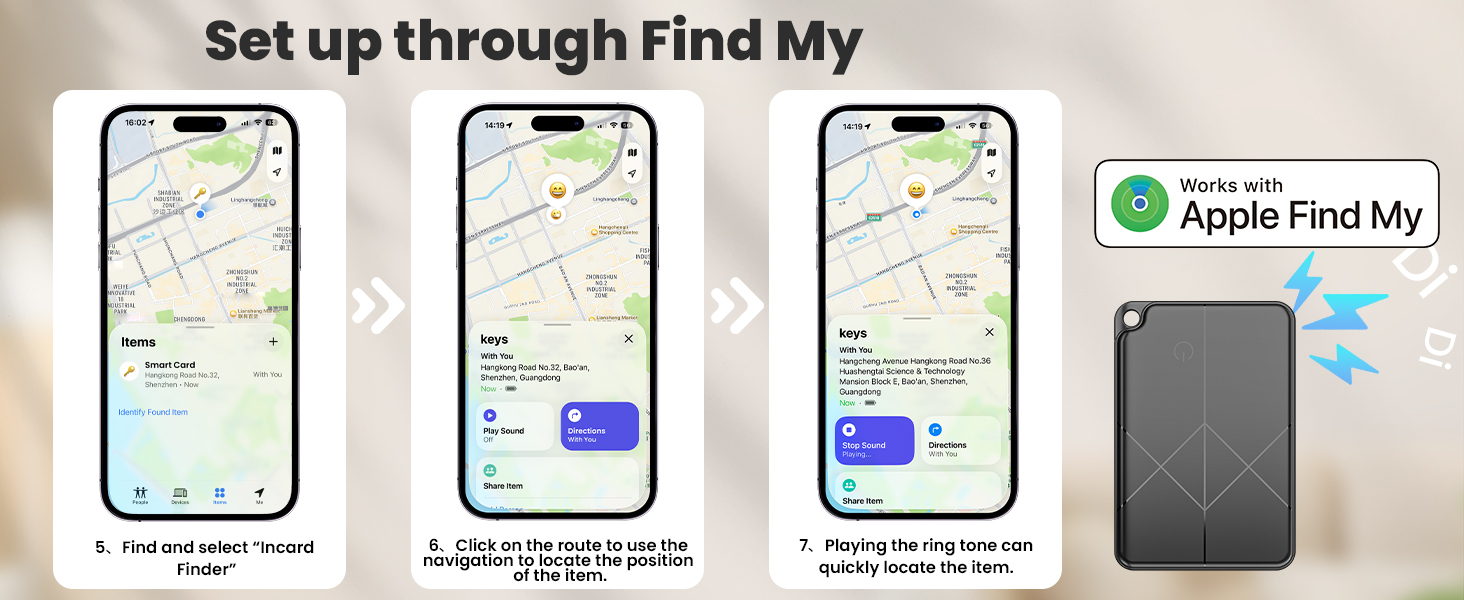
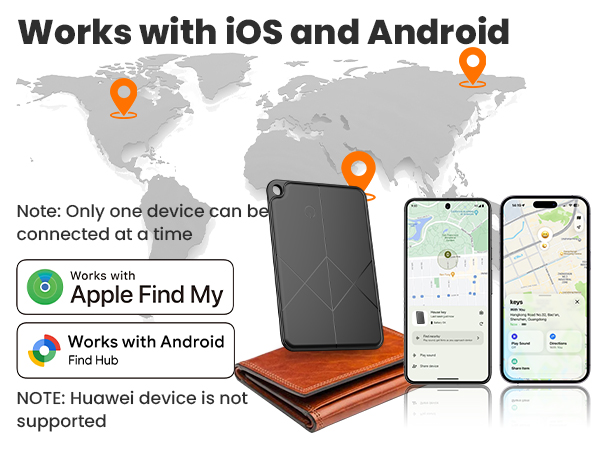
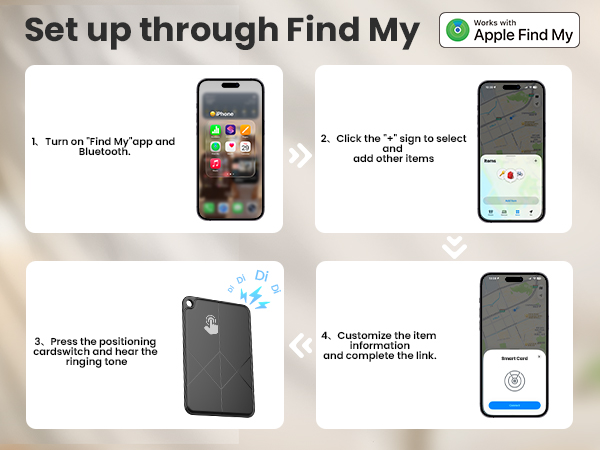
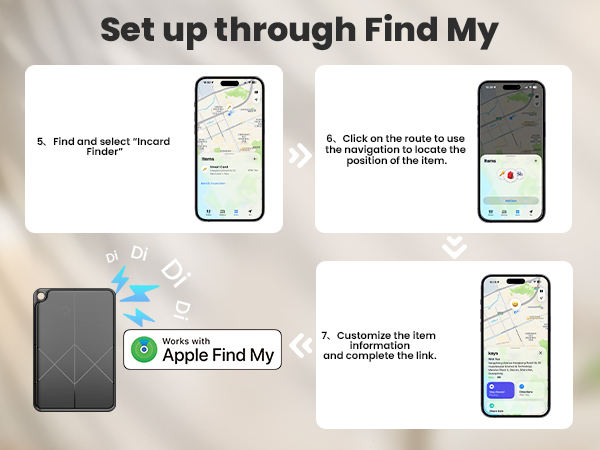
iOS: Press and hold to turn on ? Find My ? Items ? Add Item ? Other Supported Items ? tap Connect near phone ? Name it.
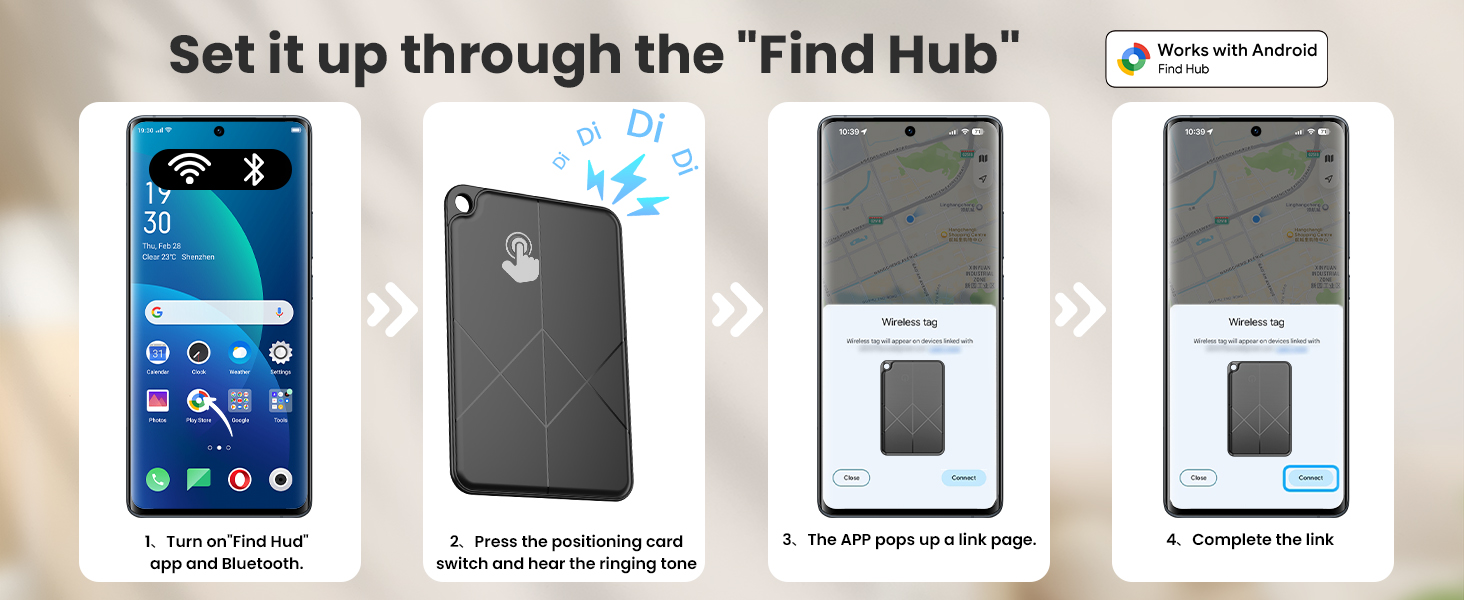
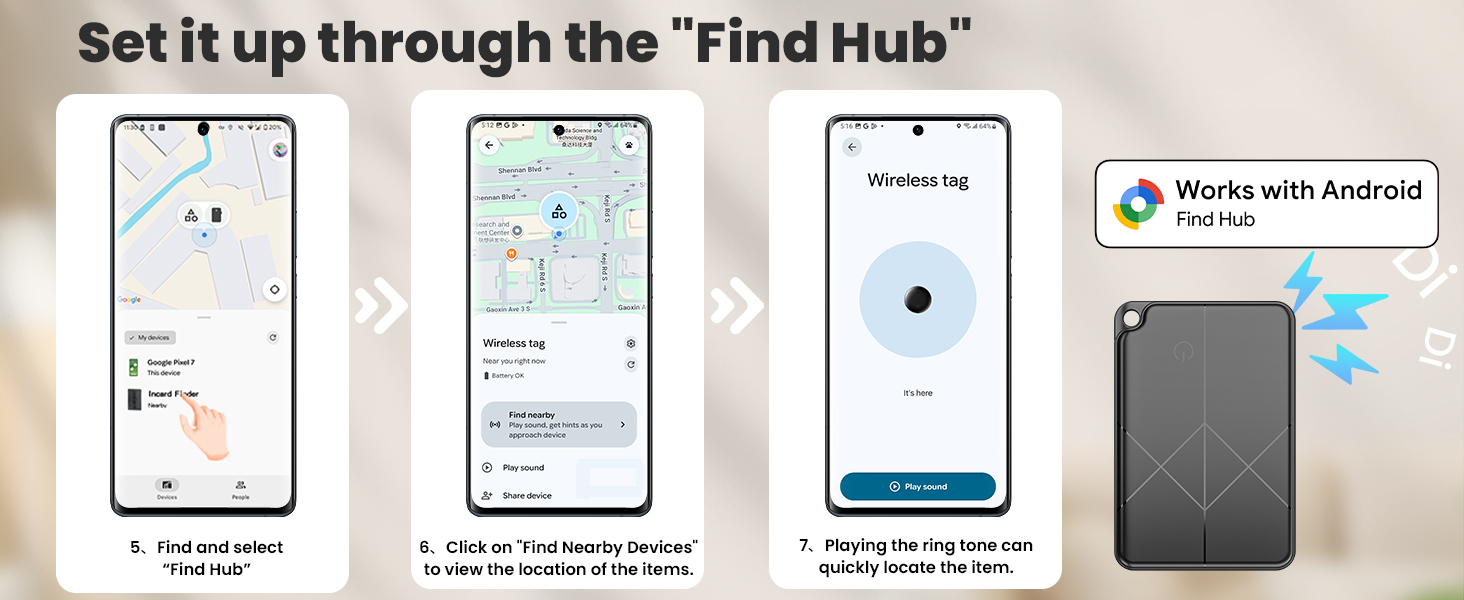
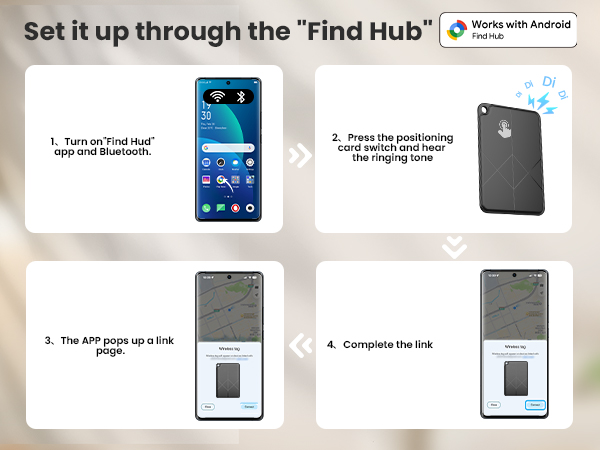
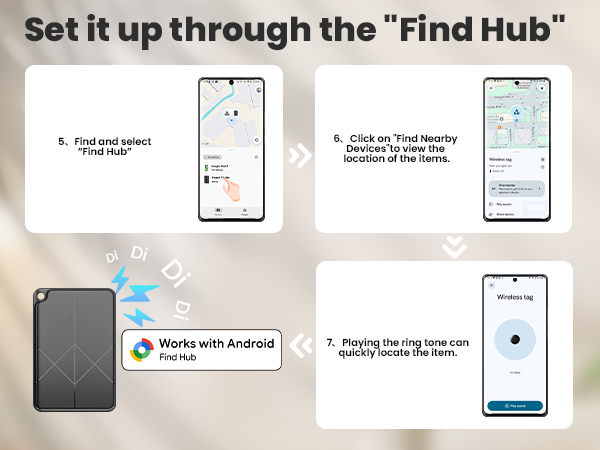
Android: Press and hold to turn on ? Bluetooth & internet on ? Find Hub ? wait for pop-up ? tap Connect ? follow prompts.
What to pay attention to when binding and using this tracker card?
You need Google Framework and a signed-in Google account. Bluetooth caching may affect pairing — restart your phone if needed. Ensure a stable network during pairing, as Google services rely on it.
How does this tracker locate my items?
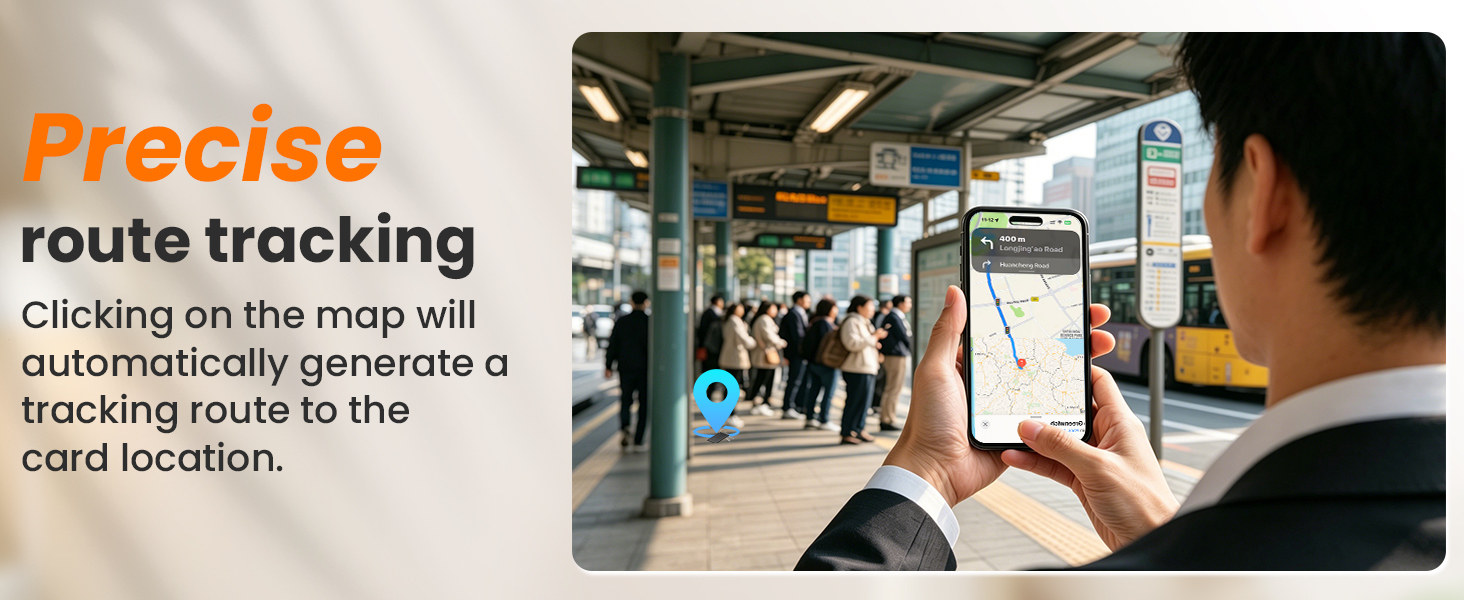
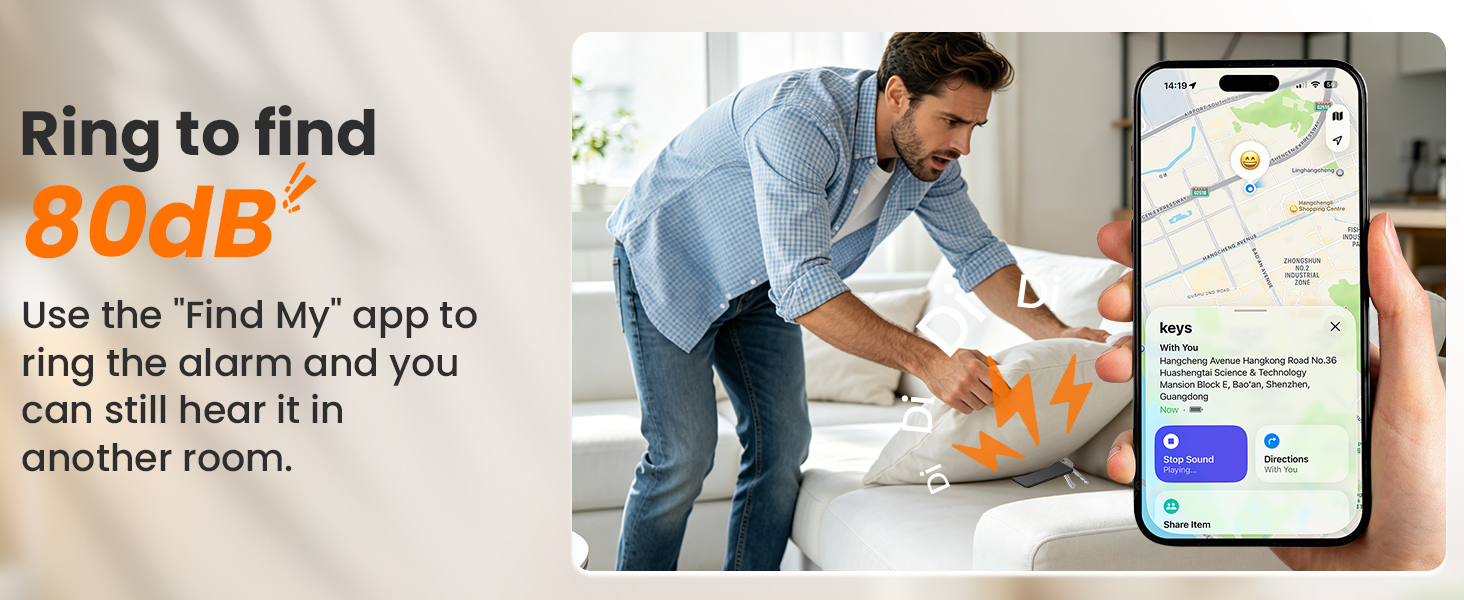
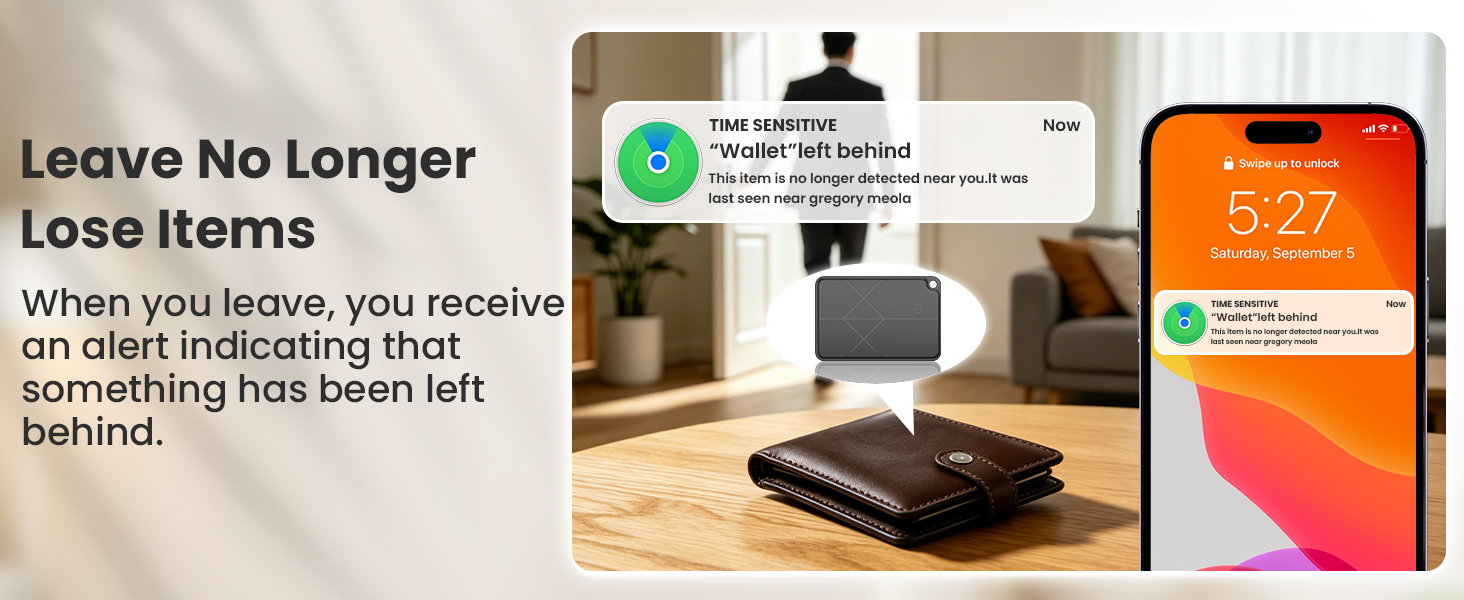
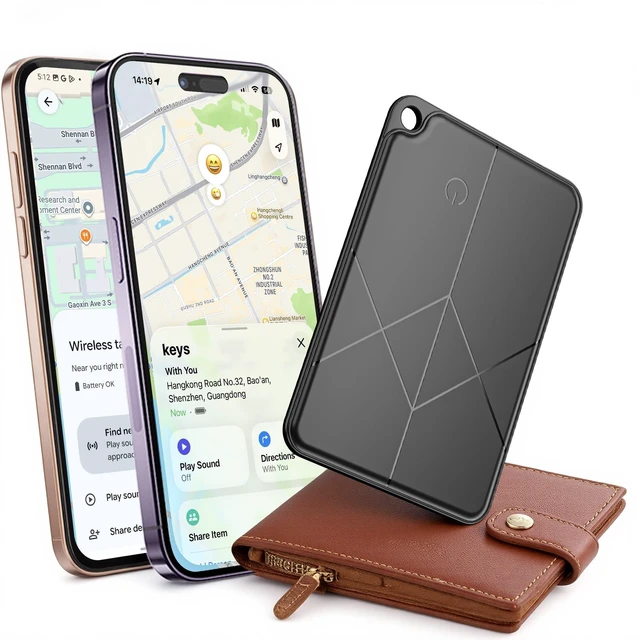
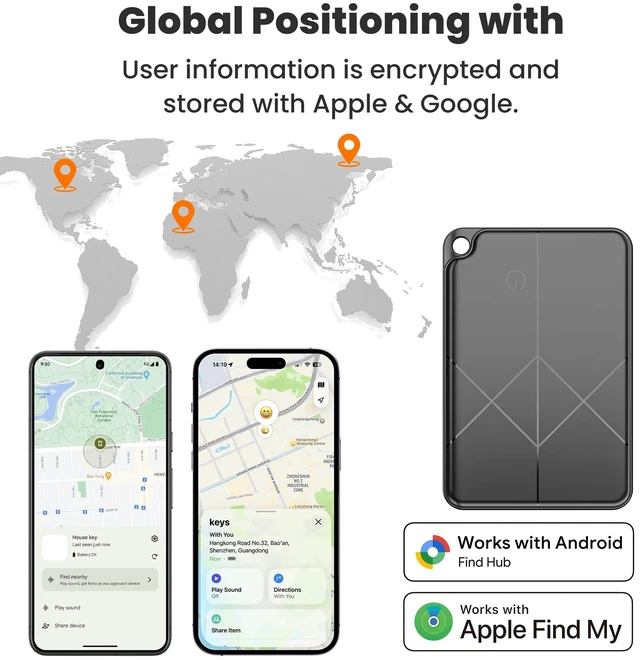
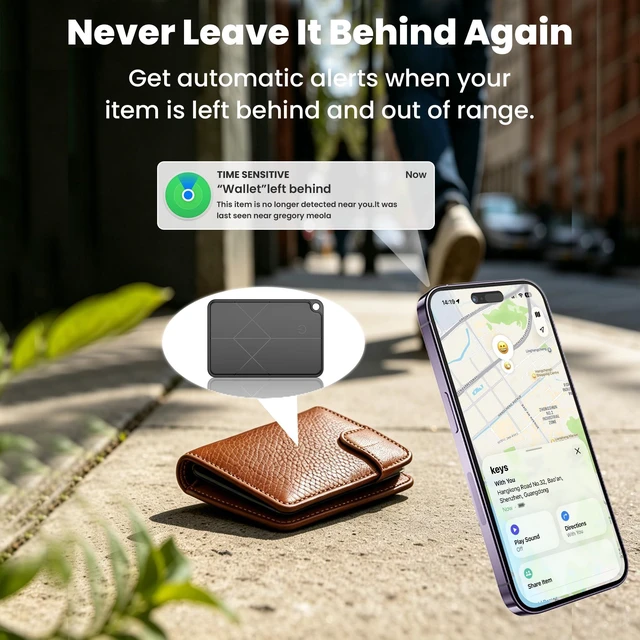
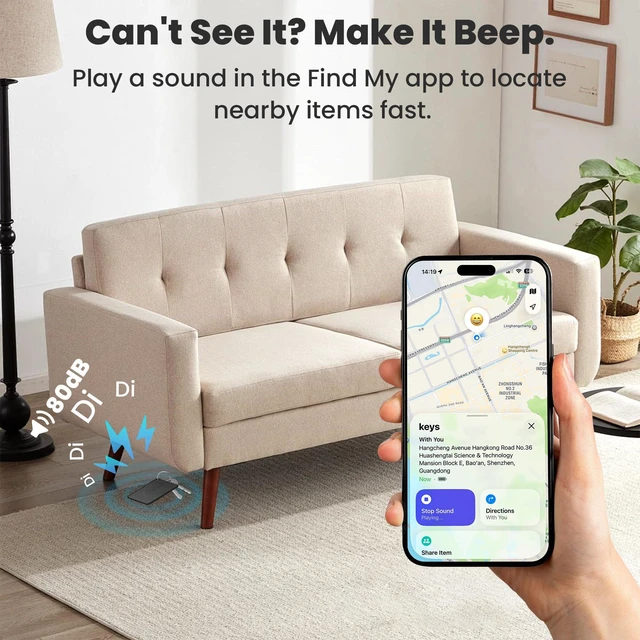
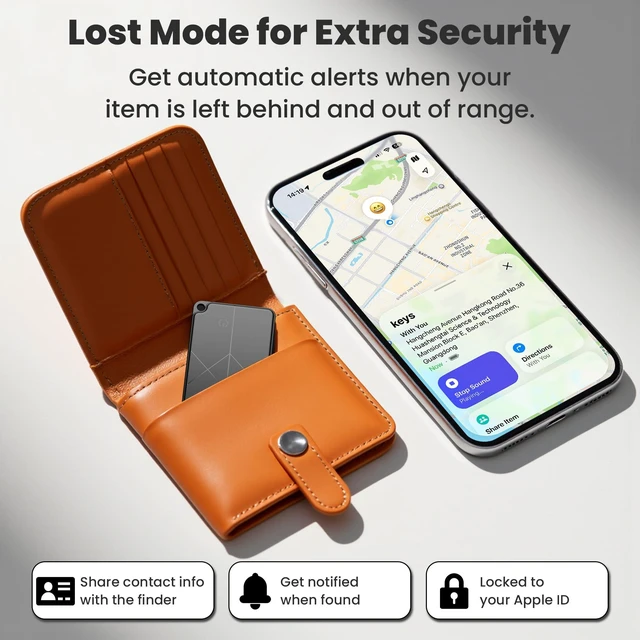
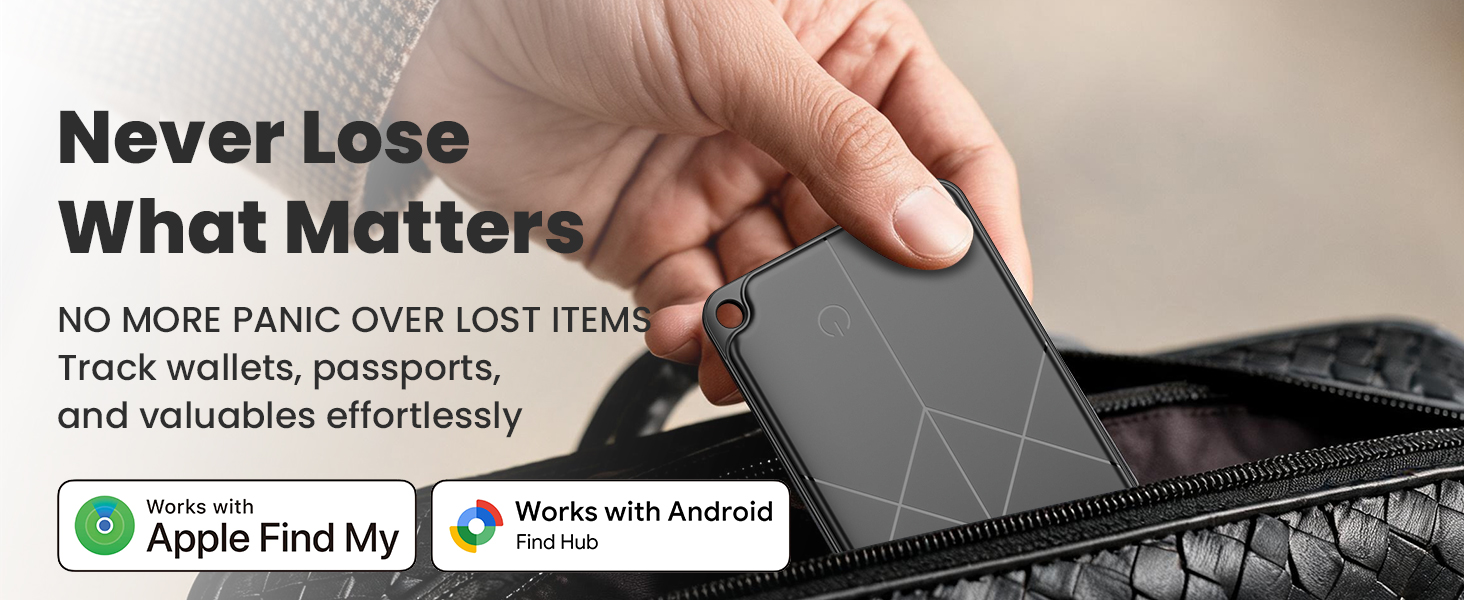
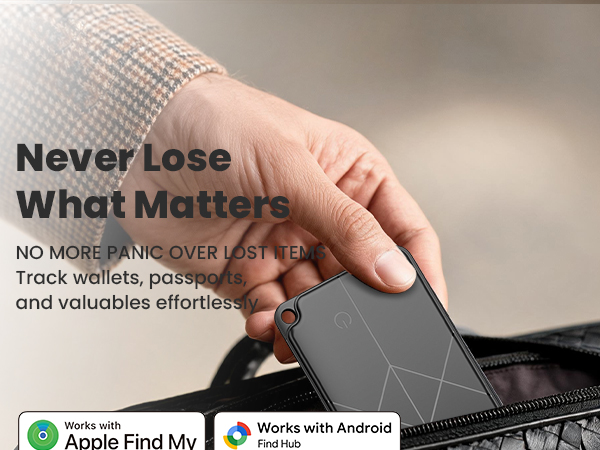
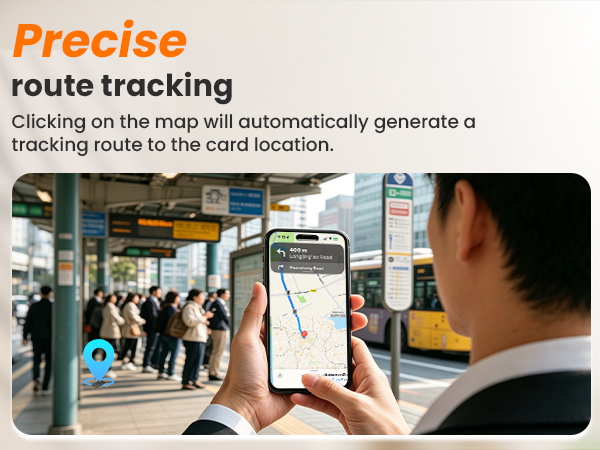
It emits Bluetooth signals picked up by nearby smartphones (Apple or Android). Those phones securely relay the encrypted location to the cloud, and you see it in your app. Works just like AirTag.
Does it need to be charged before first use? How to charge correctly?
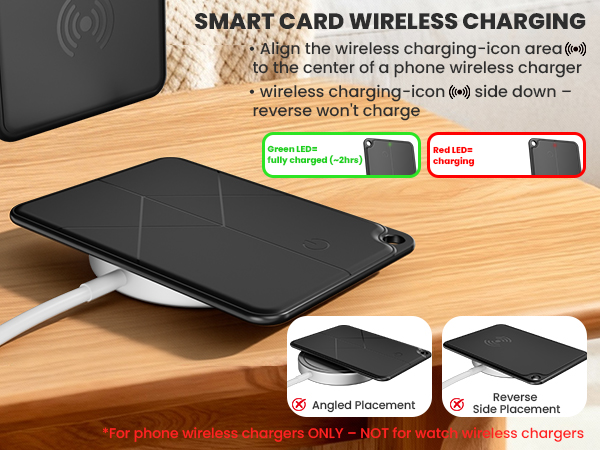
Comes with battery, ready to pair. If no response, charge first — likely drained in transit. Place icon side down on charger; reverse won't work. LED: red=charging, green=full. Full charge takes ~2h. Keep steady. If overheats, stop & contact support.
How long does the battery last? What to do when it runs out?
Built-in rechargeable battery. Full charge lasts ~6 months (up to 5 years standby). When drained, recharge with any phone wireless charger or universal Qi wireless charger. Not compatible with Apple Watch. No battery replacement needed.
How to pair it?
iOS: Press and hold to turn on ? Find My ? Items ? Add Item ? Other Supported Items ? tap Connect near phone ? Name it.
Android: Press and hold to turn on ? Bluetooth & internet on ? Find Hub ? wait for pop-up ? tap Connect ? follow prompts.
What to pay attention to when binding and using this tracker card?
You need Google Framework and a signed-in Google account. Bluetooth caching may affect pairing — restart your phone if needed. Ensure a stable network during pairing, as Google services rely on it.
How does this tracker locate my items?
It emits Bluetooth signals picked up by nearby smartphones (Apple or Android). Those phones securely relay the encrypted location to the cloud, and you see it in your app. Works just like AirTag.