

Your Browsing History




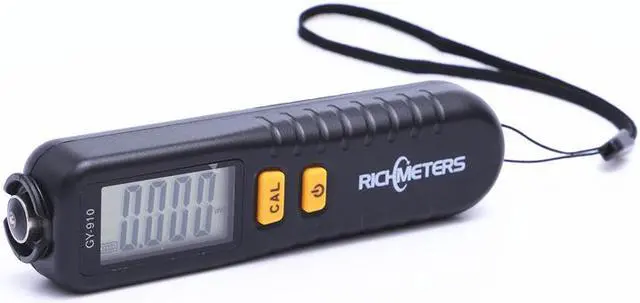
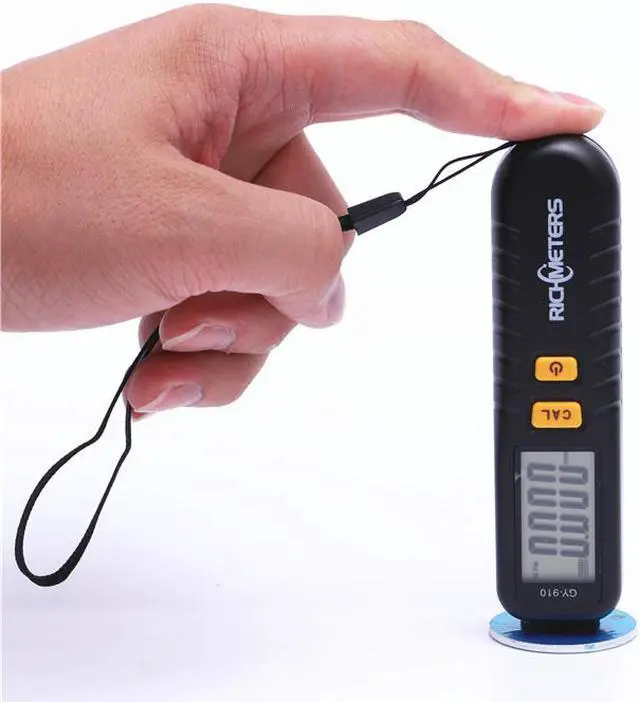
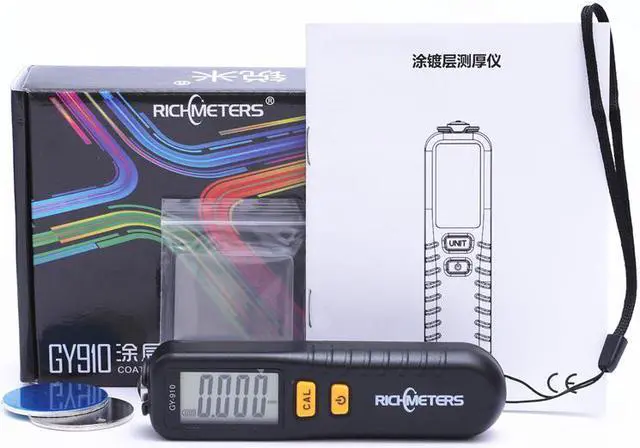


Test GY910 Digital Coating Thickness Gauge
Limited time offer, ends 10/15 By Rufei Tech
- Calibration stepClick CAL 4 times to enter NFE modeClick CAL 6 times to enter Fe modeWhen the display reads 0, put the probe on the plate.When the display reads 50, put 50 um film on the plate and click the POWER button to test.Repeat these steps for 100, 250, 500 and 1250.When the display reads AIR, switch the probe into AIR mode, then click the POWER button to calibrate - do not place the probe on the plate.
+
+
Overview
Specs
Reviews

Any questions? Our AI mode will help you find out quickly.
Try me now
Test GY910 Digital Coating Thickness Gauge Calibration stepClick CAL 4 times to enter NFE modeClick CAL 6 times to enter Fe modeWhen the display reads 0, put the probe on the plate. When the display reads 50, put 50 um film on the plate and click the POWER button to test. Repeat these steps for 100, 250, 500 and 1250. When the display reads AIR, switch the probe into AIR mode, then click the POWER button to calibrate - do not place the probe on the plate.
Warranty & Returns
Warranty, Returns, And Additional Information
Warranty
- Please contact the Seller directly for warranty information. Warranty information may also be found on the Manufacturer's website.
- CONTACT
Return Policies
- Return for refund within: 30 days
- Return for replacement within: 30 days
- This item is covered by Rufei Tech Return Policy
Manufacturer Contact Info
- For a directory of all our manufacturers, please click below.
- Manufacturers Directory
LOADING...