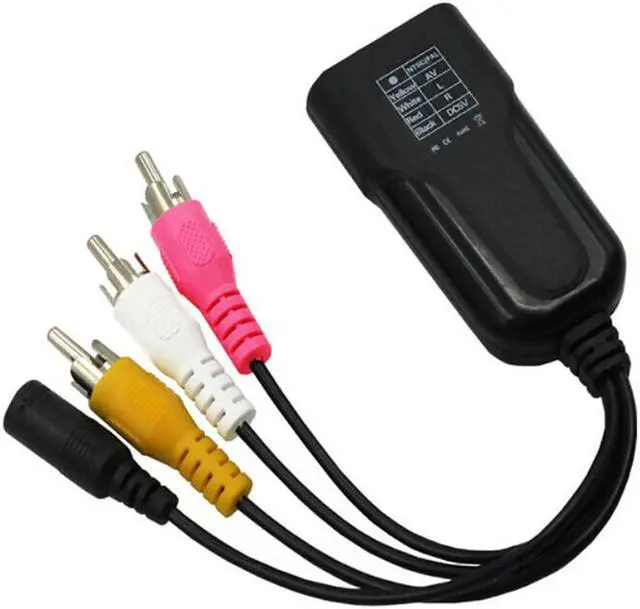
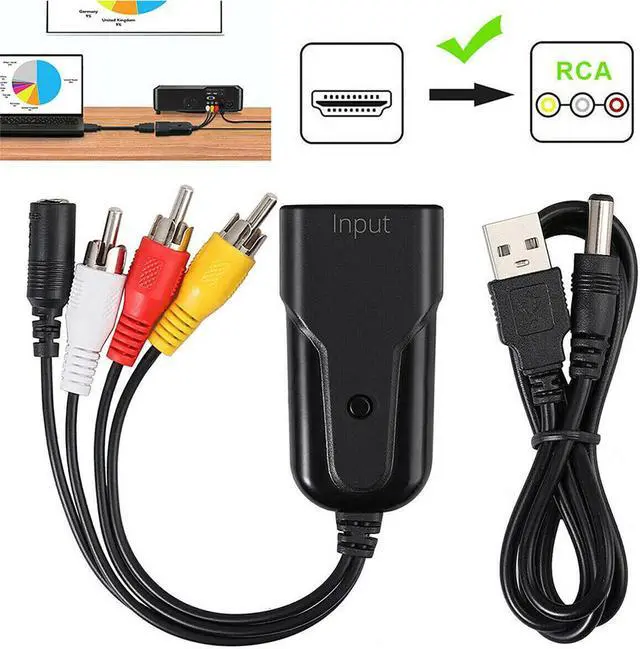
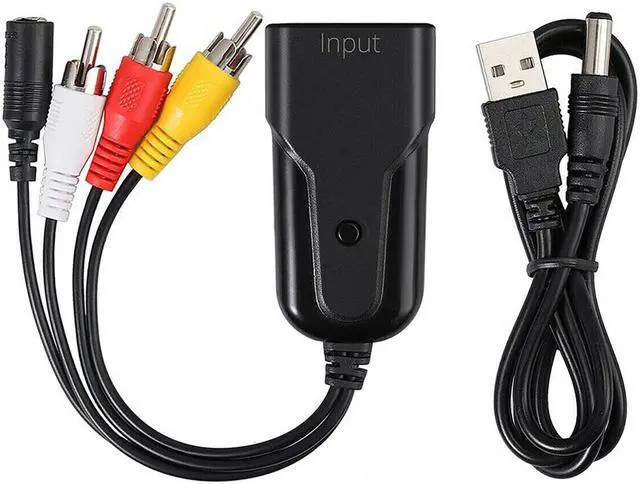
Description: The product is a dedicated USB wired network card for game consoles for Switch, which enables game consoles to enter online games or other operations stably and smoothly, and allows players who have not yet built a wireless network at home to connect to the Internet smoothly.
Specifications: Input
voltage: DC5VInput
current:
MAX: 250
mATransmission rate: 100Mbps
/100MbpsNetwork interface: RJ-45
interfaceSupport specifications: 10BASE-T
and 100BASE-TIP setting: dynamic IP or static
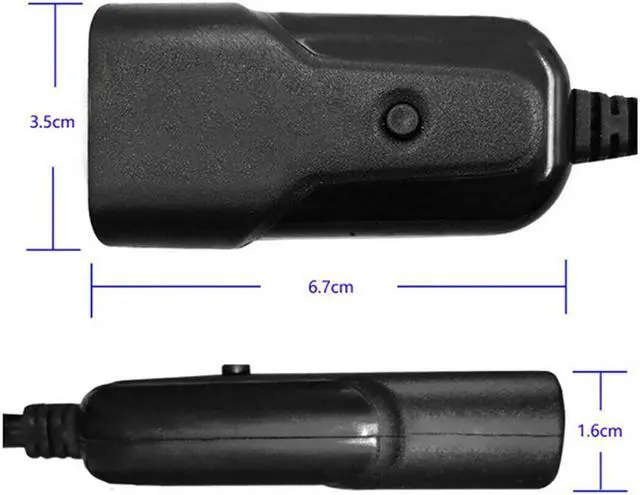
IPSize: 68.5 * 23.5 * 16.5MMS hell material: aluminum
alloyCompatible: host for Switch, PC
Features: 1. Fast transmission speed and stable network connection. This product eliminates the shortcomings of the wireless network card receiving signal is not stable enough, and the network speed is not smooth enough. 2. The standard RJ-45 interface and 100Mbps/1000Mbps transmission speed allow gamers of Switch games to easily enjoy the fun of surfing the Internet. 3. The speed of continuous battle is fast, and the game can be downloaded and the host can be upgraded in the first time. 4.
How to use: (1) Connect the original socket of the game console for Switch to the power cord and related video cables, place the game console on base, and turn on the power switch of the console. (2) Insert the USB plug of this product into any USB port on the base of the host for Switch. (3) Correctly insert the plug of the network cable to be used into the RJ-45 universal network interface of this product. (4) Use the handle for Switch to select the wired connection in the host for Switch system. (5) Then use the remote control for Switch handle to select the corresponding interface according to your needs, enter the game or upgrade the host, download, etc., and easily enjoy the fun of surfing the Internet. 5.
Matters needing attention: (1) Make sure that the USB plug of the product is firmly inserted into the USB socket of the host for Switch. (2) Ensure that the plug of the network cable is correctly inserted into the RJ-45 interface of the product. (3) Ensure that there is a correct Internet signal in the network cable. (4) Do not let this product be damaged or stressed to extend service life. (5) If the product is immersed in water or damaged, please stop using it or send it to a professional maintenance department for treatment. (6) Do not use external heating equipment such as microwave ovens to dry it. (7) This product does not support PPPoE virtual dial-up, so when you want to use PPPoE connection, you must go through a broadband router.