Demo Board Type:ARM
Certification:CE
Origin:CN(Origin)
Features
Notes
Note that our installer, linked above, does all of the below for you, but if you're an intrepid hacker then you might need to know this stuff!
The DAC can be configured by adding dtoverlay=hifiberry-dacplus to the /boot/config.txt file.
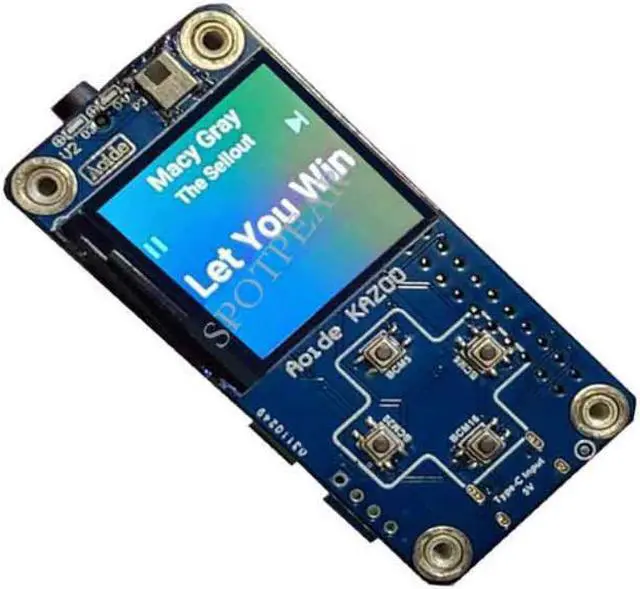
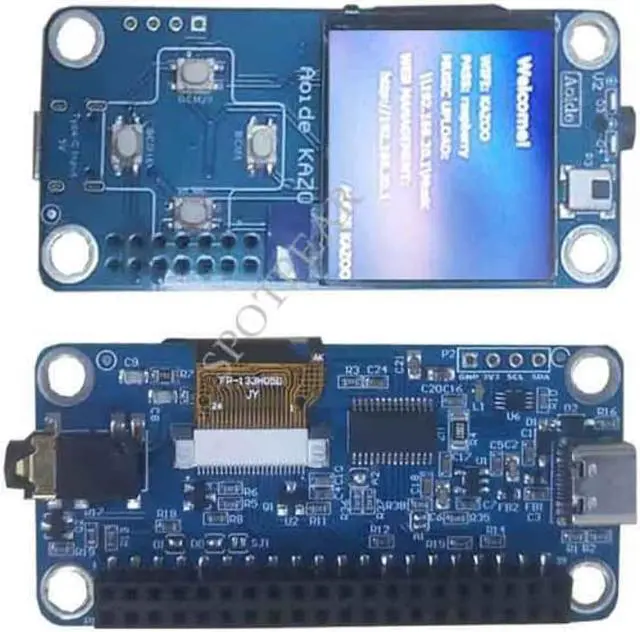
The buttons are active low, and connected to pins BCM 5, 6, 16, and 20
The display uses SPI, and you'll need to enable SPI through the Raspberry Pi configuration menu.
Software compatible Pirate Audio software
(https://learn.pimoroni.com/tutorial/sandyj/getting-started-with-pirate-audio)
git clone https://github.com/pimoroni/pirate-audio
cd pirate-audio/mopidy
sudo ./install.sh
Hardware
st7789 display - https://github.com/u-geek/st7789-python
four buttons, active low connected to BCM 5, 6, 16, and 20 (A, B, X, Y respectively)
IR remote, IR receive GPIO use BCM4 and IR send GPIO use BCM17
Installation DAC
You'll need to add the following lines to /boot/config.txt to get audio up and running:
dtoverlay=hifiberry-dacplus
You can also disable onboard audio if you're not going to use it, this sometimes helps applications find the right audio device without extra prompting:
dtparam=audio=off
Installation Display
If you're planning to build your own application you'll find some inspiration in examples.
But first you'll need some dependencies:
sudo apt-get update
sudo apt-get install python-rpi.gpio python-spidev python-pip python-pil python-numpy
And then you'll need the st7789 library:
sudo pip install st7789
For more display examples see:
https://github.com/u-geek/st7789-python/tree/master/examples
Photo
Package Contains
RPI ZERO DAC Aduio x1