Your Browsing History
Best Sellers
- $19.99
- + FREE SHIPPING
Meet Your Seller
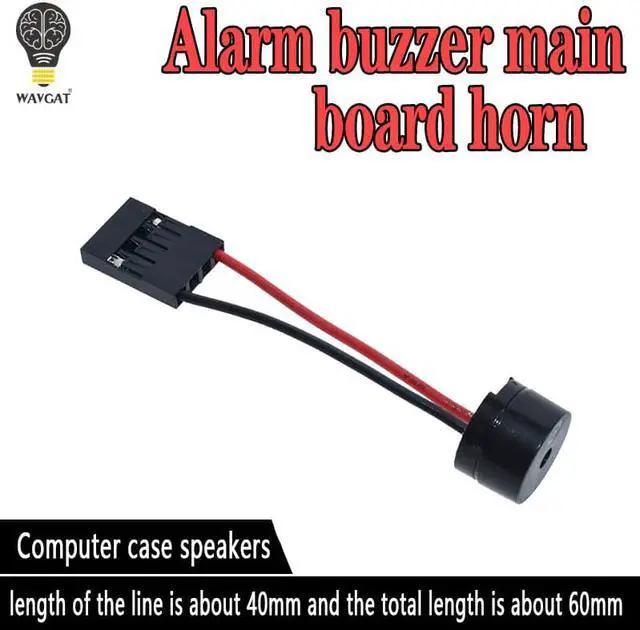
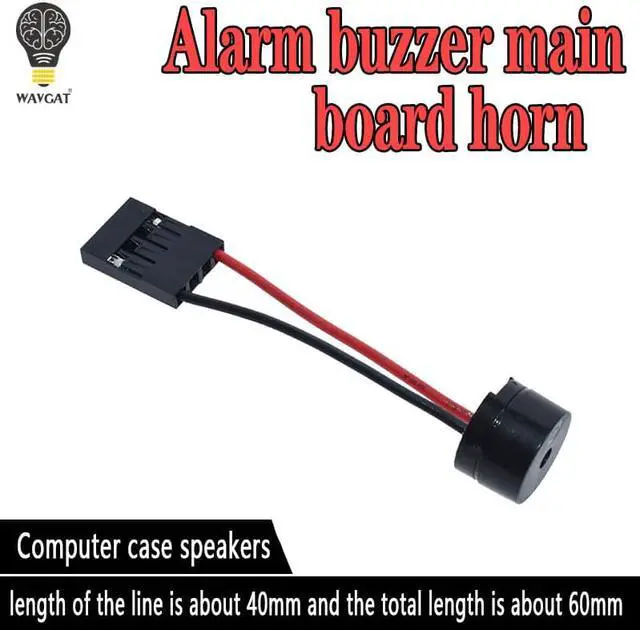
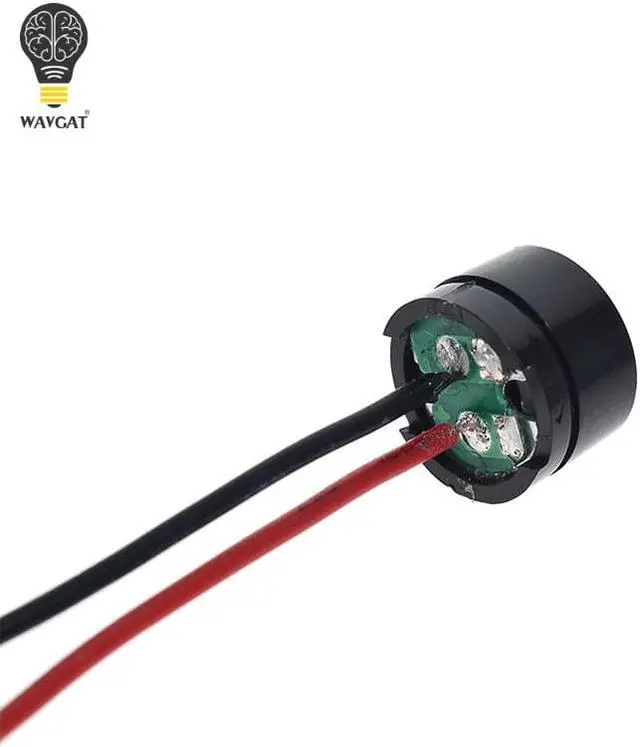
Mini Plug Speaker For PC Interanal BIOS Computer Motherboard Mini Onboard Case Buzzer Board Beep Alarm
- Mini Plug Speaker For PC Interanal BIOS Computer Motherboard Mini Onboard Case Buzzer Board Beep Alarm
+
+
Overview
Specs
Reviews
Any questions? Our AI beta will help you find out quickly.
Try me now
Origin:Mainland China
Condition:
Type:Other
Model Number:Buzzer
Application:Other
Operating Temperature:-40°-+85°
Supply Voltage:.
Dissipation Power:.
Package:Other
is_customized:Yes
100% and
Material: Plastic and Metal
Use: Power on the computer, we will hear the familiar sound of "beep" a sound, generally indicating that the computer can be used normally, the sound is emitted from the "baby."
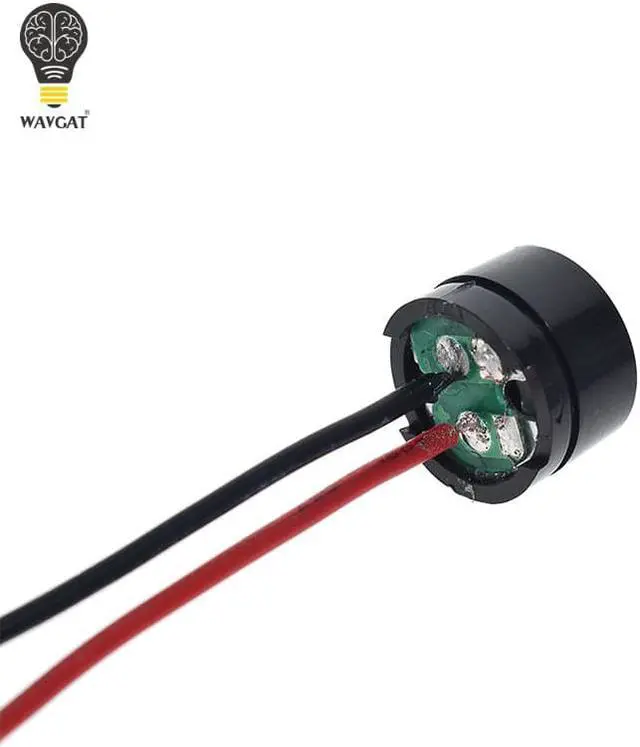
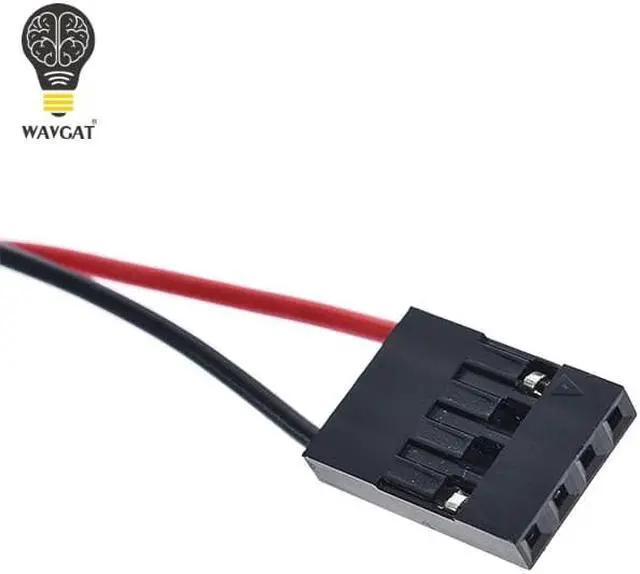
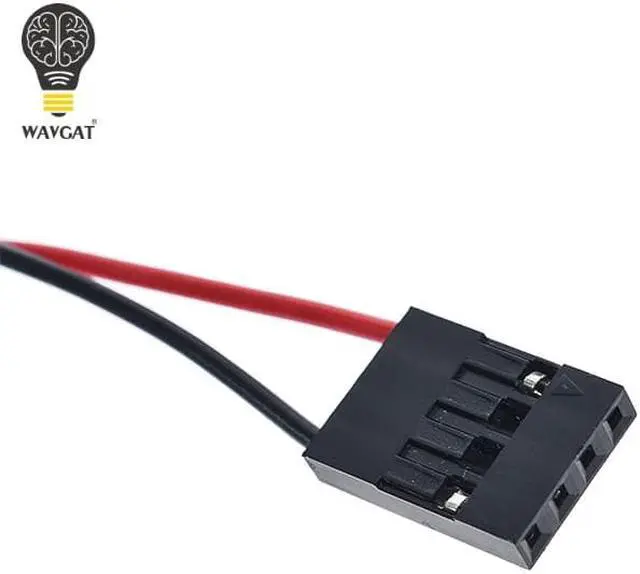
Red is positive, black line is negative (in fact, regardless of the positive and negative, as long as the interface connected to the Speaker can be used)
Board alarm tone Description
AWARD BIOS ringing of the general meaning is:
1 short: the system starts properly, which we hear every day, but also that machines without any problems.
2 short: General error, please enter the CMOS Setup, reset the incorrect options.
1 long 1 short: RAM or motherboard error, try for a memory, if that does not work, had to replace the motherboard.
1 long 2 short: Monitor or display card error.
1 long 3 short: Keyboard controller error, check the motherboard.
1 long 9 short: board Flash RAM or EPROM error, BIOS damage. For the block Flash RAM try.
Continuous sound (long beeps): memory is not seated or damaged. Re-insert the memory, if that does not work, replace only a memory.
It kept ringing: power supply, display and graphics card connected.
Check all plugs.
Repeat short ring: Power problems.
No sound No display: power problems.
No retail package

Condition:
Type:Other
Model Number:Buzzer
Application:Other
Operating Temperature:-40°-+85°
Supply Voltage:.
Dissipation Power:.
Package:Other
is_customized:Yes
100% and
Material: Plastic and Metal
Use: Power on the computer, we will hear the familiar sound of "beep" a sound, generally indicating that the computer can be used normally, the sound is emitted from the "baby."
Red is positive, black line is negative (in fact, regardless of the positive and negative, as long as the interface connected to the Speaker can be used)
Board alarm tone Description
AWARD BIOS ringing of the general meaning is:
1 short: the system starts properly, which we hear every day, but also that machines without any problems.
2 short: General error, please enter the CMOS Setup, reset the incorrect options.
1 long 1 short: RAM or motherboard error, try for a memory, if that does not work, had to replace the motherboard.
1 long 2 short: Monitor or display card error.
1 long 3 short: Keyboard controller error, check the motherboard.
1 long 9 short: board Flash RAM or EPROM error, BIOS damage. For the block Flash RAM try.
Continuous sound (long beeps): memory is not seated or damaged. Re-insert the memory, if that does not work, replace only a memory.
It kept ringing: power supply, display and graphics card connected.
Check all plugs.
Repeat short ring: Power problems.
No sound No display: power problems.
No retail package
Warranty & Returns
Warranty, Returns, And Additional Information
Warranty
- Please contact the Seller directly for warranty information. Warranty information may also be found on the Manufacturer's website.
- CONTACT
Return Policies
- Return for refund within: 30 days
- Return for replacement within: non-replaceable
- This item is covered by Voltrix Return Policy
Manufacturer Contact Info
- For a directory of all our manufacturers, please click below.
- Manufacturers Directory
LOADING...
LOADING...