




 here!
here!
I’m your shopping assistant for PC builds, upgrades, and everything tech.
Got questions? Ask away!
Start a conversation
here!
I’m your shopping assistant for PC builds, upgrades, and everything tech.
Got questions? Ask away!
Start a conversation
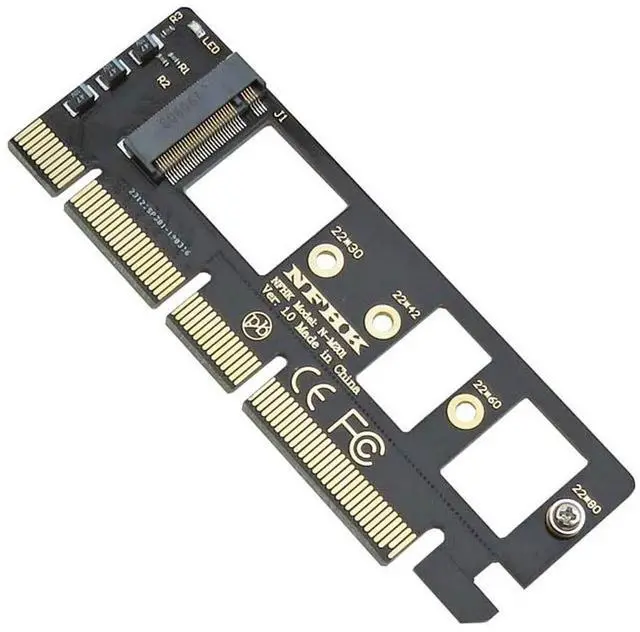
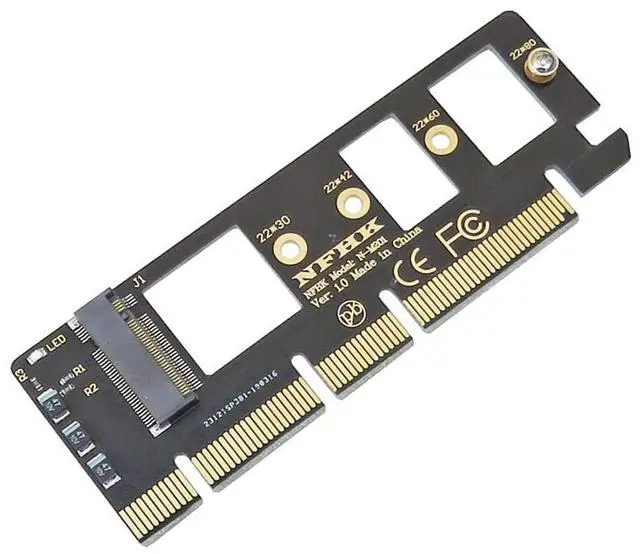



Any questions? Ask CelesteSM will help you find out quickly.
Features:
1.M key M.2 NGFF SSD to PCIe X4 adapter.
2.The speed and other properties is not changed,only form conversion interface.
3.Support Type 2230/2242/2260/2280 type M.2 Card dimension.
4.Transparent to the operating system and does not require any software drivers.
System requirement:
1.Motherboard: Z97 or later
2.Windows 10 or later
Note:
The SSD of the PCI-E NGFF NVME (M.2 M KEY SSD) interface is identified by the computer's PCI-E X4 or X8 or X16 interface (that is, the PCI-E graphics interface).
Be sure to check if your computer has this interface before you buy it. If you don't have it, you can't use it.
If your motherboard chipset is below 9 series, do not use PCIE X4 hard drives such as pm951, sm951, pm950!
AMD chipset motherboard is not recommended for purchase!
After the SSD of the PCI-E NGFF interface is transferred through the PCI-EX4 or X8 or X16 interface of the computer, entering the operating system can be correctly identified, ordinary computers can not be seen under the BIOS,
Therefore, system startup is not supported unless your computer motherboard BIOS supports PCI-E device booting!


