




 here!
I’m your shopping assistant for PC builds, upgrades, and everything tech.
Got questions? Ask away!
Start a conversation
here!
I’m your shopping assistant for PC builds, upgrades, and everything tech.
Got questions? Ask away!
Start a conversation



Any questions? Ask CelesteSM will help you find out quickly.


 PA44 |  PA20 |  PA52 |  PA54 |  ST560 | 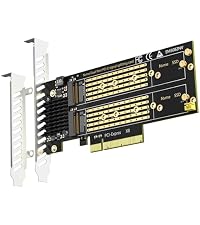 PA21 |  ST558 | |
|---|---|---|---|---|---|---|---|
Customer Reviews | — | — | — | — | — | — | — |
Price | — | — | — | — | — | — | — |
M.2 Slot | 4 | 2 | 2 | 4 | 4 | 2 | 8 |
PCIE Bus | PCIe 4.0 X8 | PCIe 3.0 X4 | PCIe 5.0 X8 | PCIe 5.0 X16 | PCIe 3.0 X8 | PCIe 4.0 X8 | PCIe 4.0 X16 |
PCIe Bifurcation | Yes | Yes | No | No | Yes | No | Yes |
Software RAID | Yes | Yes | Yes | Yes | Yes | Yes | Yes |
Support Mac Pro | Yes | Yes | No | No | Yes | No | Yes |


GLOTRENDS specializes in developing high-performance PCIe adapters and riser cables for computer engineers and DIY enthusiasts.
The products mainly include 2 series: PCIe adapters (M.2 SSD Adapter, SATA Card, WiFi/Ethernet Card, USB Card, etc) and PCIe 5.0/4.0/3.0 extension cables.
The goal of GLOTRENDS is to provide quality-assured and cost-effective products to customers worldwide. Customized production is welcome.
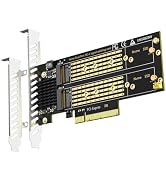
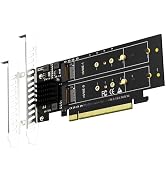
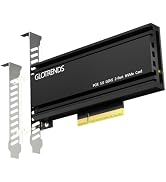
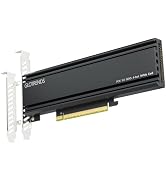
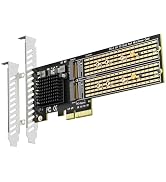
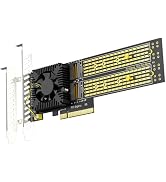
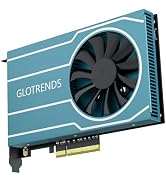
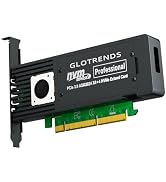

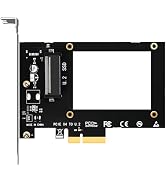
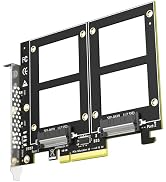
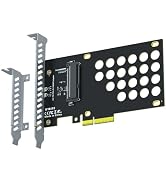
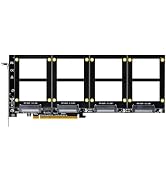
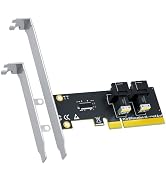
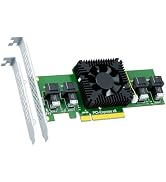
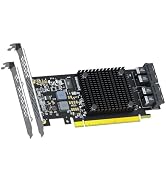
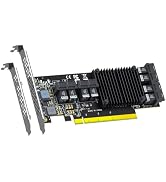

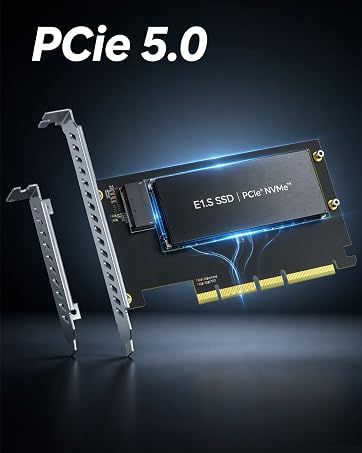
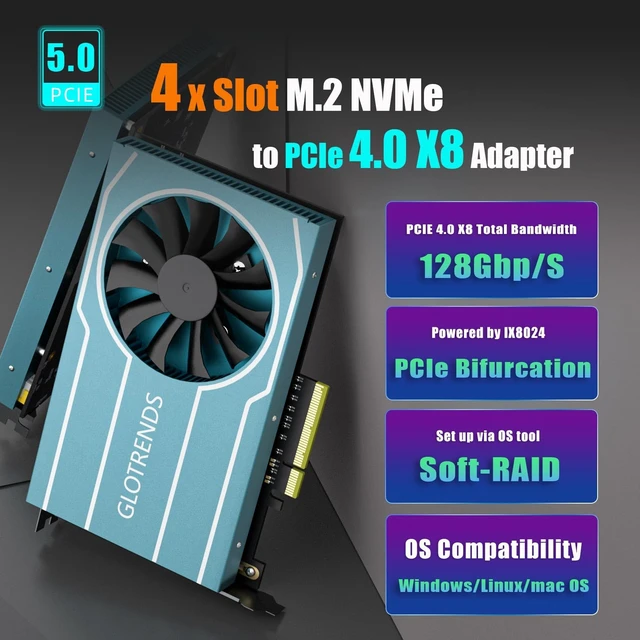
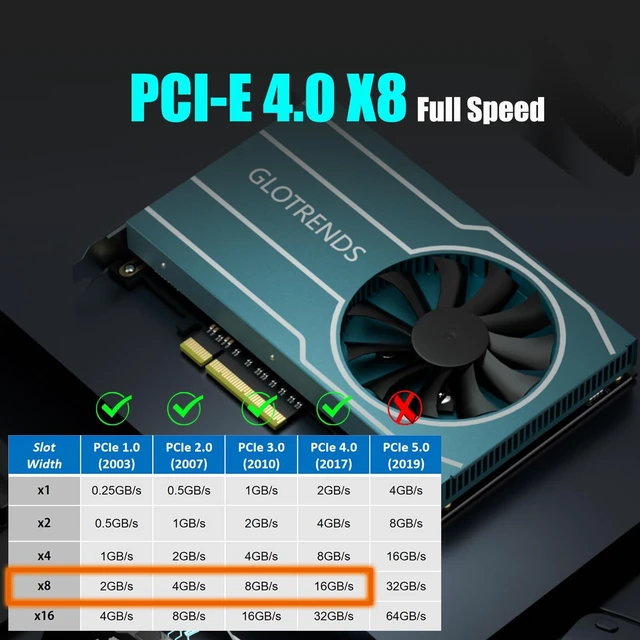
| Interface to PC | PCI-Express 4.0 X8 (128Gbps at max) |
|---|---|
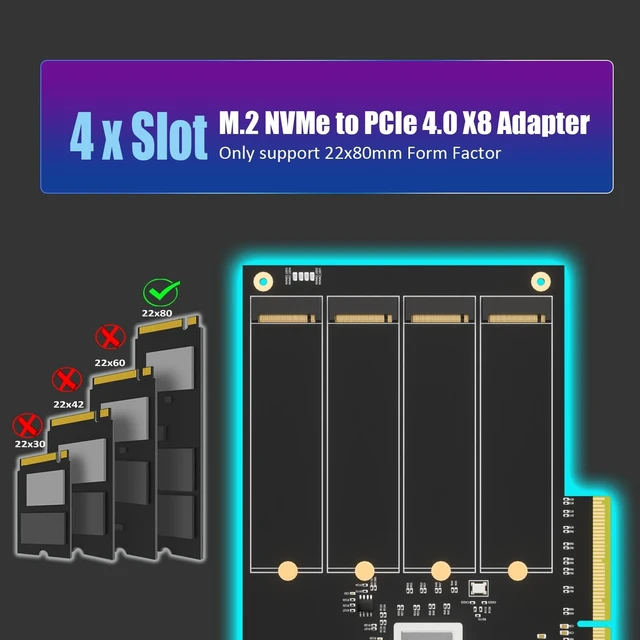
| Interface to SSD | 4 x Key M ( Only support 2280 form factor) |
| OS Compatibility | Windows 11/10/8/Linux/macOS (Windows 7 not supported) |
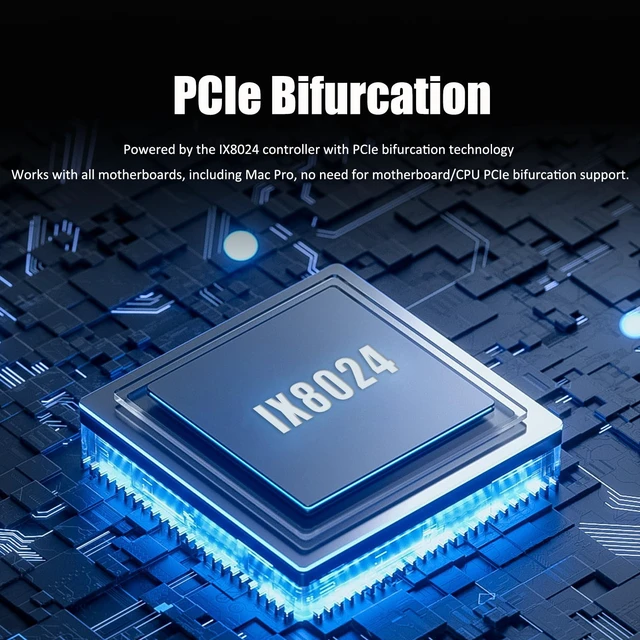
| PCIe Bifurcation | Support,it powered by the IX8024 controller with PCIe bifurcation technology. |
| Hardware Platform | Intel and AMD, and support Mac Pro |
| CPU Requirements | Intel 11th Gen or Ryzen 5000 Series and above |
| RAID Setup | Software RAID setup via Windows Disk Management or Linux mdadm Utility |
| Installation | Regular-profile bracket |


Software RAID for M.2 NVMe SSD
Software RAID for M.2 NVMe SSD
PA44 | PA20 | PA52 | PA54 | ST560 | PA21 | ST558 |
|---|---|---|---|---|---|---|
| Customer Reviews | ||||||
| — | — | — | — | — | — | — |
| Price | ||||||
| — | — | — | — | — | — | — |
| M.2 Slot | ||||||
| 4 | 2 | 2 | 4 | 4 | 2 | 8 |
| PCIE Bus | ||||||
| PCIe 4.0 X8 | PCIe 3.0 X4 | PCIe 5.0 X8 | PCIe 5.0 X16 | PCIe 3.0 X8 | PCIe 4.0 X8 | PCIe 4.0 X16 |
| PCIe Bifurcation | ||||||
| Yes | Yes | No | No | Yes | No | Yes |
| Software RAID | ||||||
| Yes | Yes | Yes | Yes | Yes | Yes | Yes |
| Support Mac Pro | ||||||
| Yes | Yes | No | No | Yes | No | Yes |
GLOTRENDS specializes in developing high-performance PCIe adapters and riser cables for computer engineers and DIY enthusiasts.
The products mainly include 2 series: PCIe adapters (M.2 SSD Adapter, SATA Card, WiFi/Ethernet Card, USB Card, etc) and PCIe 5.0/4.0/3.0 extension cables.
The goal of GLOTRENDS is to provide quality-assured and cost-effective products to customers worldwide. Customized production is welcome.
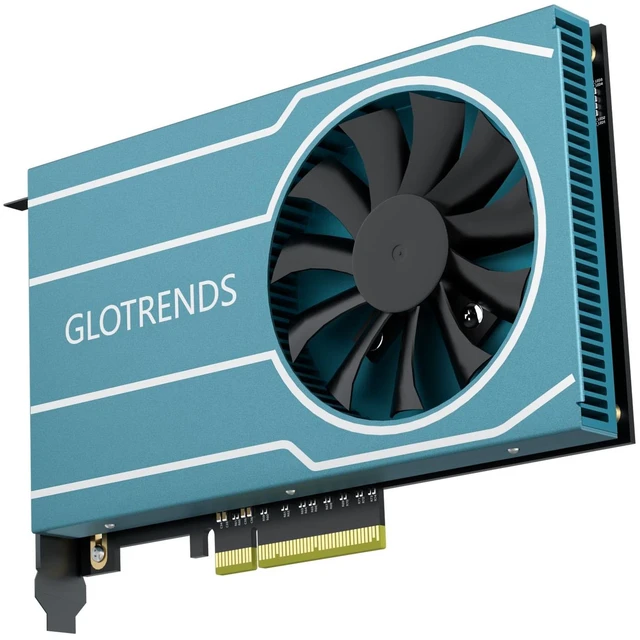
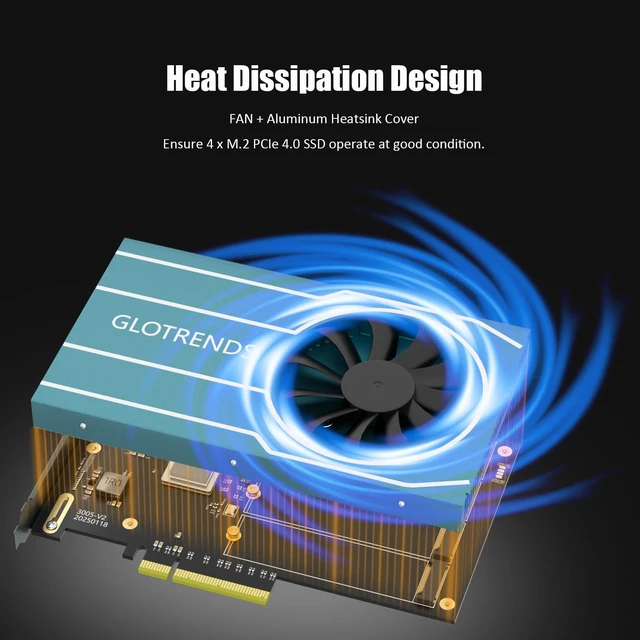
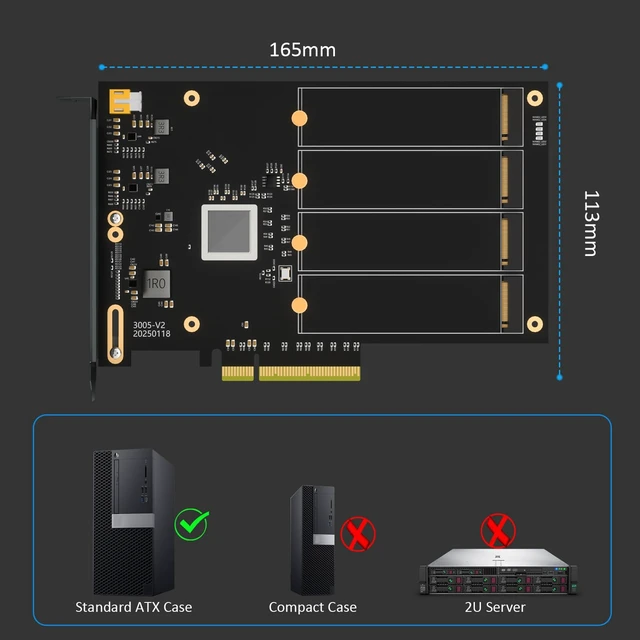
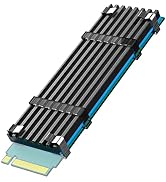
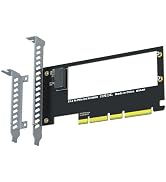
GLOTRENDS PA44 Quad M.2 NVMe to PCIe 4.0 X8 Adapter, Bifurcation Built-in Four PCIe 4.0 NVMe SSDs on one slot - and it works on every motherboard. The PA44 carries an IX8024 PCIe switch chip that splits the lanes on the card, so there is no BIOS bifurcation to configure and no compatibility gamble. Install, screw in your drives, go. WHY A SWITCH CHIP MATTERS Passive quad adapters only work when the motherboard supports x16 bifurcation. The PA44 removes that requirement entirely - including on Mac Pro - as long as the slot has X8 lane bandwidth. HONEST BANDWIDTH NOTE All four drives share the PCIe 4.0 X8 upstream link (128Gb/s = 16GB/s maximum). This card is built for drive count and capacity; for per-drive dedicated full-speed lanes, choose a passive X16 adapter on a bifurcation-capable board. KEY FEATURES 4 x M.2 Key-M ports, 2280-form-factor NVMe SSDs only Up to 128Gb/s shared bandwidth, backward compatible with PCIe 3.0 Standard + low-profile brackets included (towers, SFF builds, 2U/4U racks) Soft RAID via Windows/Linux/macOS tools; Intel VROC needs separate license OS boot supported (OS reinstallation + BIOS/UEFI configuration)
| Brand | GLOTRENDS |
| Hardware Interface | PCI Express x8 |
| Style | 4-slot M.2 PCIe Adapter with PCIe Bifurcation Function |
| Compatible Devices | 4 x PCIe 4.0 M.2 NVMe SSD (Only 2280 Size) |
| Number of Items | 1 |
| Model Number | PA44 |
| Number of Packs | 1 |
| Manufacturer | glotrends |
| Item Highlight | Works on All Motherboards, IX8024 Switch Chip, 4 NVMe on One X8 Slot, PCIe 4.0 128Gb/s, 2280 Only, Both Brackets, Soft RAID |
| Warranty Description | 30 Day Warranty Against Manufacturer Defects |
| Operating System | Windows 10, Windows 11, Linux, macOS |
| Style Name | 4-slot M.2 PCIe Adapter with PCIe Bifurcation Function |


