




 here!
I’m your shopping assistant for PC builds, upgrades, and everything tech.
Got questions? Ask away!
Start a conversation
here!
I’m your shopping assistant for PC builds, upgrades, and everything tech.
Got questions? Ask away!
Start a conversation



Any questions? Ask CelesteSM will help you find out quickly.

 ST560 |  PA20 |  PA52 |  PA54 |  PA21 |  PA44 |  ST558 | |
|---|---|---|---|---|---|---|---|
Customer Reviews | — | — | — | — | — | — | — |
Price | — | — | — | — | — | — | — |
M.2 Slot | 4 | 2 | 2 | 4 | 2 | 4 | 8 |
PCIE Bus | PCIe 3.0 X8 | PCIe 3.0 X4 | PCIe 5.0 X8 | PCIe 5.0 X16 | PCIe 4.0 X8 | PCIe 4.0 X8 | PCIe 4.0 X16 |
PCIe Bifurcation | Yes | Yes | No | No | No | Yes | Yes |
Software RAID | Yes | Yes | Yes | Yes | Yes | Yes | Yes |
Support Mac Pro | Yes | Yes | No | No | No | Yes | Yes |


GLOTRENDS specializes in developing high-performance PCIe adapters and riser cables for computer engineers and DIY enthusiasts.
The products mainly include 2 series: PCIe adapters (M.2 SSD Adapter, SATA Card, WiFi/Ethernet Card, USB Card, etc) and PCIe 5.0/4.0/3.0 extension cables.
The goal of GLOTRENDS is to provide quality-assured and cost-effective products to customers worldwide. Customized production is welcome.




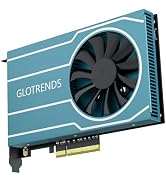
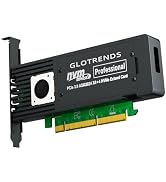


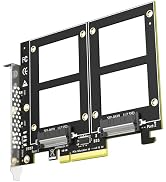
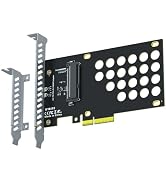


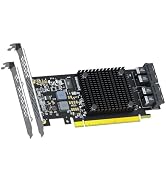

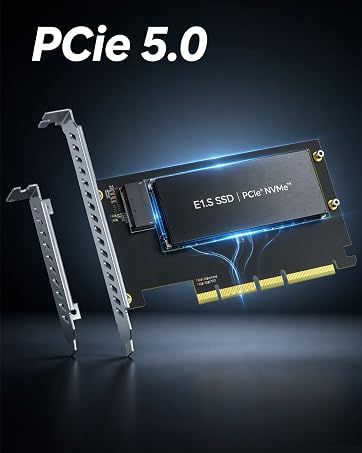


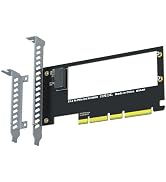
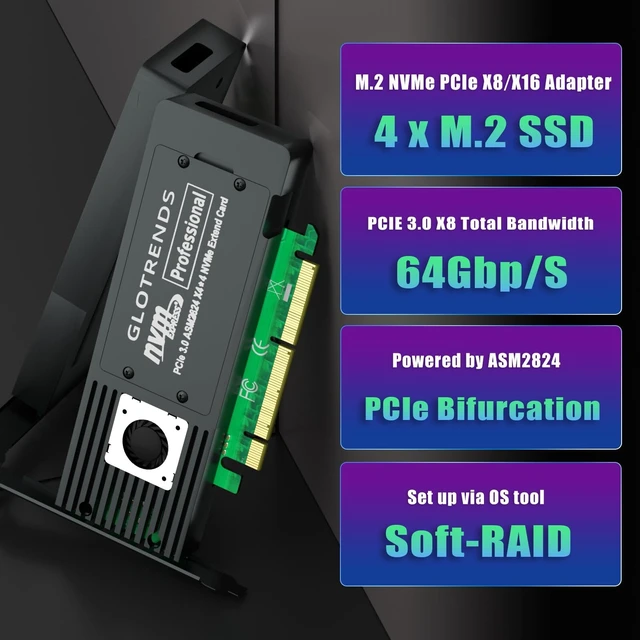
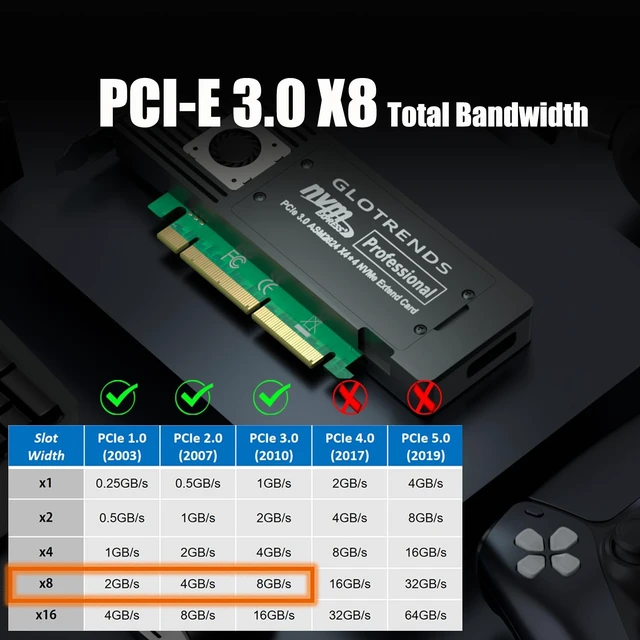
| Interface to PC | PCI-Express 3.0 X8 (64Gbps speed at max), PCIE X8/X16 Installation |
|---|---|
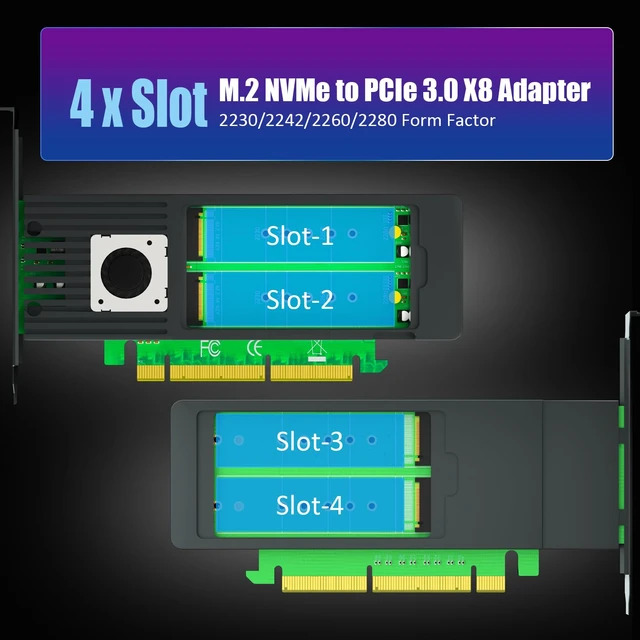
| Interface to SSD | 4 x Key M |
| OS Compatibility | Windows/Linux/mac OS (Note: not support windows 7) |
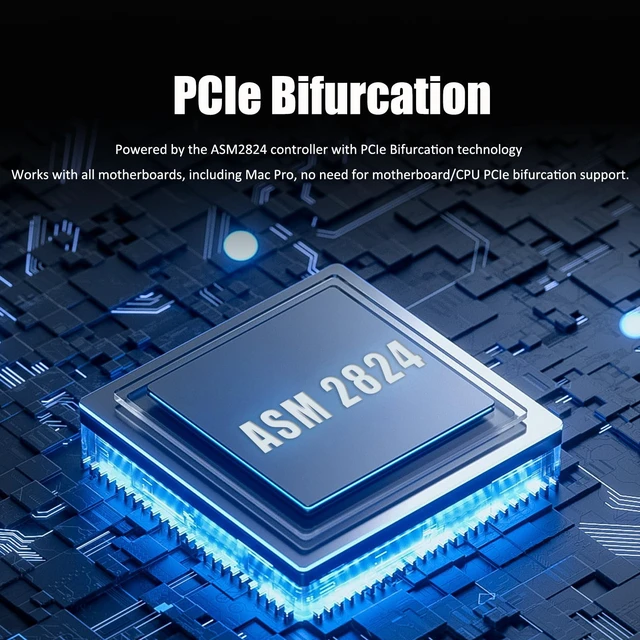
| PCIe Bifurcation | Support,it powered by the ASM2824 controller with PCIe bifurcation technology |
| Hardware Platform | Intel and AMD, and support Mac Pro |
| RAID Setup | Software RAID setup via Windows Disk Management or Linux mdadm Utility or macOS Disk Utility |
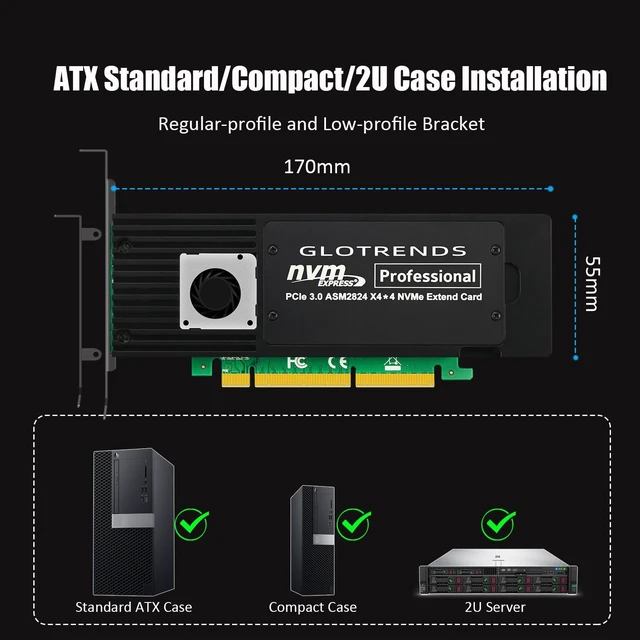
| Installation | Low-profile and Regular-profile bracket |


Software RAID for M.2 NVMe SSD
ST560 | PA20 | PA52 | PA54 | PA21 | PA44 | ST558 |
|---|---|---|---|---|---|---|
| Customer Reviews | ||||||
| — | — | — | — | — | — | — |
| Price | ||||||
| — | — | — | — | — | — | — |
| M.2 Slot | ||||||
| 4 | 2 | 2 | 4 | 2 | 4 | 8 |
| PCIE Bus | ||||||
| PCIe 3.0 X8 | PCIe 3.0 X4 | PCIe 5.0 X8 | PCIe 5.0 X16 | PCIe 4.0 X8 | PCIe 4.0 X8 | PCIe 4.0 X16 |
| PCIe Bifurcation | ||||||
| Yes | Yes | No | No | No | Yes | Yes |
| Software RAID | ||||||
| Yes | Yes | Yes | Yes | Yes | Yes | Yes |
| Support Mac Pro | ||||||
| Yes | Yes | No | No | No | Yes | Yes |
GLOTRENDS specializes in developing high-performance PCIe adapters and riser cables for computer engineers and DIY enthusiasts.
The products mainly include 2 series: PCIe adapters (M.2 SSD Adapter, SATA Card, WiFi/Ethernet Card, USB Card, etc) and PCIe 5.0/4.0/3.0 extension cables.
The goal of GLOTRENDS is to provide quality-assured and cost-effective products to customers worldwide. Customized production is welcome.


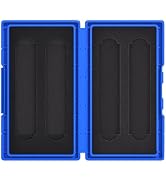
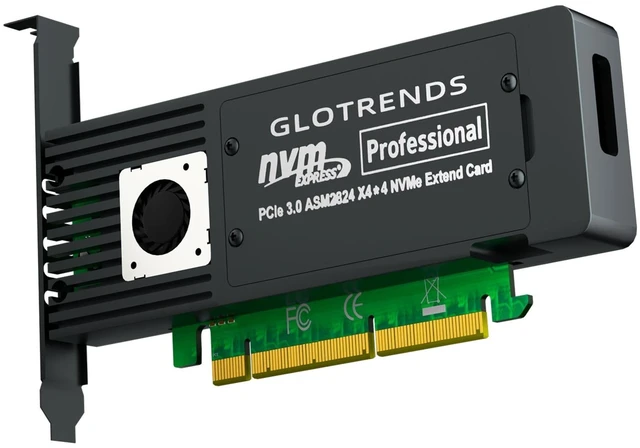
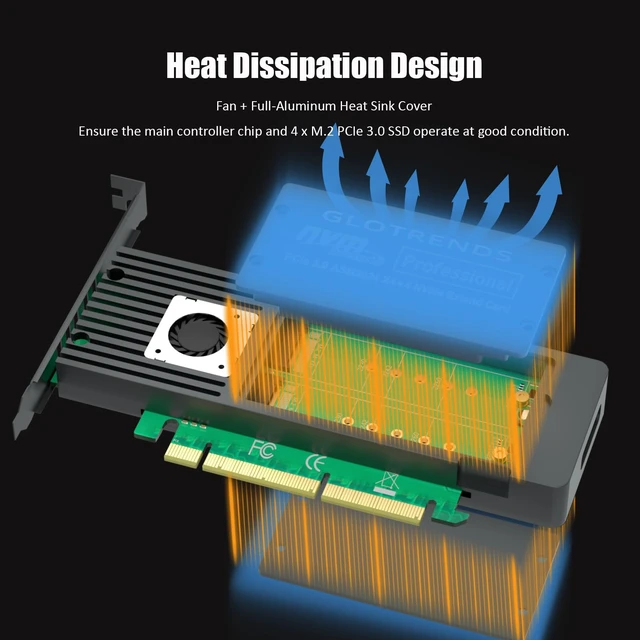
GLOTRENDS ST560 Quad M.2 NVMe to PCIe 3.0 X8 Adapter, Bifurcation Built-in The ST560 turns one PCIe 3.0 x8 slot into four M.2 Key-M ports for NVMe SSDs. Its onboard ASM2824 controller handles lane splitting on the card, so it works with all motherboards - including Mac Pro - without any BIOS bifurcation setup. READY FOR ANY CHASSIS Both a standard and a low-profile bracket are included, so the card moves freely between a full-size tower, a small-form-factor build, or a 2U/4U rack server. HONEST BANDWIDTH NOTE The four drives share the PCIe 3.0 X8 upstream link (64Gb/s = 8GB/s maximum). This card is built for storage capacity and drive count - for per-drive dedicated full-speed lanes, choose a passive X16 adapter on a bifurcation-capable board. KEY FEATURES 4 x M.2 Key-M ports for 2280/2260/2242/2230 NVMe SSDs ASM2824 switch chip: no motherboard/CPU bifurcation needed Soft RAID 0/1/5/10 via Windows Disk Management, Storage Spaces, Linux mdadm or macOS tools OS boot supported (OS reinstallation + BIOS/UEFI configuration required) Standard + low-profile brackets included
| Brand | GLOTRENDS |
| Hardware Interface | PCI Express x8 |
| Style | 4-slot M.2 PCIe Adapter with PCIe Bifurcation Function |
| Item Weight | 0.4 kg |
| Compatible Devices | 4 x M.2 NVMe SSD |
| Model Number | ST560 |
| Number of Items | 1 |
| Manufacturer | glotrends |
| Item Highlight | Works on All Motherboards incl. Mac Pro, ASM2824 Switch Chip, 4 NVMe on One X8 Slot, 2280-2230, Both Brackets, Soft RAID |
| Mfr Part Number | ST560 |
| Warranty Description | 30 Day Warranty Against Manufacturer Defects |
| Operating System | Windows/Mac OS/Linux (Not support Windows 7) |
| Style Name | 4-slot M.2 PCIe Adapter with PCIe Bifurcation Function |


