




 here!
I’m your shopping assistant for PC builds, upgrades, and everything tech.
Got questions? Ask away!
Start a conversation
here!
I’m your shopping assistant for PC builds, upgrades, and everything tech.
Got questions? Ask away!
Start a conversation




Any questions? Ask CelesteSM will help you find out quickly.


GLOTRENDS specializes in developing high-performance PCIe adapters and riser cables for computer engineers and DIY enthusiasts.
The products mainly include 2 series: PCIe adapters (M.2 SSD Adapter, SATA Card, WiFi/Ethernet Card, USB Card, etc) and PCIe 5.0/4.0/3.0 extension cables.
The goal of GLOTRENDS is to provide quality-assured and cost-effective products to customers worldwide. Customized production is welcome.
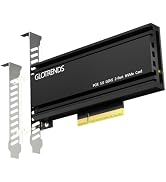
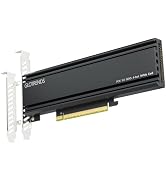
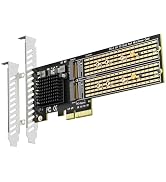
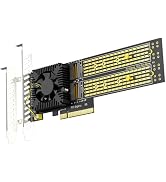
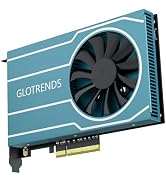
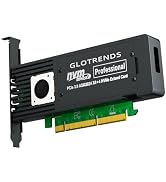

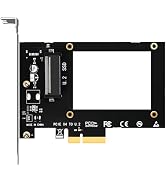
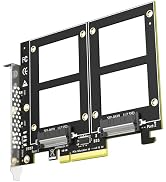
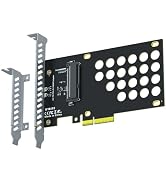
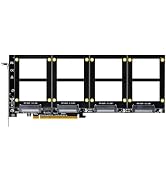
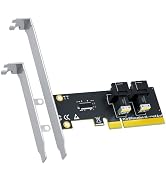
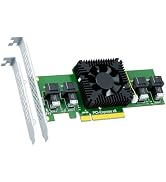
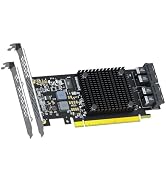
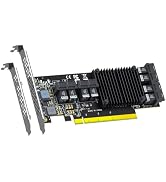

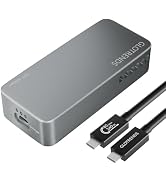
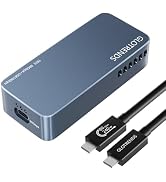
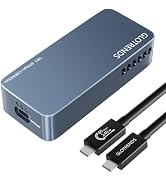
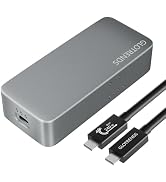
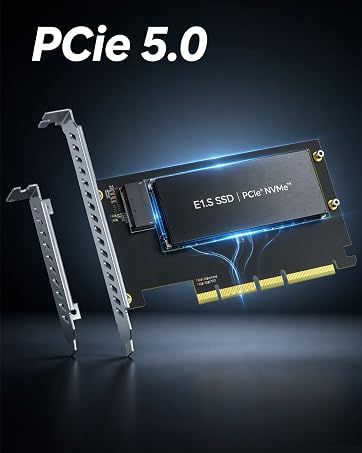
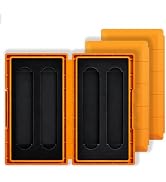
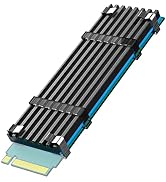
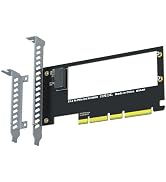

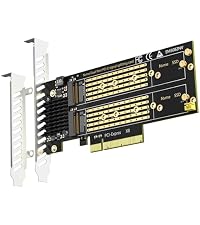 PA21 | 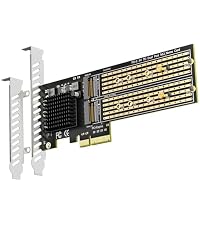 PA20 |  PA52 |  PA54 |  ST560 |  PA44 |  ST558 | |
|---|---|---|---|---|---|---|---|
Customer Reviews | — | — | — | — | — | — | — |
Price | — | — | — | — | — | — | — |
M.2 Slot | 2 | 2 | 2 | 4 | 4 | 4 | 8 |
PCIE Bus | PCIe 4.0 X8 | PCIe 3.0 X4 | PCIe 5.0 X8 | PCIe 5.0 X16 | PCIe 3.0 X8 | PCIe 4.0 X8 | PCIe 4.0 X16 |
PCIe Bifurcation | No | Yes | No | No | Yes | Yes | Yes |
Software RAID | Yes | Yes | Yes | Yes | Yes | Yes | Yes |
Support Mac Pro | No | Yes | No | No | Yes | Yes | Yes |
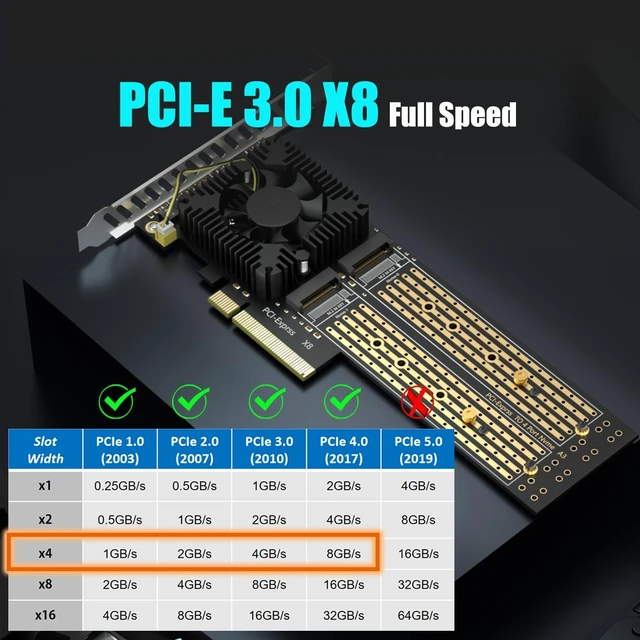
| Interface to PC | PCI-Express 3.0 X8 (64Gbps speed at max), PCIE X8/X16 Installation |
|---|---|
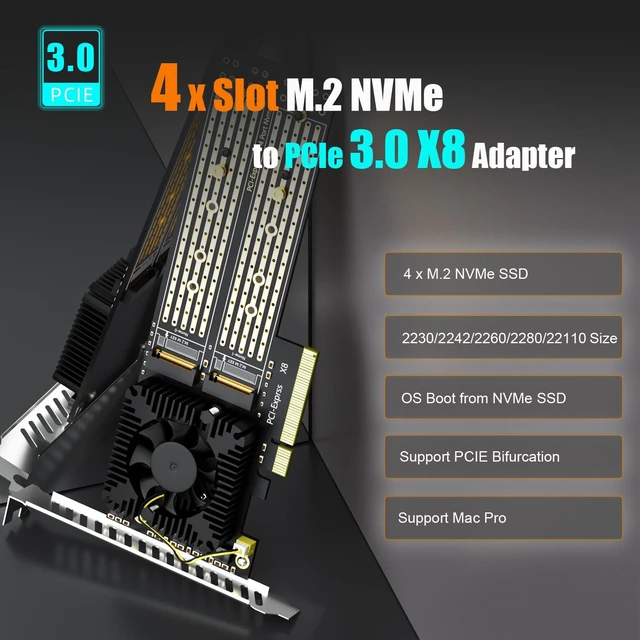
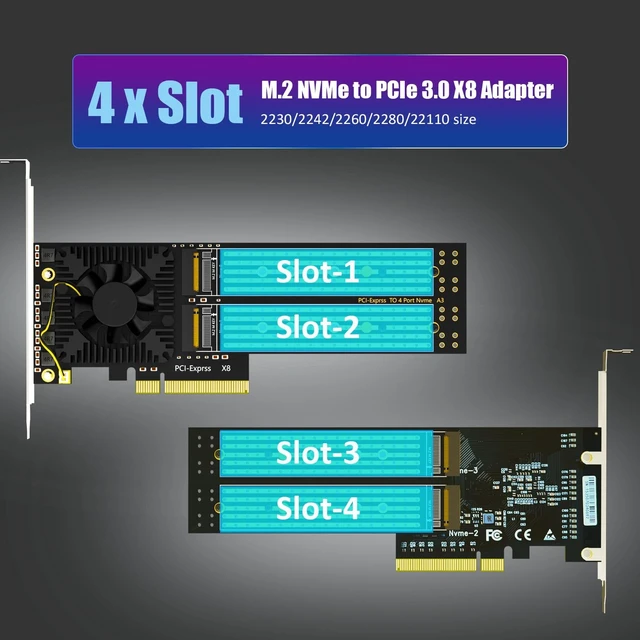
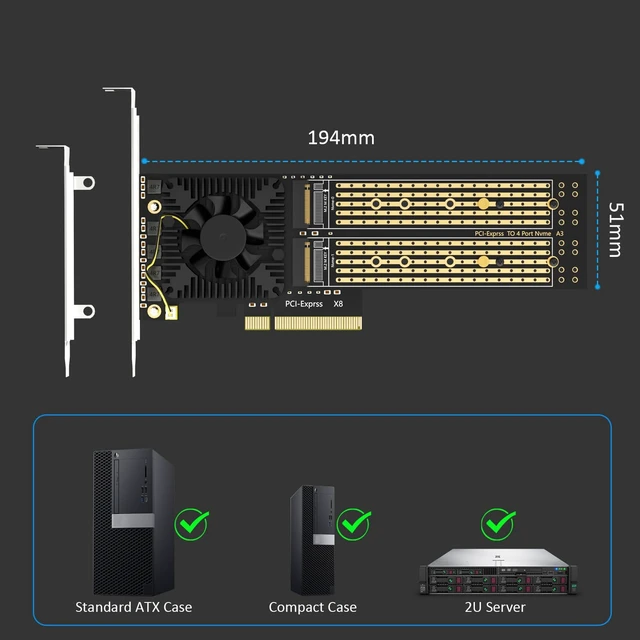
| Interface to SSD | 4 x Key M ( Support 2230/2242/2260/2280/22110 form factor) |
| OS Compatibility | Windows/Linux/mac OS (Note: not support windows 7) |
| PCIe Bifurcation | Support,it powered by the ASM2824 controller with PCIe bifurcation technology |
| Hardware Platform | Intel and AMD, and support Mac Pro |
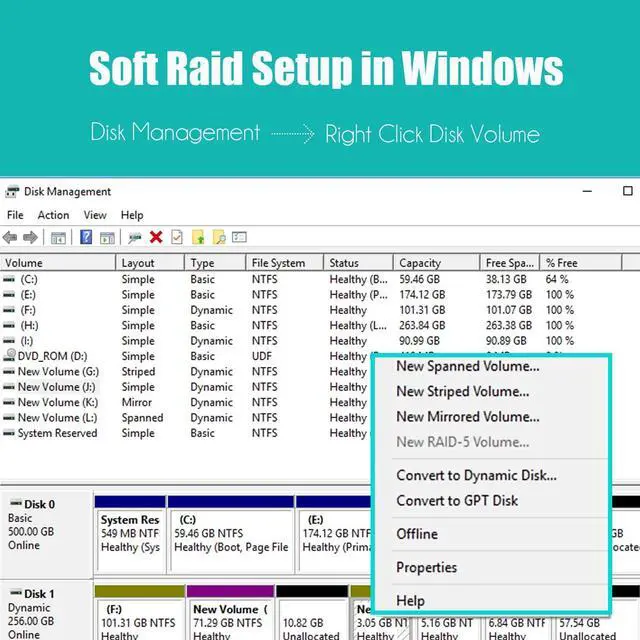
| RAID Setup | Software RAID setup via Windows Disk Management or Linux mdadm Utility or macOS Disk Utility |
| Installation | Low-profile and Regular-profile bracket |


Software RAID for M.2 NVMe SSD
PA21 | PA20 | PA52 | PA54 | ST560 | PA44 | ST558 |
|---|---|---|---|---|---|---|
| Customer Reviews | ||||||
| — | — | — | — | — | — | — |
| Price | ||||||
| — | — | — | — | — | — | — |
| M.2 Slot | ||||||
| 2 | 2 | 2 | 4 | 4 | 4 | 8 |
| PCIE Bus | ||||||
| PCIe 4.0 X8 | PCIe 3.0 X4 | PCIe 5.0 X8 | PCIe 5.0 X16 | PCIe 3.0 X8 | PCIe 4.0 X8 | PCIe 4.0 X16 |
| PCIe Bifurcation | ||||||
| No | Yes | No | No | Yes | Yes | Yes |
| Software RAID | ||||||
| Yes | Yes | Yes | Yes | Yes | Yes | Yes |
| Support Mac Pro | ||||||
| No | Yes | No | No | Yes | Yes | Yes |
GLOTRENDS specializes in developing high-performance PCIe adapters and riser cables for computer engineers and DIY enthusiasts.
The products mainly include 2 series: PCIe adapters (M.2 SSD Adapter, SATA Card, WiFi/Ethernet Card, USB Card, etc) and PCIe 5.0/4.0/3.0 extension cables.
The goal of GLOTRENDS is to provide quality-assured and cost-effective products to customers worldwide. Customized production is welcome.
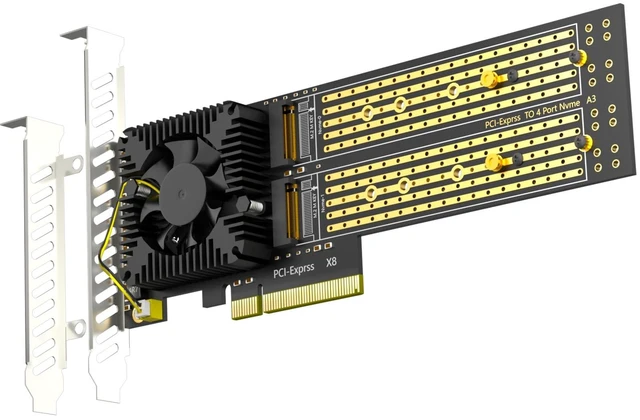
GLOTRENDS PA40 Quad M.2 NVMe to PCIe 3.0 X8 Adapter, Built-in Bifurcation Four NVMe SSDs, one PCIe slot, every motherboard welcome. The PA40 carries an ASM2824 PCIe switch chip that splits the lanes on the card - no BIOS bifurcation setting, no compatibility gamble. A silent heatsink fan keeps the controller and all four drives cool under sustained load. WHY A SWITCH CHIP MATTERS Passive quad adapters only work when the motherboard supports x16 bifurcation. The PA40 removes that requirement: it works with all kinds of motherboards, servers and Mac Pro - just make sure the slot has X8 lane bandwidth. HONEST BANDWIDTH NOTE All four drives share the PCIe 3.0 X8 upstream link (64Gbps = 8GB/s maximum), so four drives cannot run at full speed at the same time. Ideal for capacity-focused storage pools and backups. KEY FEATURES 4 x M.2 Key-M ports for 22110/2280/2260/2242/2230 NVMe SSDs Silent heatsink fan for sustained full-load operation Soft RAID via Windows/Linux/macOS tools; Intel VROC needs separate license OS boot supported on most boards Plug and play on Windows 11/10/8, Linux and macOS
| Compatible Devices | PC/Server/Mac Pro (Universal motherboard, does not require motherboard support for PCIE Bifurcation) |
| Brand | GLOTRENDS |
| Number of Ports | 4 |
| Unit Count | 1 Count |
| Number of Items | 1 |
| Model Number | PA40 |
| Manufacturer | glotrends |
| Mfr Part Number | PA40 |
| Warranty Description | 30 Day Warranty Against Manufacturer Defects |


