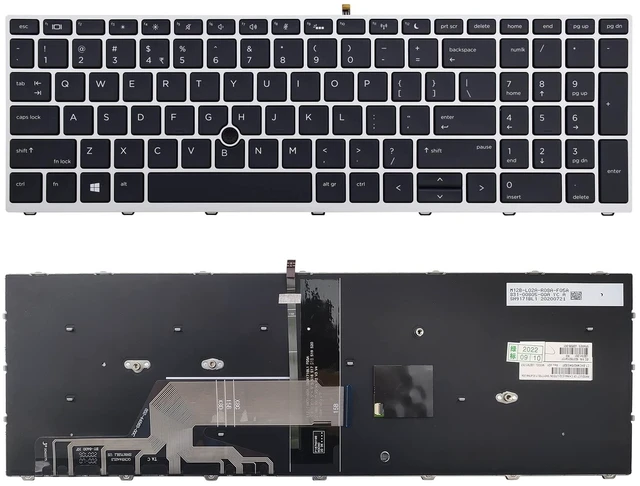
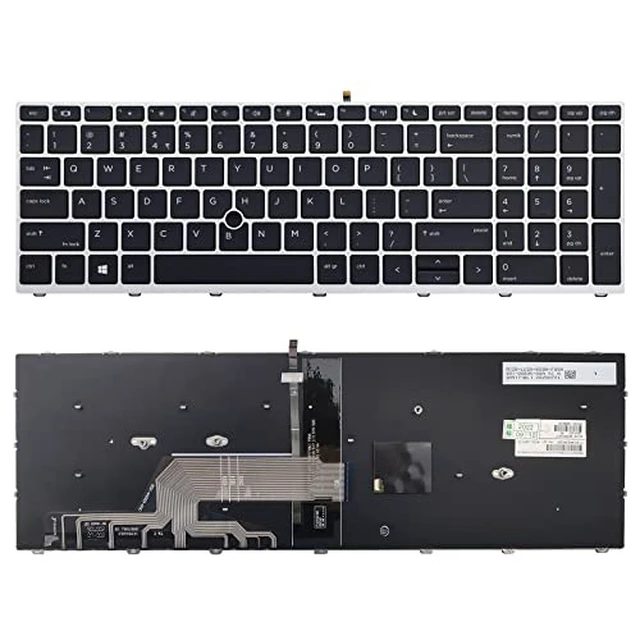
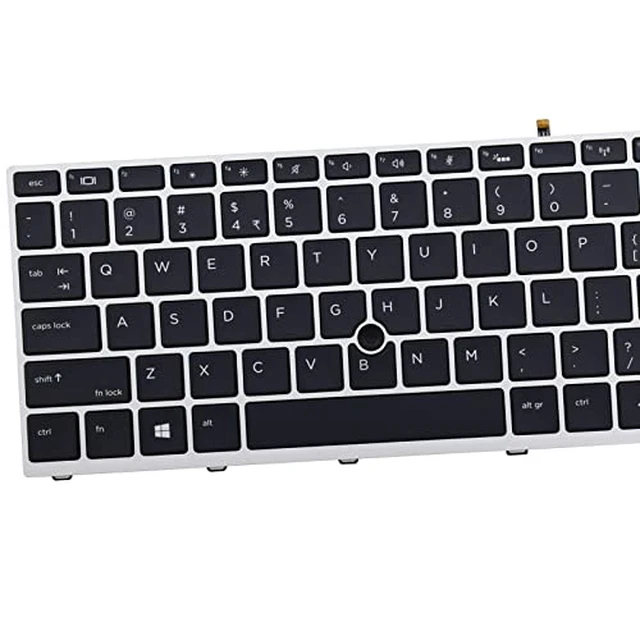
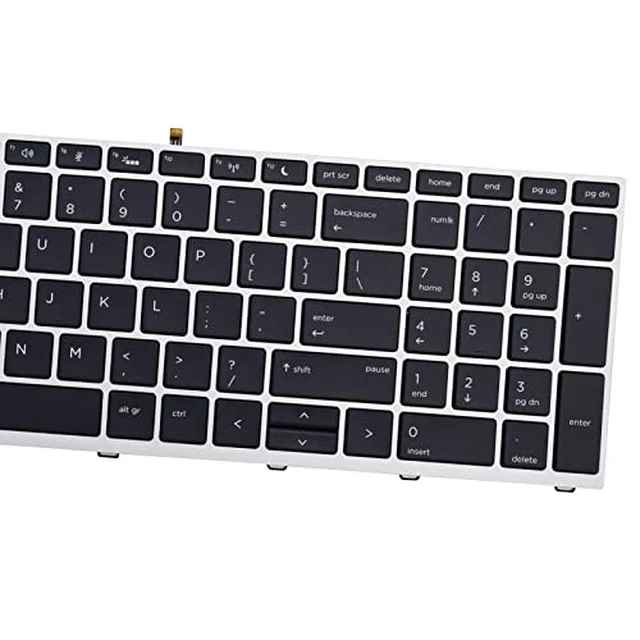
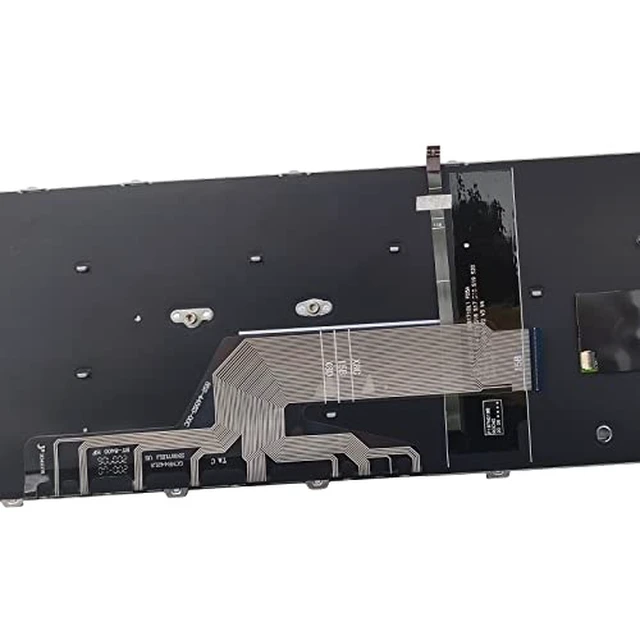
Product description Have Fun After Replace Your Broken Keyboard Replacing a laptop keyboard can address the following issues 1. Restore functionality of damaged or unresponsive keys. 2. Improve typing speed and accuracy. 3. Prevent further damage to the laptop caused by liquid spills and debris accumulation. 5. Increase the lifespan of the laptop by maintaining its keyboard in good condition. TLBTEK Backlight Keyboard Replacement Compatible with HP ProBook 650 G4 650 G5 Series Laptop L09595-001 L09593-001 L00741-001
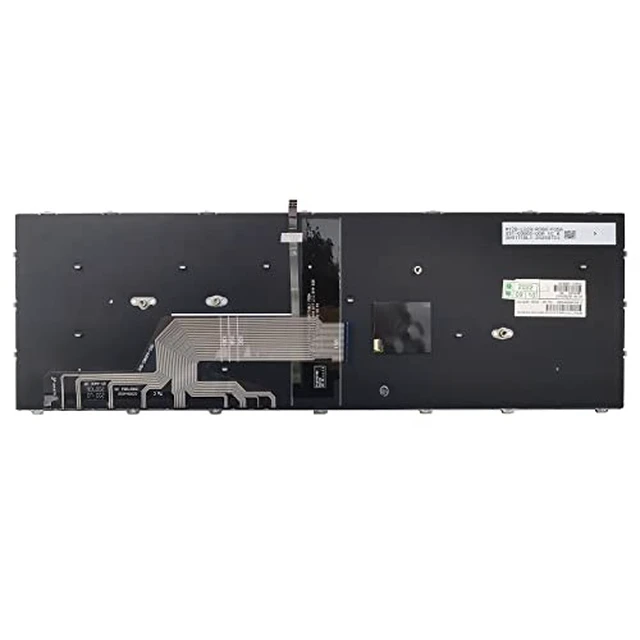
Specification Backlight: Yes
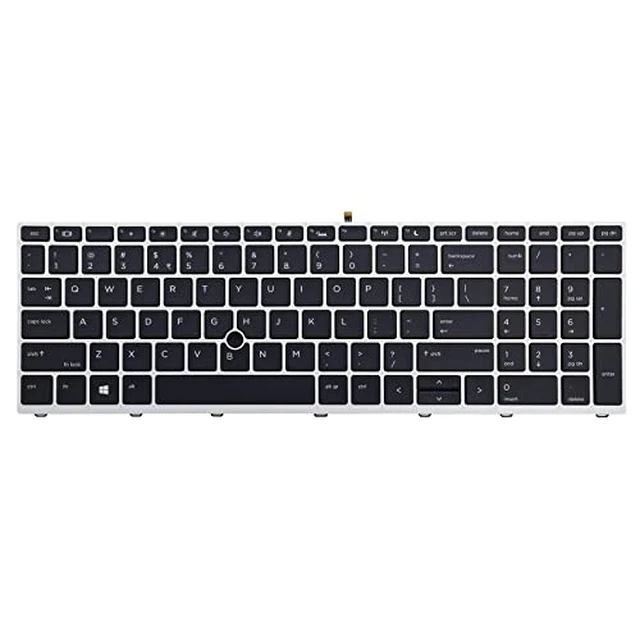
Frame Color: Silver
Pointer Stick: Yes Please cheak whether this keyboard fits your laptop or not before bidding, thanks
Compatible Models: Compatible with HP ProBook 650 G4 650 G5 Series Laptop
Compatible Part Number: L09595-001 L09593-001 L00741-001 Tested Before Shipping and Double Protection Package This keyboard are all Tested Before Shipping and packed in a box after being packed in a foam bag effectively avoiding damage during transportation. We can provide you with professional and accurate guidance 1. Please replace this keyboard during laptop at off state. 2. If some keys don't work after install, You can try to reconnect the ribbon cable in case bad connected, pls use a dry cloth to wipe metal head of the connect ribbon, then try to connect about few times, many customer solve this problem after did this. thanks 3. Any more questions, pls contact seller directly, we are specialized in keyboard more than 10 years!




 here!