here!
here!
I’m your shopping assistant for PC builds, upgrades, and everything tech.
Got questions? Ask away!
Start a conversation
here!
I’m your shopping assistant for PC builds, upgrades, and everything tech.
Got questions? Ask away!
Start a conversation
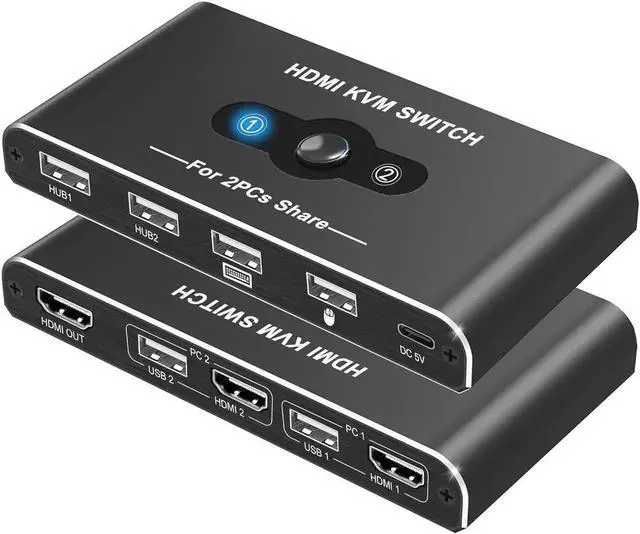
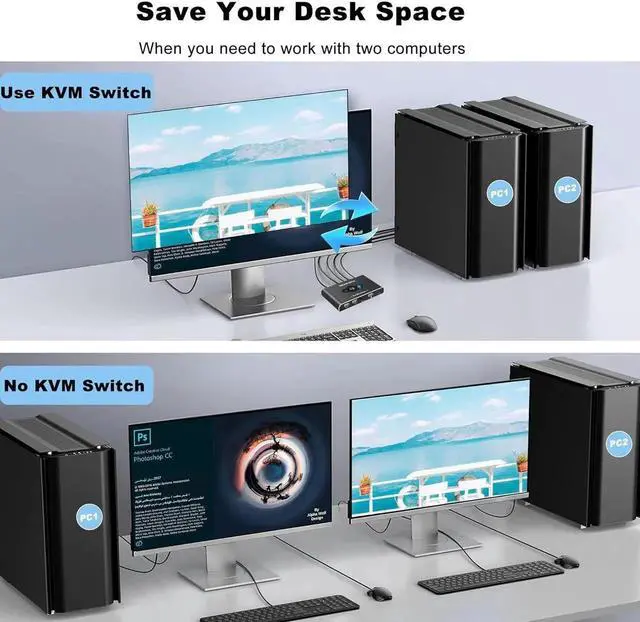



Any questions? Ask CelesteSM will help you find out quickly.
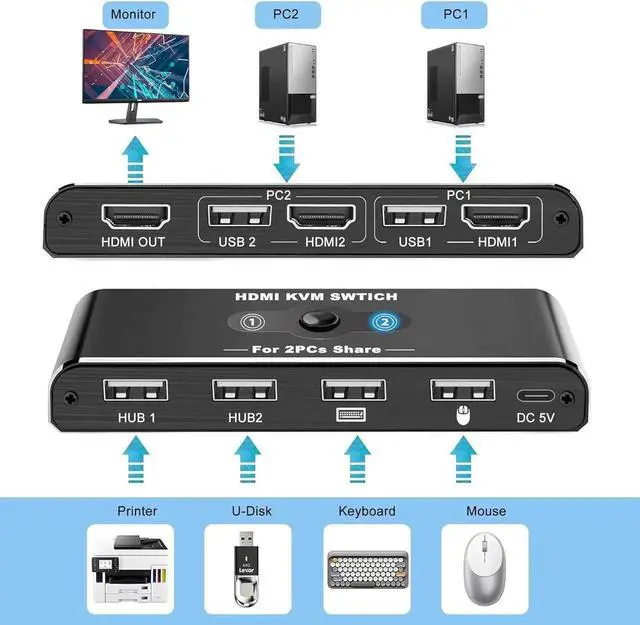
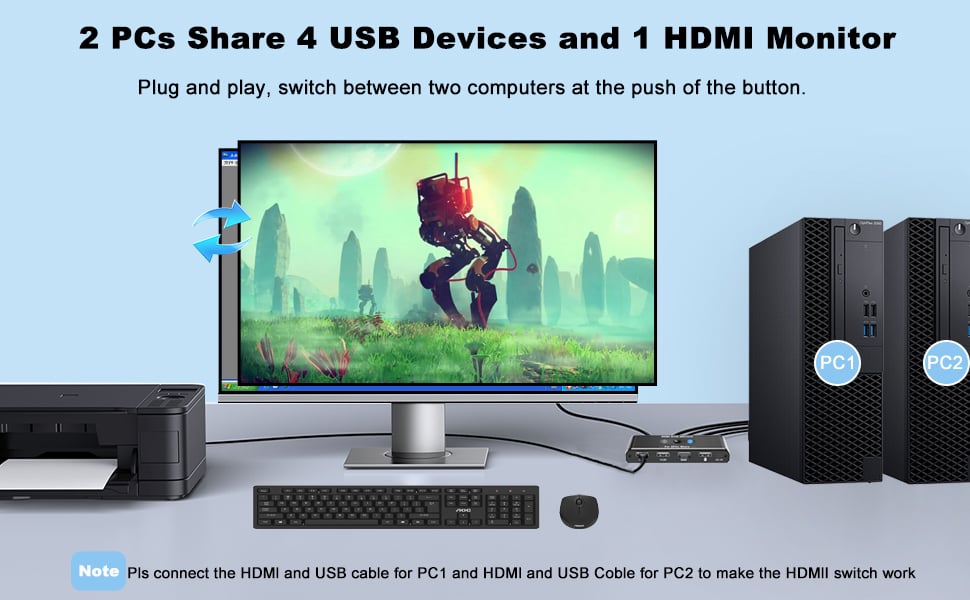
2 PCs Share 4 USB Devices and 1 Monitor
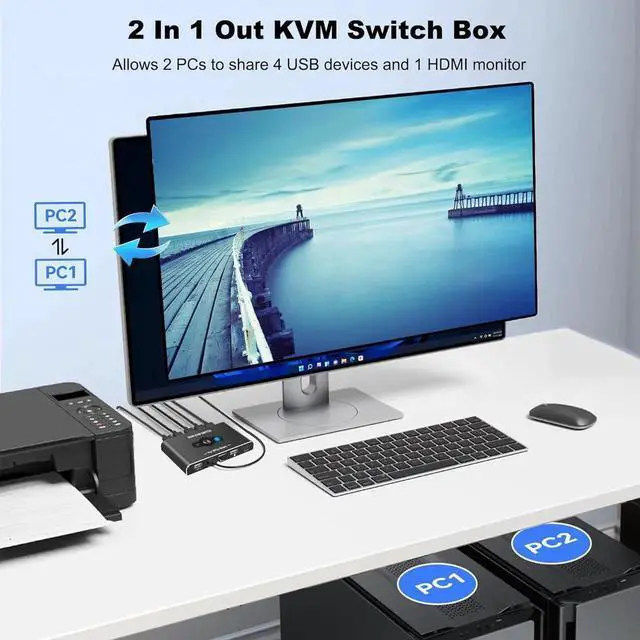
KVM switch supports 2 computers share 1HD Monitor and 4 USB devices like keyboards, mouses, U disk, printers, scanners, USB cameras etc. It's convenient for you.
Whether you're a programmer multitasking with 2 computers, or a freelancer working from home, having a work computer and home PC at one table, a solution to share between them a monitor, keyboard, mouse and printer will help streamline your workflow.
The key benefits of employing a KVM USB Switch
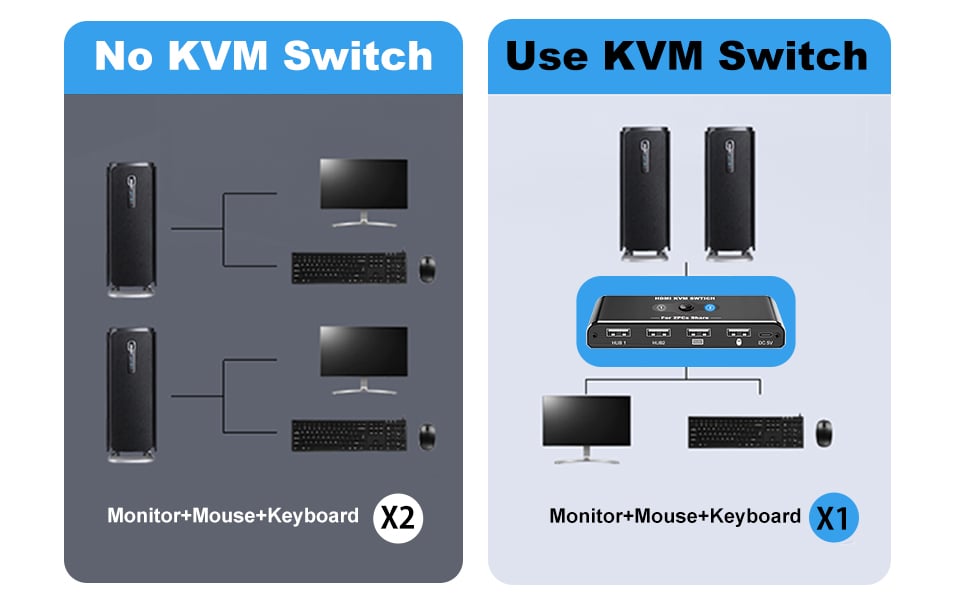
Save Desk Space Time& Save Money
Here's a general guide on how to set up your KVM Switches
1. Connect your computer 1 to PC1-USB port and PC1-HDMI port with the included USB cable and HDMI cable.
2. Connect your computer 2 to PC2-USB port and PC2-HDMI port with the included USB cable and HDMI cable.
3. Connect this switch to a DC 5V power source via the supplied USB-C power cable.
4. Connect your USB device to the USB port. (The USB ports marked with the icon can only be connected to a mouse and keyboard and do not support other USB devices.)
5. Press the Switch button to select the computer you need to use.