




 here!
here!
I’m your shopping assistant for PC builds, upgrades, and everything tech.
Got questions? Ask away!
Start a conversation
here!
I’m your shopping assistant for PC builds, upgrades, and everything tech.
Got questions? Ask away!
Start a conversation



Any questions? Ask CelesteSM will help you find out quickly.
ow to Use:
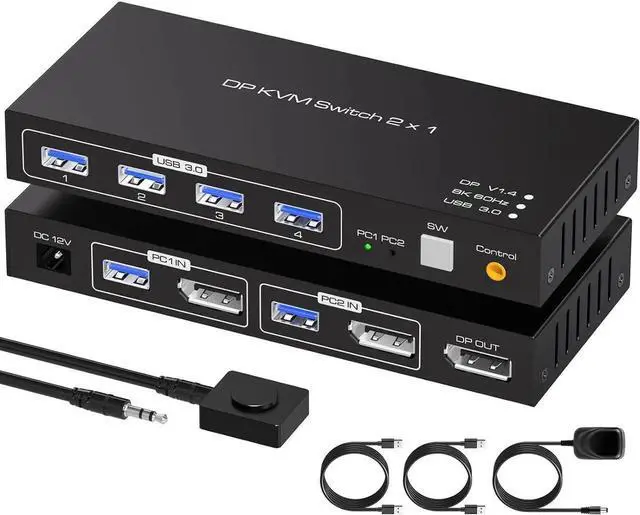
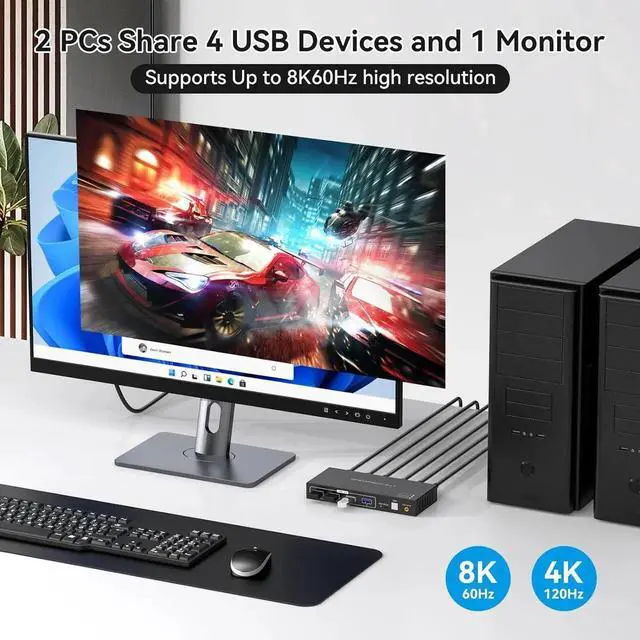
8K Displayport USB 3.0 KVM Switch for 2 PC Share 1 Monitor and Mouse Keyboard
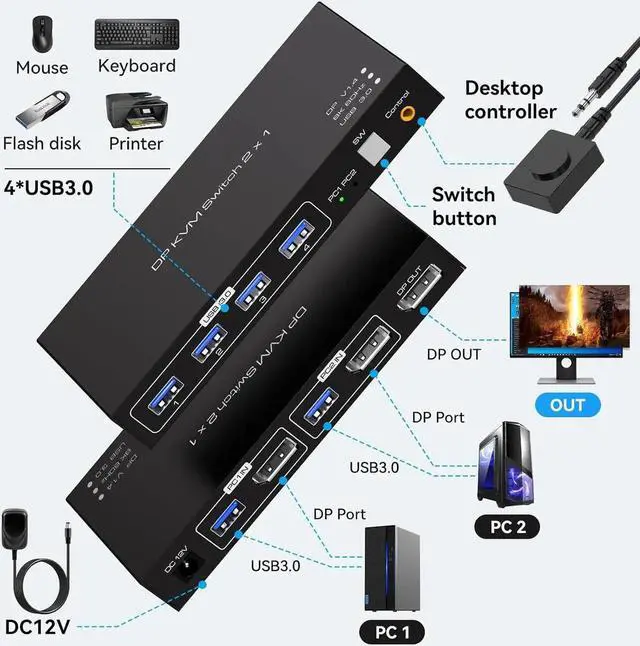
Using only 1 set of keyboard, mouse and monitor to control 2 computer devices.
Available to use keyboard and mouse without any delay after switch input sources.
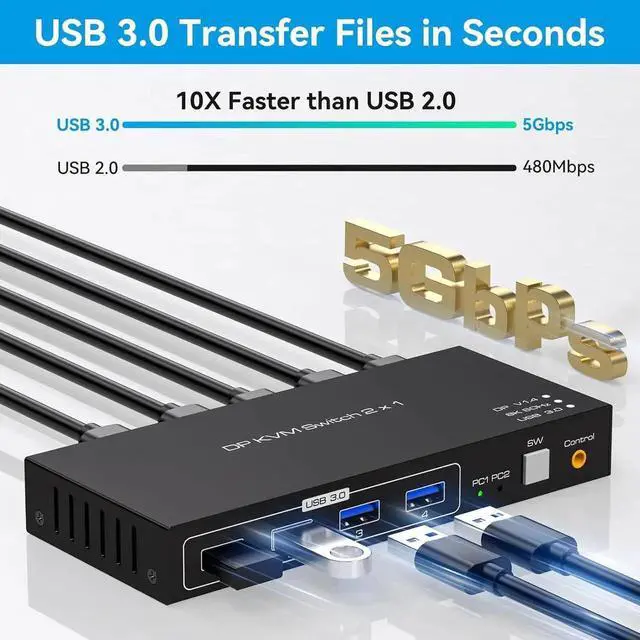
With 4 USB 3.0 hub port, it is possible to connect bar code scanner, USB hard drive or other USB devices to KVM.
Support resolution up to 7680*4320@ 60Hz.
Support front panel buttons and External switch button to control KVM to switch inputs.


