




 here!
here!
I’m your shopping assistant for PC builds, upgrades, and everything tech.
Got questions? Ask away!
Start a conversation
here!
I’m your shopping assistant for PC builds, upgrades, and everything tech.
Got questions? Ask away!
Start a conversation



Any questions? Ask CelesteSM will help you find out quickly.


Attention
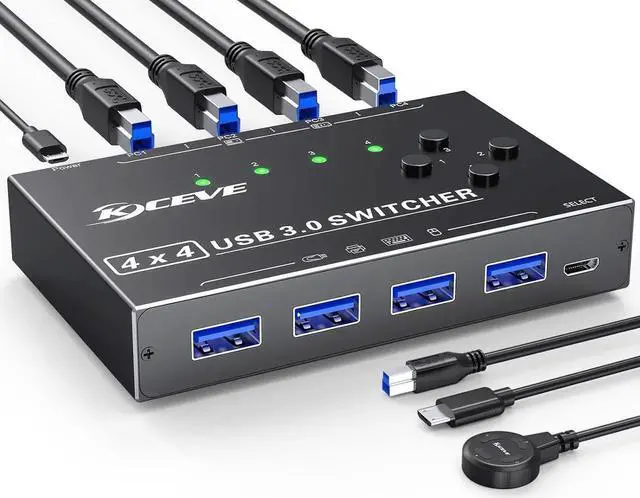
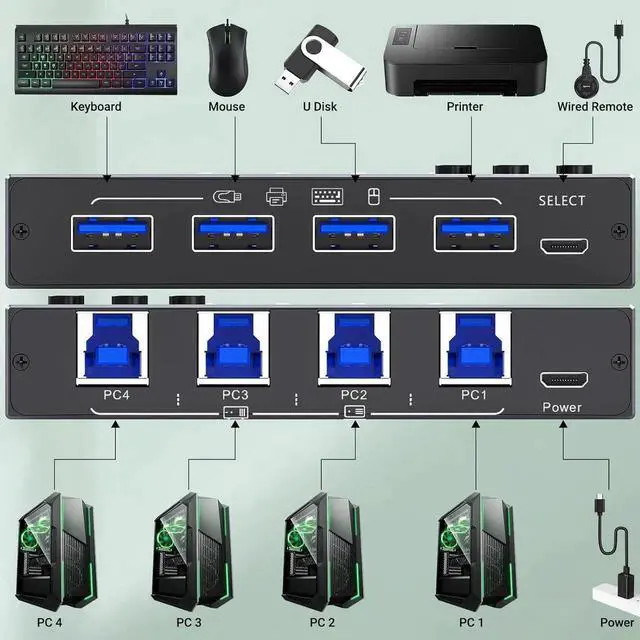
| Input Tip: | Use the USB A-B cables to connect the USB port of your computers to the USB-B ports of the switch |
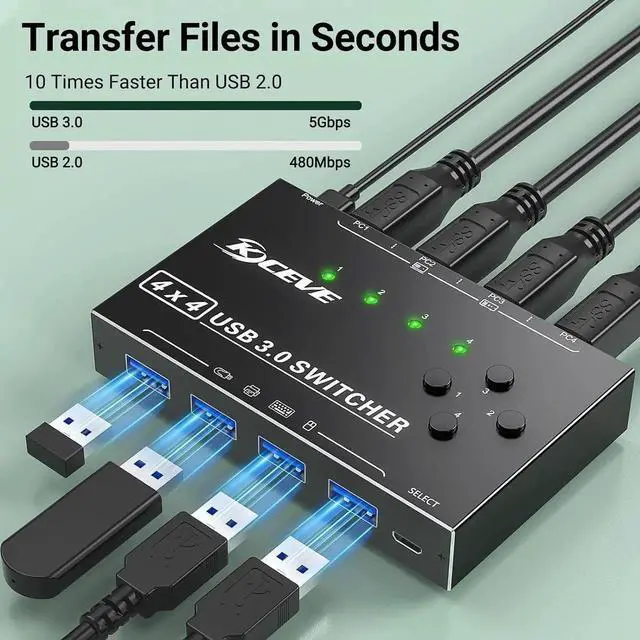
| Output Tip: | The USB3.0 switch has 4 identical USB-A ports on the front, which are used to connect USB devices. |
| For USB C device: (INPUT) | You need to use a USB C to A adapter with a USB A to A cable. |
| For USB C device: (OUTPUT) | If you want to plug a USB C device into this switch, you need to use the USB A to USB C OTG Adapter |
| Not a KVM | It is a USB switch without an HDMI port and it does not support 4 computers sharing a single display |
| About Power Supply: | Not all devices need power supply during use; the power port can only supply power to USB switch. |
| Package Content: | USB 3.0 Switch * 1 ; USB A to B Cable * 4 (2.62FT/0.8M) |
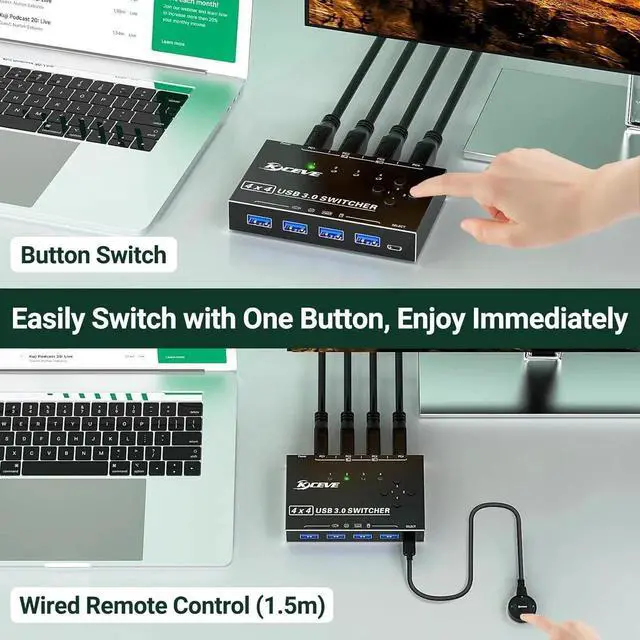
| Package | Remote Control *1 (4.92FT/1.5M); USB power cord *1(4.92FT/1.5M) |
USB Switch 4 Computers
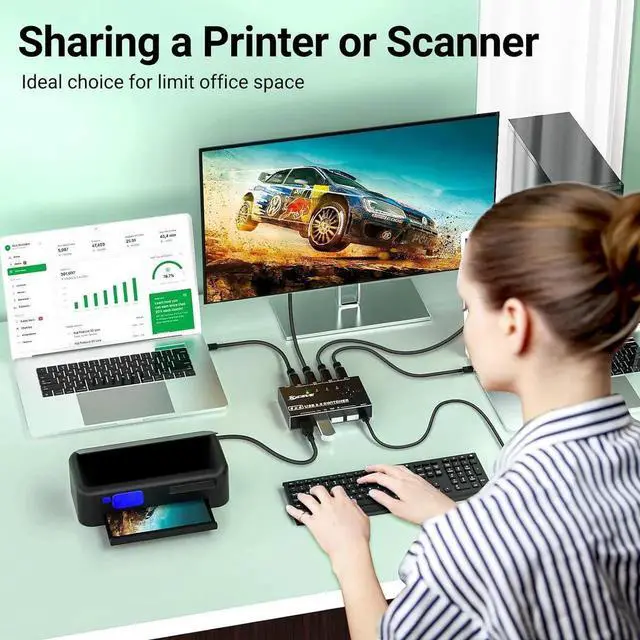
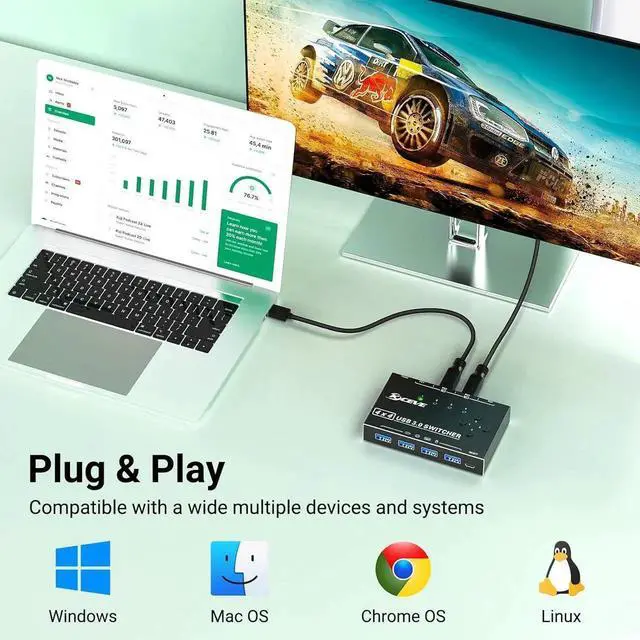
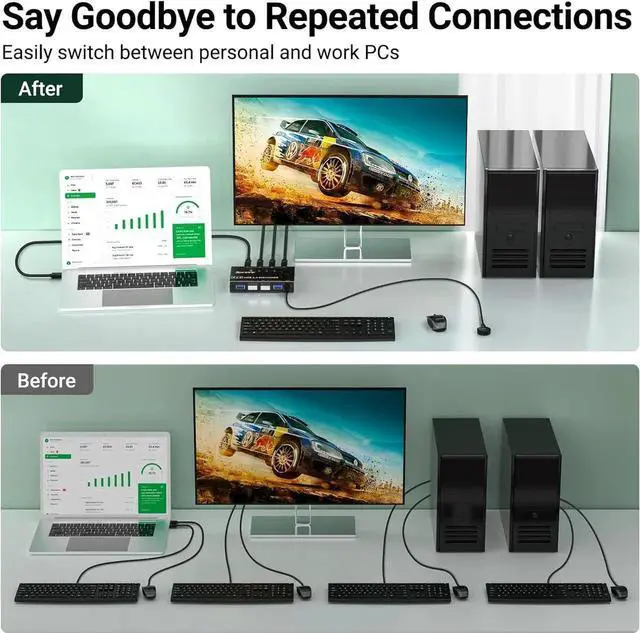
Our 4 Port USB Switcher supports up to 4 computers sharing 4 USB devices like wireless keyboard, mouse, printer and USB camera. Switch freely between your work computer and personal computer and boost your work efficiency, Ideal for users with multiple computers.
Package Content:
USB 3.0 Switch * 1; USB A to B Cable * 4 ( 2.62FT / 0.8M )
Remote Control *1 ( 4.92FT / 1.5M ); USB power cord *1( 4.92FT / 1.5M )


