




 here!
here!
I’m your shopping assistant for PC builds, upgrades, and everything tech.
Got questions? Ask away!
Start a conversation
here!
I’m your shopping assistant for PC builds, upgrades, and everything tech.
Got questions? Ask away!
Start a conversation



Any questions? Ask CelesteSM will help you find out quickly.
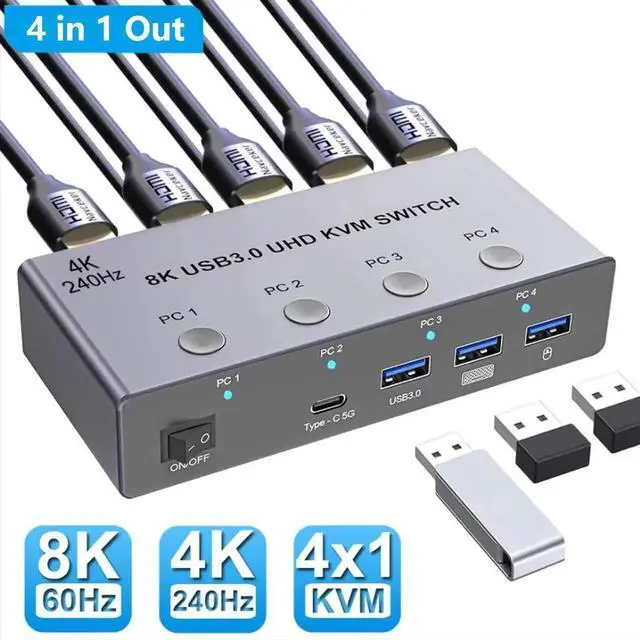
8K@60Hz 4K@240Hz HDMI USB KVM Switch allows you to share one USB keyboard, USB mouse, and one HDMI monitor to control 4 computers, laptops, game consoles.
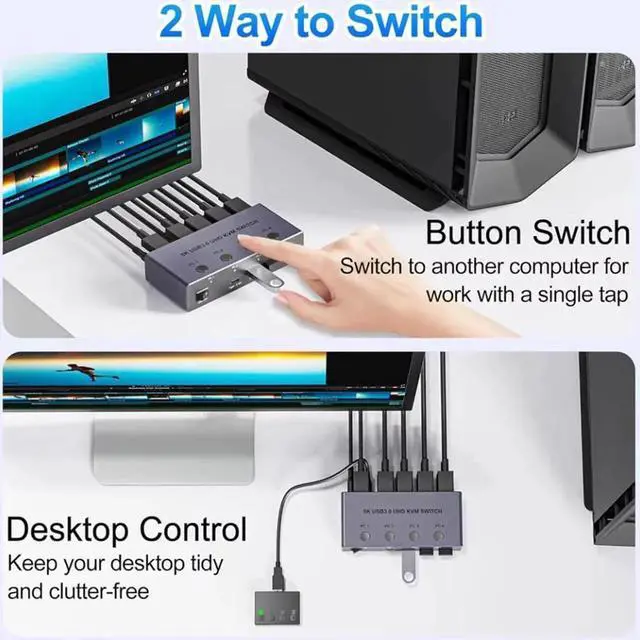
It is designed for multitask with four computers at your necessary, increasing productivity in the office or at home ; You can switch between 4 computers using a manual switch located on the top of the KVM unit.

HDMI KVM Switch for 4 Computers:
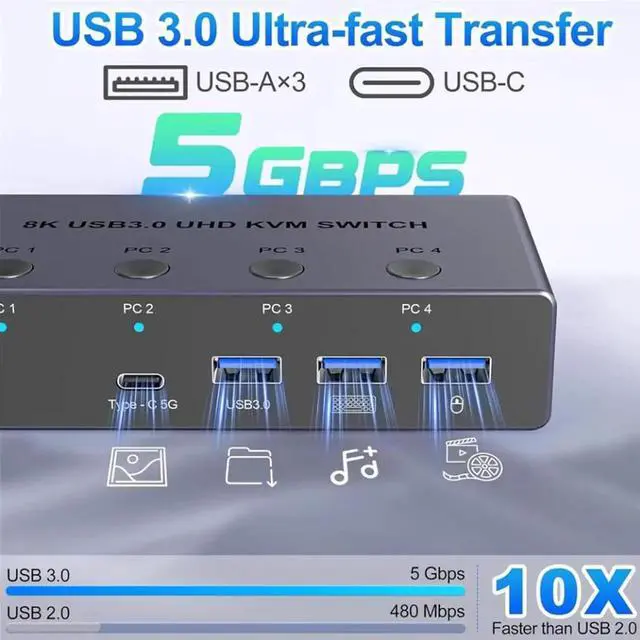
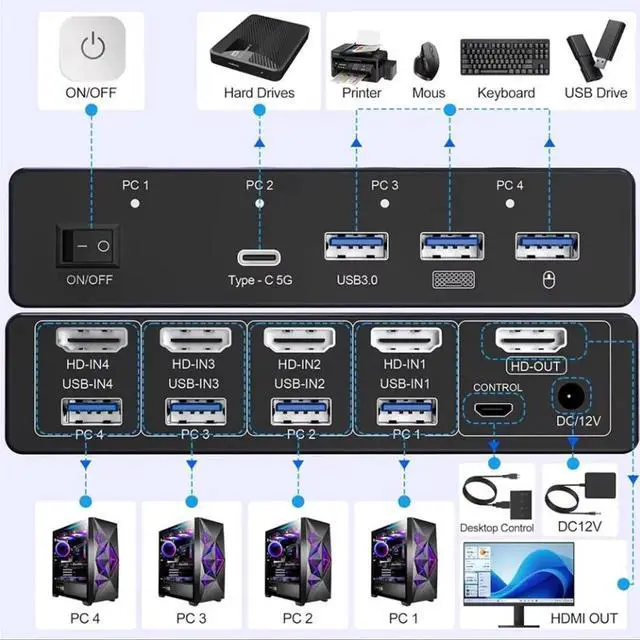
The hdmi kvm switch enables 4 computers to share 1 monitor and up to 4 USB 3.0 peripherals --such as a keyboard, mouse, external hard drives, USB flash drives, and printers. Simply use the remote control or the switch buttons on the panel to easily switch between the 4 computers without any complicated operations, saving costs, simplifying your workspace, and improving work efficiency.
Note: Each computer and the monitor must feature an HDMI port to ensure proper operation.


Description:
The 8K@60Hz 4K@240Hz HDMI USB KVM Switch allows you to share one USB keyboard, USB mouse, and one HDMI monitor to control 4 computers, laptops, game consoles.
It is designed for multitask with four computers at your necessary, increasing productivity in the office or at home ; You can switch between 4 computers using a manual switch located on the top of the KVM unit.
Specifications
KVM 4-in-1 HDMI-compatible/USB KVM Switch Adapter USB Switcher 4 port 2K 240Hz Printer Share For Computer Keyboard
- Product Type: HDMI USB KVM Switch (4 in 1 out)
- Input Port: HDMI x 4, USB 3.0 x 4
- Output Port: 1 x HDMI ,USB 3.0 x3,Type-C Data x1
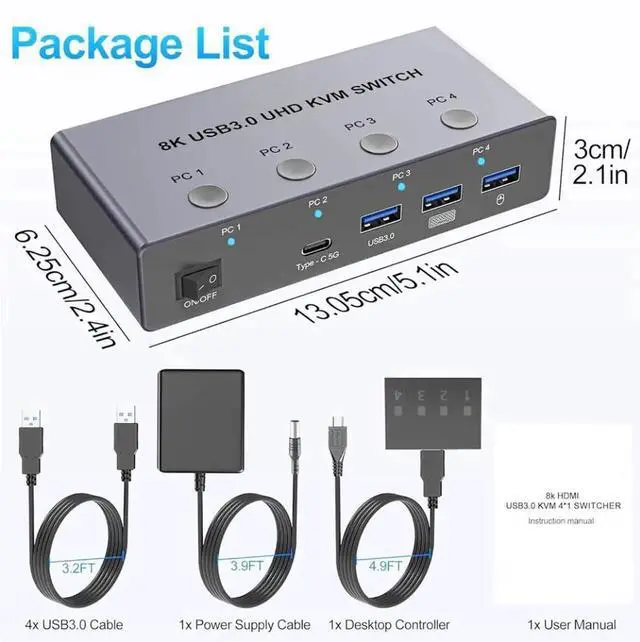
- Dimensions: 111.8x63.2x24.5mm
- Material: Aluminum Alloy shellanti-rust, anti-corrosion, anti-interference, fast transmission, surtace oxidation
- Support HDMI 2.1 HDCP 2.3
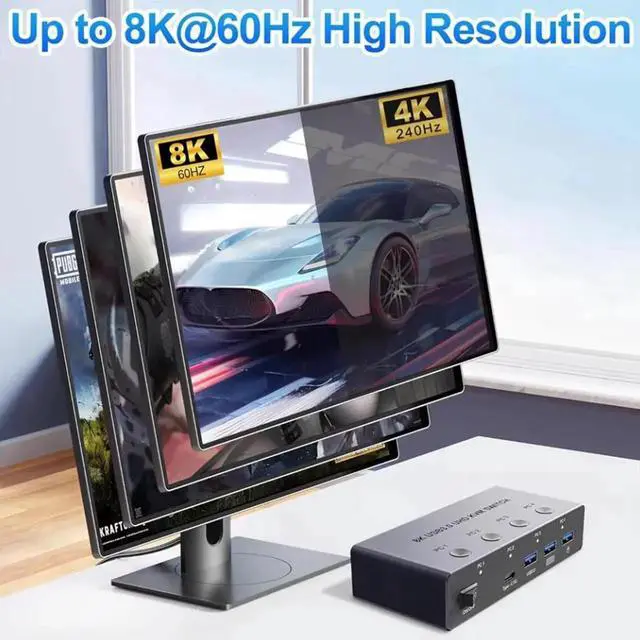
- Resolution: Support 1080P@60/120/240Hz,2560x1440@144/240Hz, 4K@240Hz(DSC) resolution, adaptive screen resolution
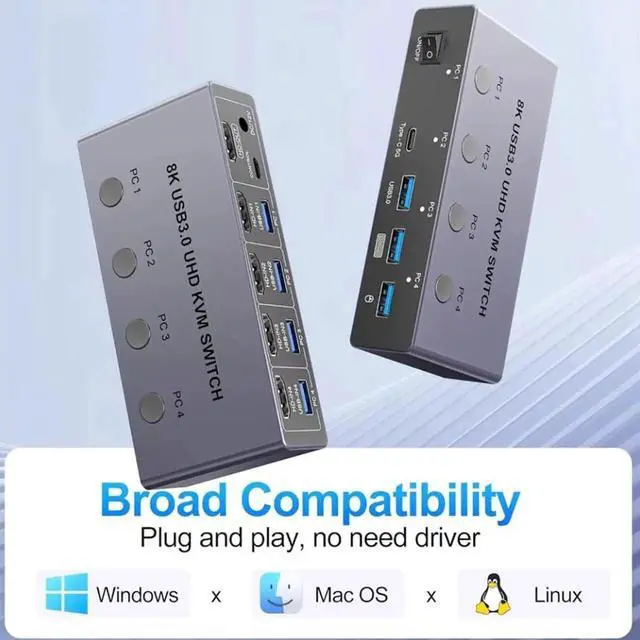
- Support system: Windows XP, Windows7, Windows10, Apple MAC, Linux, Unix and other operating systems
- Supports high current hard disk devices
- 2 Ways Switching method:
1.Press the "PC 1" "PC 2""PC 3""PC 4"button on the KVM switch panel to switch between the four source devices;
2.Press the "1" or 2or 3" or 4"button on desktop controller to switch between the four source devices;
- Highly integrated digital chip combination, plug and play
Package contents
1 x HDMI 2.1 KVM USB Switch
4 x USB data cable
1 x Desktop Controller
1 x 12V DC power adapter
1 x User Manu


