


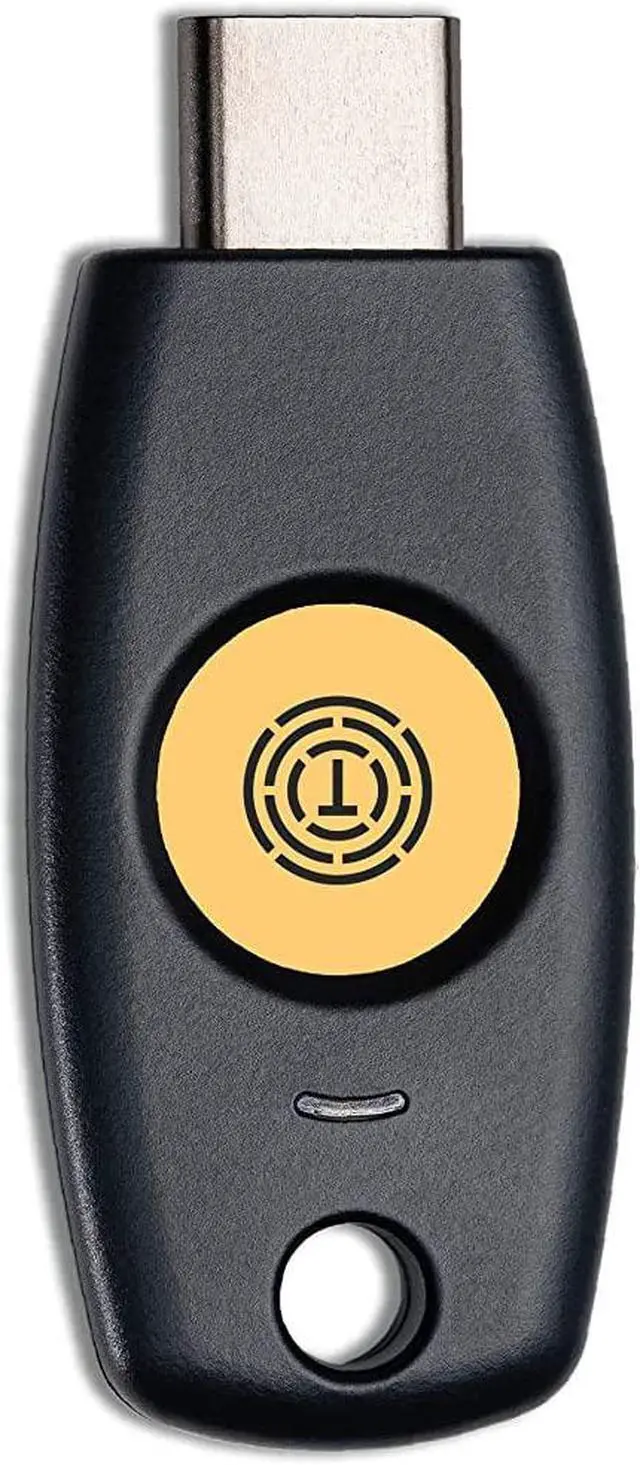
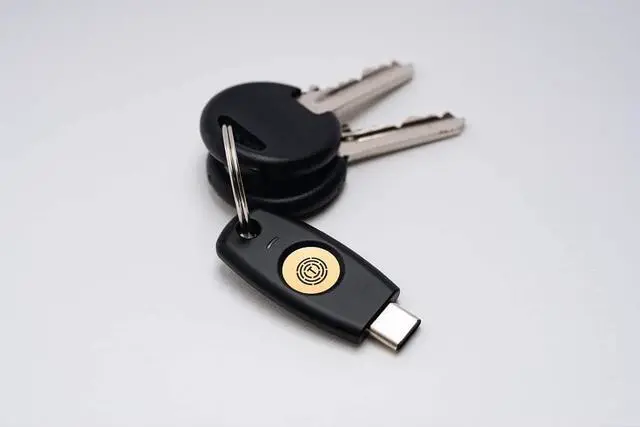
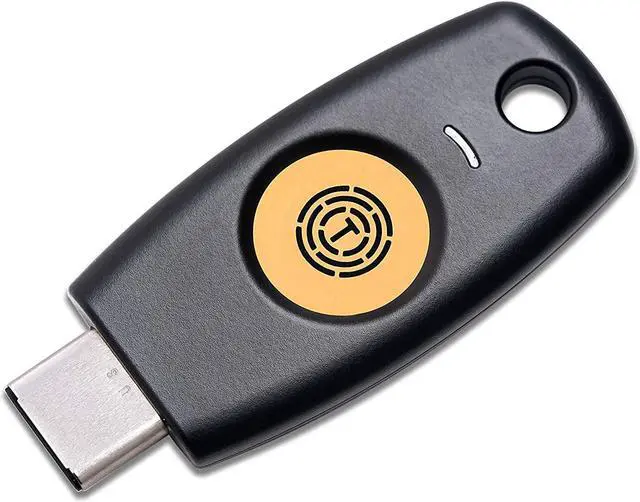
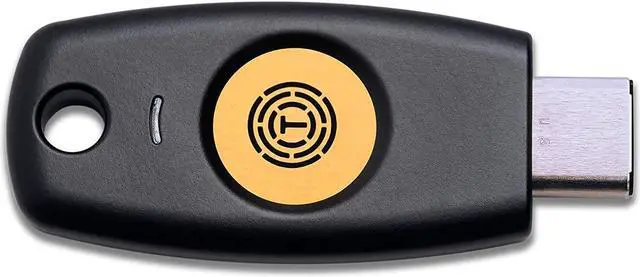


Through encrypting public key and private key based on FIDO2, T120 provides powerful security with a fast and easy login environment.

T120 is a roaming authenticator that can be used at more than two user's devices.

Using the capacitive touch sensor method T120 provides excellent security by authenticating the user and preventing the identity theft.

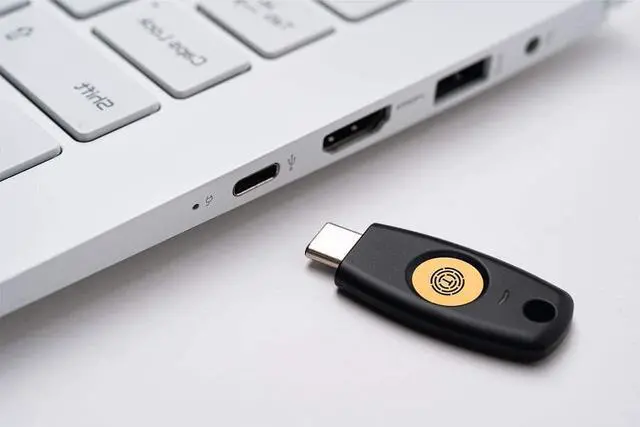
With USB connector attached, T120 does not require extra software nor driver to function as a security key. user may simply insert the key with no extra power, to the USB port and start using the security key with PC.


After login into the Chrome browser with ID and password,
1. Click "Customize and control Google Chrome"
2. Click "Privacy and security"
3. Click "Security."

Click Manage security keys.

1. Click Create a PINand enter your PIN number.
2. After then, Click save button.
For more instructions, please scroll down and download the User Manual attached to Product information and Documents in this page.
