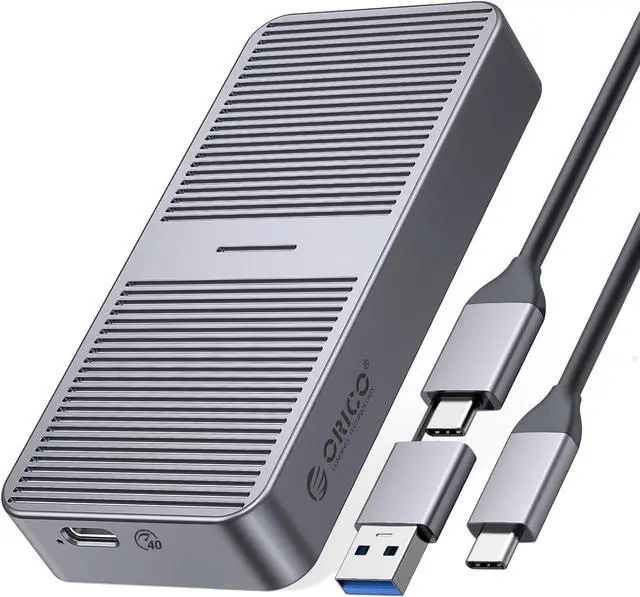
Product description ORICO 40Gbps 20Gbps 10Gbps 6Gbps M. 2 Enclosure-M22 Series Click to play video
NOTE: 1.
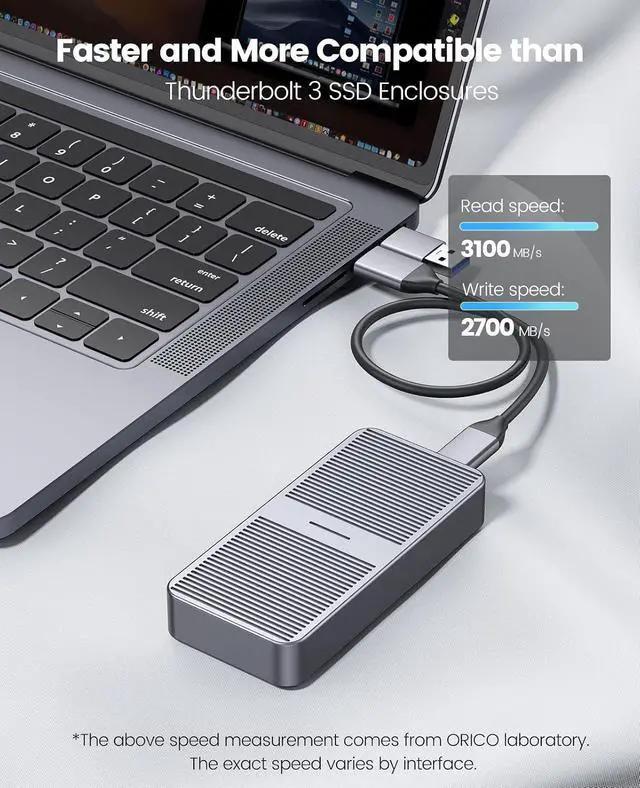
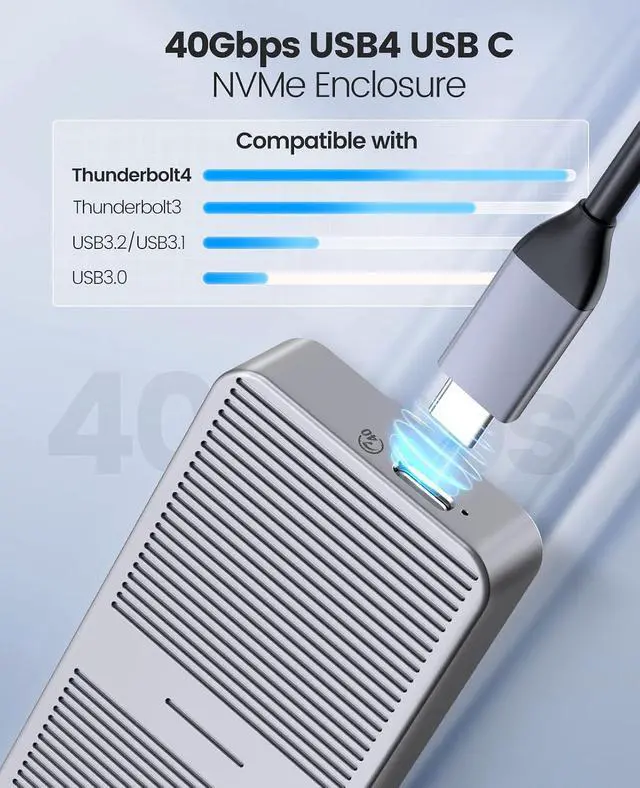
M224-40Gbps Version: Using the latest version of the USB 4.0 interface, the transfer rate is up to 40Gbps, and the theoretical reading speed can reach 2800MB/s. The speed measured by the
ORICO laboratory: the
ssd enclosure read speed: 2800MB/s, write
speed: 2100MB/s. Actual transfer speed depends on SSD speed, type of USB port, computer performance, NVMe media used, etc. 2.
M223-20Gbps Version: a. Please use the latest version of USB 3.2 Gen2x2 interface, the transfer rate is up to 20Gbps, and the theoretical reading speed can reach 2000MB/s. The speed measured by the
ORICO laboratory: With SAGSUNG 970 EVO PLUS SSD,
Case reading speed: 1875.41 MB/s, Writing
speed: 1874.02 MB/s. b. To achieve the 20Gbps speed, please use USB 3.2G en2x2 interface. It is backward compatible with USB 3.2 Gen1, USB 3.1 Gen1 limited by the bandwidth of these interfaces, the speed is 10Gbps and 5Gbps respectively. 3.
M222-10Gbps Version: Using the latest version of the USB 3.2 interface, the transfer rate is up to 10Gbps, and the theoretical reading speed can reach 1200MB/s. The speed measured by the
ORICO laboratory: with SAGSUNG 970 EVO PLUS SSD, the
ssd enclosure read speed: 1053MB/s, write
speed: 1005MB/s. Actual transfer speed depends on SSD speed, type of USB port, computer performance, NVMe media used, etc. 4.
M221-6Gbps Version: Using the latest version of the USB 3.2 interface, the transfer rate is up to 6Gbps, and the theoretical reading speed can reach 640MB/s. The speed measured by the ORICO laboratory, the
ssd enclosure read speed: 551.78MB /s, write
speed: 504.13MB /s. Actual transfer speed depends on SSD speed, type of USB port, computer performance, SATA media used, etc.
1. Open the case Open the case with the supplied screwdriver.
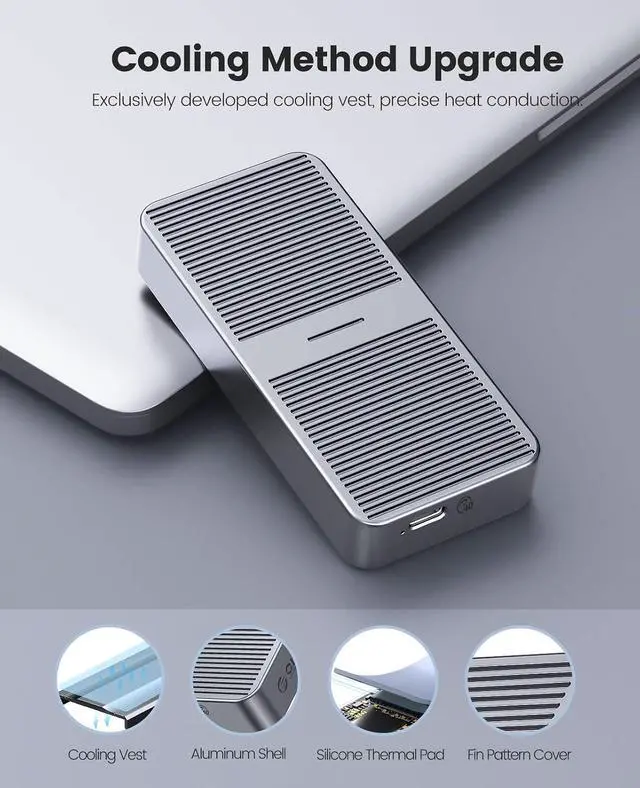
2. Install cooling accessories Stick the thermal pad on the SSD, and then cover it with a heat dissipation vest.
3. Installing an SSD Insert the rubber plug into the hole of the SSD, and then insert the SSD into the hard drive box interface.
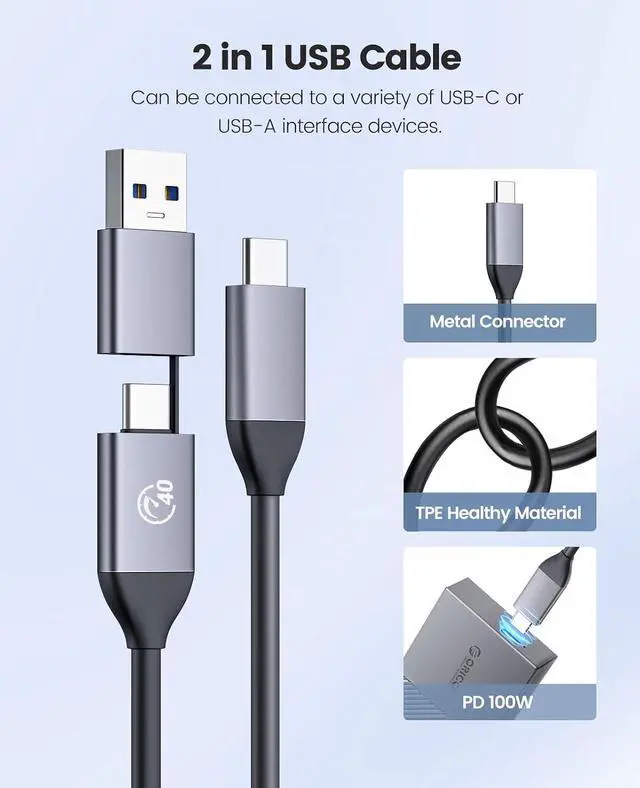
4. Close the case Close the case and screw in the screws to complete the process. 40Gbps M. 2 NVMe Enclosure ORICO M22 M. 2 Enclosure M. 2 NVMe 2280 SSD Compatible SSD M. 2 NVMe 2280 SSD USB 4.0 Interface Type-C 40Gbps Transfer rate 20Gbps 2-in-1 Cable Data cable 2-in-1 Cable CNC aluminum Material CNC aluminum 20Gbps M. 2 NVMe Enclosure Learn More 10Gbps M. 2 NVMe Enclosure Learn More Compatible NVMe SSDs with 40Gbps 20Gbps 10Gbps Version Compatible with Samsung 980/980 PRO/970 EVO Plus/970 EVO/970 Pro/960 Pro/960 EVO/860 EVO Series Compatible with WD WD Blue SN550/WD Blue SN750/3D NAND/WD BLACK SN850/WD BLACK SN750 SE/WD BLACK SN750 Series Compatible with Kingston A2000/KC2000/KC2500/SA400M8 Compatible with Seagate BarraCuda 510/FireCuda 510/FireCuda 520 Compatible with Toshiba RC500/RD500/RC100/RC10 Compatible with HP EX950/EX900 Series Compatible with Intel 600P/660P/665P/760P/545S/Optane 800P/Optane H10 Compatible with others All NVMe SSDs Compatible with Crucial P2/P5 Series Why can't it write in macOS? But it can read and write normally under Windows. After installing SSD, the computer is not read by the enclosure? Is there a sleep setting? Are there any interruptions in data transmission during sleep? Why is the speed not as fast as advertised? Why does it generate heat?





 here!
here!