Your Browsing History
- Free 30-day Returns
$15.99
Ships from Hong Kong.
Meet Your Seller
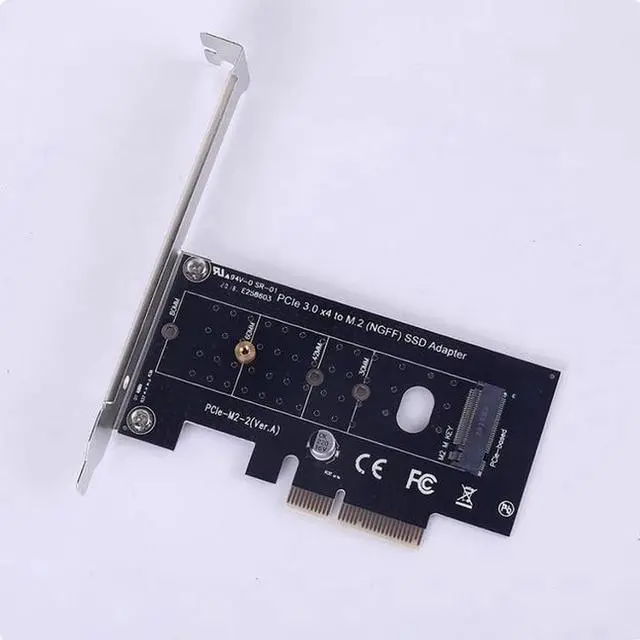
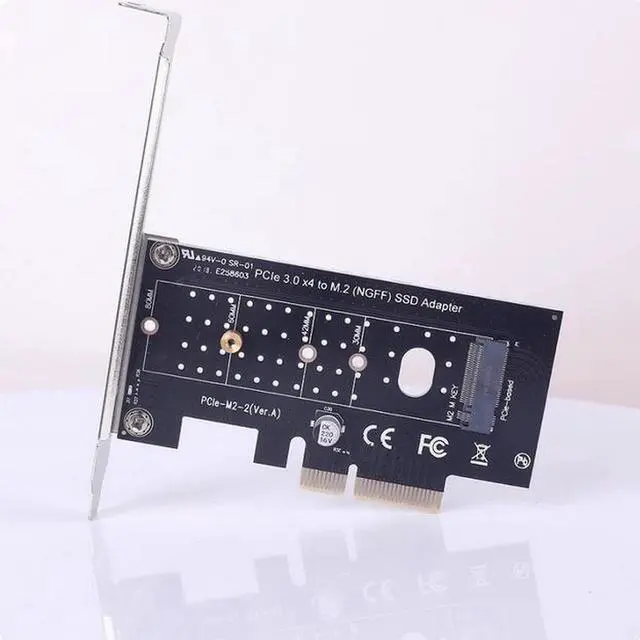
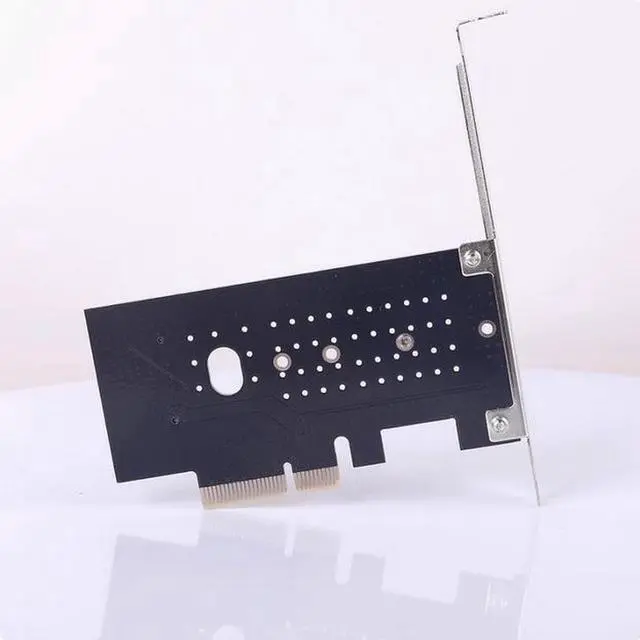
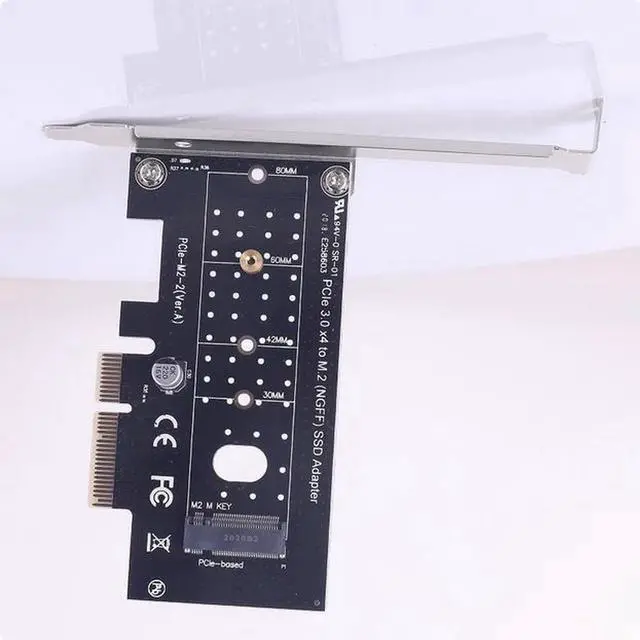
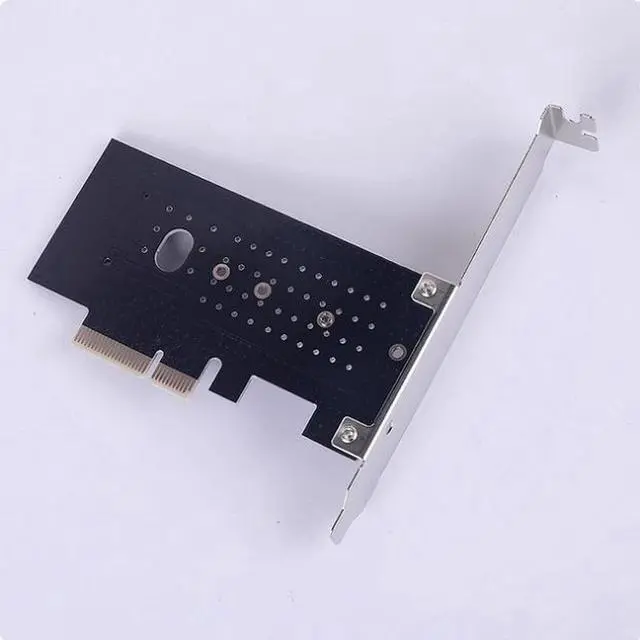
M.2 to PCI-E3.0X4 High speed expansion NVME conversion card M KEY is a proud SSD conversion card
Limited time offer, ends 07/29 By E-tech
- Suitable conditions:
- 1. PCI-E 1X 4X or above jack (Note that the speed of PCI-E 3.0 or above 1X interface will be halved, but it is still faster than SATA)
- 2. Get Windows 10
- 3. The mainboard that does not support NVME cannot be used as a system disk but only as a storage disk
- INTEL motherboard chipset:
- B250 B150 H170 Z170, as long as the motherboard with M.2 interface generally support NVME.
- Z97 part support, specifically check the official website
- B85 Z87 needs to update BIOS support, some conscience manufacturers have provided support for NVME BIOS, such as Asus and Huaqing, if the official does not, on their own hard change BIOS, specific online tutorial, need a certain hands-on ability, there is a risk of damage to the motherboard. (Most B85 do not provide M.2 interface, you can use our store's M.2 to PCI-E transfer card)
- The older motherboard can basically give up or find customer service to install the method, the computer white will detour.
- AMD motherboard chipset:
- B35
+
+
Overview
Specs
Reviews
Any questions? Our AI beta will help you find out quickly.
Try me now
Suitable conditions:
1. PCI-E 1X 4X or above jack (Note that the speed of PCI-E 3.0 or above 1X interface will be halved, but it is still faster than SATA)
2. Get Windows 10
3. The mainboard that does not support NVME cannot be used as a system disk but only as a storage disk
INTEL motherboard chipset:
B250 B150 H170 Z170, as long as the motherboard with M. 2 interface generally support NVME.
Z97 part support, specifically check the official website
B85 Z87 needs to update BIOS support, some conscience manufacturers have provided support for NVME BIOS, such as Asus and Huaqing, if the official does not, on their own hard change BIOS, specific online tutorial, need a certain hands-on ability, there is a risk of damage to the motherboard. (Most B85 do not provide M. 2 interface, you can use our store's M. 2 to PCI-E transfer card)
The older motherboard can basically give up or find customer service to install the method, the computer white will detour.
AMD motherboard chipset:
B350 X370 X399 A320 support, previously not supported, that is, must be using RYZEN CPU motherboard to support NVME.
Supports PCI-E and NVME standard M2. SSD, does not support old SATA M2. SSD Important things again, does not support SATA M2 SSD, do not understand read again 3 times!!! The UEFI BIOS must be updated to the latest version. The old BIOS can only be used as a storage disk, not a system disk.

1. PCI-E 1X 4X or above jack (Note that the speed of PCI-E 3.0 or above 1X interface will be halved, but it is still faster than SATA)
2. Get Windows 10
3. The mainboard that does not support NVME cannot be used as a system disk but only as a storage disk
INTEL motherboard chipset:
B250 B150 H170 Z170, as long as the motherboard with M. 2 interface generally support NVME.
Z97 part support, specifically check the official website
B85 Z87 needs to update BIOS support, some conscience manufacturers have provided support for NVME BIOS, such as Asus and Huaqing, if the official does not, on their own hard change BIOS, specific online tutorial, need a certain hands-on ability, there is a risk of damage to the motherboard. (Most B85 do not provide M. 2 interface, you can use our store's M. 2 to PCI-E transfer card)
The older motherboard can basically give up or find customer service to install the method, the computer white will detour.
AMD motherboard chipset:
B350 X370 X399 A320 support, previously not supported, that is, must be using RYZEN CPU motherboard to support NVME.
Supports PCI-E and NVME standard M2. SSD, does not support old SATA M2. SSD Important things again, does not support SATA M2 SSD, do not understand read again 3 times!!! The UEFI BIOS must be updated to the latest version. The old BIOS can only be used as a storage disk, not a system disk.
Warranty & Returns
Warranty, Returns, And Additional Information
Warranty
- Please contact the Seller directly for warranty information. Warranty information may also be found on the Manufacturer's website.
- CONTACT
Return Policies
- Return for refund within: 30 days
- Return for replacement within: non-replaceable
- This item is covered by E-tech Return Policy
Manufacturer Contact Info
- For a directory of all our manufacturers, please click below.
- Manufacturers Directory
LOADING...