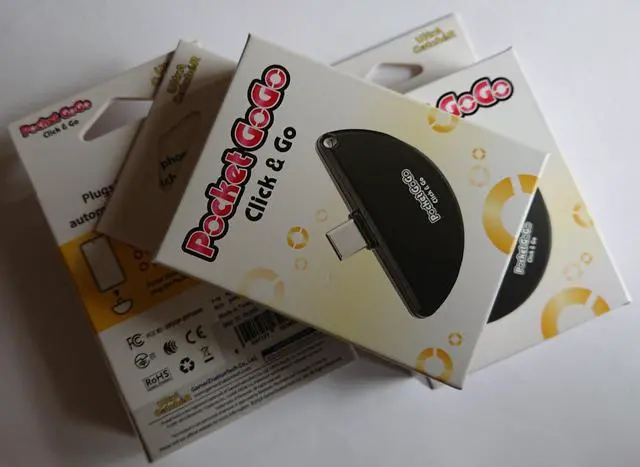
Totalconsole brings you Ultra Catcher. A brand created by GamerZnationTech Company, focusing on providing solutions for automatic Pokémon capture.
The slogan of Ultra Catcher is "Automatic Pokémon capture, carefree adventure, " which embodies our product philosophy. With our automatic Pokémon catcher, capturing Pokémon and spinning PokéStops has never been easier. Whether in daily life or out adventuring, Ultra Catcher brings fun and convenience to your Pokémon-catching experience.
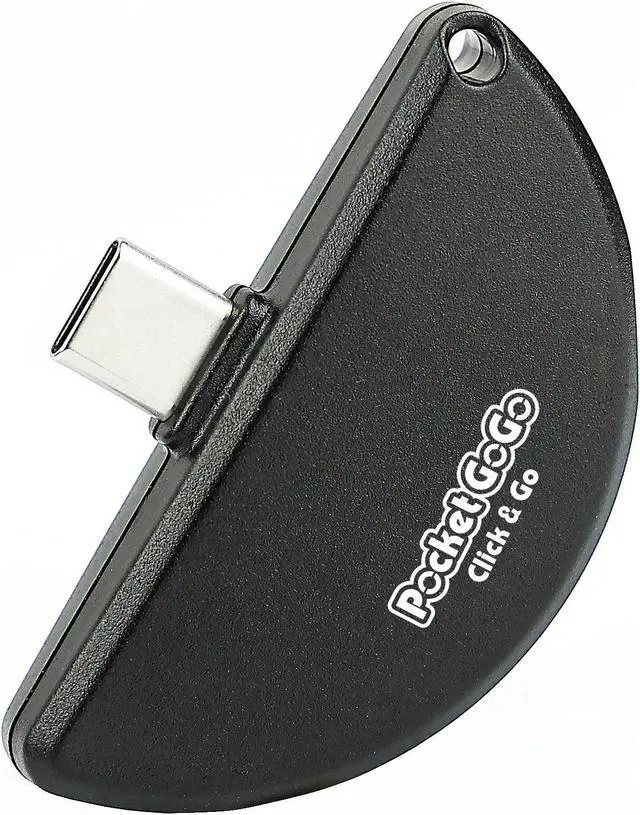
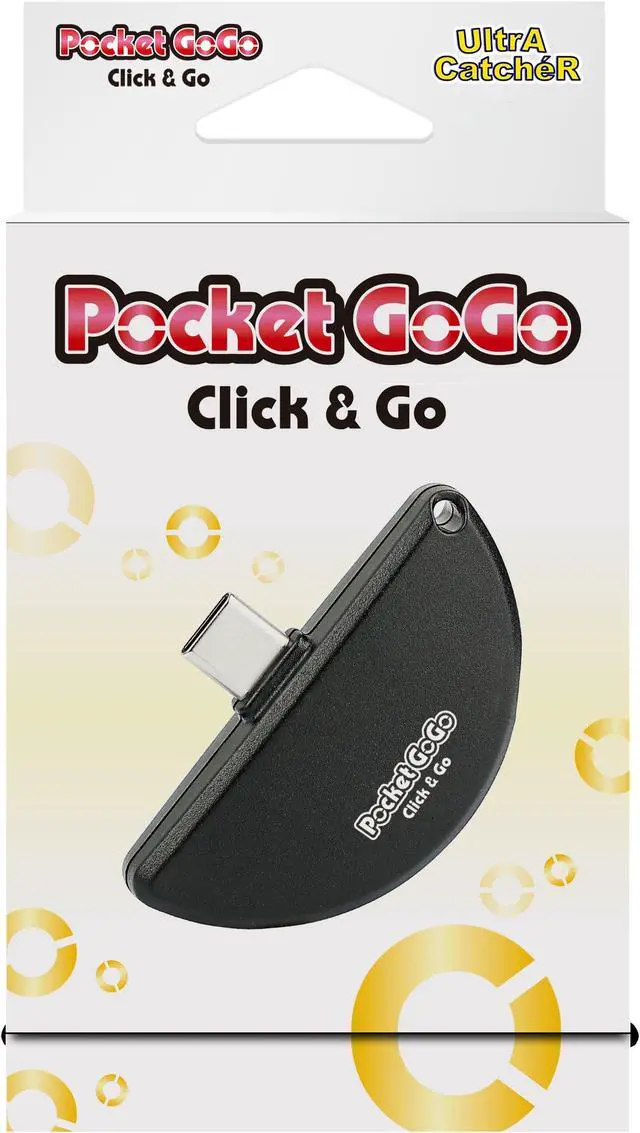
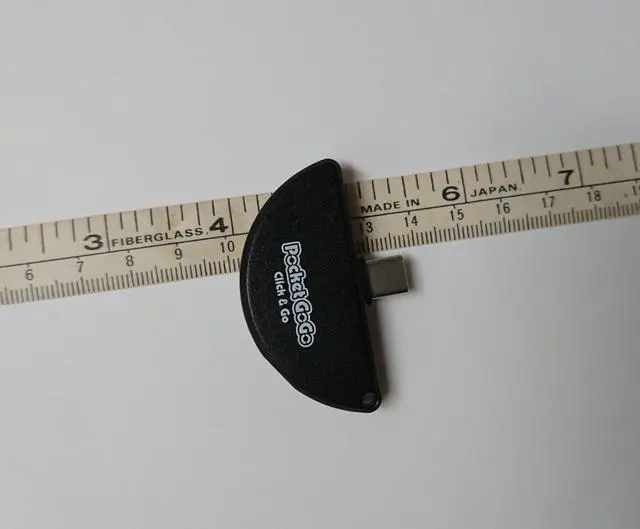
Totalconsole Pocket GoGo Click & GO is the Simplest and Lightest Pokémon Catching Device! When inserted into your phone, Pocket GoGo can automatically throw Poké Balls to catch Pokémon and spin PokéStops without the need for buttons. It is plug-and-play (pair once). Plug it into your phone and start catching Pokémon on the go! Connects to your phone USB-C or USB-C (5V/1A only) power source for immediate play.
POWER SOURCE: 5V/1A
No Need to charge (USB-C ( Male ) plugs into your phone)
Easy to carry, plug-and-play ( pair once)
Automatic Pokémon capture
Automatic PokéStop spinning
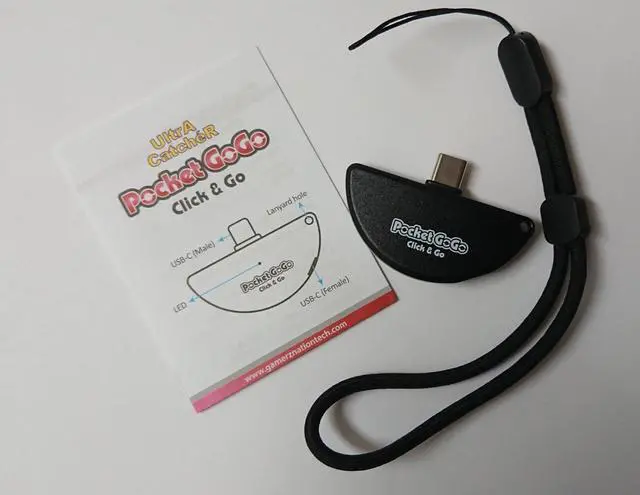
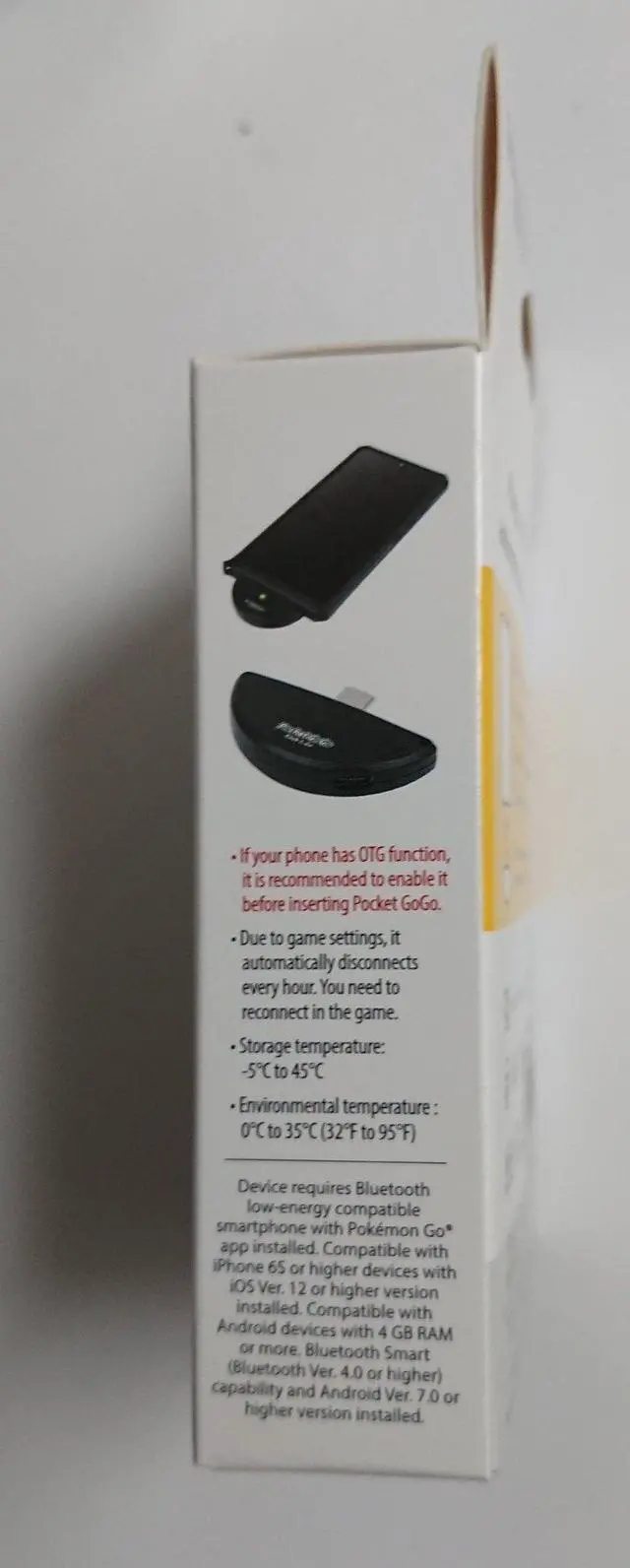
Can provide power to the phone through Pocket GoGo - USB-C (Female) pass thru port
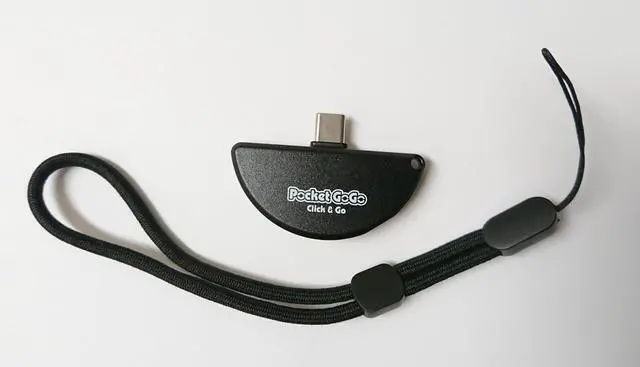
Lanyard hole for easy carrying
LED Status Indicator
Included: Lanyard, Pocket GoGo & Quick Start Guide
SKU: TC-95285
EAN: 0037171952852
__________________________
LED INDICATORS:
Game Status LED Indicators
Purple: Connecting
Blue: Found a PokeStop
Green: Found a Pokémon
Yellow: Found an unknown Pokémon
White: Capturing Pokémon, Item bag is Full
Rainbow: Successfully caught/stocked up on Poke Balls
Red: Pokémon fled, Out of Poke balls, Phone network disconnect, failed to spin PokeStop
FAQ:
Q1. If my phone has a Lightning port, how do I use it?
A1. You can connect it to a USB-C power bank or any USB-C power supply device.
Q2. Does Pocket GoGo consume my phone's power when connected?
A2. The power consumption of Pocket GoGo is very minimal. The product has a power-saving feature that will automatically turn off the LED indicator after 3 minutes of inactivity until manually operated.
Q3. Why doesnt the LED light up when Pocket GoGo is connected to the phone?
A3. If the green light doesnt flash, it indicates that the phone is not providing power. Some phones have the OTG function (control and power supply for USB devices) turned off by default. Please enable OTG in your phone settings.
Q4. Why did the LED stop flashing after a period of use?
A4. Pocket GoGo has a power-saving feature. The LED indicator will automatically turn off after 3 minutes of inactivity until manually operated.
Q5. What should I do if my phone's battery is low while catching Pokémon?
A5. Connect a USB-C power bank to the USB-C port on the bottom of Pocket GoGo to charge your phone. Pocket GoGo supports only 5V/1A output current.
Q6. Why did the Poké Ball disconnect after a period of use?
A6. (1) Ensure that the distance between Pocket GoGo and your phone is within 5 meters.
(2) Due to game settings, the connection will automatically disconnect every hour, and you will need to reconnect manually in the game.