

Your Browsing History
- Free 30-day Returns
$70.08
Ships from China.

Meet Your Seller

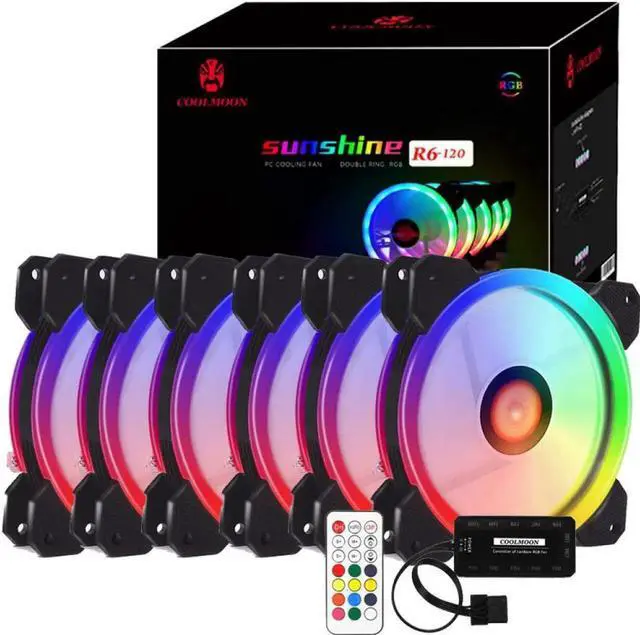
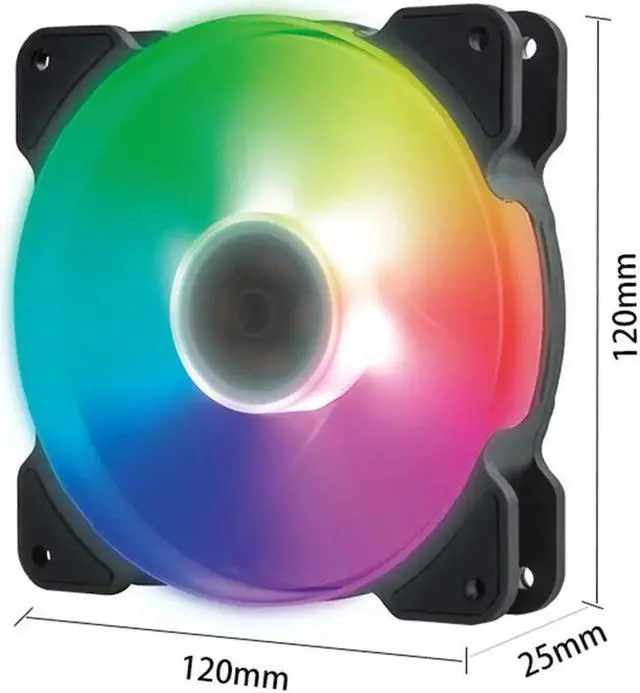
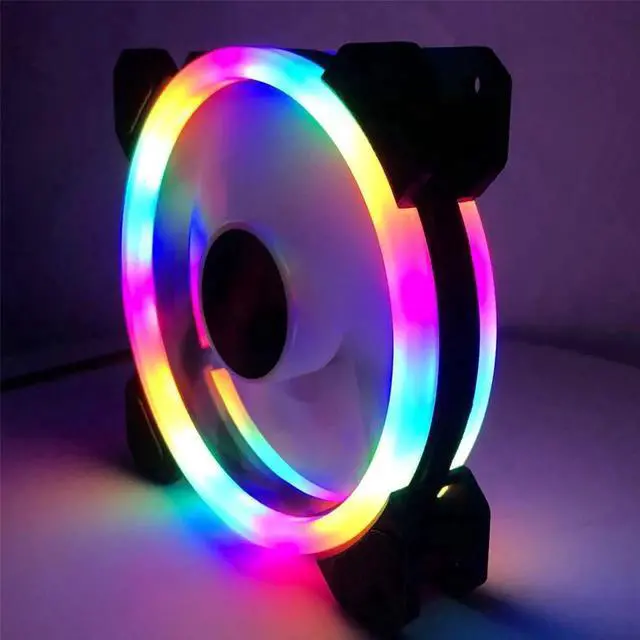


Kit RGB LED PWM Case Fans 120mm with Remote Controller Fan Hub and Extension, COOLMOON Quiet Edition High Airflow Adjustable Colorful PC Case CPU Computer Cooling with Coolers, Radiators System (6pcs)
Limited time offer, ends 10/10 By NexusPoint
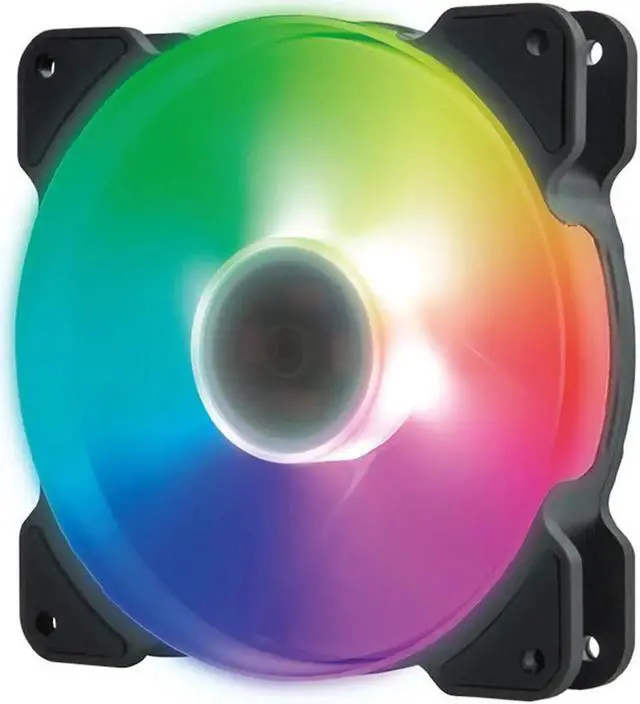
- Each RGB fan is equipped with two independent light loops, having great light coverage on both front and back side. this rgb led fan provide up to 366 lighting modes of automated cycle play and dynamic multicolored effects
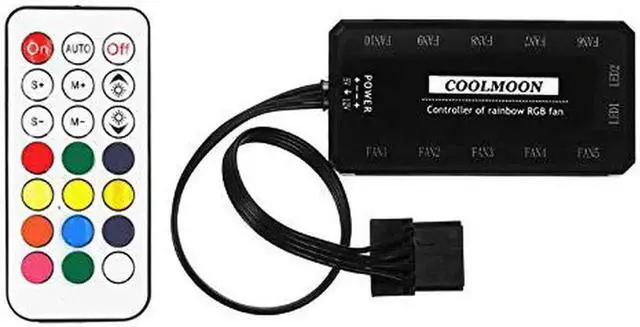
- Built with RF Wireless Remote Controller, the case fan is easy to remote control on/off, and enables users easily to select preferred RGB lighting effects and colors(Note: Fan speed not controllable). Aslo the 2 pin reset switch on the controller hub be able to replace the reset button on your case to change fan colors.
- The 120mm case fans featured with nine-page silica gel fan blade, rubber pads and hydraulic bearing, which greatly prevent vibration transfer to the chassis and to ensure low noise below 16 dBA.
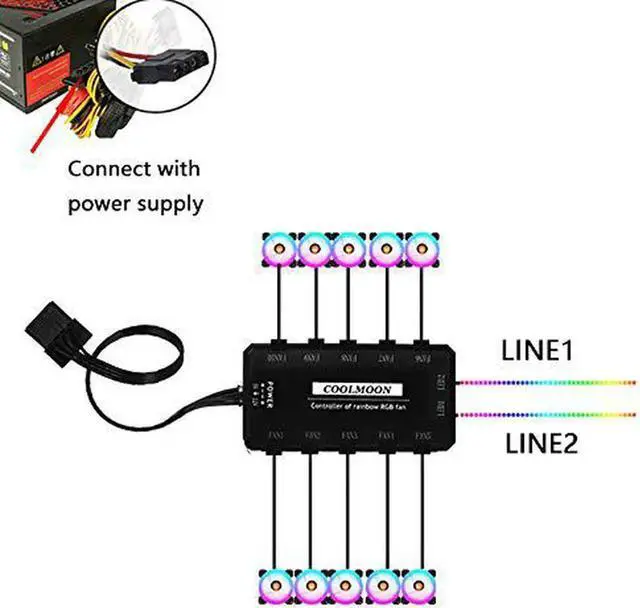
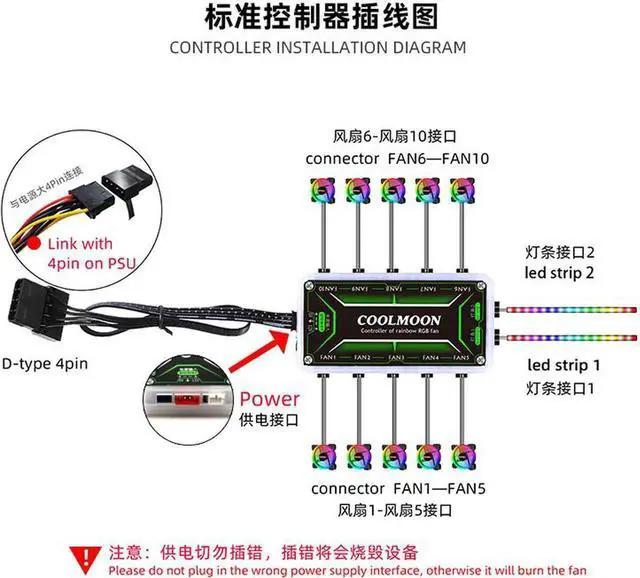
- The 6Pin interface special designed to provides RGB fan safe and reliable power output, much enough to support the Maximize airflow 1500 RPM. Noticed that connecting the RGB fans in sequence from fan socket 1 to 8, or the fan spins without lighting effect
+
+
Overview
Specs
Reviews

Any questions? Our AI mode will help you find out quickly.
Try me now
Operation method:
A.
1. Press this button to enter the playback mode (when turned on)
2. Press and hold the button to enter the RGB color switching sequence. Press OFF to save and exit after setting(In off state)
B.
1. Turn on
2. Playback Pause
3. Press S to enter Light strip acceleration mode. Press S to enter Light strip deceleration mode (when while playback is paused)
C.
1. The fan speeds up. (During normal playback)
2. Light strip Speed up (when playback is paused) (press on first)
D.
1. The fan speeds down. (During normal playback)
2. Light strip Speed down (when playback is paused) (press on first)
E.
Featured Mode +(Play in fixed mode)
F.
Featured Mode -(Play in fixed mode)
G.
Shutdown button (automatic save after shutdown)
H
brightness+
I
brightness-
J
When the RGB colors do not correspond, the button of the Auto button will light after pressing the button for 2 to 3 seconds. Then press the red button and the color will be red. Then press OFF to save and exit, the corresponding will be correct after restarting
K
Press and hold the button for 2 to 3 seconds while the power is on. The light of the white button will turn white. Then press the Auto button again. It will be paired automatically. Restore to original code after power failure
Warranty & Returns
Warranty, Returns, And Additional Information
Warranty
- Please contact the Seller directly for warranty information. Warranty information may also be found on the Manufacturer's website.
- CONTACT
Return Policies
- Return for refund within: 30 days
- Return for replacement within: non-replaceable
- This item is covered by NexusPoint Return Policy
Manufacturer Contact Info
- For a directory of all our manufacturers, please click below.
- Manufacturers Directory
LOADING...