Your Browsing History
- Free 30-day Returns
$59.16
Ships from China.
Meet Your Seller
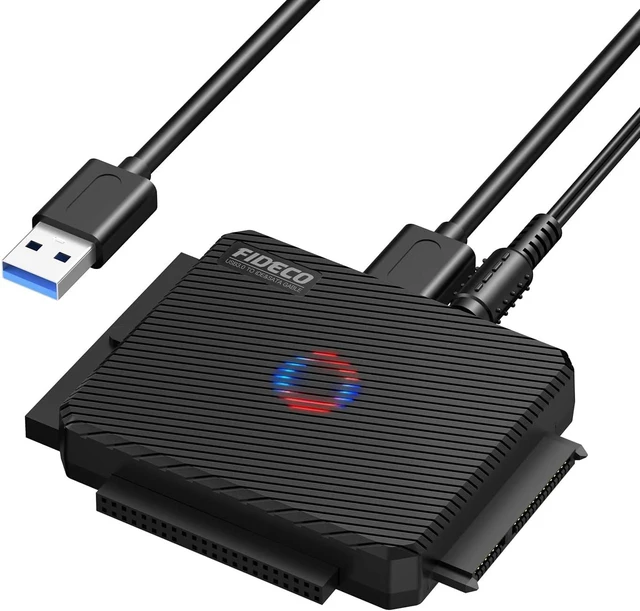
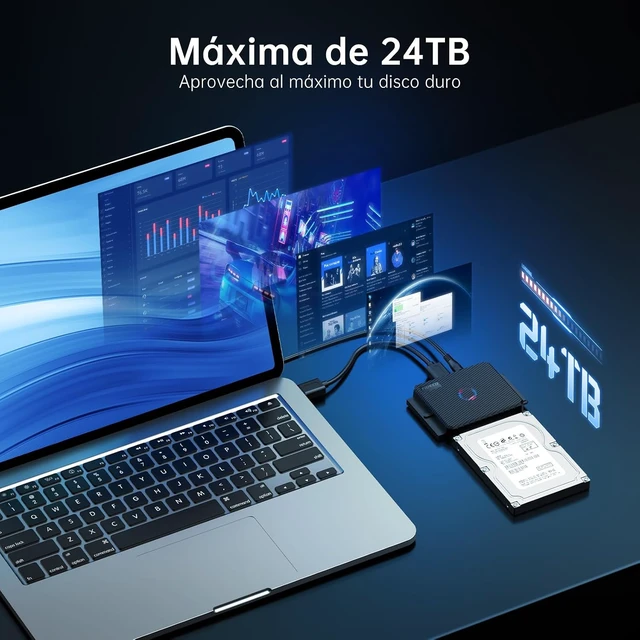
FIDECO SATA/IDE to USB 3.0 Adapter, Hard Drive Adapter Cable Converter for Universal 2.5/3.5 Inch IDE HDD, 2.5 Inch SSD, 5.25-Inch DVD/CD Drive
Limited time offer, ends 11/01 By EnYZME
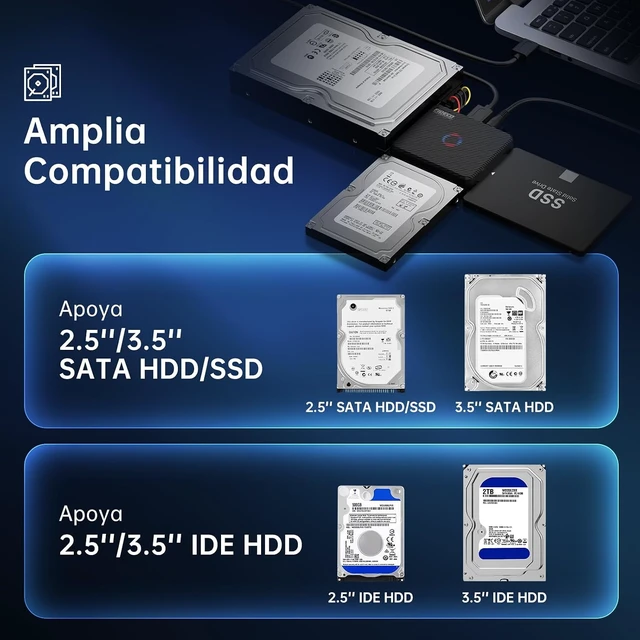
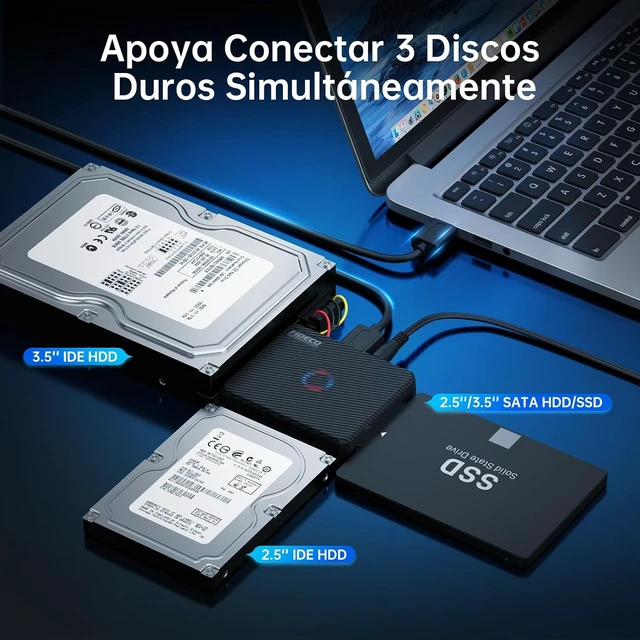
- Wide CompatibilityFIDECO SATA or IDE adapter is compatible with 2.5/3.5 SATA/IDE hard drives. It can support the connection of 3 hard drives simultaneously: one 2.5 IDE, one 3.5 IDE, one 2.5/3.5 SATA.
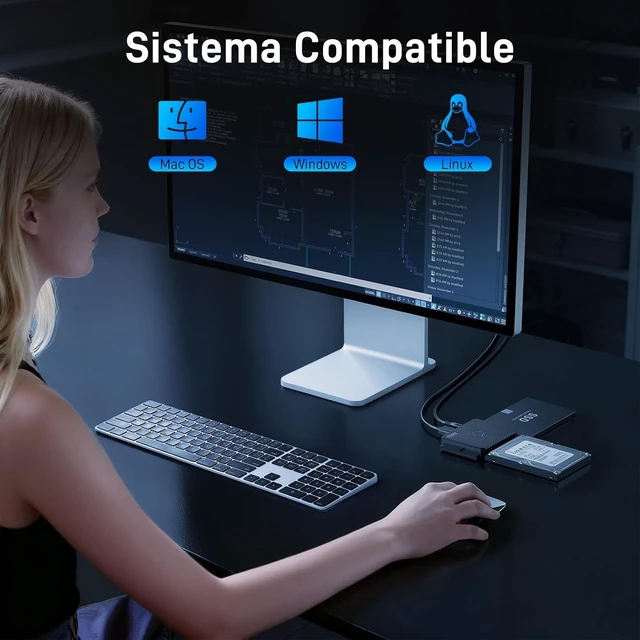
- Compatible SystemFIDECO SATA or IDE adapter is widely compatible with Windows, Mac OS, and Linux. Just plug and play with no driver or software needed!
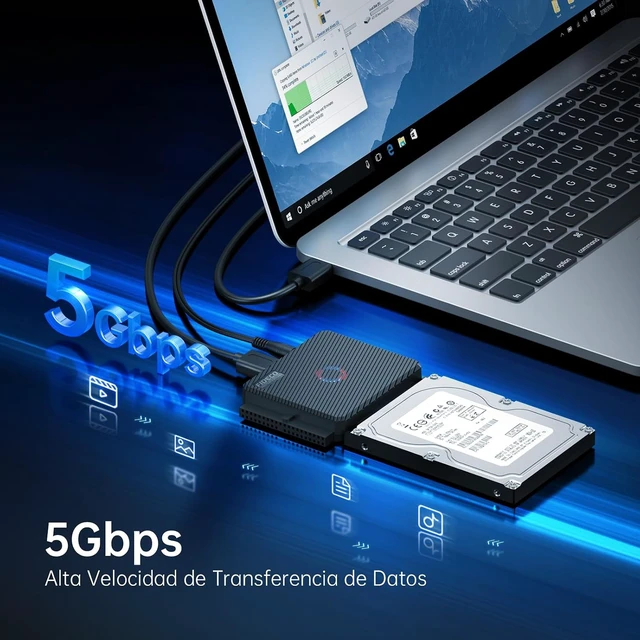
- Maximum 5Gbps Super SpeedFIDECO hard drive reader is engineered with USB 3.0 port and can offer data transfer speeds up to 5Gbps. It can be also backward compatible with USB 2.0/1.1. Data transfer has never been so much easier and faster.
- Easy Set-upInsert your hard drive, connect the power adapter and USB cable, and then turn on the device by pressing the power switch. Note: For 3.5 IDE HDD, you need to connect the 4-pin power cable.
- Warm NoteFor new HDD/SSD, please go to "Disk Management" to initialize it first, and then your HDD/SSD can be recognized. If you have any other question, please contact us via amazon email at any time. Our engineer can offer technical support and firmware update.
+
+
Overview
Specs
Reviews
Any questions? Ask CelesteSM will help you find out quickly.
Try me now
- Wide CompatibilityFIDECO SATA or IDE adapter is compatible with 2.5/3.5 SATA/IDE hard drives. It can support the connection of 3 hard drives simultaneously: one 2.5 IDE, one 3.5 IDE, one 2.5/3.5 SATA.
- Compatible SystemFIDECO SATA or IDE adapter is widely compatible with Windows, Mac OS, and Linux. Just plug and play with no driver or software needed!
- Maximum 5Gbps Super SpeedFIDECO hard drive reader is engineered with USB 3.0 port and can offer data transfer speeds up to 5Gbps. It can be also backward compatible with USB 2.0/1.1. Data transfer has never been so much easier and faster.
- Easy Set-upInsert your hard drive, connect the power adapter and USB cable, and then turn on the device by pressing the power switch. Note: For 3.5 IDE HDD, you need to connect the 4-pin power cable.
- Warm NoteFor new HDD/SSD, please go to "Disk Management" to initialize it first, and then your HDD/SSD can be recognized. If you have any other question, please contact us via amazon email at any time. Our engineer can offer technical support and firmware update.
Warranty & Returns
Warranty, Returns, And Additional Information
Warranty
- Please contact the Seller directly for warranty information. Warranty information may also be found on the Manufacturer's website.
- CONTACT
Return Policies
- Return for refund within: 30 days
- Return for replacement within: 30 days
- This item is covered by EnYZME Return Policy
Manufacturer Contact Info
- For a directory of all our manufacturers, please click below.
- Manufacturers Directory
LOADING...