shipping Holiday Shipping Details & Extended Holiday Returns
  • $30.79
  • Free 30-day Returns
  • Price alert
    Sold by Smart core
    Top Rated
    4 (4 seller ratings)

    Shipped by Smart core

    Shop it at NeweggBusiness.

    Meet Your Seller

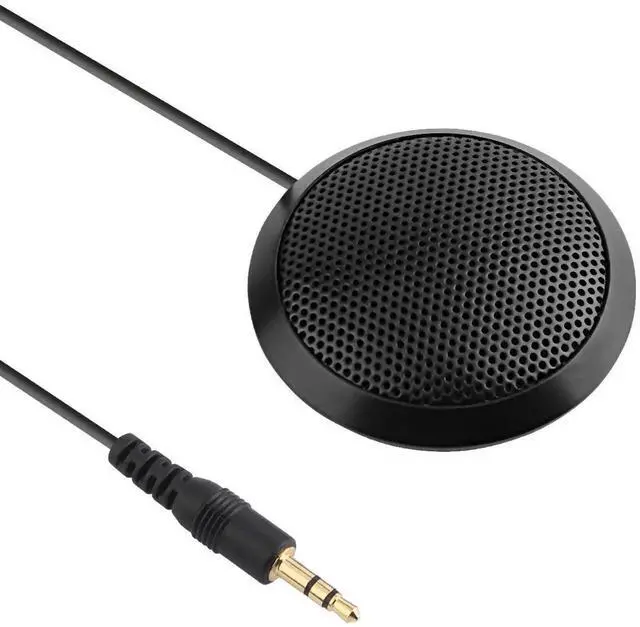
    Conference Microphone 3.5mm Desktop Computer Mic for Computer Desktop and Laptop 360° Omnidirectional Condenser Mic for Online Meeting/Class, Skype, Recording, Chatting, Gaming

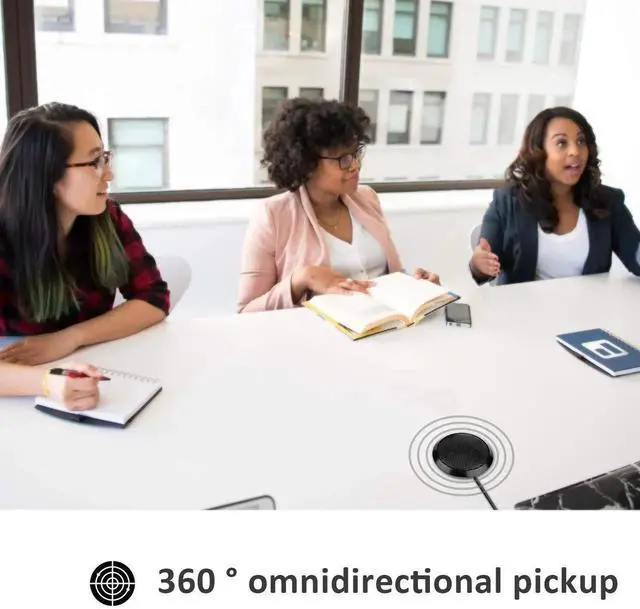
    • [Stereo & Clear Sound]Offers crystal clear voice capturing on meeting calls with 360°sensitivity pickup range(3m/10ft), 10 times better than a traditional computer microphone.
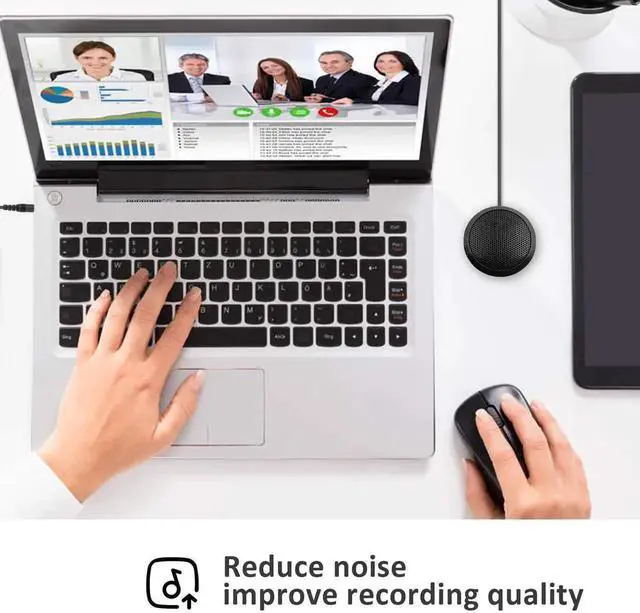
    • [Plug & Play Directly]This conference microphone for PC is so easy to use. It's designed to plug & play. You don't have to install any software or complex settings. Just connect to your Desktop or Laptop computers and start your video conference or gaming.
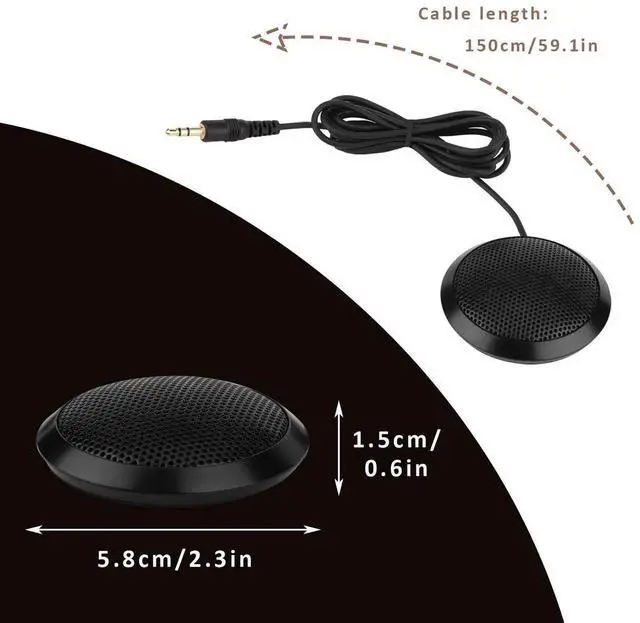
    • [Compact & Portable]The portable design makes the microphone take up less space. In a small size as your hand's palm and space-saving, and you can put it in your pocket or briefcase and take it wherever you want. (It's just a microphone, not a speaker).
    • [Works Perfectly]The 3.5mm microphone is very small but powerful. Use it for Skype and online conferences, usually place it in front of you when you talk, but even if I leave it far, they can still hear the voice very well.
    +
    +
    Overview
    Specs
    Reviews
    avatar

    Any questions? Our AI beta will help you find out quickly.

    About Dreokee Conference Microphone


    40Hz-16kHz

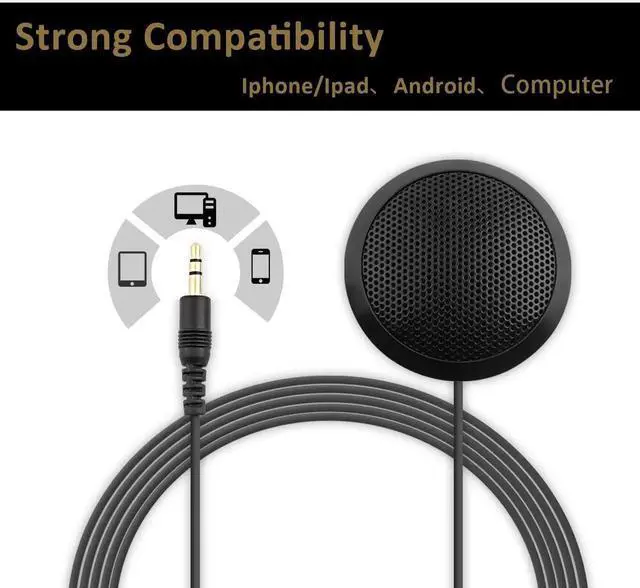
    3.5mm plug

    3m effective distance

    Connect Cable: 1.5m


    Features:

    *Stereo and clear sound

    *Will not take to much of your space

    *Easy to use, plug to connect

    *Portable

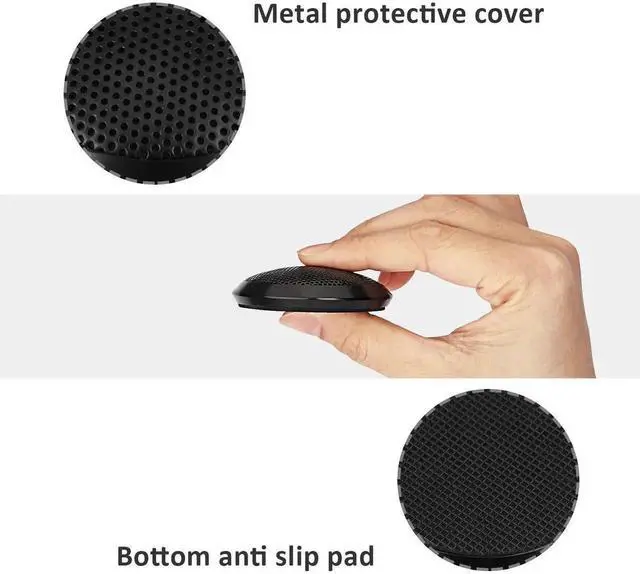
    *Non-slip pad


    How to use:

    1. Insert microphone 3.5mm plug into the 3.5mm audio interface on your pc (with the color of pink normally), plug to connect;

    2. If your computer can not recognize it, please right-click the Volume icon and select Recording Devices; enter the Recording tab and select Microphone which is the system default recording device, and click Properties;

    3. Choose the Levels tab, drag the volume slider to 80, then drag the boost slider to 0 or +10.0 dB


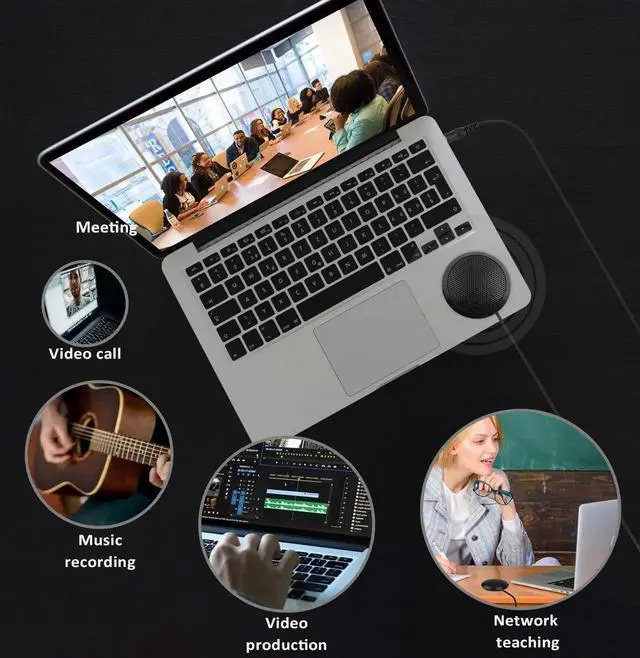
    Application: Ideal microphone for conference, chat, game and sing


    Package Included: 1 x Desktop Microphone


    Additional Features

    1. [Widely Use]This conference microphone has a multi-purpose use, such as online meeting/teaching, business/family video calls, ideal for small group meetings, and virtual learning.


    Warranty & Returns

    Warranty, Returns, And Additional Information

    Warranty

    • Please contact the Seller directly for warranty information. Warranty information may also be found on the Manufacturer's website.
    • CONTACT

    Return Policies

    • Return for refund within: 30 days
    • Return for replacement within: 30 days
    • This item is covered by Smart core Return Policy

    Manufacturer Contact Info

    LOADING...