
Your Browsing History






Any questions? Our AI beta will help you find out quickly.
LET YOUR LIGHTS DO THE TALKING
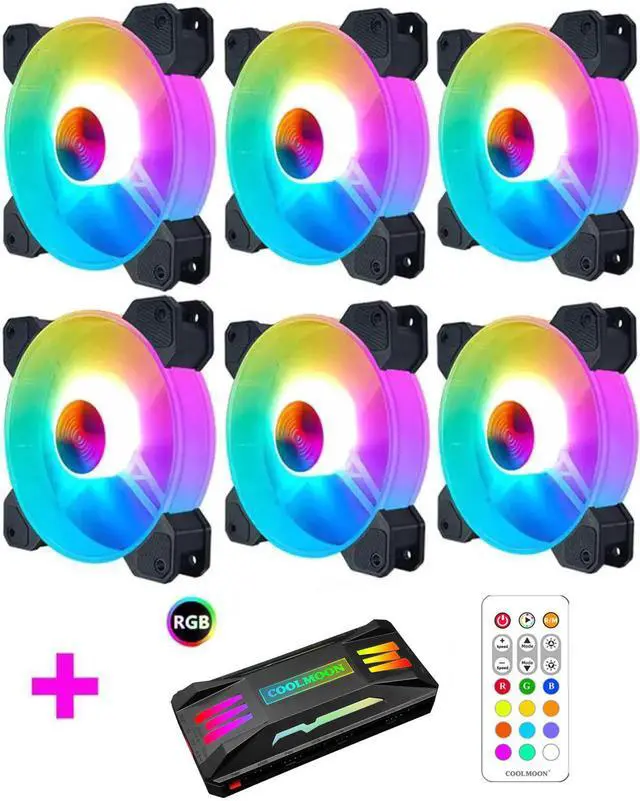
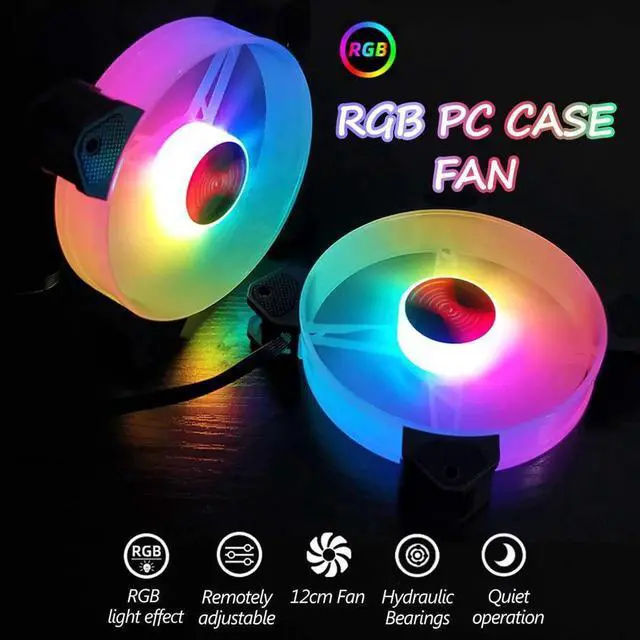
Made for those seeking excellent airflow, quiet operation, and powerful lighting, the PECHAM 120mm RGB case fan puts your PC back in the loop.
Please do not plug in the wrong power supply interface, otherwise it will burn the fan .
Installation Instruction
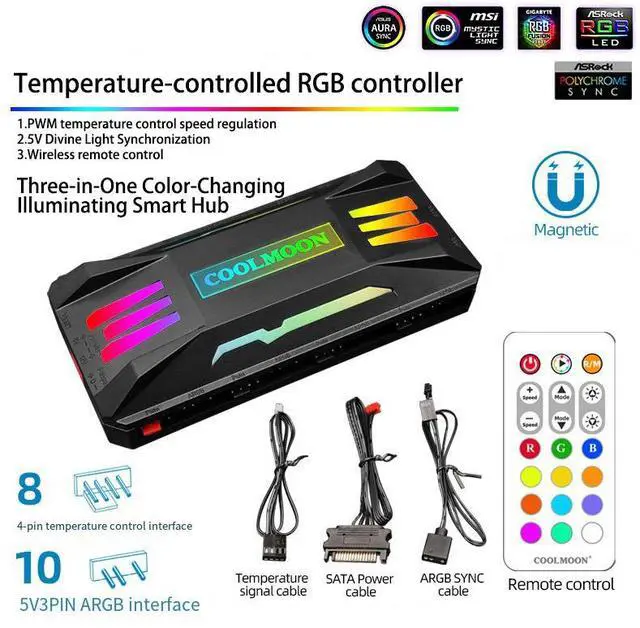
The 4pin power cord must be connected to 4pin Power interface which marked in RED
The possible situation you may meet :
When the LED dosen't light on:
1, The power supply is not plugged in, other devices are connected in series in front of the power supply, so must be connected to the power supply first
2, The controller may be in the motherboard mode, press M/B to switch
3, Use a non-computer power supply, the computer power supply must be 4pin (including 12V+5v power supply)
If the fan and light dosen't work, pls check if it connected to power supply, if only the light on but fan didn't work, click the middle shaft of the fan, it is loose blade .
When motherboard is not working:
1. The motherboard cable is not plugged in, the plug is not a 5v RGB interface.
2. Did not press M/B to switch to motherboard mode.
Computer RGB Cooling Fan
If the remote control does not respond, first pls confirm the indicator light is on.
If not on, the plastic sheet may not be pulled out.
If the light is on, it may be interference. If the power supply is replugged, or if there is interference, press and hold the music mode 1 key for more than 3 seconds. Lock code.
Important :
Please do not connect the power cable to LED Strip interface, it will burn the fan !!!
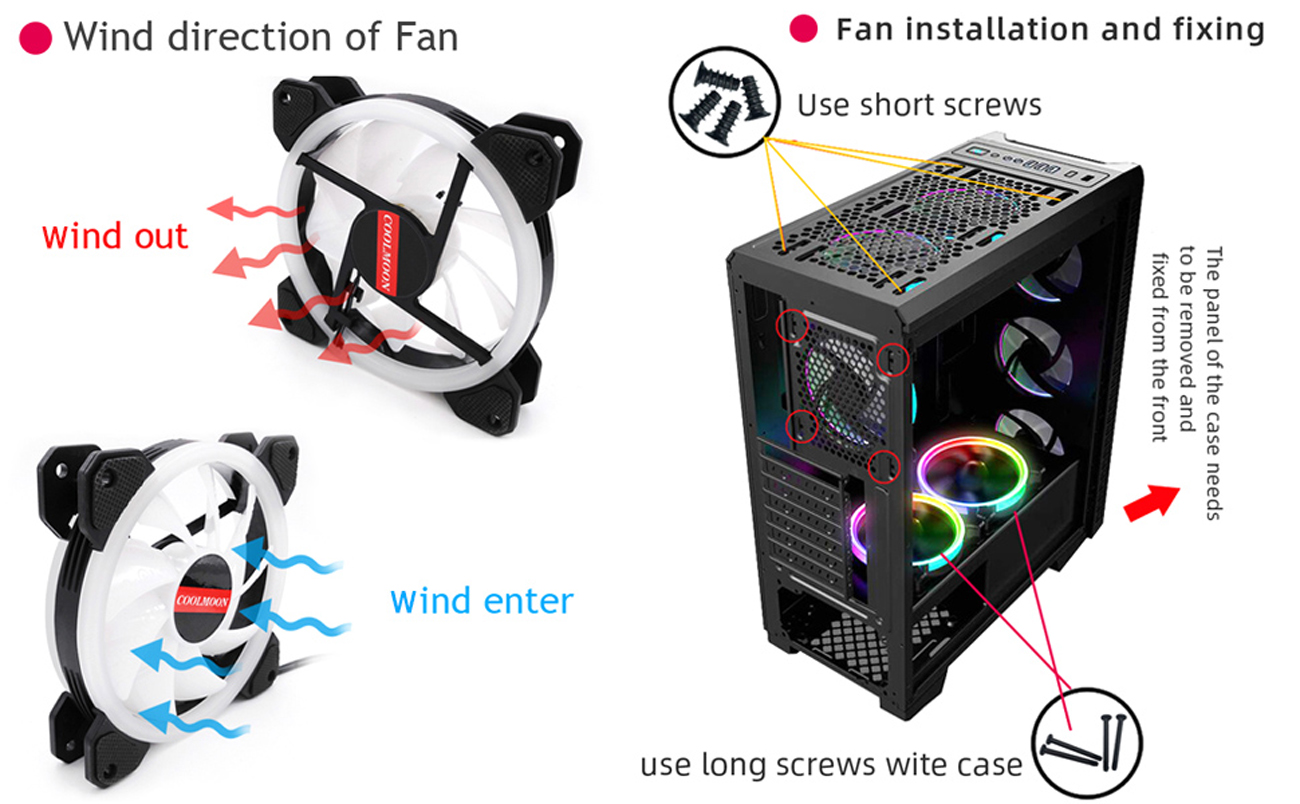
Package included:
Important: Please do not connect the power cable to LED Strip interface, it will burn the fan !!!
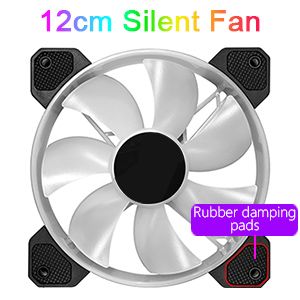
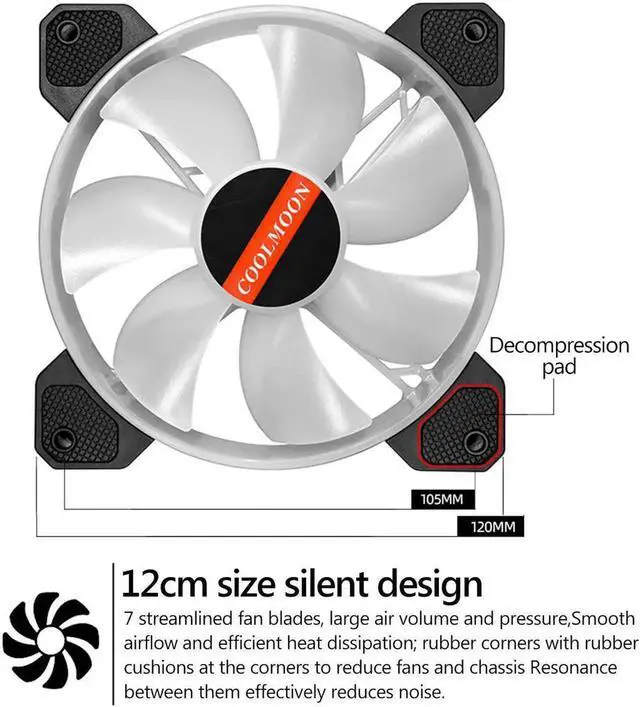
12cm standard size ,compatible with most device
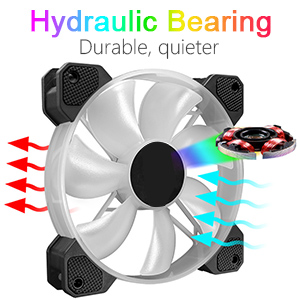
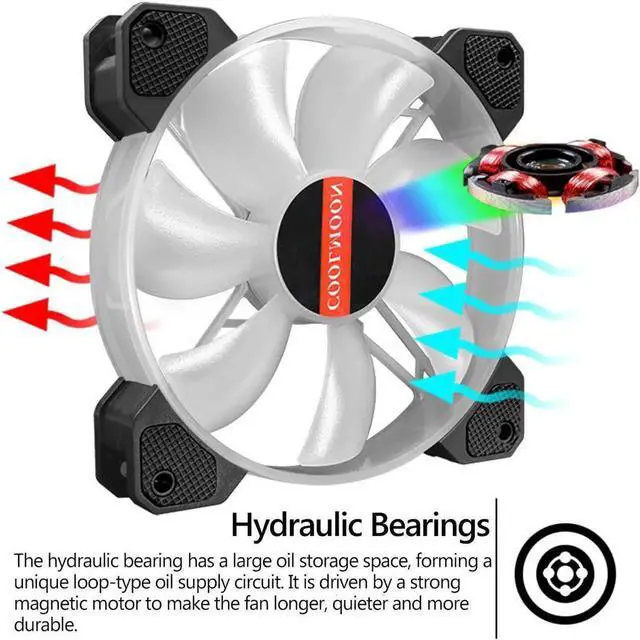
Strong magnetic durability, quieter
| First Listed on Newegg | April 15, 2026 |
|---|