




 here!
here!
I’m your shopping assistant for PC builds, upgrades, and everything tech.
Got questions? Ask away!
Start a conversation
here!
I’m your shopping assistant for PC builds, upgrades, and everything tech.
Got questions? Ask away!
Start a conversation



Any questions? Ask CelesteSM will help you find out quickly.
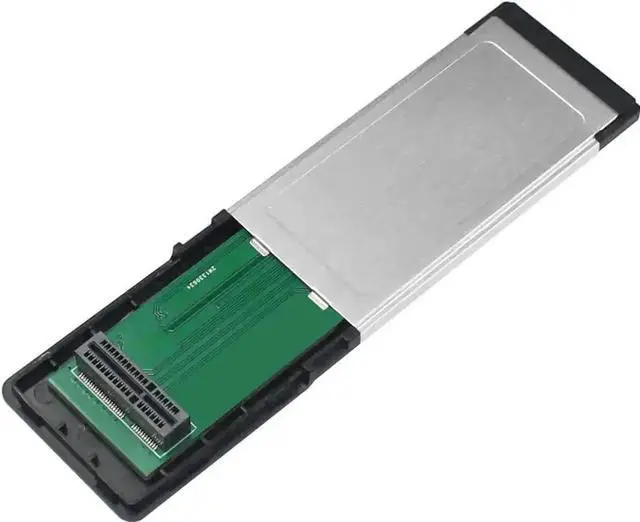
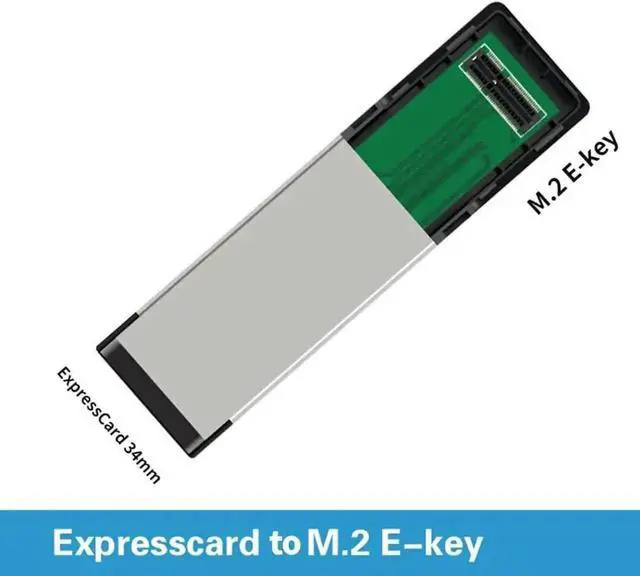
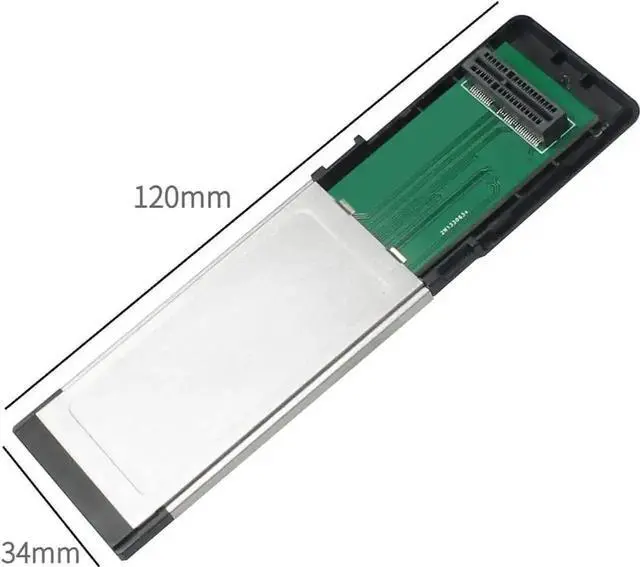
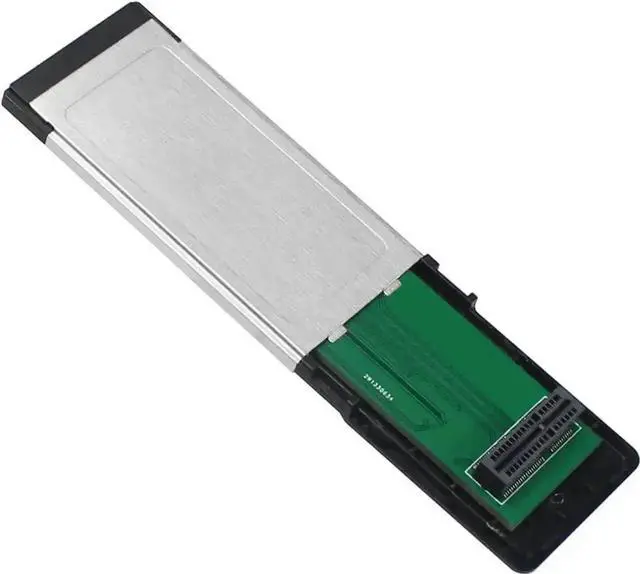
This expansion riser card adopts 34mm ExpressCard form factor, specially designed to convert laptop ExpressCard slot into M.2 E-Key slot for wireless card testing.
It supports all M.2 E-Key specification WiFi & Bluetooth combo cards, allowing maintenance technicians to quickly test the working status of various laptop wireless modules without disassembling the whole machine. The built-in reinforced gold-plated contacts reduce contact resistance and ensure continuous stable data transmission during long-time detection.
The overall size fits standard ExpressCard 34 slots, no protrusion or loose fit after insertion. High-quality circuit layout effectively reduces signal interference, guaranteeing normal recognition and stable operation of M.2 wireless cards.
No complicated software configuration is required. Simply insert the card into the laptops ExpressCard slot and plug in the M.2 E-Key wireless card to start identification and testing immediately. Widely applicable for computer repair shops, hardware testing labs and personal DIY hardware enthusiasts.


