• $60.23
  • Free 30-day Returns
  • Ships from China.
    Price alert
    Shop it at NeweggBusiness.

    AJMRTC EXP GDC Beast Laptop External eGPU Dock, PCIe Graphics Card Docking Station, Compatible with Mini PCI-E, NGFF M.2, ExpressCard Laptop Slots, Only Mini PCI-E Connection Cable Included

    • - EXP GDC Beast eGPU dock lets older laptops connect desktop PCIe graphics cards for performance upgrade
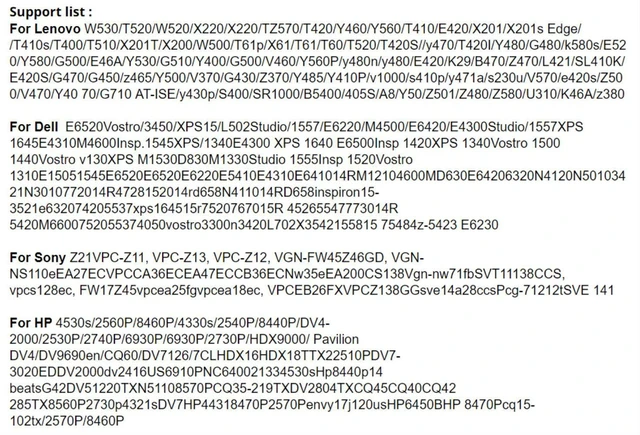
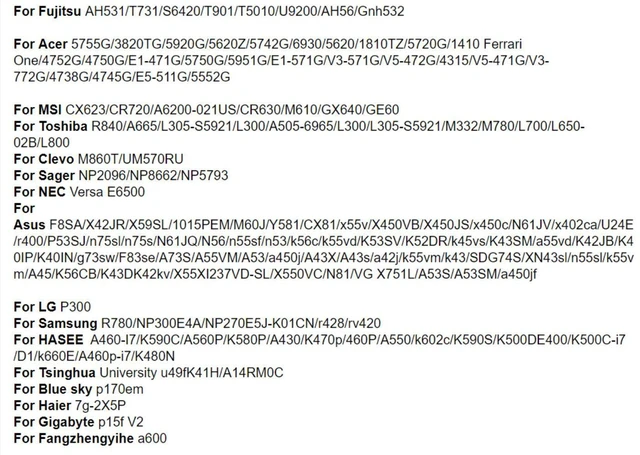
    • - Multi-slot compatibility, works for Mini PCI-E, NGFF M.2 A-Key and ExpressCard notebook interfaces
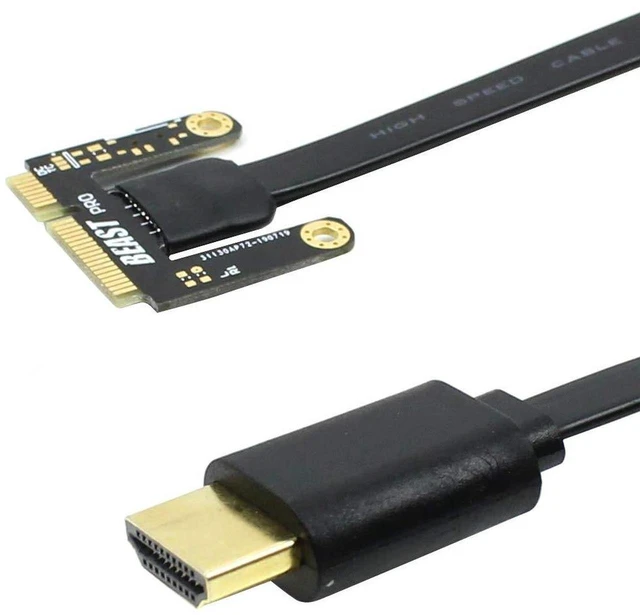
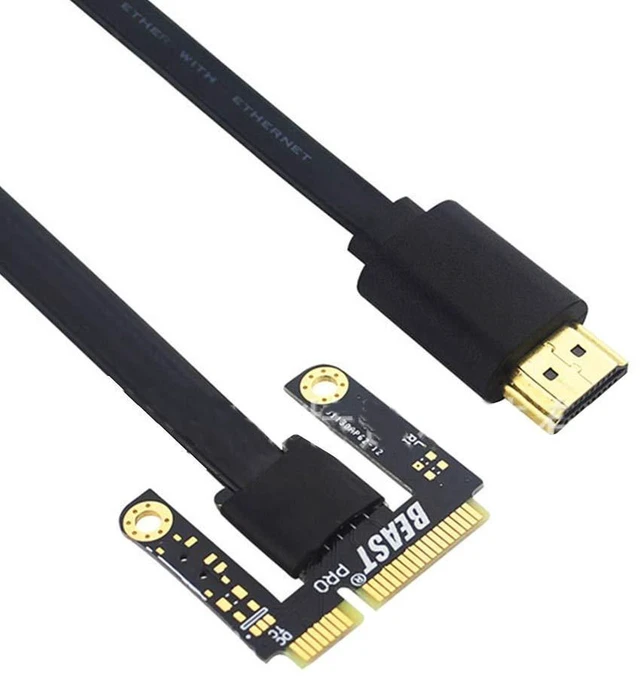
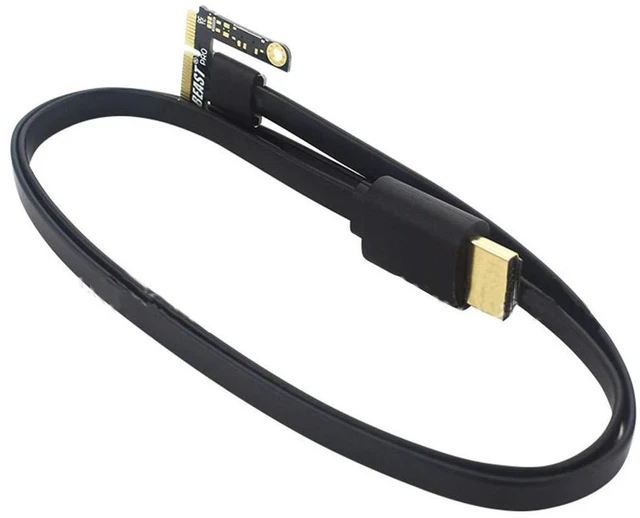
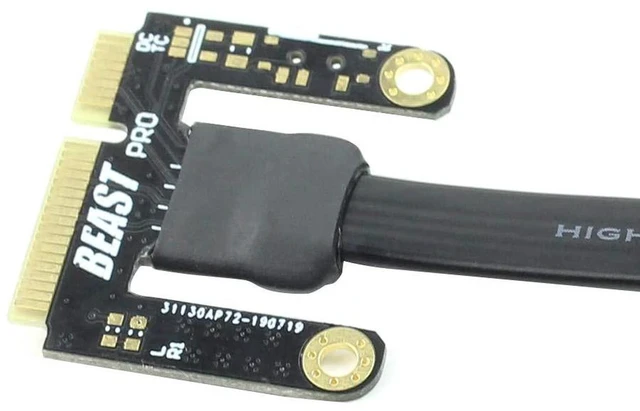
    • - Package only includes Mini PCI-E cable, select the right cable version for your laptop slot
    • - Supports PCIe x16 desktop GPU, great for gaming, 3D rendering and video editing DIY modification
    • - Built-in anti-interference circuit and TD switch to reduce hardware conflict during startup
    +
    +
    Overview
    Specs
    Reviews

    Any questions? Ask CelesteSM will help you find out quickly.

    AJMRTC EXP GDC Beast external graphics docking station is a budget DIY eGPU solution for laptops with weak onboard graphics. It converts the laptops internal expansion slot into a PCIe interface to run full-size desktop discrete graphics cards. This variant ships with only the Mini PCI-E connecting cable; NGFF M.2 and ExpressCard cables are not included. It adopts multi-stage anti-interference design and TD timing switch to solve compatibility conflicts. It requires separate ATX power supply for the graphics card. Perfect for hardware modders to boost laptop graphics capability without buying a new computer.


    Specifications

    1. Model: EXP GDC Beast
    2. Supported Laptop Slots: Mini PCI-E, NGFF M.2 A-Key, ExpressCard
    3. Included Accessory: Only Mini PCI-E cable
    4. Expansion Slot: PCIe x16 for desktop GPU
    5. PCIe Bandwidth: PCIe x1 (5Gbps DMI)
    6. Power Input: ATX power supply required
    7. Feature: TD compatible switch, anti-interference protection circuit
    8. Supported OS: Windows, Linux
    9. Application: Laptop eGPU Modding, Gaming, 3D Rendering, Video Production


    Warranty & Returns

    Warranty, Returns, And Additional Information

    Warranty

    • Please contact the Seller directly for warranty information. Warranty information may also be found on the Manufacturer's website.
    • CONTACT

    Return Policies

    Manufacturer Contact Info

    LOADING...