• $49.49
  • Free 30-day Returns
  • Price alert
    Shop it at NeweggBusiness.

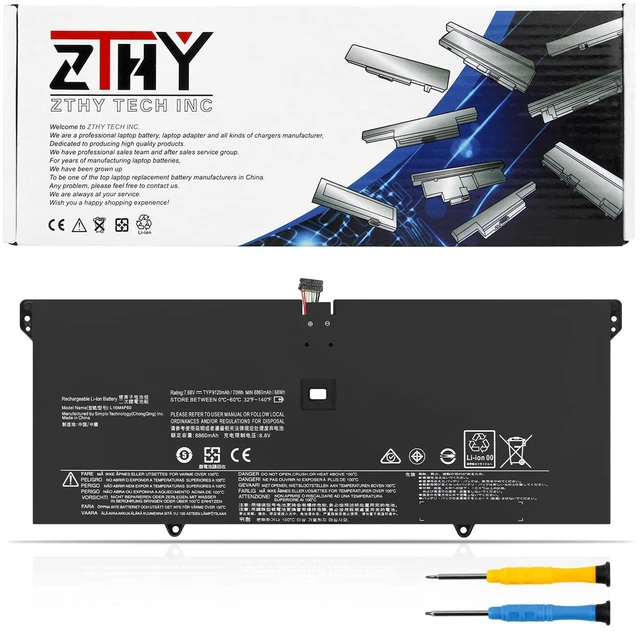
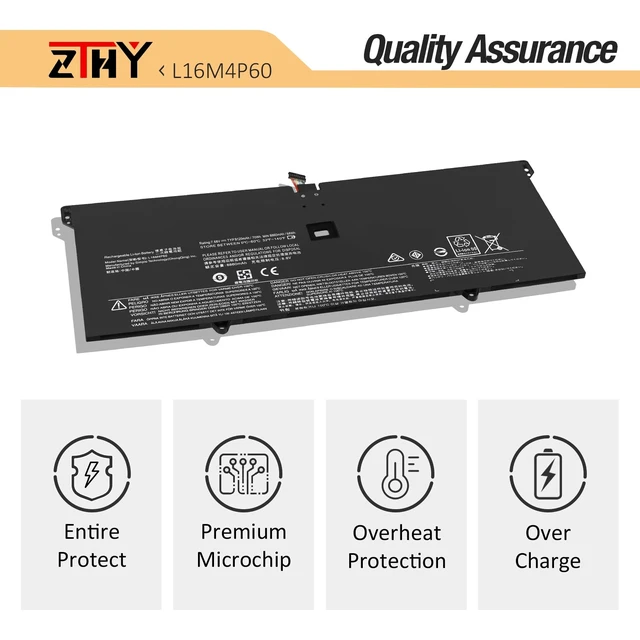
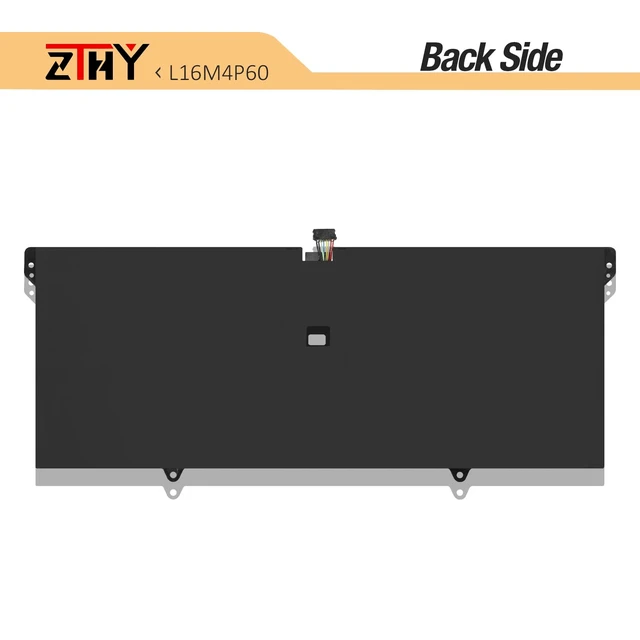
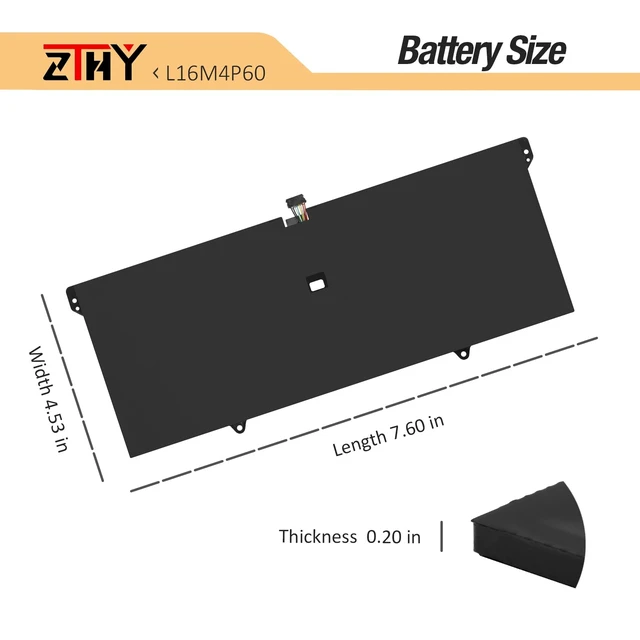
    L16M4P60 L16C4P61 Laptop Battery for Lenovo Yoga 920 Yoga 6 Pro 13IKB 920-13IKB 920-131KB 920-13IKB-80Y7 80Y8 81TF Glass Ideapad Flex Pro-13IKB Series 5B10W67249 5B10N17665 7.68V 70Wh

    Limited time offer, ends 10/16 By PureSpring Trading Shop

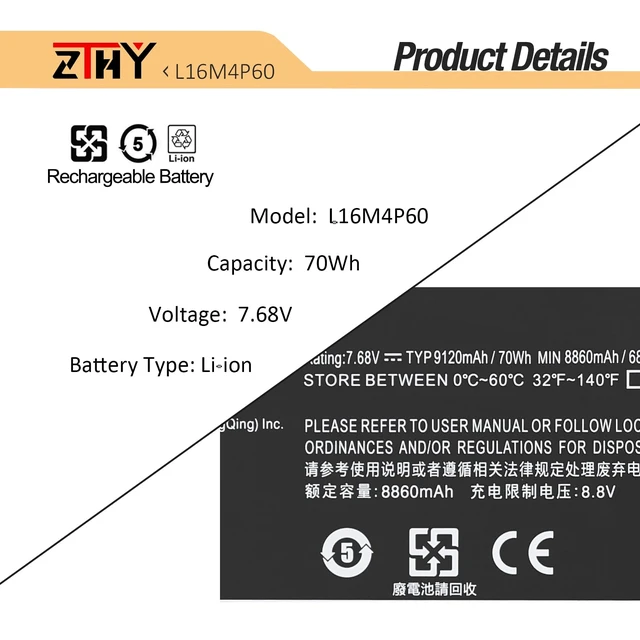
    • Specifications: Battery Type: Li-ion; Voltage: 7.68V. Capacity: 70Wh/9120mAh. Cells: 4-Cell Replace Part Number: L16M4P60 L16C4P61 5B10N01565 5B10N17665 5B10W67249 SB10W67429 2ICP4/53/129-2 Compatible Models: Replacement for Lenovo Yoga 920, Yoga 920-13IKB, 920-131KB, 920-13IKB-80Y7, 920-13IKB-81TF, 920-13IKB-80Y8, Yoga 920-13IKB Glass Series; Replacement for Lenovo Ideapad Flex Pro-13IKB 131KB Series; Replacement for Lenovo Yoga 6 Pro-13IKB Series Security: All products are Certified by CE, UL for safety. Strict guidelines for compatibility, and standards compliance for environment safety Note: If the new battery is not recognized during the initial installation, please reinstall and check if the interface is fully connected. Discharge the new battery to 10-20% (not 0%), then charge and cycle 3-4 times to wake up the new battery

    +
    +
    Overview
    Specs
    Reviews
    avatar

    Any questions? Our AI mode will help you find out quickly.

    Specifications

    : Battery
    Type: Li-ion;
    Voltage: 7.68V.
    Capacity: 70Wh/9120mAh.
    Cells: 4-Cell Replace
    Part Number: L16M4P60 L16C4P61 5B10N01565 5B10N17665 5B10W67249 SB10W67429 2ICP4/53/129-2
    Compatible Models: Replacement for Lenovo Yoga 920, Yoga 920-13IKB, 920-131KB, 920-13IKB-80Y7, 920-13IKB-81TF, 920-13IKB-80Y8, Yoga 920-13IKB Glass Series; Replacement for Lenovo Ideapad Flex Pro-13IKB 131KB Series; Replacement for Lenovo Yoga 6 Pro-13IKB
    Series Security: All products are Certified by CE, UL for safety. Strict guidelines for compatibility, and standards compliance for environment safety
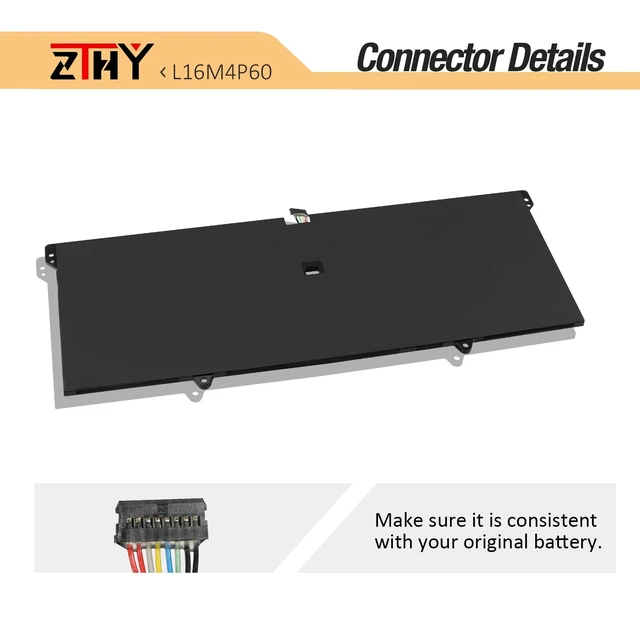
    Note: If the new battery is not recognized during the initial installation, please reinstall and check if the interface is fully connected. Discharge the new battery to 10-20% (not 0%), then charge and cycle 3-4 times to wake up the new battery

    Warranty & Returns

    Warranty, Returns, And Additional Information

    Warranty

    • Please contact the Seller directly for warranty information. Warranty information may also be found on the Manufacturer's website.
    • CONTACT

    Return Policies

    Manufacturer Contact Info

    LOADING...