• $85.49
  • Free 30-day Returns
  • Price alert
    Shop it at NeweggBusiness.

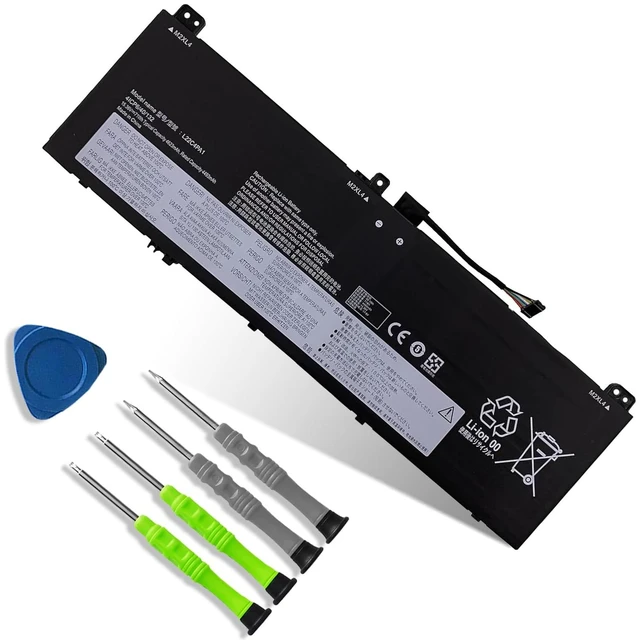
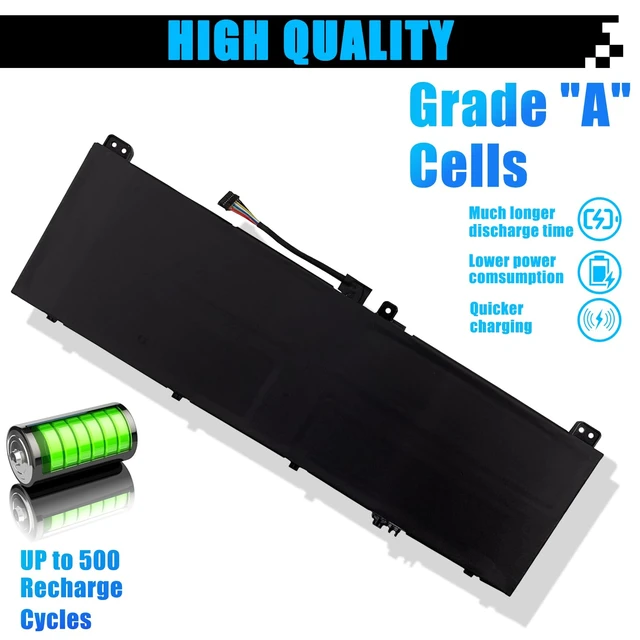
    L22C4PA1 L22D4PA1 Laptop Battery Replacement for Lenovo Yoga 7 14IRL8 14ARP8 16IRL8 16ARP8 Yoga 7 2-in-1 14IML9 14AHP9 16IML9 16AHP9 Series SB11K38965 SB11K38967 L22M4PA1 SB11K38964 71Wh 4623mAh

    Limited time offer, ends 10/16 By PureSpring Trading Shop

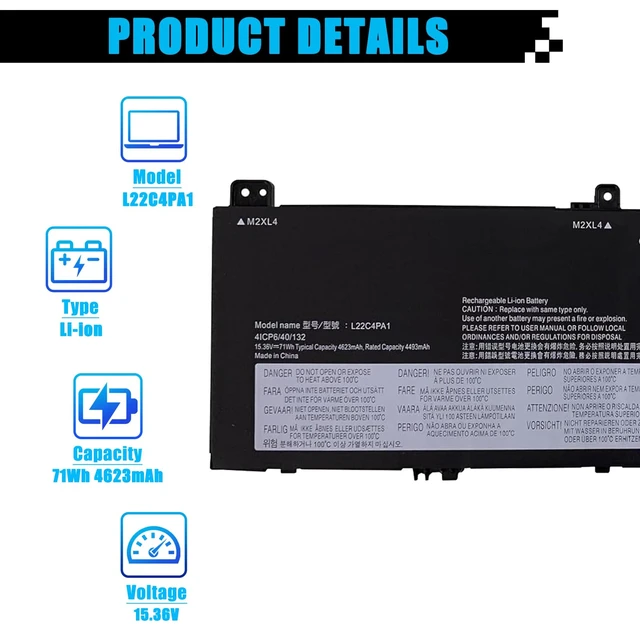
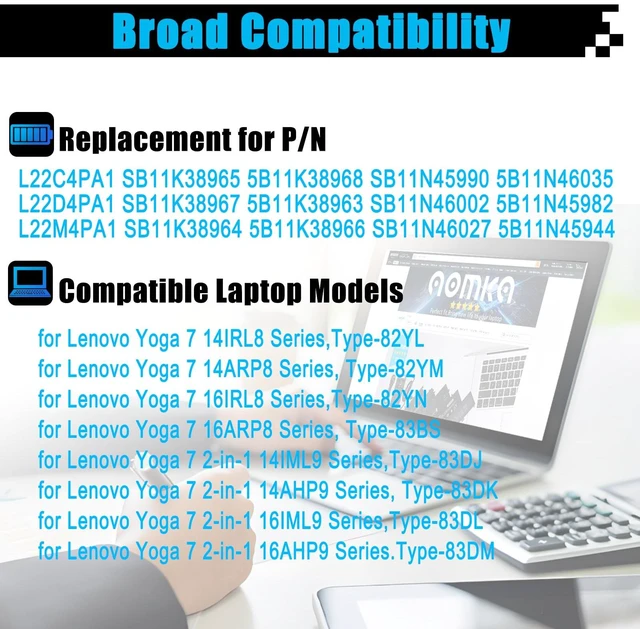
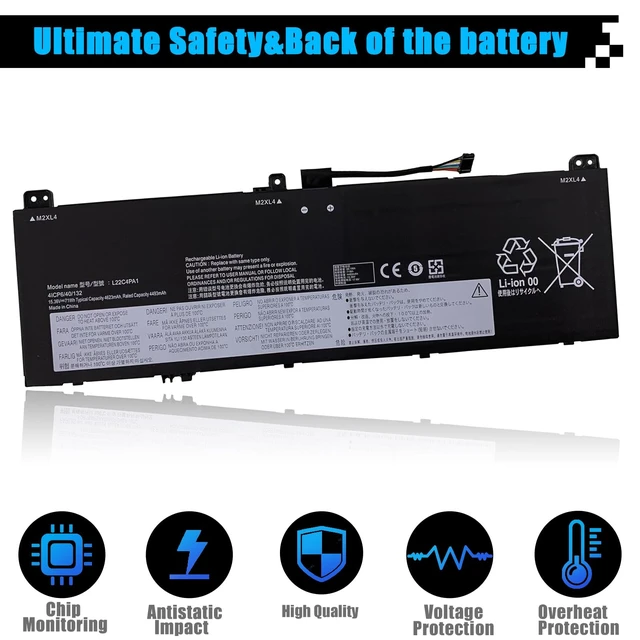
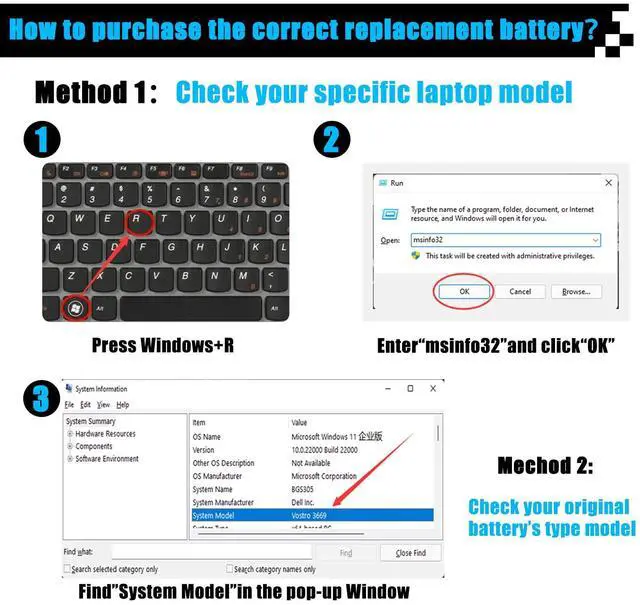
    • SpecificationsItem Model: L22C4PA1; Battery Type: Li-ion; Voltage: 15.36V; Capacity: 71Wh 4623mAh; Battery Condition: Brand New. Replacement for P/NL22C4PA1 SB11K38965 5B11K38968 SB11N45990 5B11N46035 L22D4PA1 SB11K38967 5B11K38963 SB11N46002 5B11N45982 L22M4PA1 SB11K38964 5B11K38966 SB11N46027 5B11N45944. Compatible Laptop Modelsfor Lenovo Yoga 7 14IRL8 14ARP8 Series, for Lenovo Yoga 7 16IRL8 16ARP8 Series, for Lenovo Yoga 7 2-in-1 14IML9 14AHP9 Series, for Lenovo Yoga 7 2-in-1 16IML9 16AHP9 Series. NotePlease open the back cover of the laptop before ordering and make sure that the original battery model matches the listing. After receiving the battery, please install the battery correctly, make sure that the battery connector is firmly connected to the laptop motherboard, and use the original charger to charge the laptop. Discharge the new battery to 5% (not 0%), then charge and cycle 3-4 times to activate the new battery

    +
    +
    Overview
    Specs
    Reviews
    avatar

    Any questions? Our AI mode will help you find out quickly.

    SpecificationsItem Model: L22C4PA1;
    Battery Type: Li-ion;
    Voltage: 15.36V;
    Capacity: 71Wh 4623mAh;
    Battery Condition: Brand New. Replacement for P/NL22C4PA1 SB11K38965 5B11K38968 SB11N45990 5B11N46035 L22D4PA1 SB11K38967 5B11K38963 SB11N46002 5B11N45982 L22M4PA1 SB11K38964 5B11K38966 SB11N46027 5B11N45944. Compatible Laptop Modelsfor Lenovo Yoga 7 14IRL8 14ARP8 Series, for Lenovo Yoga 7 16IRL8 16ARP8 Series, for Lenovo Yoga 7 2-in-1 14IML9 14AHP9 Series, for Lenovo Yoga 7 2-in-1 16IML9 16AHP9 Series. NotePlease open the back cover of the laptop before ordering and make sure that the original battery model matches the listing. After receiving the battery, please install the battery correctly, make sure that the battery connector is firmly connected to the laptop motherboard, and use the original charger to charge the laptop. Discharge the new battery to 5% (not 0%), then charge and cycle 3-4 times to activate the new battery

    Warranty & Returns

    Warranty, Returns, And Additional Information

    Warranty

    • Please contact the Seller directly for warranty information. Warranty information may also be found on the Manufacturer's website.
    • CONTACT

    Return Policies

    Manufacturer Contact Info

    LOADING...