• $98.99
  • Free 30-day Returns
  • Price alert
    Shop it at NeweggBusiness.

    Meet Your Seller

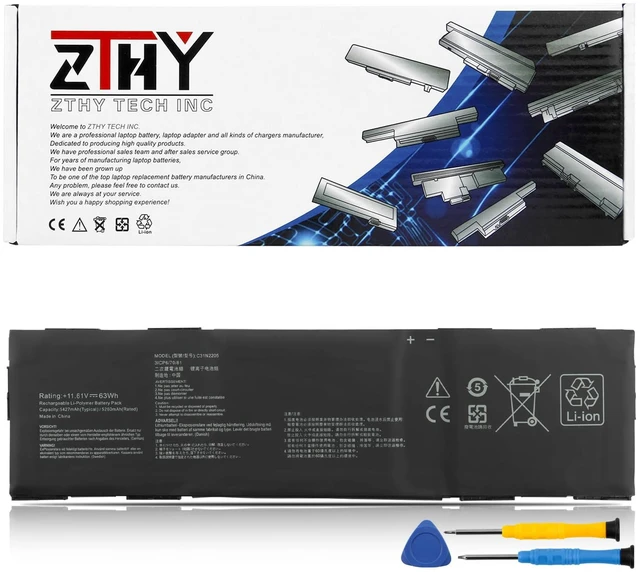
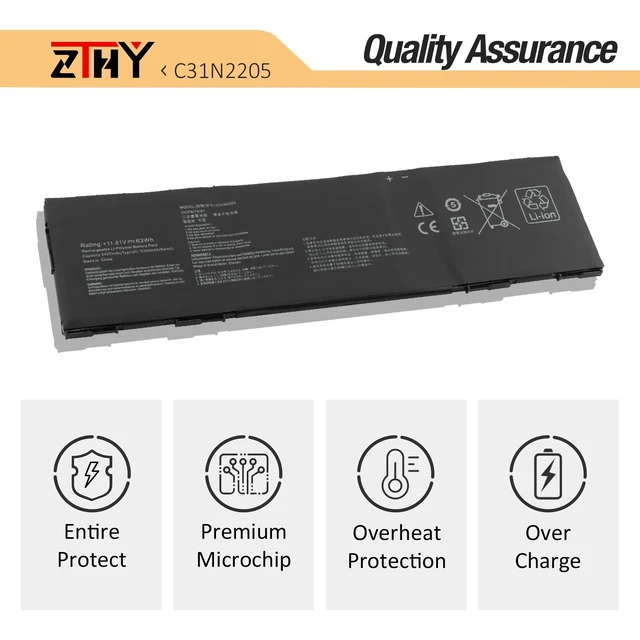
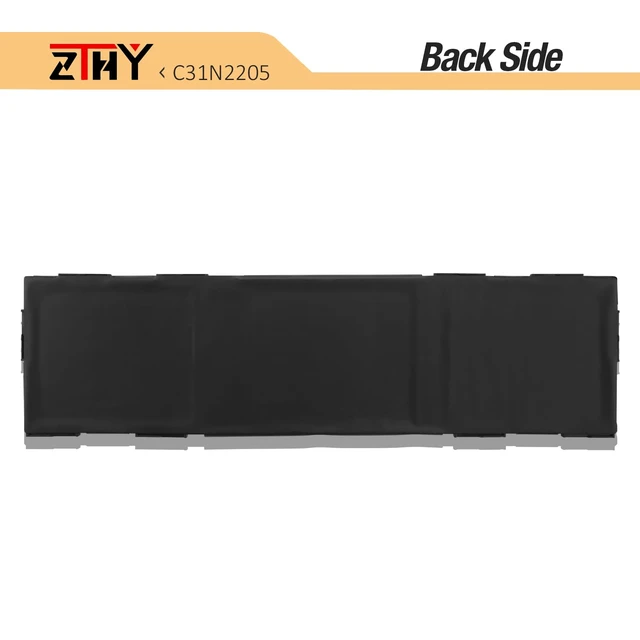
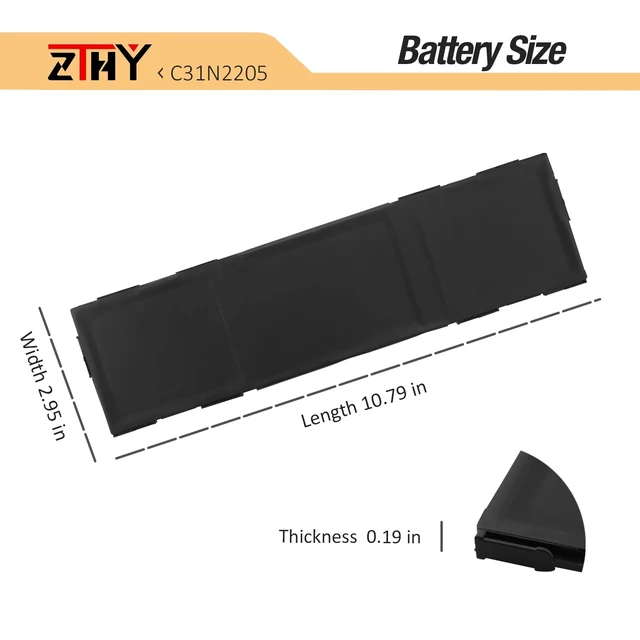
    C31N2205 Battery Replacement for Asus Chromebook CX34 Flip CX3401 CX3401FB CX3401FBA Plus CM34 Flip CM3401 CM3401FF CM3401FFA ExpertBook B3 B3404 B3404CV B3404CVA B3404CVF CX9 CX9400CEA 11.61V 63Wh

    Limited time offer, ends 11/10 By Yihe Global Store

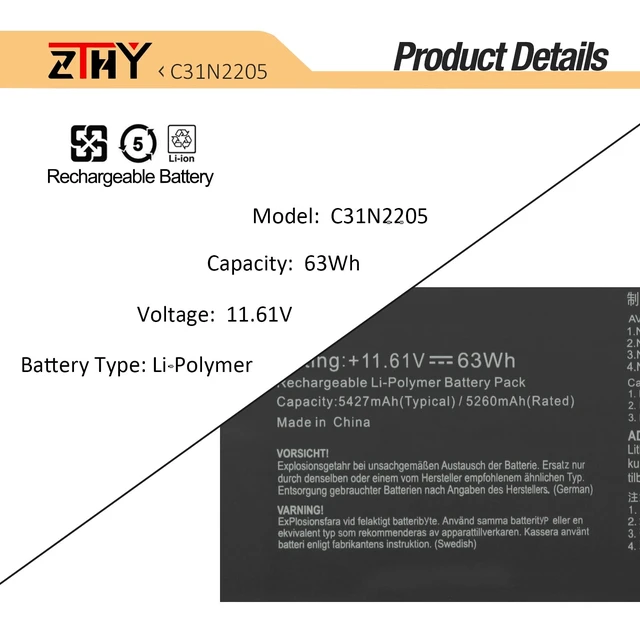
    • Specifications: Battery type: Li-Polymer. Color: Black. Voltage: 11.61V. Capacity: 63Wh. Package includes 2 professional screwdrivers. No extra tools needed. Swap your old battery in minutes. Compatible Part Number: C31N2205 0B200-04010000 3ICP6/70/81 Compatible with Laptop Models: Replacement for ASUS Chromebook Vibe CX34 Flip CX3401 CX3401FB CX3401FBA, Chromebook Plus CM34 Flip CM3401 CM3401FF CM3401FFA, ExpertBook B3 B3404 B3404CV B3404CVA B3404CVF, CX9 CX9400CEA-DS566T Series Security: All products are Certified by CE, FCC for safety. Strict guidelines for compatibility, and standards compliance for environment safety Note: If the new battery is not recognized during the initial installation, please reinstall and check if the interface is fully connected. Discharge the new battery to 10-20% (not 0%), then charge and cycle 3-4 times to wake up the new battery
    +
    +
    Overview
    Specs
    Reviews

    Any questions? Ask CelesteSM will help you find out quickly.

    Specifications

    : Battery
    type: Li-Polymer.
    Color: Black.
    Voltage: 11.61V.
    Capacity: 63Wh. Package includes 2 professional screwdrivers. No extra tools needed. Swap your old battery in minutes.
    Compatible Part Number: C31N2205 0B200-04010000 3ICP6/70/81 Compatible with
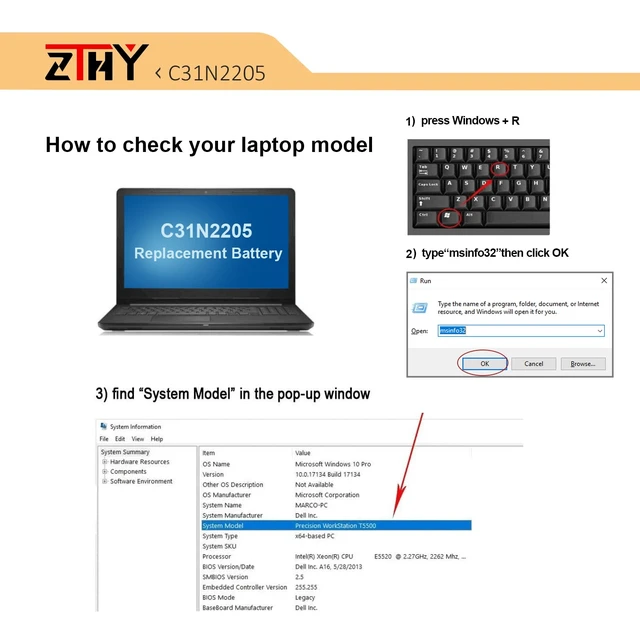
    Laptop Models: Replacement for ASUS Chromebook Vibe CX34 Flip CX3401 CX3401FB CX3401FBA, Chromebook Plus CM34 Flip CM3401 CM3401FF CM3401FFA, ExpertBook B3 B3404 B3404CV B3404CVA B3404CVF, CX9 CX9400CEA-DS566T
    Series Security: All products are Certified by CE, FCC for safety. Strict guidelines for compatibility, and standards compliance for environment safety
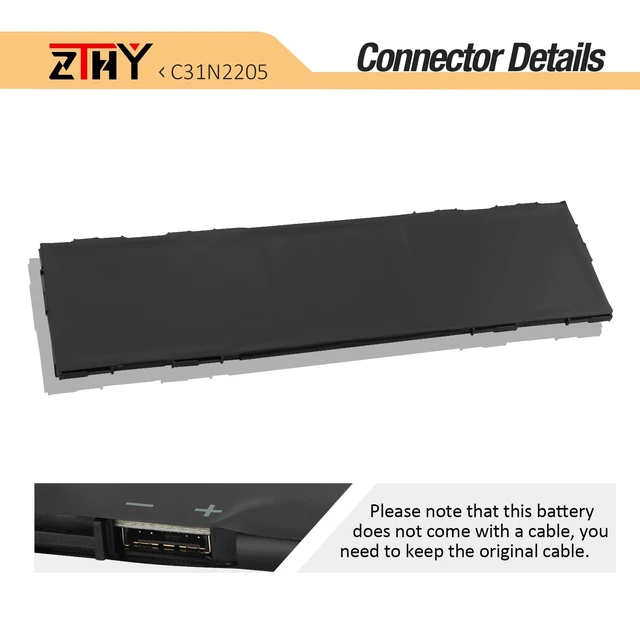
    Note: If the new battery is not recognized during the initial installation, please reinstall and check if the interface is fully connected. Discharge the new battery to 10-20% (not 0%), then charge and cycle 3-4 times to wake up the new battery

    Warranty & Returns

    Warranty, Returns, And Additional Information

    Warranty

    • Please contact the Seller directly for warranty information. Warranty information may also be found on the Manufacturer's website.
    • CONTACT

    Return Policies

    Manufacturer Contact Info

    LOADING...