• $23.99
  • Free 30-day Returns
  • Price alert
    Shop it at NeweggBusiness.

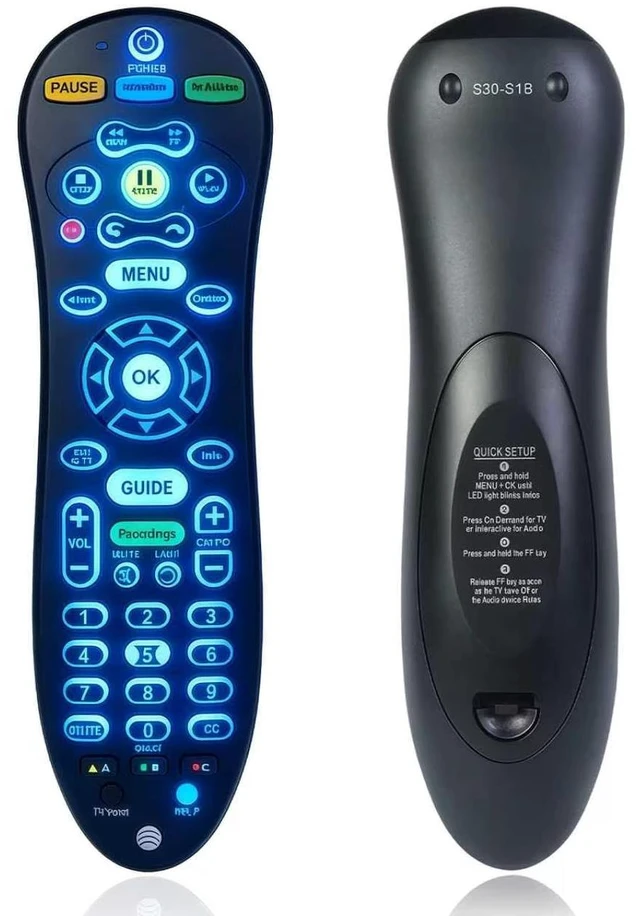
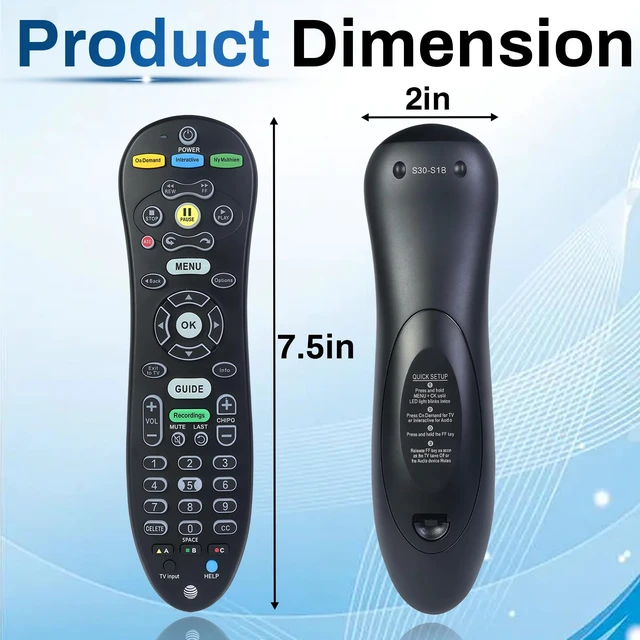
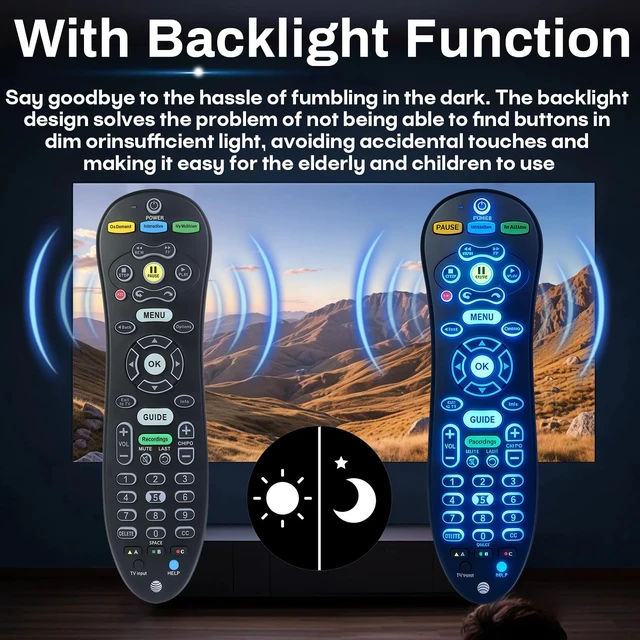
    S30 Remote Compatible with AT&T U-Verse Receiver, Replace S30-S1B Replace ISB7005 ISB7000 Cable Box, with Backlit Function, ABS material, Stable Signal,Simple Operation

    Limited time offer, ends 11/10 By DrakeMount FortunaTech Parts

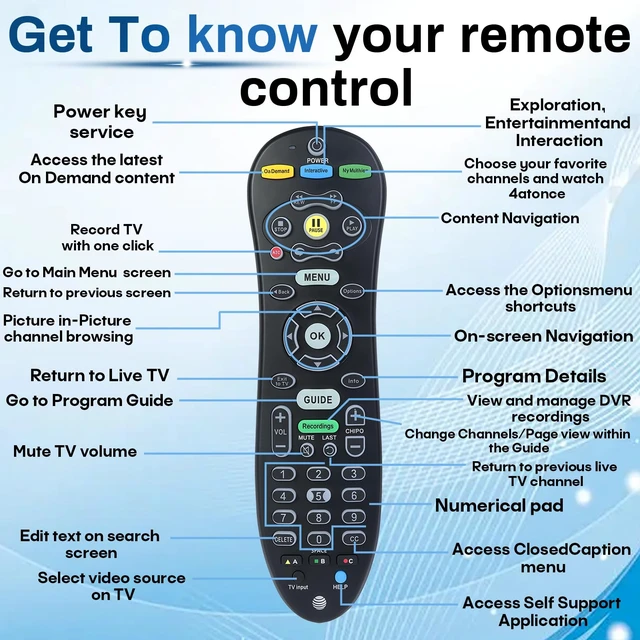
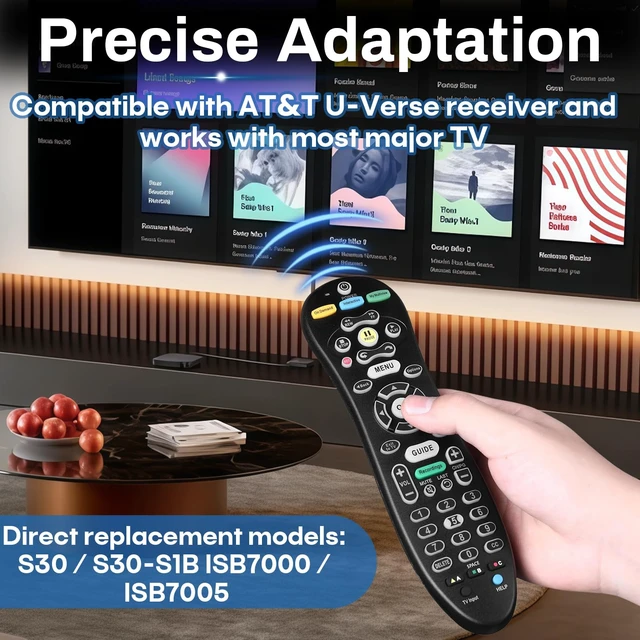
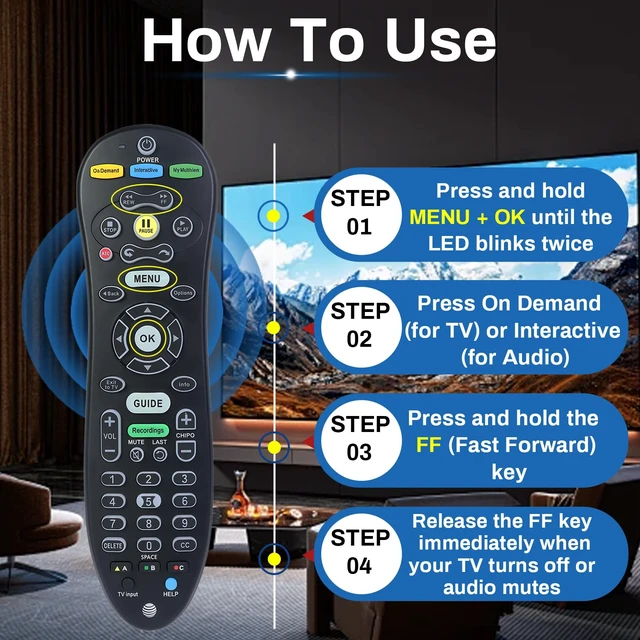
    • Compatibility: Compatible with AT&T U-Verse receivers, replacing models S30, S30-S1B, ISB7005, and ISB7000. Advanced chip technology ensures a stable, responsive connection between the remote and the set-top box. Practical Design: Made of ABS material with an ergonomic curved design for a comfortable grip, a 120-degree rotation angle, and sensitive buttons. Stable Signal: A powerful infrared signal ensures stable performance within a 10-meter range for flexible remote control operation. Simple Operation: 1. Press and hold the MENU + OK buttons until the LED indicator flashes twice. 2. Press the On Demand button to control the TV, and the Interactive button to control the audio. 3. Press and hold the FF button until the TV turns off or the audio device is muted, then release it. Comprehensive Functions: The remote control includes volume, channel, power, input, menu, and navigation functions for daily use

    +
    +
    Overview
    Specs
    Reviews

    Any questions? Ask CelesteSM will help you find out quickly.

    Compatibility: Compatible with AT&T U-Verse receivers, replacing models S30, S30-S1B, ISB7005, and ISB7000. Advanced chip technology ensures a stable, responsive connection between the remote and the set-top box.
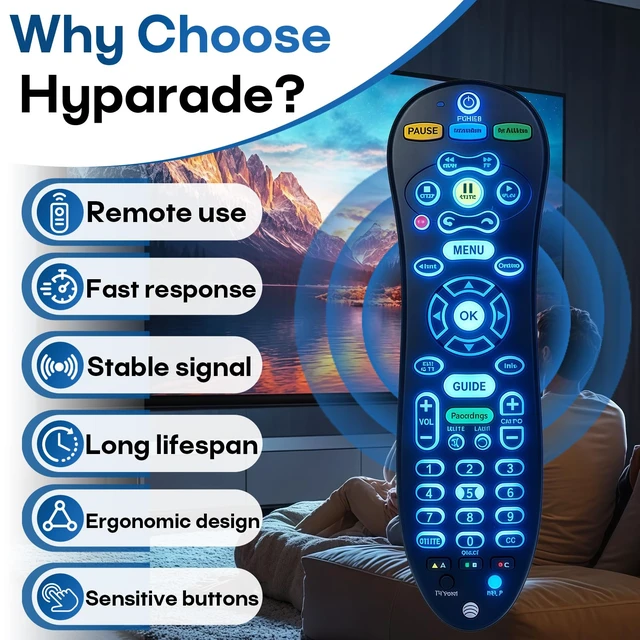
    Practical Design: Made of ABS material with an ergonomic curved design for a comfortable grip, a 120-degree rotation angle, and sensitive buttons.
    Stable Signal: A powerful infrared signal ensures stable performance within a 10-meter range for flexible remote control operation.
    Simple Operation: 1. Press and hold the MENU + OK buttons until the LED indicator flashes twice. 2. Press the On Demand button to control the TV, and the Interactive button to control the audio. 3. Press and hold the FF button until the TV turns off or the audio device is muted, then release it.
    Comprehensive Functions: The remote control includes volume, channel, power, input, menu, and navigation functions for daily use

    Warranty & Returns

    Warranty, Returns, And Additional Information

    Warranty

    • Please contact the Seller directly for warranty information. Warranty information may also be found on the Manufacturer's website.
    • CONTACT

    Return Policies

    Manufacturer Contact Info

    LOADING...