Your Browsing History
Meet Your Seller
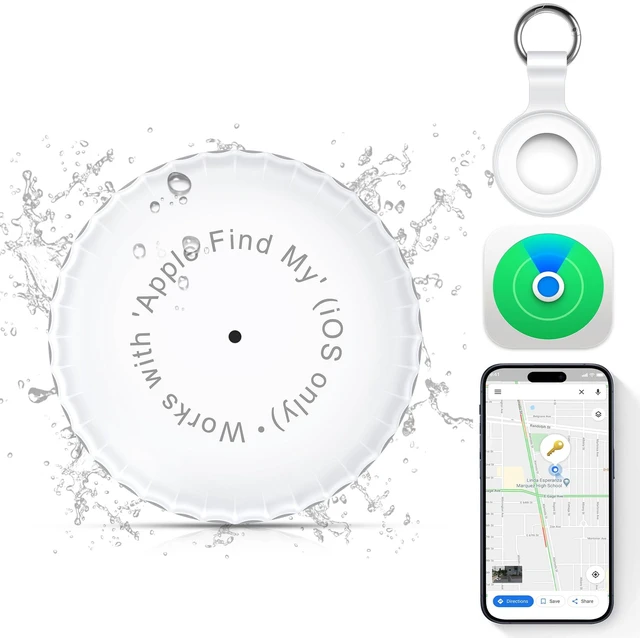
1 Pack,IPX8 Waterproof Key Finder,Bluetooth GPS Items Tracker with Tag Holder & Keychains,Works with 'Apple Find My'(iOS only),Case Compatible with Airtag,Music Reminder for Kids,Pets,Keys-White
Limited time offer, ends 10/29 By Vast Sun Tech
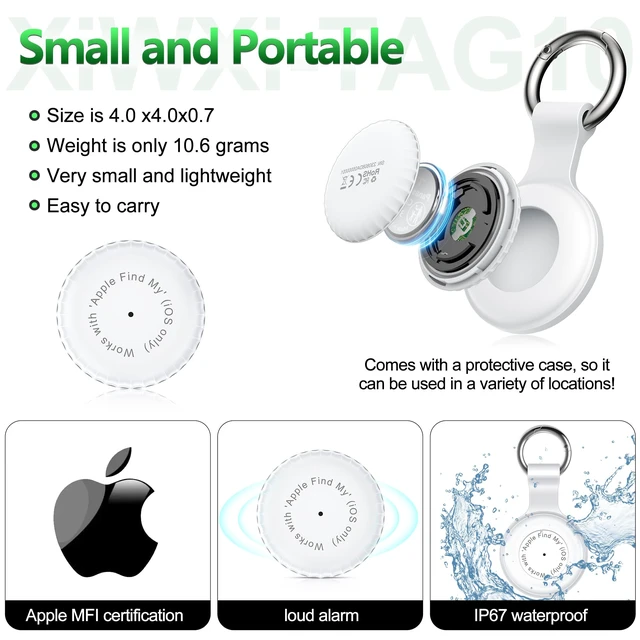
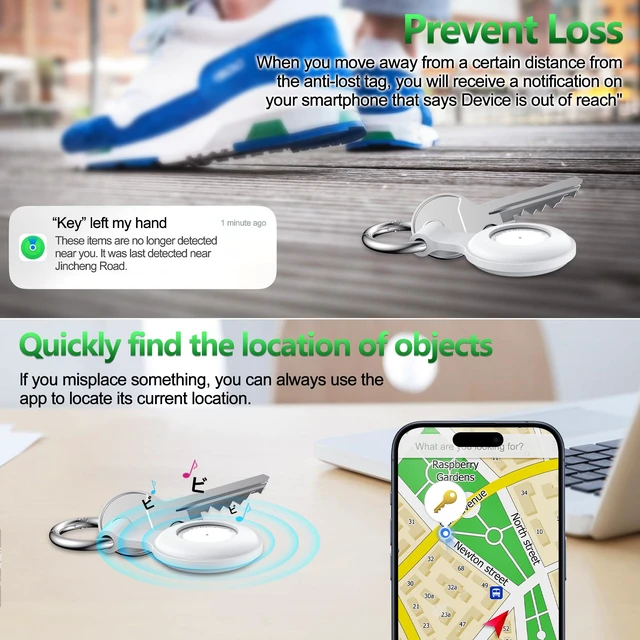
- MFi Certification & Specifications: The key finder uses a BLE 5.2 32-bit processor Bluetooth system, works with Apple's Find My Network protocol, and is MFi certified. No app installation is needed. Simply use the Find My app for iOS. A built-in motion detector helps identify unwanted tracking through the Find My network. The built-in buzzer helps you locate the device through the Find My network. First Time Use & Functions: The anti-lost device attaches to your keys and fits into your backpack, making it easy to find your belongings. It appears in the Find My app, helping you locate items on a map. You can play sounds on the device to find items hidden nearby. The Find My app helps track the location of items attached to the device. Stay connected with friends and family. Battery & Battery Type: The Tag-10 locator uses a removable and replaceable CR2032 button battery that can remain stored for up to 8 years. After the battery is exhausted, replace it with a new battery. After installing the battery, remove it immediately after hearing two beeps. Repeat this operation 5 times. After installing the battery, you will hear two different sounds, indicating that it is resetting and entering the state in which it can be added. Lost Mode & IPX8 Waterproof: When you cannot find the anti-lost device but think it is nearby or someone nearby may hear it, you can play a sound to determine its location. Put your AirTag into Lost Mode to automatically receive notifications when it is de
+
+
Overview
Specs
Reviews
Any questions? Ask CelesteSM will help you find out quickly.
Try me now
MFi Certification &
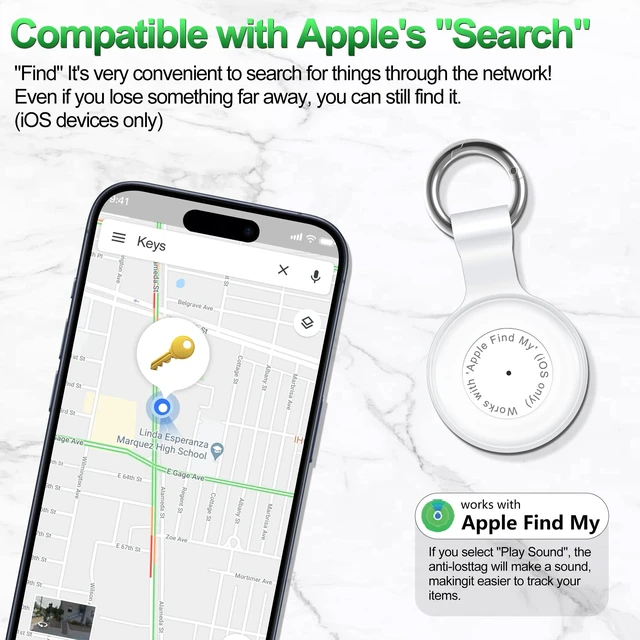
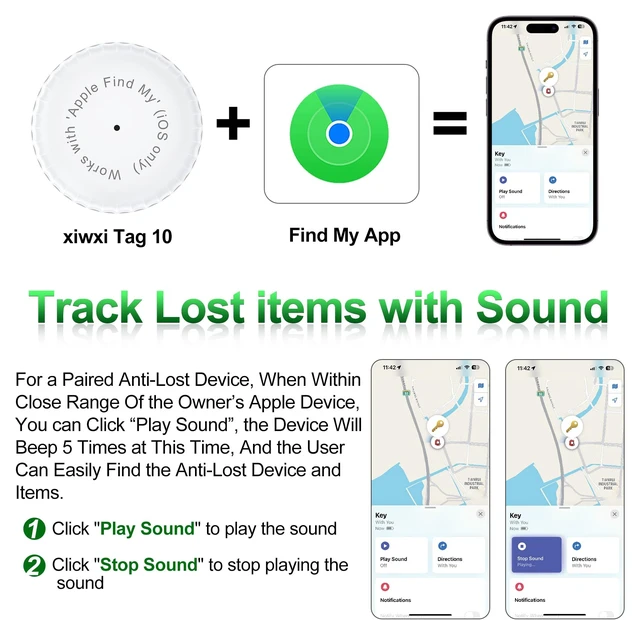
First Time Use & Functions: The anti-lost device attaches to your keys and fits into your backpack, making it easy to find your belongings. It appears in the Find My app, helping you locate items on a map. You can play sounds on the device to find items hidden nearby. The Find My app helps track the location of items attached to the device. Stay connected with friends and family.
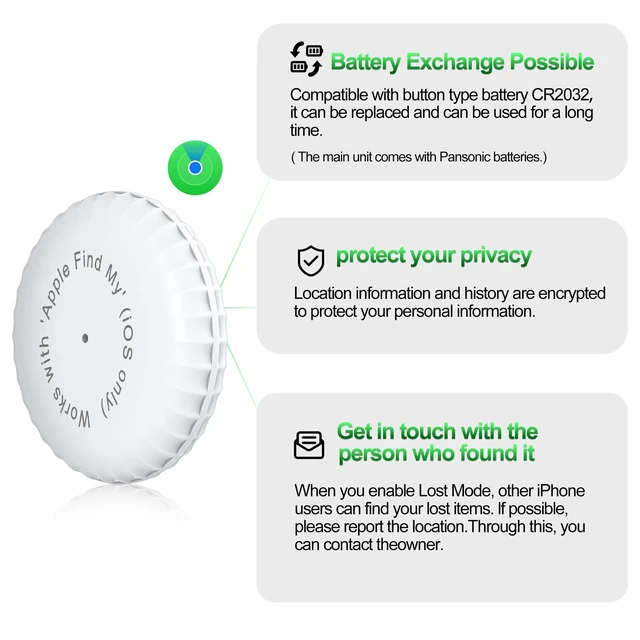
Battery & Battery Type: The Tag-10 locator uses a removable and replaceable CR2032 button battery that can remain stored for up to 8 years. After the battery is exhausted, replace it with a new battery. After installing the battery, remove it immediately after hearing two beeps. Repeat this operation 5 times. After installing the battery, you will hear two different sounds, indicating that it is resetting and entering the state in which it can be added.
Lost Mode & IPX8 Waterproof: When you cannot find the anti-lost device but think it is nearby or someone nearby may hear it, you can play a sound to determine its location. Put your AirTag into Lost Mode to automatically receive notifications when it is detected on a Find My network. Location information is sent to Apple only when you actively locate the device, mark it as lost, or enable Send Last Location. The Tag-10 positioner reaches an IP67 waterproof level.
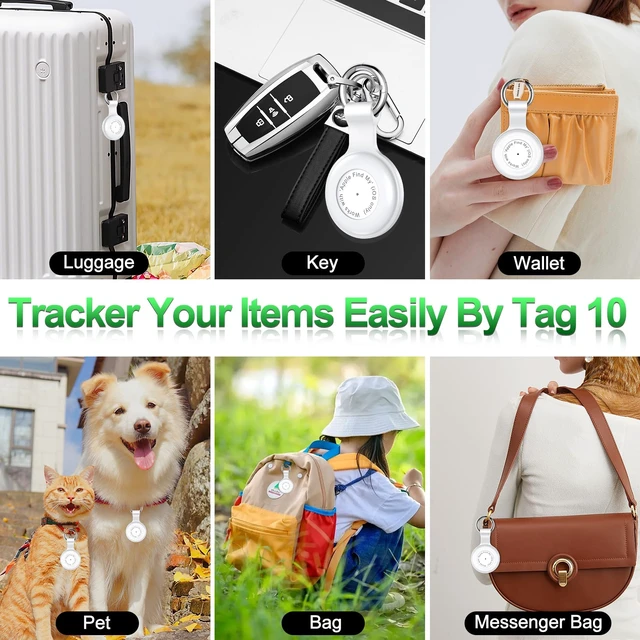
Application Scenarios & Tips: The Tag-10 locator can be used with backpacks, suitcases, children, pets, elderly persons, handbags, keys, leather bags, cars, and more. It can locate specific places easily and accurately. To protect privacy, all communications with the Find My network are anonymous and encrypted. Location data and history will not be shared or stored on the Tag-10.
For First-Time Use: Open the Find My app and Bluetooth. Take the hard case out of the silicone case. Pull out the Mylar piece, and the device will beep. Tap Add Item and Other Supported Item. Connect within 10 minutes; otherwise, the device must be reset

Specifications
: The key finder uses a BLE 5.2 32-bit processor Bluetooth system, works with Apple's Find My Network protocol, and is MFi certified. No app installation is needed. Simply use the Find My app for iOS. A built-in motion detector helps identify unwanted tracking through the Find My network. The built-in buzzer helps you locate the device through the Find My network.First Time Use & Functions: The anti-lost device attaches to your keys and fits into your backpack, making it easy to find your belongings. It appears in the Find My app, helping you locate items on a map. You can play sounds on the device to find items hidden nearby. The Find My app helps track the location of items attached to the device. Stay connected with friends and family.
Battery & Battery Type: The Tag-10 locator uses a removable and replaceable CR2032 button battery that can remain stored for up to 8 years. After the battery is exhausted, replace it with a new battery. After installing the battery, remove it immediately after hearing two beeps. Repeat this operation 5 times. After installing the battery, you will hear two different sounds, indicating that it is resetting and entering the state in which it can be added.
Lost Mode & IPX8 Waterproof: When you cannot find the anti-lost device but think it is nearby or someone nearby may hear it, you can play a sound to determine its location. Put your AirTag into Lost Mode to automatically receive notifications when it is detected on a Find My network. Location information is sent to Apple only when you actively locate the device, mark it as lost, or enable Send Last Location. The Tag-10 positioner reaches an IP67 waterproof level.
Application Scenarios & Tips: The Tag-10 locator can be used with backpacks, suitcases, children, pets, elderly persons, handbags, keys, leather bags, cars, and more. It can locate specific places easily and accurately. To protect privacy, all communications with the Find My network are anonymous and encrypted. Location data and history will not be shared or stored on the Tag-10.
For First-Time Use: Open the Find My app and Bluetooth. Take the hard case out of the silicone case. Pull out the Mylar piece, and the device will beep. Tap Add Item and Other Supported Item. Connect within 10 minutes; otherwise, the device must be reset
Warranty & Returns
Warranty, Returns, And Additional Information
Warranty
- Please contact the Seller directly for warranty information. Warranty information may also be found on the Manufacturer's website.
- CONTACT
Return Policies
- Return for refund within: 30 days
- Return for replacement within: 30 days
- This item is covered by Vast Sun Tech Return Policy
Manufacturer Contact Info
- For a directory of all our manufacturers, please click below.
- Manufacturers Directory
LOADING...