Your Browsing History
Meet Your Seller
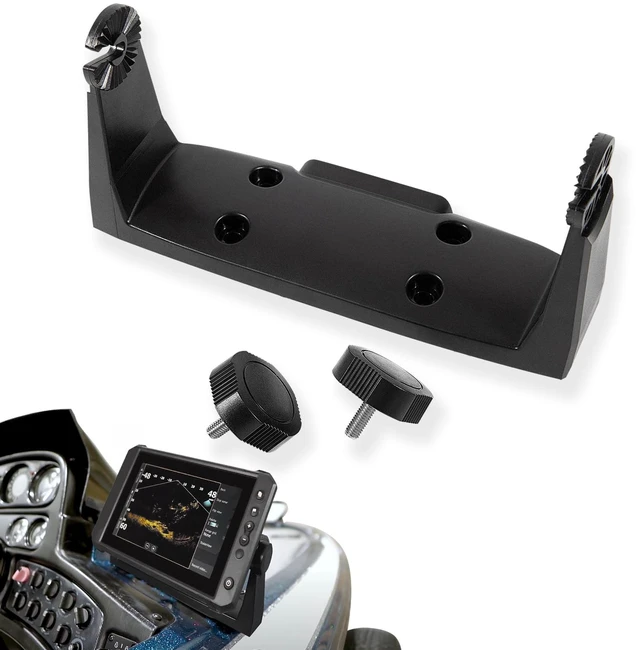
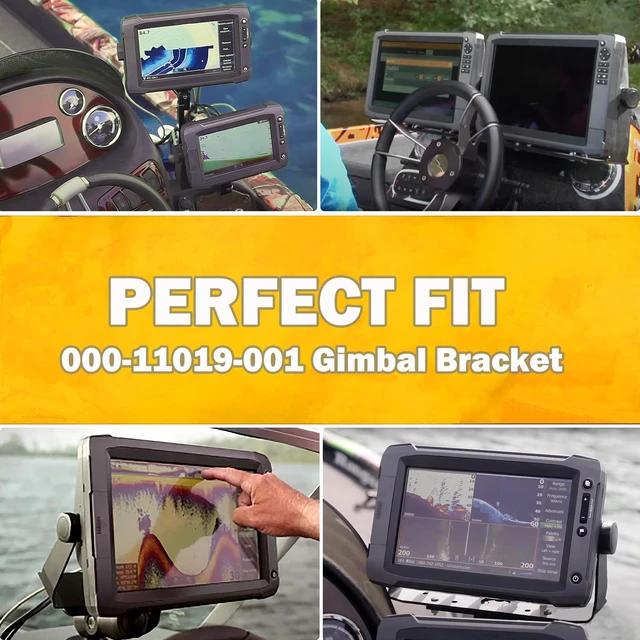
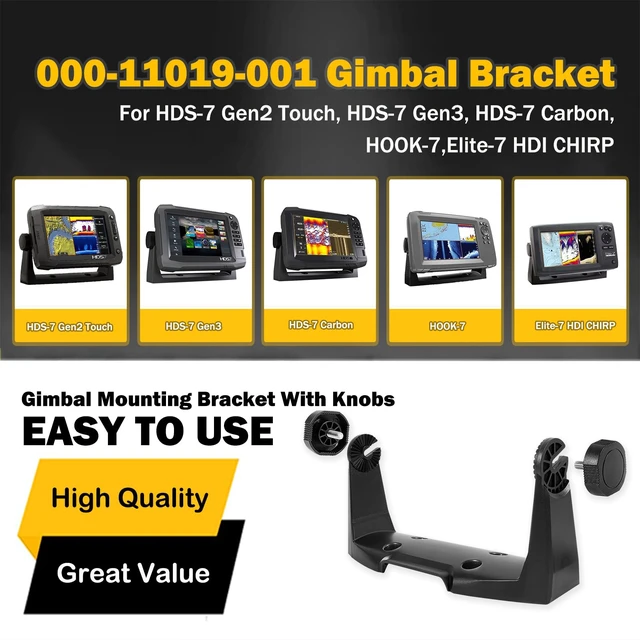
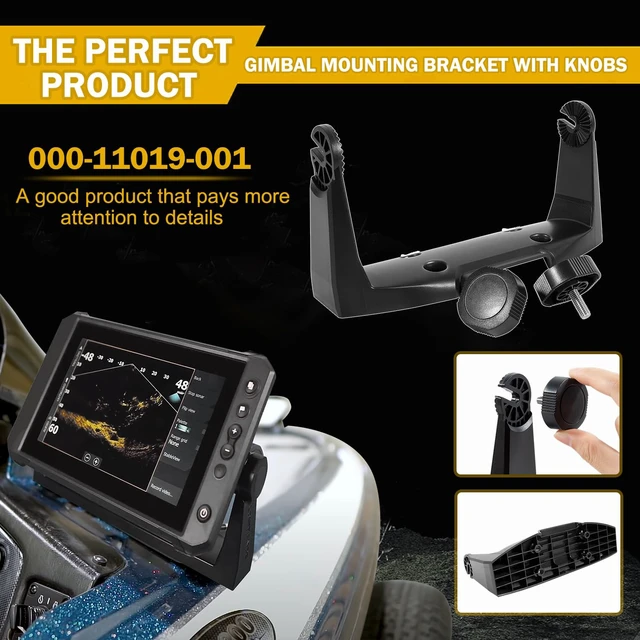
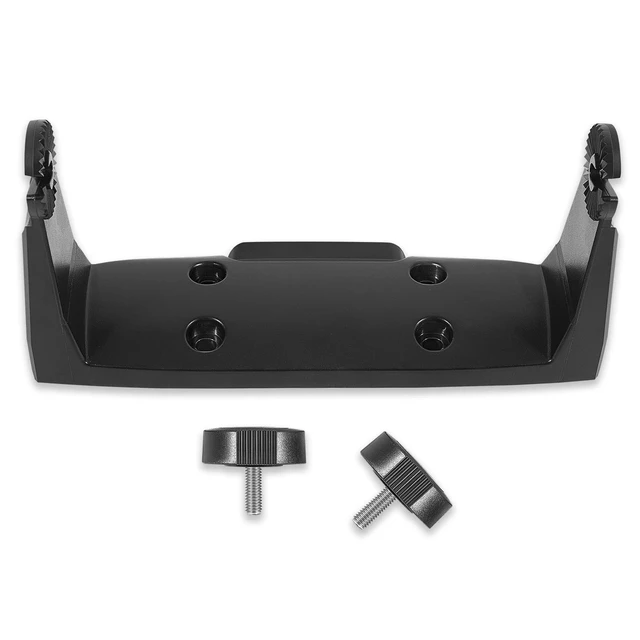
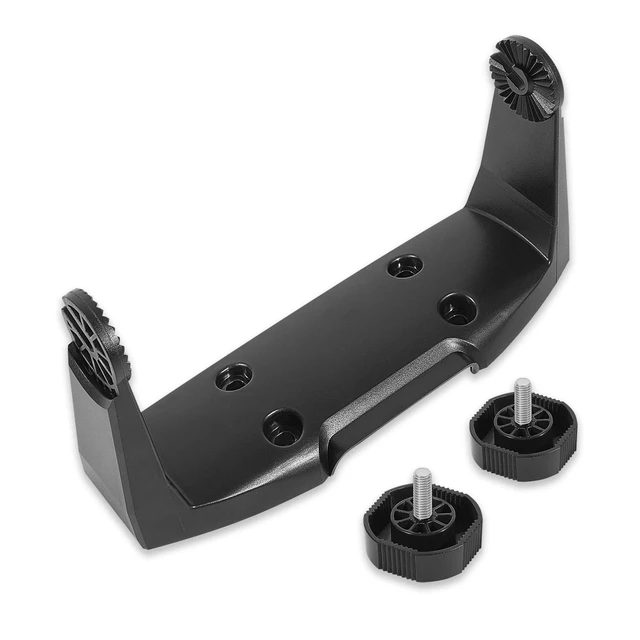
000-11019-001 Gimbal Mount Bracket for HDS-7 Gen2 Gen3 Touch and HOOK-7 Fits HDS-7 Gen2 Touch, Gen3, Carbon & HOOK-7; gimbal mounting bracket with knobs for secure marine display positioning
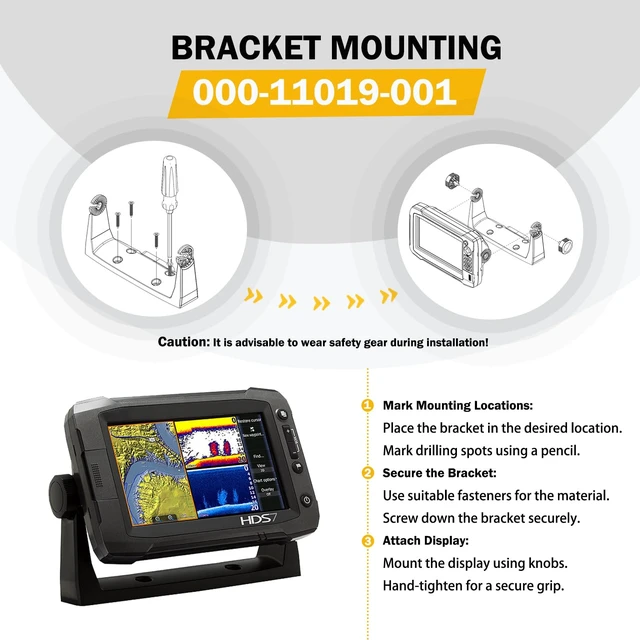
- Gimbal mounting bracket with knobs for HDS-7 Gen2 Touch, HDS-7 Gen3, HDS-7 Carbon, HOOK-7, and Elite-7 HDI CHIRP. Not for use with Elite-7 Ti. Bracket Mounting: Position the bracket in the desired location and use a pencil or permanent marker to mark the drilling locations. Use fasteners suited to the mounting surface material. Use only 304 or 316 stainless steel fasteners. Use the bracket as a template to mark the screw locations, drill pilot holes, and secure the bracket with screws. Hand-tighten only. Mounting Location: Carefully choose the mounting locations before drilling. Mount the display so the operator can easily use the controls and clearly see the screen. Safety: When installing, use appropriate safety equipment, such as ear muffs, protective glasses, gloves, and a dust mask. Power tools may exceed safe noise levels and cast off dangerous projectiles. Dust from materials commonly used in boat construction may irritate or damage the eyes, skin, and lungs

+
+
Overview
Specs
Reviews
Any questions? Ask CelesteSM will help you find out quickly.
Try me now
Gimbal mounting bracket with knobs for HDS-7 Gen2 Touch, HDS-7 Gen3, HDS-7 Carbon, HOOK-7, and Elite-7 HDI CHIRP. Not for use with Elite-7 Ti.
Bracket Mounting: Position the bracket in the desired location and use a pencil or permanent marker to mark the drilling locations. Use fasteners suited to the mounting surface material. Use only 304 or 316 stainless steel fasteners. Use the bracket as a template to mark the screw locations, drill pilot holes, and secure the bracket with screws. Hand-tighten only.
Mounting Location: Carefully choose the mounting locations before drilling. Mount the display so the operator can easily use the controls and clearly see the screen.
Safety: When installing, use appropriate safety equipment, such as ear muffs, protective glasses, gloves, and a dust mask. Power tools may exceed safe noise levels and cast off dangerous projectiles. Dust from materials commonly used in boat construction may irritate or damage the eyes, skin, and lungs
Bracket Mounting: Position the bracket in the desired location and use a pencil or permanent marker to mark the drilling locations. Use fasteners suited to the mounting surface material. Use only 304 or 316 stainless steel fasteners. Use the bracket as a template to mark the screw locations, drill pilot holes, and secure the bracket with screws. Hand-tighten only.
Mounting Location: Carefully choose the mounting locations before drilling. Mount the display so the operator can easily use the controls and clearly see the screen.
Safety: When installing, use appropriate safety equipment, such as ear muffs, protective glasses, gloves, and a dust mask. Power tools may exceed safe noise levels and cast off dangerous projectiles. Dust from materials commonly used in boat construction may irritate or damage the eyes, skin, and lungs
Warranty & Returns
Warranty, Returns, And Additional Information
Warranty
- Please contact the Seller directly for warranty information. Warranty information may also be found on the Manufacturer's website.
- CONTACT
Return Policies
- Return for refund within: 30 days
- Return for replacement within: 30 days
- This item is covered by Vast Sun Tech Return Policy
Manufacturer Contact Info
- For a directory of all our manufacturers, please click below.
- Manufacturers Directory
LOADING...