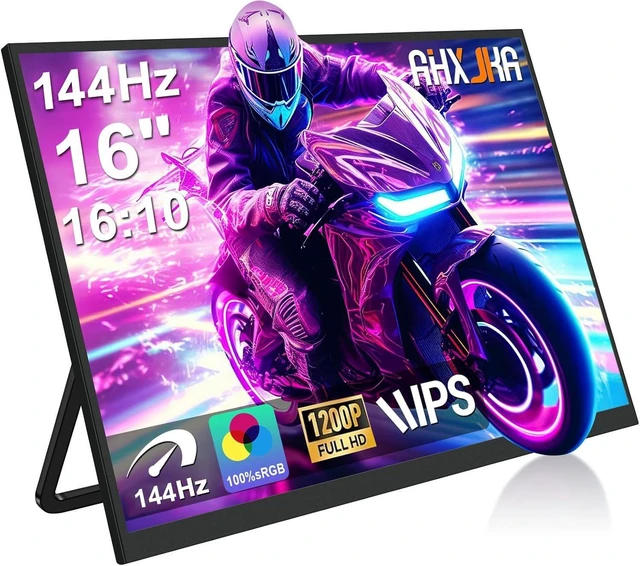
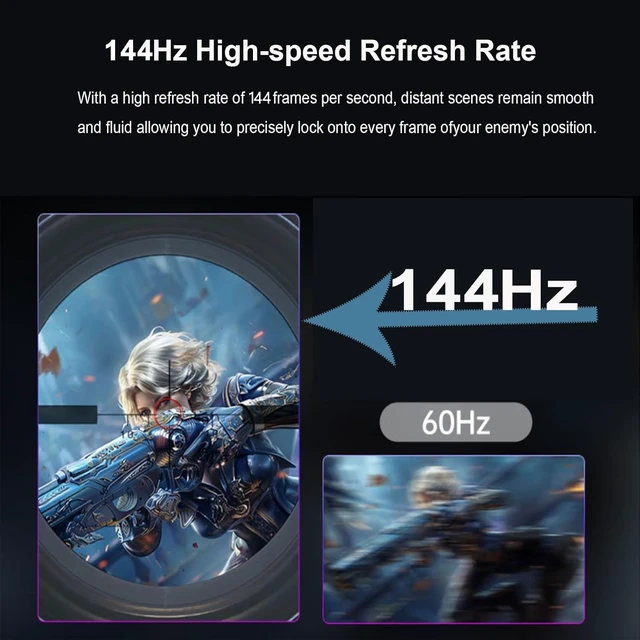
[16" 144Hz Ultra Smooth Gaming Experience] This 16 inch portable monitor features a 1920x1200 FHD+ resolution. It pairs a true 144Hz refresh rate with FreeSync and Variable Refresh Rate technology for a tear-free, stutter-free gaming experience. The 144Hz refresh rate reduces input lag and improves image quality for video, work, and gaming.
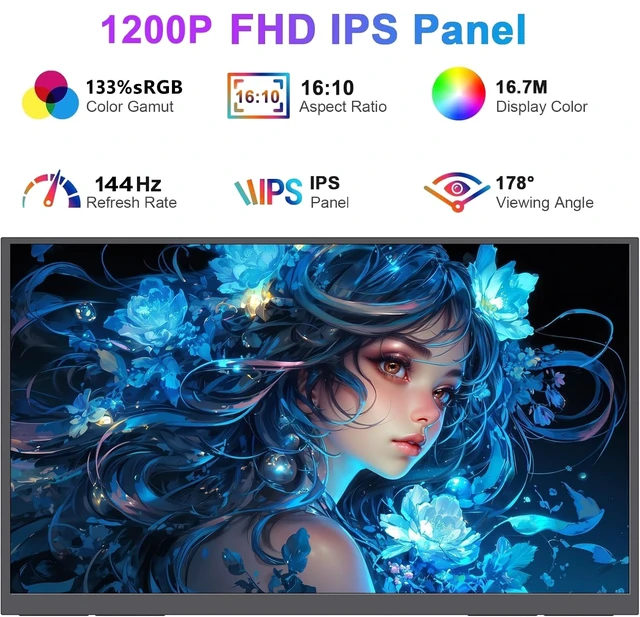
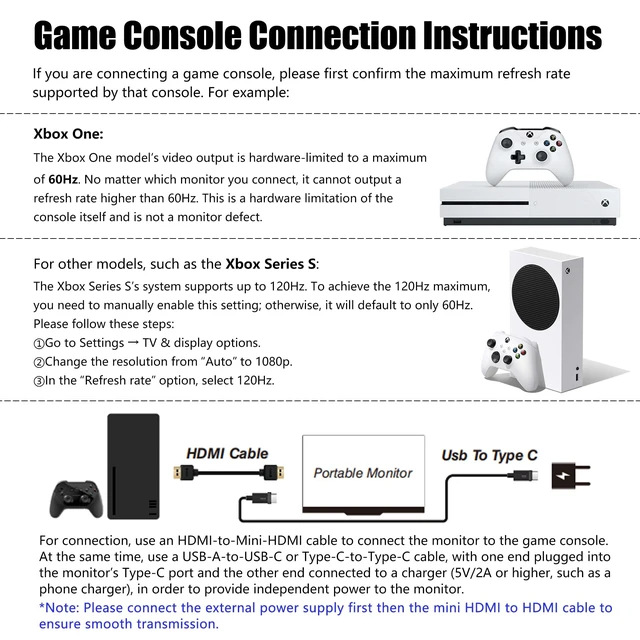
Note: Use the Type-C interface to connect your device for a 144Hz refresh rate. The HDMI interface is limited to 120Hz. Compared to traditional 15.6 inch monitors, its 16:10 aspect ratio provides about 10% more vertical workspace. The 1920x1200 resolution clearly displays details. [133% sRGB Coverage and HDR Support] The monitor features an IPS panel with LED backlight and 133% sRGB color gamut coverage. It displays 16.7 million colors with 8 bit color depth. Brightness is 250 to 300 nits, contrast ratio is 1000:1, and color temperature is 6500K. HDR enhances contrast and color dynamic range, helping preserve highlights and shadow details in games and video. [Game Console Connection Instructions] First confirm the maximum refresh rate supported by your console. The Xbox 1 supports a maximum of 60Hz, regardless of the monitor connected. The Xbox Series S supports up to 120Hz; this setting must be enabled manually, or
it defaults to 60Hz: 1. Go to Settings - TV & display options. 2. Change the resolution from 'Auto' to 1080p. 3. Select 120Hz under 'Refresh rate'. Use an HDMI to Mini HDMI cable to connect the monitor to the console. Use a USB A to USB C or Type C to Type C cable to connect the monitor's Type C port to a charger rated 5V/2A or higher for independent power. [Convenient Connectivity and Wide Compatibility] The monitor has two full-function USB-C ports and one HDMI port. It is compatible with MacBook, Surface, PC, and gaming consoles, including PS5, and offers convenient connection options for various devices. It is plug and play, requiring no drivers or complex software installation.
Connection methods: 1. If your device has a Type C 3.1 DP Alt Mode or Thunderbolt 3/4 port, use a Type C to Type C cable to connect it to the middle Type C port on the monitor for video transmission. At the same time, use a USB A to USB C cable to connect the other Type C port on the monitor to a separate charger for external power. 2. If your computer does not have these ports, use an HDMI to Mini HDMI cable to connect the monitor to the PC for video transmission. At the same time, use a USB-A to USB-C cable to connect the monitor's Type-C port to an independent charger for power. [Slim, Lightweight, and Travel-Friendly] At 0.4 inch slim and weighing 1.5 lbs, this monitor is suitable for travel or use as a secondary display, a laptop screen, a PS5 portable monitor, or a portable gaming setup. [VESA, Adjustable Stand, Speakers] The monitor features an IPS panel and a built-in 0 to 120 degree adjustable stand, allowing use in landscape and portrait modes for multitasking, programming, editing, or presentations.
VESA (75 mm@M4) compatibility allows personalized mounting and a tidy, professional work area. Built-in dual speakers support voice calls and audio and video playback




 here!