Your Browsing History
- Free 30-day Returns
$139.99
Meet Your Seller
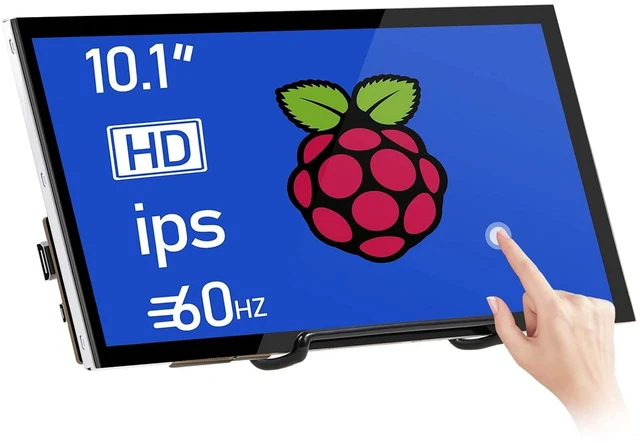
Raspberry Pi Screen 10.1 Inch Touchscreen Monitor 1024x600 Portable HDMI Monitor 16:9 IPS Screen Display for Raspberry Pi 5/4/3/2/Zero/B/B+ Win11/10/8/7, Free-Driver
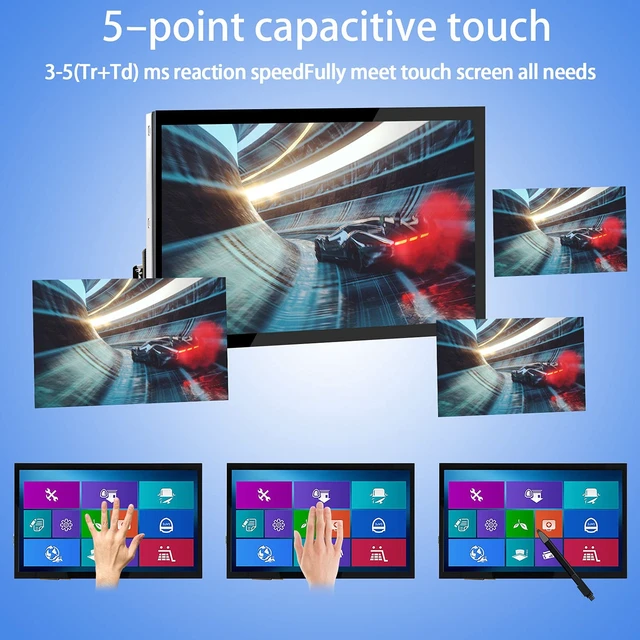
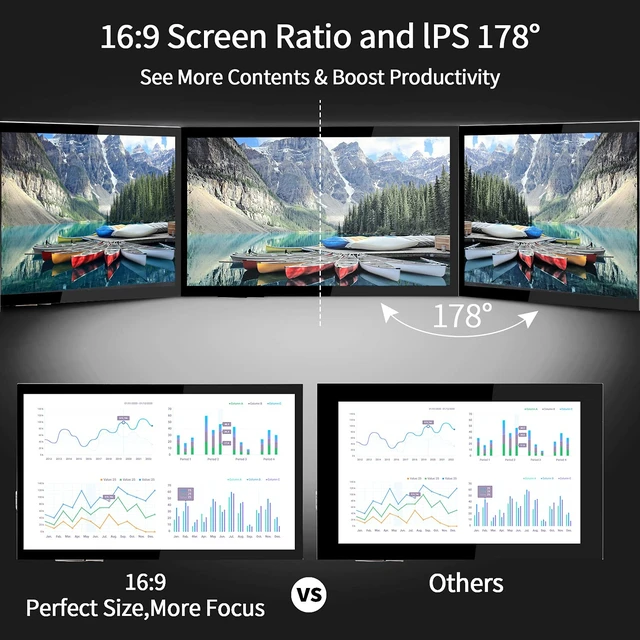
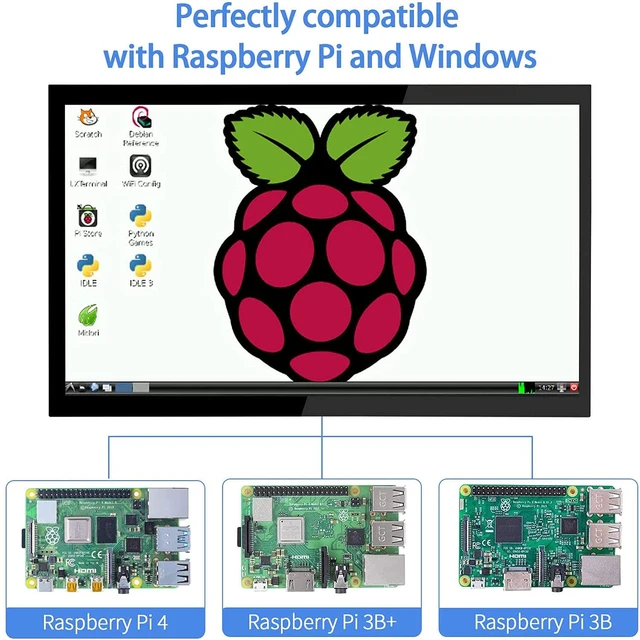
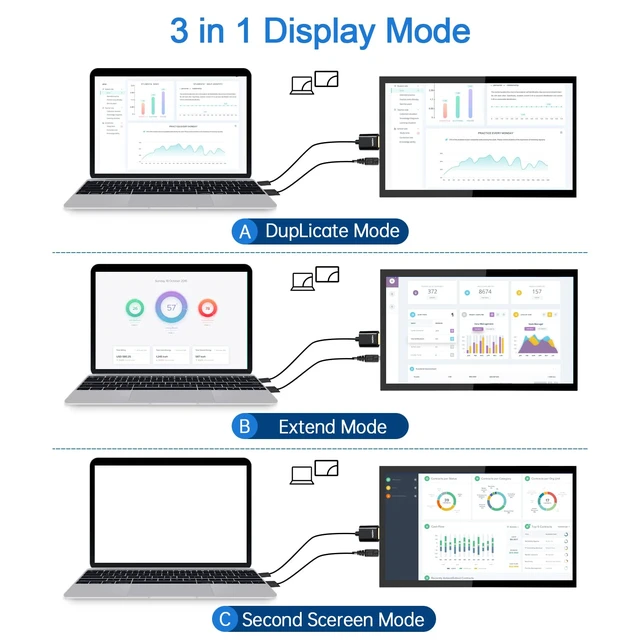
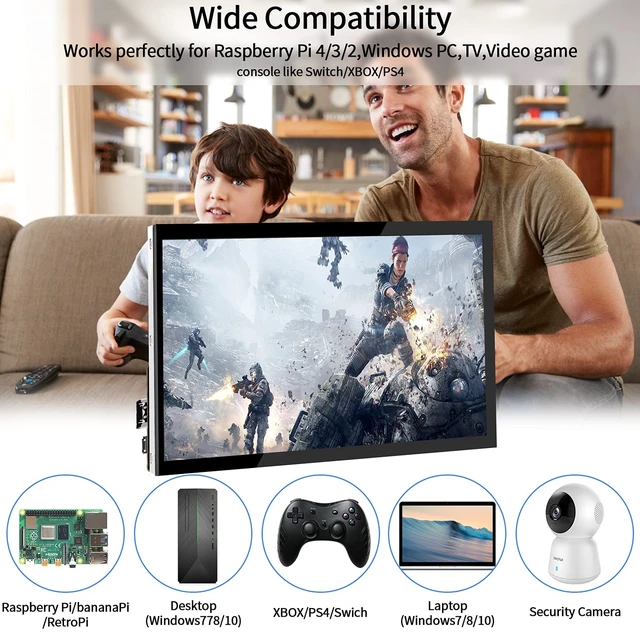
- Raspberry Pi Touchscreen Monitor -- This 10.1-inch monitor features a 1024*600 IPS display for accurate color reproduction, sharp images, and rich colors. Its 178° viewing angle makes it easier to share the screen with others in the room. The display features tempered glass and a fully bonded construction. Easy-to-Use Touchscreen -- The responsive capacitive multi-touch screen lets you swipe, scroll, select, zoom in and out, and move the cursor, with a response time of 3-5 ms. Raspberry Pi OS includes touchscreen drivers with 5-finger touch support and an on-screen keyboard, so you can use the monitor without a physical keyboard or mouse. Plug-and-Play Raspberry Pi Display -- Connect the screen to your device via HDMI and power the USB touch port to enable touch input. No driver installation or manual calibration is required. The monitor has a standard size and shape, and you can adjust the screen resolution in your display settings. Three Laptop Display Modes -- Choose Duplicate, Extend, or Second Screen mode. Right-click your laptop desktop, open Display Settings, and choose a mode under Multiple Displays. Note: Some MacBook models are not supported. HDMI Monitor Compatibility -- The monitor works with a range of devices, including Raspberry Pi 4/3/2/1/3B+/BB, Banana Pi, Windows 7/8/10 PCs, Microsoft devices, TVs, and game consoles such as NS Switch and XBOX. Retro Pi, NOOBS, Debian, Ubuntu, and Kodi are supported. The included HDMI cable works only with devices that have
+
+
Overview
Specs
Reviews
Any questions? Ask CelesteSM will help you find out quickly.
Try me now
Raspberry Pi Touchscreen Monitor -- This 10.1 -inch monitor features a 1024*600 IPS display for accurate color reproduction, sharp images, and rich colors. Its 178° viewing angle makes it easier to share the screen with others in the room. The display features tempered glass and a fully bonded construction. Easy-to-Use Touchscreen -- The responsive capacitive multi-touch screen lets you swipe, scroll, select, zoom in and out, and move the cursor, with a response time of 3-5 ms. Raspberry Pi OS includes touchscreen drivers with 5-finger touch support and an on-screen keyboard, so you can use the monitor without a physical keyboard or mouse.
Plug-and-Play Raspberry Pi Display -- Connect the screen to your device via HDMI and power the USB touch port to enable touch input. No driver installation or manual calibration is required. The monitor has a standard size and shape, and you can adjust the screen resolution in your display settings. Three Laptop Display Modes -- Choose Duplicate, Extend, or Second Screen mode. Right-click your laptop desktop, open Display Settings, and choose a mode under Multiple Displays.
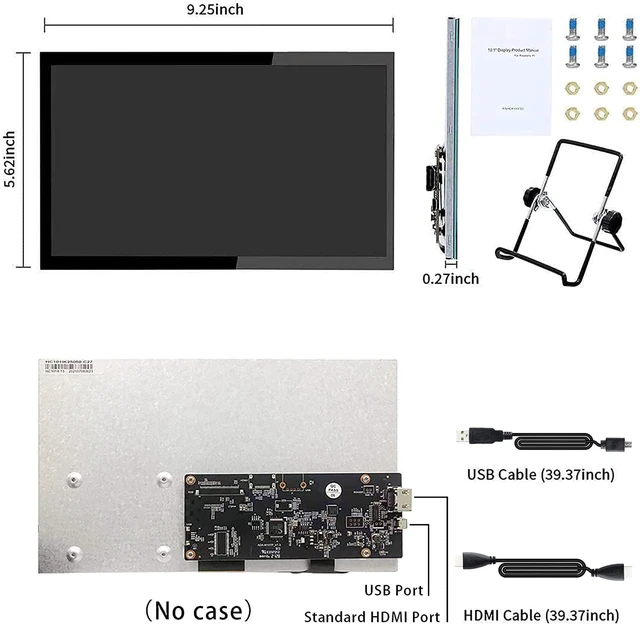
Note: Some MacBook models are not supported. HDMI Monitor Compatibility -- The monitor works with a range of devices, including Raspberry Pi 4/3/2/1/3B+/BB, Banana Pi, Windows 7/8/10 PCs, Microsoft devices, TVs, and game consoles such as NS Switch and XBOX. Retro Pi, NOOBS, Debian, Ubuntu, and Kodi are supported. The included HDMI cable works only with devices that have a standard HDMI interface. Raspberry Pi 4 requires a separate Micro-HDMI-to-HDMI cable. A bracket is included; a case is not
Plug-and-Play Raspberry Pi Display -- Connect the screen to your device via HDMI and power the USB touch port to enable touch input. No driver installation or manual calibration is required. The monitor has a standard size and shape, and you can adjust the screen resolution in your display settings. Three Laptop Display Modes -- Choose Duplicate, Extend, or Second Screen mode. Right-click your laptop desktop, open Display Settings, and choose a mode under Multiple Displays.
Note: Some MacBook models are not supported. HDMI Monitor Compatibility -- The monitor works with a range of devices, including Raspberry Pi 4/3/2/1/3B+/BB, Banana Pi, Windows 7/8/10 PCs, Microsoft devices, TVs, and game consoles such as NS Switch and XBOX. Retro Pi, NOOBS, Debian, Ubuntu, and Kodi are supported. The included HDMI cable works only with devices that have a standard HDMI interface. Raspberry Pi 4 requires a separate Micro-HDMI-to-HDMI cable. A bracket is included; a case is not
Warranty & Returns
Warranty, Returns, And Additional Information
Warranty
- Please contact the Seller directly for warranty information. Warranty information may also be found on the Manufacturer's website.
- CONTACT
Return Policies
- Return for refund within: 30 days
- Return for replacement within: 30 days
- This item is covered by MiniJoyBelle Tech Return Policy
Manufacturer Contact Info
- For a directory of all our manufacturers, please click below.
- Manufacturers Directory
LOADING...