Your Browsing History
Meet Your Seller
Visit EmpressTech Store
FOLLOW
HDMI Switch 4K/2K (YCbCr420)@60Hz and 4K/2K@30Hz Splitter HDMI Switcher 3 in 1 Out, One-Click Switch, Supports Raspberry Pi, PC, Smartphone, Game Console
Limited time offer, ends 07/26 By EmpressTech
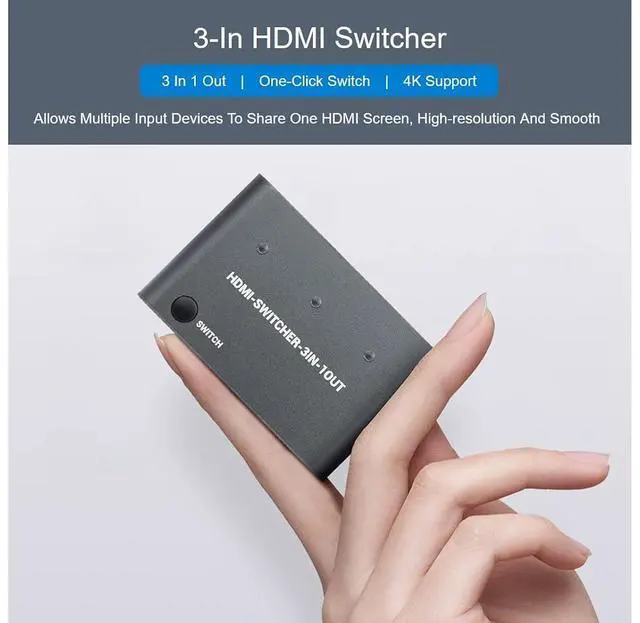
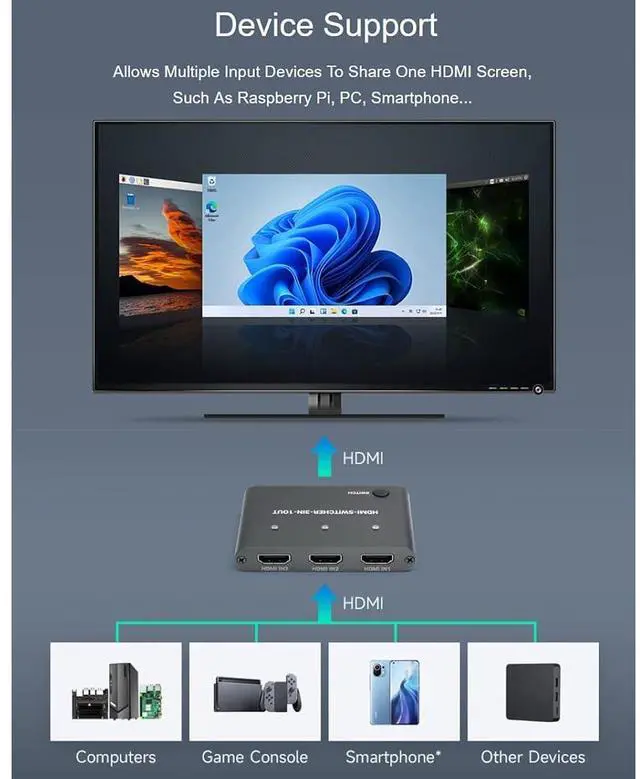
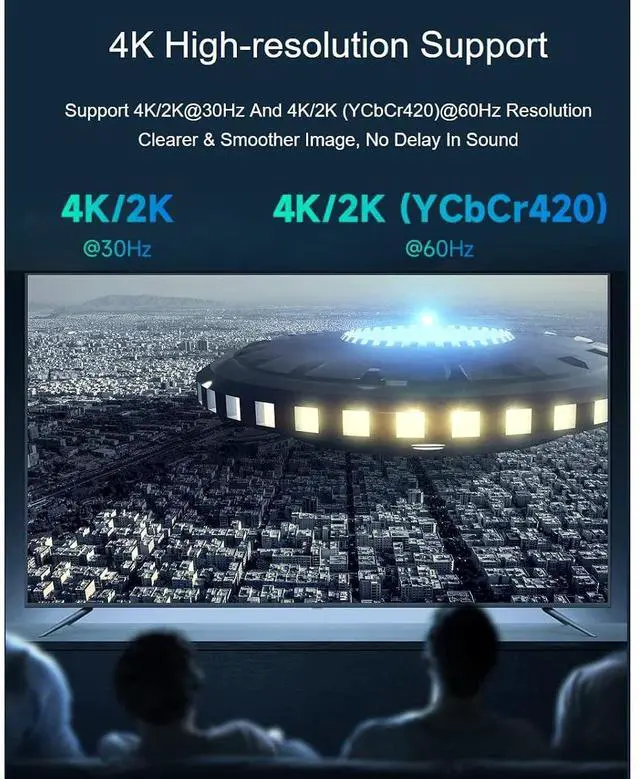
- HDMI 4K Switcher 3 in 1 out HDMI switch, one-click switch, 4K support, high-resolution and smooth, support HDMI 1.4b and DVI1.0 interface standard, mini, neat & portable; 4K High-resolutionHDMI splitter switcher support 4K/2K@30Hz and 4K/2K (YCbCr420)@60Hz resolution, clearer & smoother image, no delay in sound; High-Speed TransmissionData transfer speed up to 3Gbps, no lag, built-in adjustment function for input and output, free to transmit with different cables; Device SupportAllows multiple input devices to share one HDMI screen, such as Raspberry Pi, PC, Smartphone etc.; No Power Supply RequiredNo additional power supply required, plug and play with HDMI cable
+
+
Overview
Specs
Reviews
Any questions? Our AI beta will help you find out quickly.
Try me now
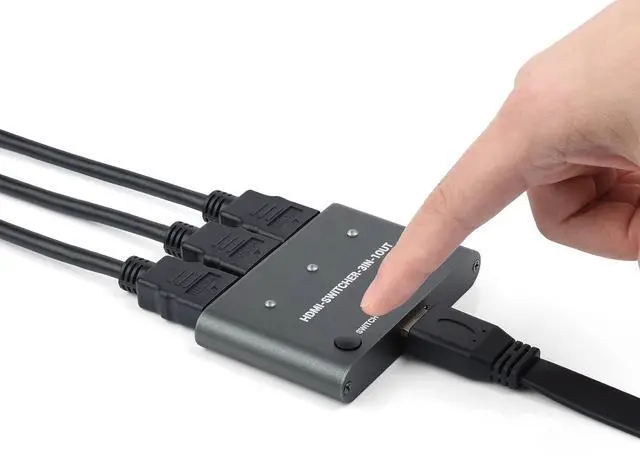
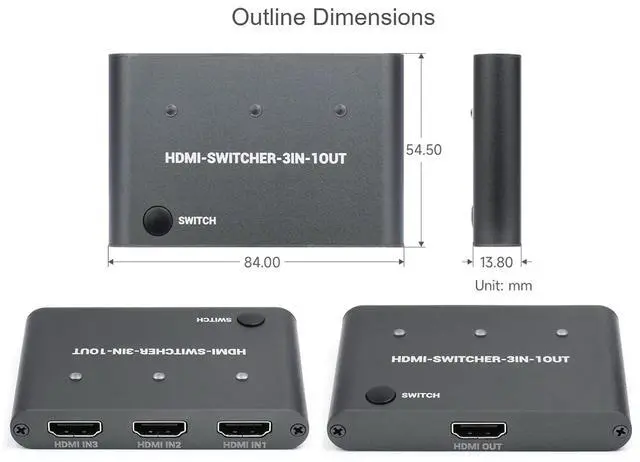
Introduction HDMI-SWITCHER-3IN-1OUT is an HDMI switcher that supports 4Kx2K@30Hz and 4K*2K (YCbCr420) @60Hz resolution HDMI input signals, and the adjustable drive capability of the equalizer and output at the HDMI input can adapt to different lengths and qualities of cable so that TMDS signals transmitted at high speeds always have the best performance. Feature 3-IN HDMI 1-Out HDMI Support HDMI 1.4 b and DVI 1.0 standard Support up to 3Gbps Built-in equalizer in the input terminal can automatically adjust the input terminal Built-in output driver regulator automatically adjusts the output signal amplitude How To Use Connect the HDMI signal source to the input terminal of HDMI-SWITCHER-3IN-1OUT (the device will automatically identify and turn on the corresponding LED).
Connect the HDMI output terminal to the HDMI receiving device such as the display and so on. Now the HDMI output is the picture of the HDMI signal source connected at the last time. Press the switch button, and the device switch to the HDMI signal in order and automatically ignore the unconnected HDMI signal number. Package Content HDMI-SWITCHER-3IN-1OUT x1
NOTE: Development Resources and Technical Support are provided, please feel free to contact us if you have any problem!

Connect the HDMI output terminal to the HDMI receiving device such as the display and so on. Now the HDMI output is the picture of the HDMI signal source connected at the last time. Press the switch button, and the device switch to the HDMI signal in order and automatically ignore the unconnected HDMI signal number. Package Content HDMI-SWITCHER-3IN-1OUT x1
NOTE: Development Resources and Technical Support are provided, please feel free to contact us if you have any problem!
Warranty & Returns
Warranty, Returns, And Additional Information
Warranty
- Please contact the Seller directly for warranty information. Warranty information may also be found on the Manufacturer's website.
- CONTACT
Return Policies
- Return for refund within: 30 days
- Return for replacement within: 30 days
- This item is covered by EmpressTech Return Policy
Manufacturer Contact Info
- For a directory of all our manufacturers, please click below.
- Manufacturers Directory
LOADING...