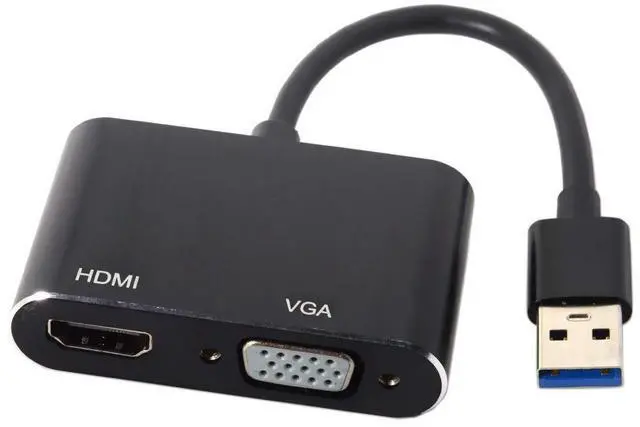
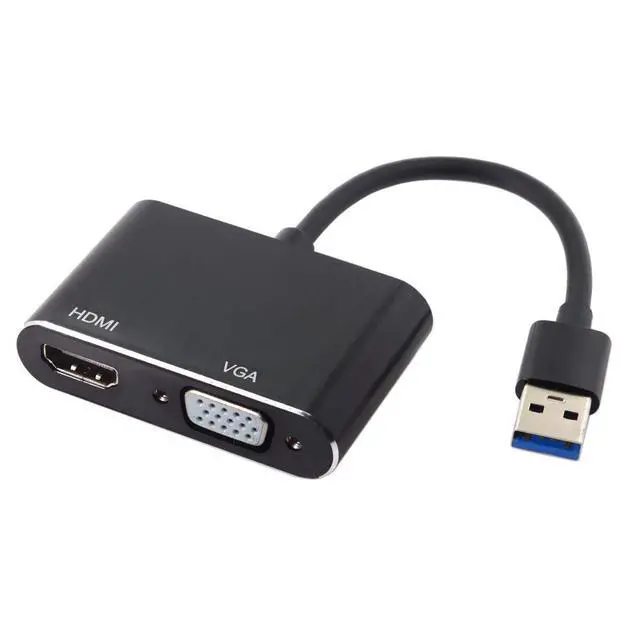
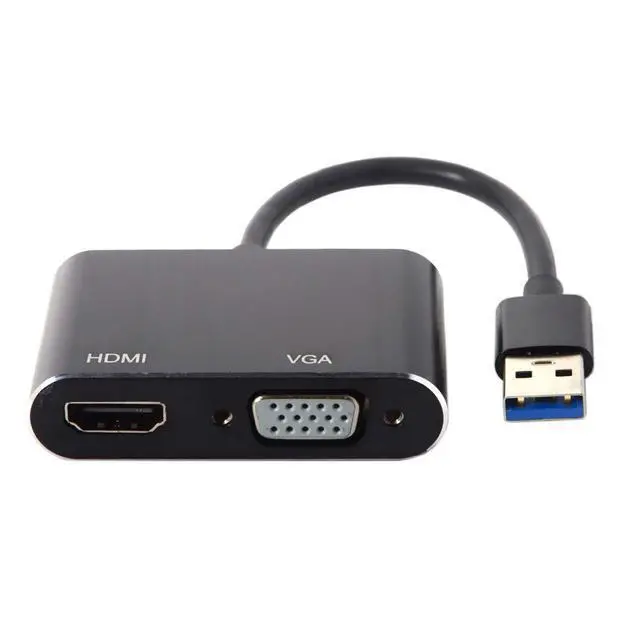
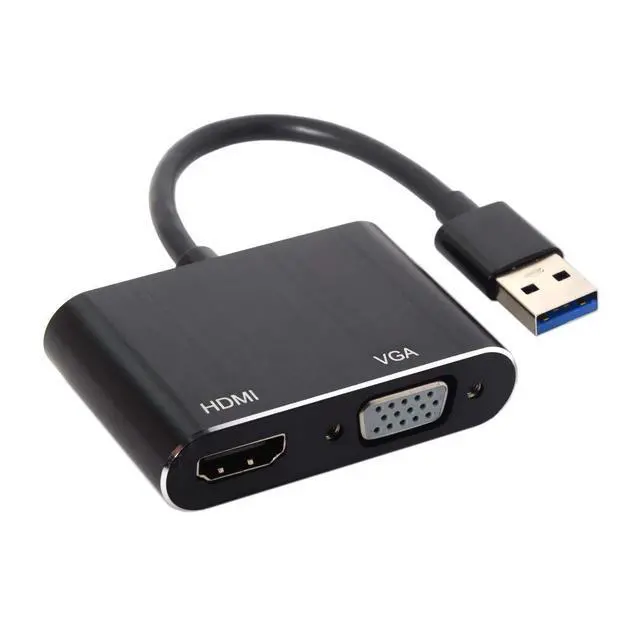
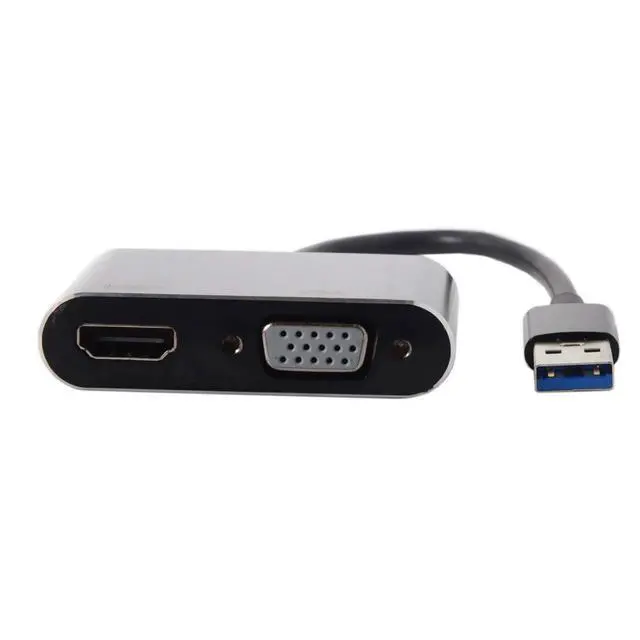
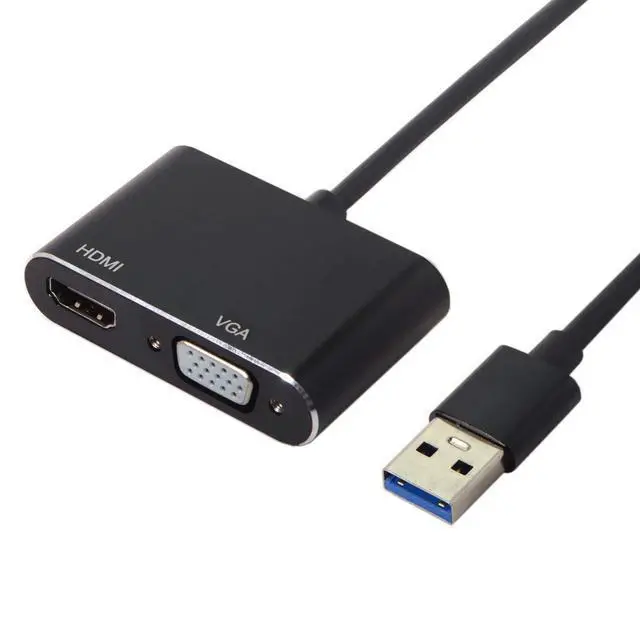
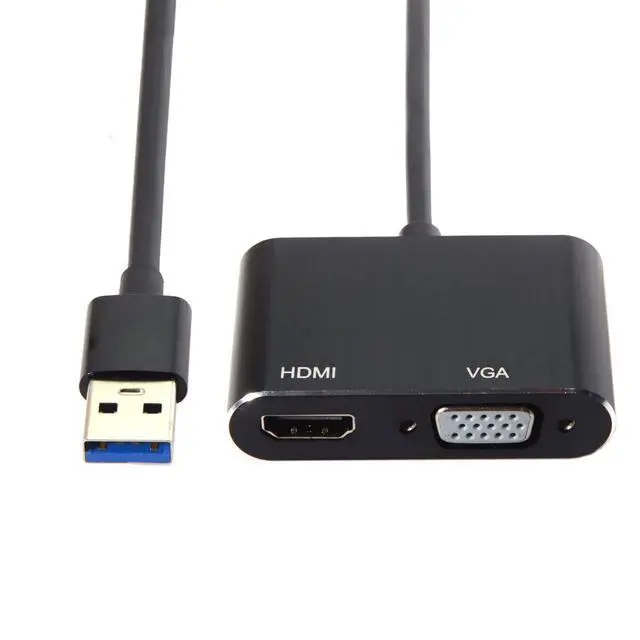
Product description USB 3.0 & 2.0 to HDMI & VGA HDTV Adapter Cable External Graphics Card for Windows MacBook Laptop USB 3.0 to HDMI and VGA allows you to connect from your USB 3.0 Windows Computers or Graphic Card to your external Displays with HDMI and VGA Female Port(Including HDTV, Projectors, Monitors) by a HDMI or VGA cable. HDMI and VGA Can be connected at the same time, but these two monitors can only display same view.
Note: The adapter only can support OS/MacBook 10.11, 10.12, 10.13. 1-3, 10.13. 2 and 10.13. 4- 10.13. 6. If you want to use it with the other OS, please confirm it with us.
Support OS versions: High Sierra( 10.13. 4- 10.13. 6) Clone Mode Only High Sierra( 10.13 - 10.13. 3) Sierra( 10.12 ) EI Capitian( 10.11 )No Mirror Mode Our USB 3.0 to HDMI adaptor need to install the driver, it will promote a driver automatically when connected, then you only take a few seconds to follow the step and install, Do not need repeated installation, simply to use.
(steps: after plugging it into your computer, you will see there is a new USB device folder on your computer, then open it and double click to install the driver). Make use of the high-bandwidth (5 Gbps) SuperSpeed USB 3.0 interface. And also compatible with USB 2.0. Support for hot-pluggable devices(Only USB 3.0 interface can achieve resolution up to 1920x1080 p, if use USB 2.0 port, just can be 800 x 600p). Portable USB 3.0 adapter is lightweight to carry into your laptop bag on a business trip. You can extend the computer screen to a large screen display or projector, set up duplication (mirroring), use it for presentation with a projector etc, work in a large screen workspace, or use USB to VGA adapter to mirror display movies in the classroom. The USB 3.0 Converter can support MAC OS system and Windows7/8/10. If you cannot get it work with the internal driver in the device, please manual download the newest driver USB 3.0 Male Port Max Data transmissions Rate 5gbps, Backward compatible with USB 2.0 Ports, Providing high speed transmissions. How to use? 1.
Please plug this usb 3.0 vga hdmi adapter to your computer/laptop directly. 2. While plug this adapter into your computer, you'll see there is a new USB device folder in your computer, then double clicks to install the driver.
Note: if the driver does not showed, please close your Firewall Settings on your computer. How to solve if it didnt work? 1. Confirm the system of your computer/laptop is Mac OSX and Windows7/8/10, it does not work for other systems. 2. Check your usb port if it is loose or not, and change another port to try. 3. To manual download the newest driver from the website in the user manual, then install the driver and RESTART your computer. (Please remove the adapter while you restart computer. ) 4. Please ask for help if you tried all the above still cant get it work,. If you will use two different brand display monitor output, please
follow the steps: 1. Plug in HDMI port first 2. Connect USB port unless the screen appears normal 3. Plugin VGA in finally. 4. After you get everything ready, it will take 5-10 seconds to connect from your computer to external monitor automatically. HDMI Female Port, providing a HD Resolution of 1920x1080(If you connect USB 2.0 to your Output Computers, then only 800*600 resolution can be supported) USB 3.0 adapter support HDMI VGA ports to work Simultaneously, to implement the synchronization and extend display, convenient for you to do work/entertain at two different external displays, which is super practical for meeting and family entertainment. VGA Female Port, providing a HD Resolution of 1920x1080(If you connect USB 2.0 to your Output Computers, then only 800*600 resolution can be supported) See More





 here!
here!