• $92.99
  • Free 30-day Returns
  • Ships from China.
    Price alert
    Shop it at NeweggBusiness.

    Meet Your Seller

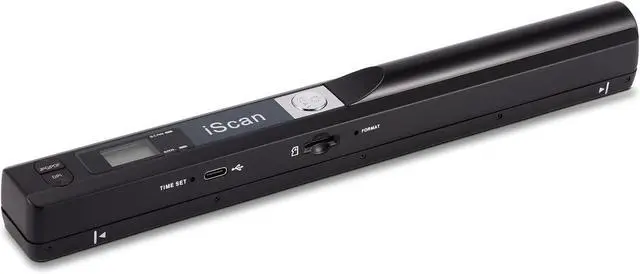
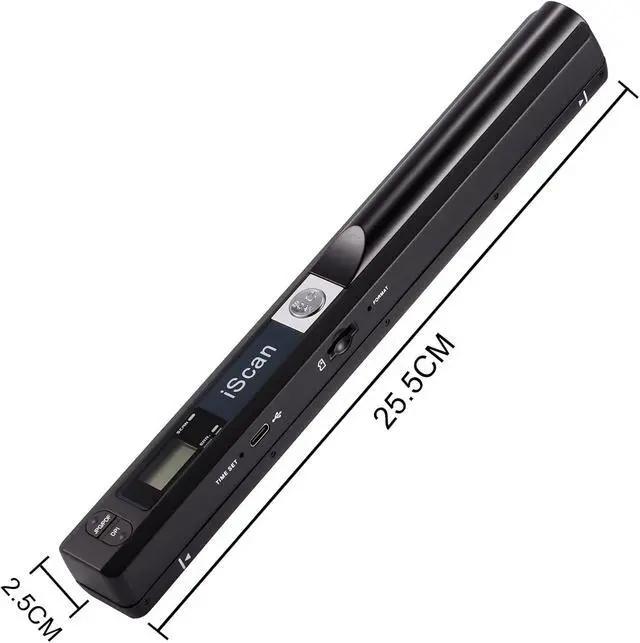
    Portable Document Scanner, AOZBZ 900DPI Handheld Image Scanner, Scanning Wand,A4 Colour Photo Mobile Scanner Handy Scan (JPG/PDF Format, High Speed USB 2.0, Included 16G SD Card)

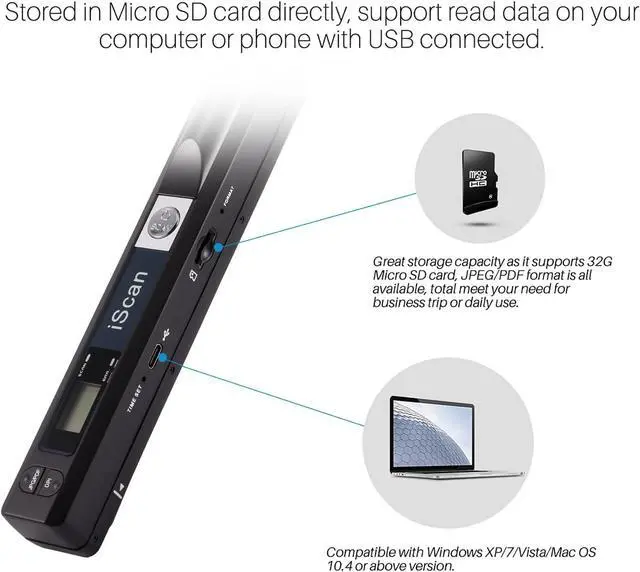
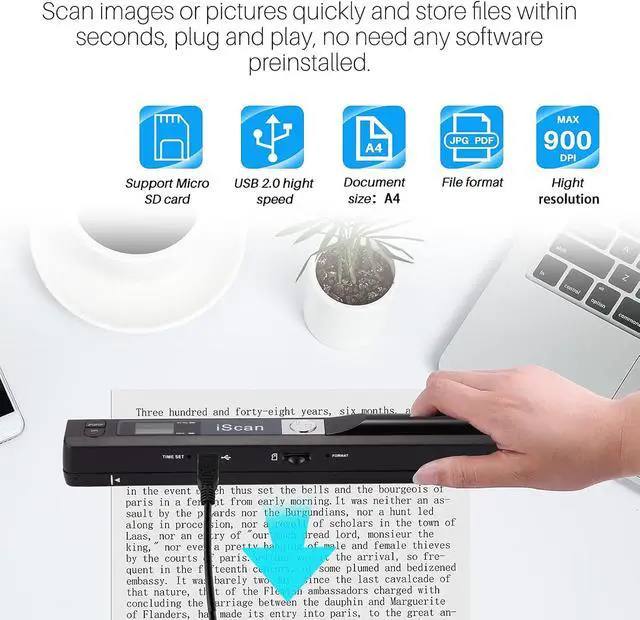
    • WIDE COMPATIBLE - Compatible with Windows XP/7/Vista/Mac OS 10.4 or above version. Scan images or pictures quickly and store files within seconds, plug and play, no need any software preinstalled.
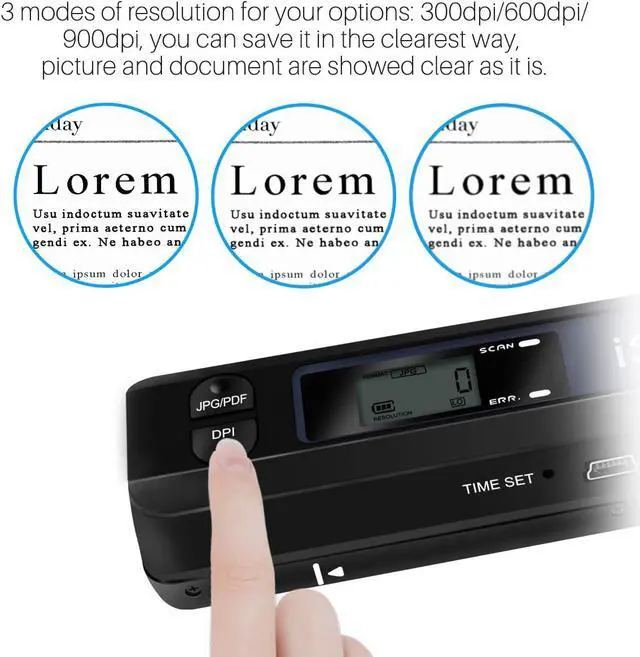
    • 3 IMAGE RESOLUTION - 3 modes of resolution for your options: 300dpi/600dpi/900dpi, you can save it in the clearest way, picture and document are showed clear as it is. Freely choose your suitable resolution.
    • UP TO 32GB STORAGE - Great storage capacity as it supports 32G Micro SD card, JPEG/PDF format is all available, total meet your need for business trip or daily use. Store and Share your scans and information via searchable PDF files or JPEG into a micro SD/TF card.
    • EASY OPERATION - Switch on, select color mode and resolution, press the "SCAN" button until the green LED lights up, scan the document, press it over (finished automatically after 3 minutes without operation).
    • EASY OPERATION - Switch on, select color mode and resolution, press the "SCAN" button until the green LED lights up, scan the document, press it over (finished automatically after 3 minutes without operation).
    +
    +
    Overview
    Specs
    Reviews
    avatar

    Any questions? Our AI mode will help you find out quickly.

    portable scanner

    Conveniente and practical scanner, the must-have artifact for office or on a business trip.

    handheld document scanner

    High-resolution scanner for A4-size documents and images with exceptional scanning performance.

    scanner

    photo scanner

    Handheld Scanner for Business


    Photos can be scanned to treasure memories for your family or loved ones.

    How to perform white balance calibration (Also can refer to the uploaded video):

    (Note: Do not insert the SD card during calibration)

    1. Place the scanner on white paper and press the "Scan" button to turn on

    2. Press and hold the "Scan" and "JPEG/PDF" buttons simultaneously for approximately 2s.

    3. Then red and green LED indicators will light up. Do not move it; wait for the red light to turn off.

    4. After the red light turns off, smoothly slide the scanner until the green light turns off.

    5. After calibration is complete, press the "Scan" button to turn off the scanner.

    If you encounter an "SD card full" message upon first use, you can try formatting the SD card.


    Warranty & Returns

    Warranty, Returns, And Additional Information

    Warranty

    • Please contact the Seller directly for warranty information. Warranty information may also be found on the Manufacturer's website.
    • CONTACT

    Return Policies

    • Return for refund within: 30 days
    • Return for replacement within: non-replaceable
    • This item is covered by CoreDepot Return Policy

    Manufacturer Contact Info

    LOADING...